The AI world has reached a turning point. Open-source models now deliver results that match, and sometimes exceed, their expensive commercial counterparts. What was once the domain of premium subscriptions is now accessible to everyone, and the quality gap has essentially disappeared.
This isn't just about saving money. Open-source AI models offer something more valuable: freedom. You're not locked into monthly payments, usage limits, or content restrictions. You get full control over your creative process, whether you're generating images, writing code, or producing videos.
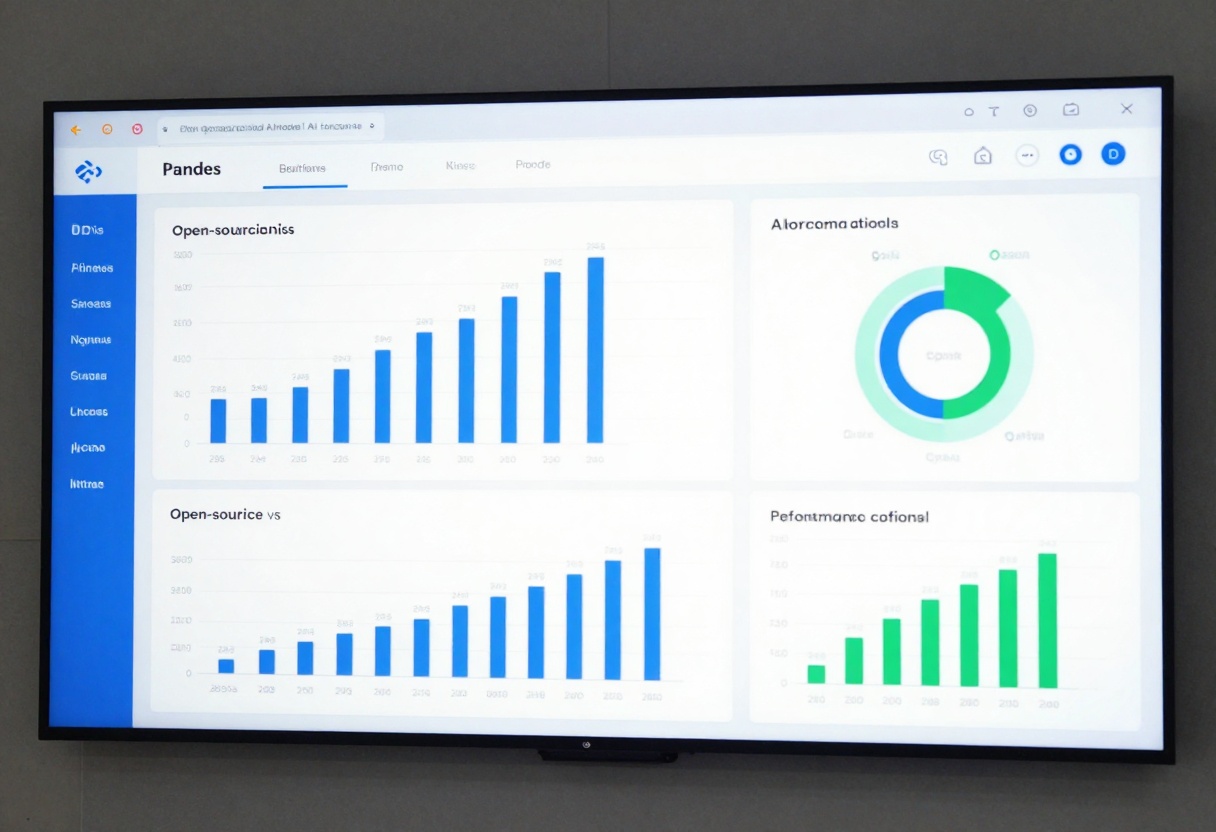
The Open-Source Advantage
The rise of open-source AI represents a fundamental shift in how we access artificial intelligence. Major tech companies and research labs are releasing powerful models to the public, creating an ecosystem where innovation happens at breakneck speed.
These models come with significant advantages:
- No recurring subscription fees or hidden costs
- Full transparency in how the models work
- Community-driven improvements and updates
- No usage caps or generation limits
- Freedom to customize and fine-tune for specific needs
- Privacy protection since you control your data
The traditional argument that "you get what you pay for" no longer applies. Open-source models have proven themselves in head-to-head comparisons, often producing results indistinguishable from premium alternatives.
Image Generation: Flux Changes Everything
When it comes to creating images, Flux has become the gold standard among open-source models. Available through platforms like PicassoIA, Flux delivers photorealistic results that rival any paid service.

The model excels at interpreting complex prompts and rendering fine details. Artists and designers who've made the switch report being unable to tell the difference between Flux outputs and those from premium platforms. The level of detail in textures, lighting, and composition consistently impresses even experienced professionals.
What sets Flux apart is its speed and flexibility. Generate multiple variations in seconds, experiment with different styles, and iterate rapidly without worrying about credit limits. The model handles everything from product photography to fantasy landscapes with equal proficiency.
Other notable open-source image generators include:
- Stable Diffusion 3.5: Excellent for artistic styles and creative compositions
- SDXL: Fast generation with strong prompt adherence
- Nano Banana Pro: Google's latest entry with impressive photorealism
- Seedream: ByteDance's model excelling at ultra-high resolution outputs
Language Models: Llama 3 and DeepSeek Lead the Pack
The language model landscape has become incredibly competitive. Meta's Llama 3 family offers reasoning capabilities that challenge even the most advanced commercial models.
Llama 3 handles complex coding tasks, writes coherent long-form content, and engages in nuanced conversations with impressive accuracy. The 70B parameter version rivals premium models in most benchmarks, while the smaller 8B version runs efficiently on consumer hardware.
DeepSeek has emerged as another powerful contender, particularly for technical tasks. The model shows exceptional performance in:
- Code generation and debugging
- Mathematical reasoning
- Scientific writing
- Technical documentation
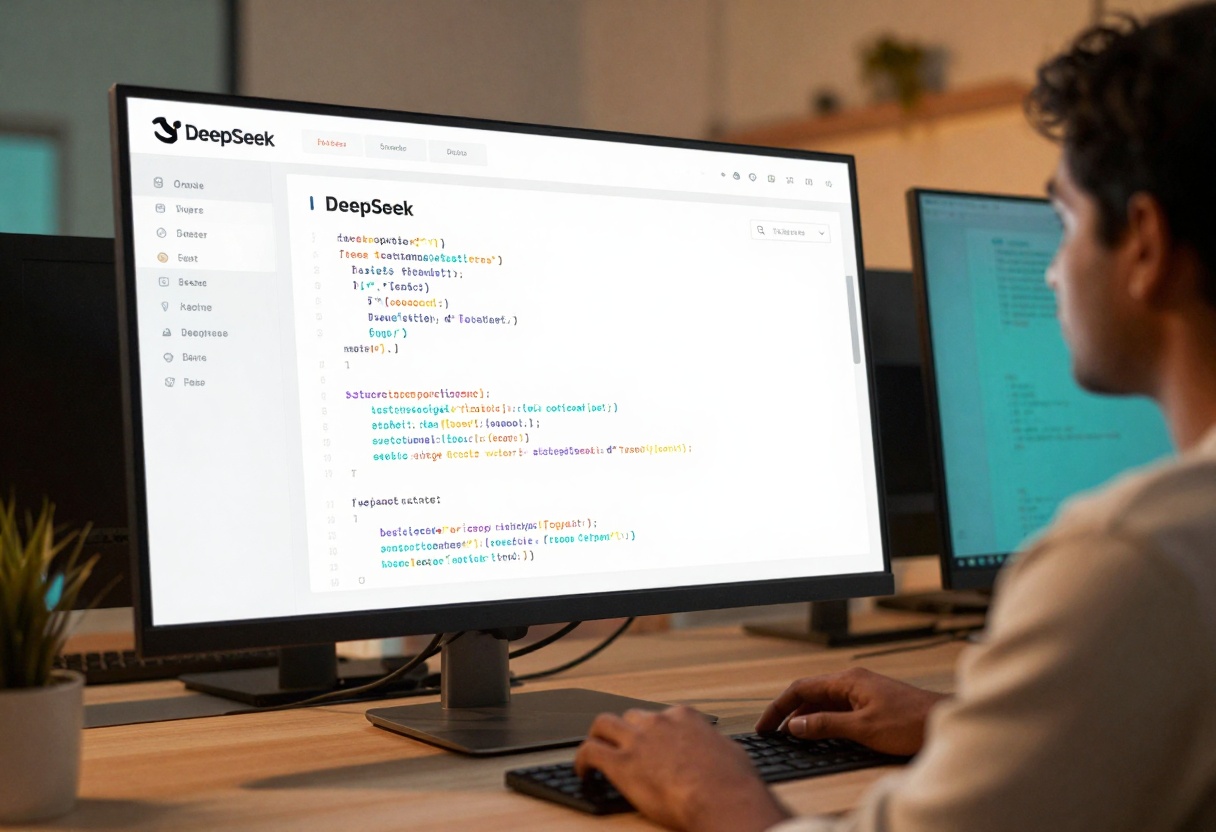
DeepSeek's latest versions demonstrate reasoning capabilities that match expensive alternatives, all while being freely available for commercial use. The model's architecture emphasizes accuracy and factual responses, making it reliable for professional applications.
Video Generation Goes Open Source
Video generation was the last frontier for open-source AI, but that barrier has fallen. Models like CogVideoX, Mochi-1, and Wan now produce impressive video content from text descriptions or image inputs.
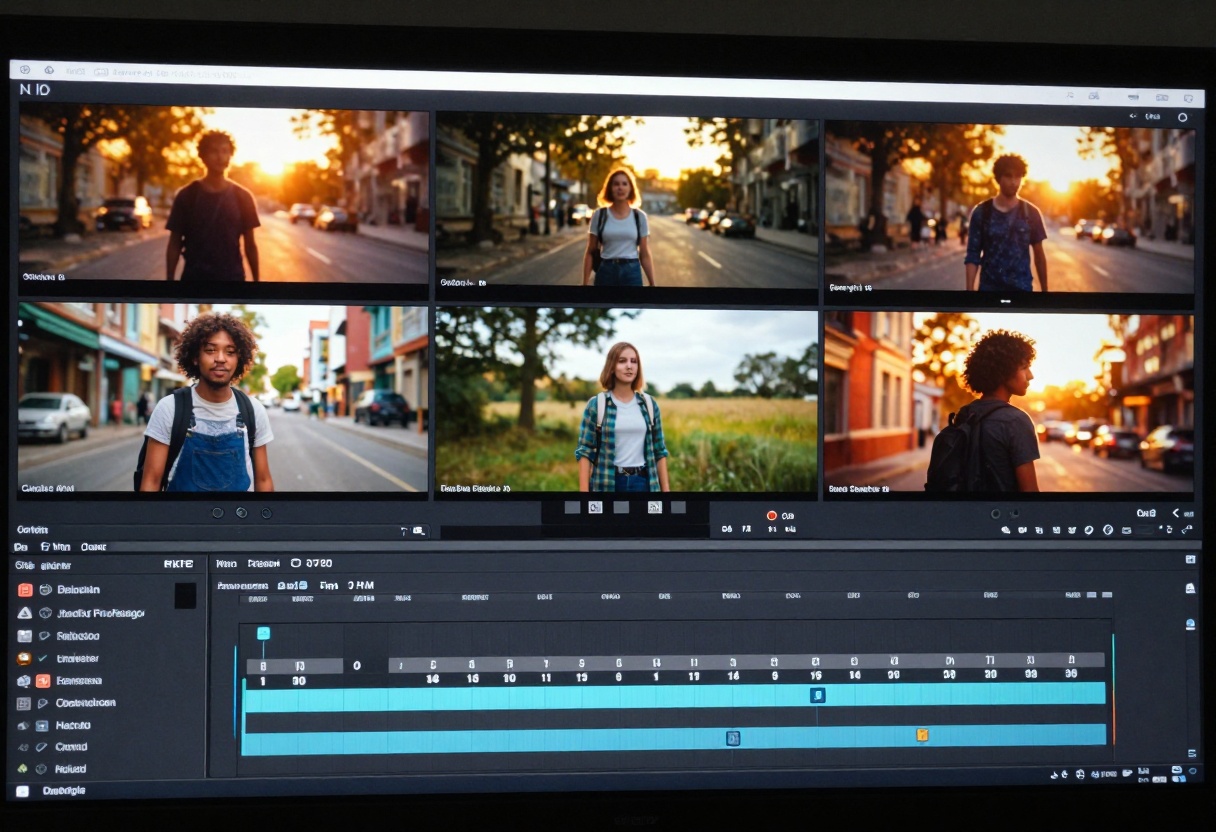
These models handle:
- Text-to-video generation with coherent motion
- Image-to-video animation
- Camera movement control
- Style consistency across frames
- Multi-second sequences with narrative flow
The quality isn't quite at the level of the most expensive commercial options yet, but the gap closes with each new release. For many applications, particularly social media content and concept visualization, these open-source options deliver perfectly adequate results.
Quality That Speaks for Itself
Numbers tell part of the story, but visual results matter most. Independent comparisons consistently show open-source models producing outputs that professionals struggle to distinguish from premium services.
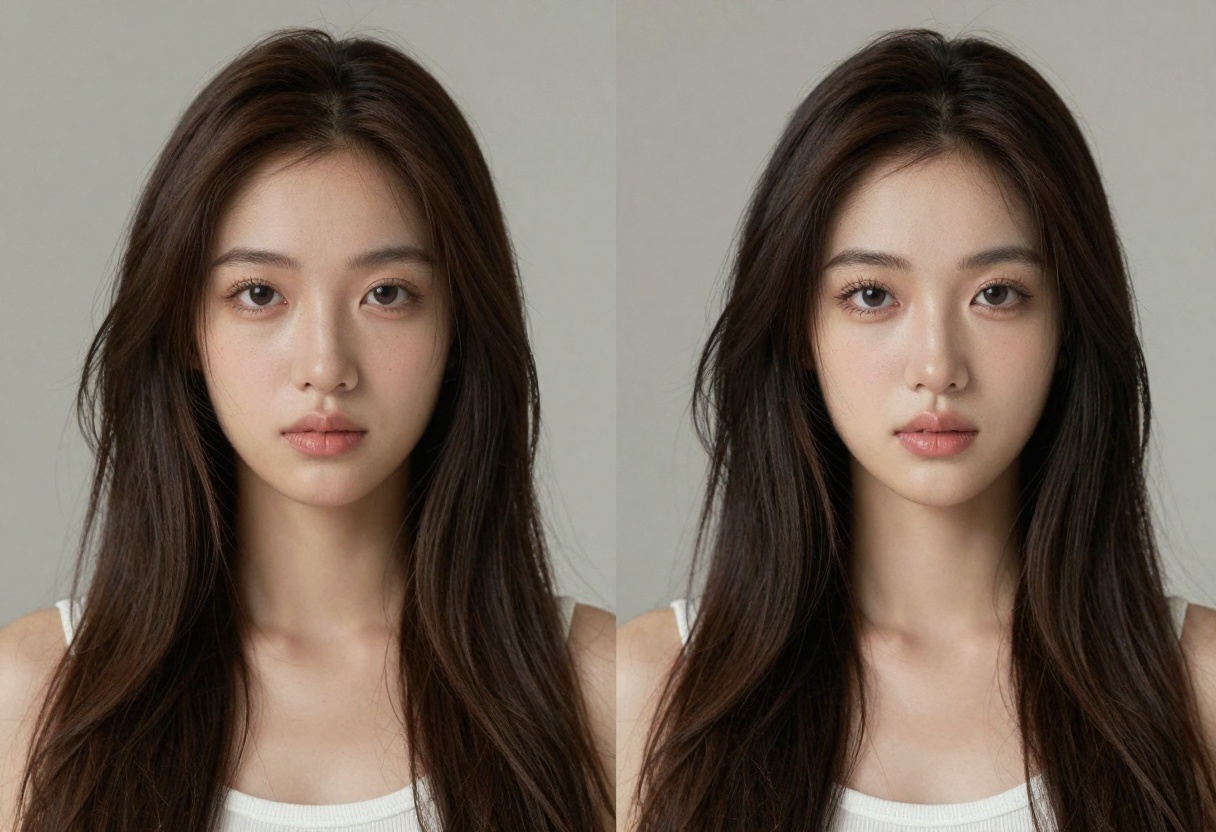
In blind tests, evaluators often rate open-source outputs as highly as those from paid platforms. The differences come down to minor details, and in many cases, the open-source option actually performs better for specific use cases.
This parity exists because:
- Many open-source models use architectures pioneered by commercial labs
- Community contributions rapidly fix issues and add features
- Training data quality has improved dramatically
- Hardware efficiency advances benefit all models equally
Open-source AI thrives on community involvement. Thousands of developers and researchers collaborate to improve models, create tools, and share best practices.

This collective effort produces:
- Regular model updates and improvements
- Extensive documentation and tutorials
- Custom fine-tunes for specific tasks
- Tools that make models easier to use
- Quick bug fixes and performance optimizations
When you use open-source AI, you join this community. You benefit from their work, and if you choose, you can contribute back. This collaborative environment accelerates progress in ways closed systems simply can't match.
Real Cost Savings
The financial advantages of open-source AI become clear quickly. A professional using AI tools regularly can easily spend hundreds of dollars monthly on subscriptions. Those costs disappear with open-source models.

Consider typical monthly costs for premium AI services:
- Image generation subscriptions: $20-$50
- Language model access: $20-$100
- Video generation credits: $30-$80
- Specialized tools: $10-$30 each
A professional workflow using multiple tools could cost $150-$300 monthly. Over a year, that's $1,800-$3,600. Open-source alternatives eliminate these recurring expenses entirely.
For businesses, the savings multiply across team members. A small creative agency with five people could save over $9,000 annually by switching to open-source tools.
Using Open-Source Models on PicassoIA
PicassoIA makes accessing open-source AI models simple. The platform provides a unified interface for dozens of models, handling the technical complexity while you focus on creating.
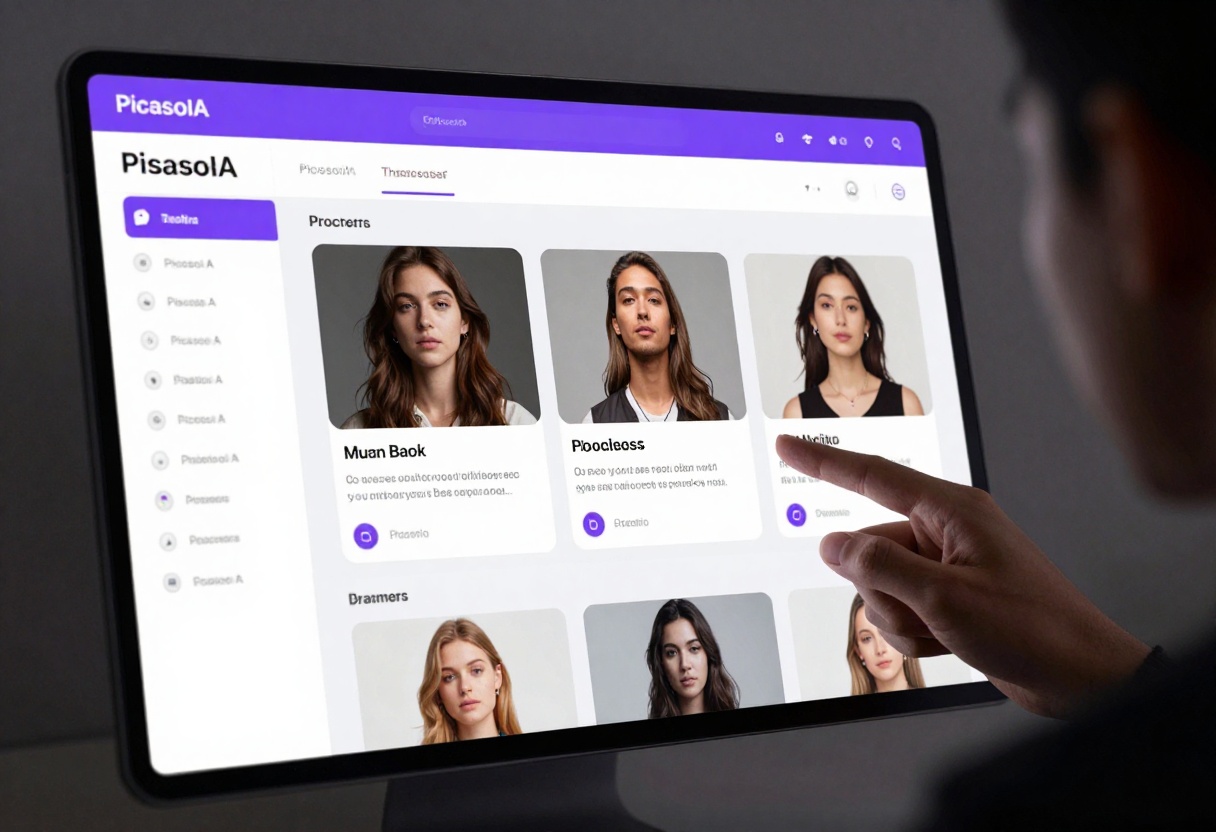
The platform includes:
- 179 AI models spanning image, video, and text generation
- Clean, intuitive interfaces for each model
- No setup or installation required
- Support for all major open-source models
- Regular updates as new models release
You don't need technical expertise or powerful hardware. PicassoIA runs everything in the cloud, making advanced AI accessible through your browser.
Choosing the Right Model
With so many options available, picking the right model matters. Different models excel at different tasks.
For photorealistic images: Flux, Nano Banana Pro, or Stable Diffusion 3.5
For artistic styles: SDXL with LoRA customization or Kandinsky
For text generation: Llama 3 70B or DeepSeek-V3
For coding tasks: DeepSeek-V3 or Llama 3
For video creation: CogVideoX, Wan, or Mochi-1
Start with the most popular models in your category, then experiment. The beauty of open-source is you can try multiple options without cost constraints.
Getting Started with Flux on PicassoIA
Let's walk through using one of the most powerful open-source image generators. Flux Schnell delivers exceptional quality with impressive speed, making it perfect for rapid creative work.
What Makes Flux Schnell Special
Flux Schnell offers ultra-fast generation optimized for speed without sacrificing quality. The model supports multiple aspect ratios, customizable output formats, and gives you full control over every aspect of image creation. You can generate deterministic results using seed control, adjust quality settings, and even batch generate multiple outputs simultaneously.
Step 1: Access the Model
Navigate to the Flux Schnell page on PicassoIA. The interface presents all available parameters in a clean, organized layout.
Step 2: Write Your Prompt
The most important element is your prompt. Flux interprets text descriptions with remarkable accuracy. Be specific about what you want:
"A professional product photograph of a sleek wireless headphone on a minimalist white surface, soft studio lighting from the left, shallow depth of field, commercial photography style"
Include details about:
- Subject and composition
- Lighting and atmosphere
- Style and aesthetic
- Colors and mood
- Technical aspects (like depth of field)
Step 3: Configure Settings
Flux Schnell offers several parameters to fine-tune your results:
Aspect Ratio: Choose from 11 options including 1:1, 16:9, 3:2, and more. Select based on your intended use (social media, presentations, web design).
Output Format: Pick webp for web use (smaller files), jpg for compatibility, or png for transparency needs.
Megapixels: Set to "1" for standard quality (approximately 1 megapixel) or "0.25" for faster drafts.
Inference Steps: The default of 4 steps balances speed and quality. Lower numbers generate faster but with slightly reduced quality.
Output Quality: Adjust from 0-100. Higher values mean larger files but better image quality. 80 provides an excellent balance.
Step 4: Advanced Options
For more control, explore these optional settings:
Seed: Set a specific number to generate reproducible results. Same seed + same prompt = same image.
Go Fast: Enable for maximum speed using fp8 quantization. Note that results won't be deterministic even with a seed set.
Number of Outputs: Generate 2-4 variations simultaneously to compare options.
Safety Checker: Disable if generating artistic content that might trigger false positives.
Step 5: Generate and Download
Click generate and wait for processing. Flux Schnell typically completes in seconds. Review your results, select favorites, and download them directly.
Tips for Better Results
Start with detailed prompts and iterate based on results. If an image isn't quite right, adjust specific words rather than rewriting entirely. Use the seed parameter to maintain consistency across a series. Experiment with different aspect ratios to see how composition changes.
The model handles both photorealistic and artistic styles equally well. Try abstract descriptions, specific art movements, or precise technical specifications to see the full range of capabilities.
The Future of Open Source AI
The trajectory is clear: open-source models will continue improving at an accelerating pace. Each new release narrows the gap with commercial alternatives, and in many cases, now surpasses them.
Several trends drive this progress:
Increased funding: Major organizations invest in open-source AI development
Better architectures: Novel approaches emerge from academic research
Community scale: Millions of users test, refine, and improve models
Hardware advances: More efficient chips make models faster and cheaper to run
The next wave of open-source models promises even more impressive capabilities. Video generation will reach commercial quality. Language models will handle increasingly complex reasoning. Image generation will offer even finer control over every detail.
Making the Switch
Transitioning from paid services to open-source tools requires minimal effort. Most models work similarly to their commercial counterparts, just without the subscription fees.
Start by identifying which paid tools you currently use most. Find their open-source equivalents on PicassoIA. Test them with your typical workflows. In most cases, you'll find the quality meets or exceeds your current tools.
The learning curve is shallow because interface design has improved dramatically. You don't need technical knowledge or command-line skills. Modern platforms like PicassoIA make everything accessible through simple web interfaces.
Why This Matters
Open-source AI democratizes access to powerful creative tools. Geographic location, budget constraints, and institutional affiliation no longer determine who can use cutting-edge AI. Anyone with internet access can generate professional-quality content.
This accessibility unlocks creativity for millions of people who couldn't afford premium services. Students, independent creators, small businesses, and hobbyists now have the same tools as major studios and corporations.
The implications extend beyond individual users. Open-source AI accelerates innovation by removing barriers to experimentation. Researchers can build on existing models. Developers can create new applications. Artists can explore novel techniques. All without waiting for permission or negotiating licensing deals.
Taking Action
The tools exist right now. You don't need to wait for future developments or better models. Current open-source options deliver professional results for virtually any creative task.
Visit PicassoIA and explore the model collection. Try Flux for images, Llama 3 for text, or CogVideoX for video. Experiment freely without worrying about costs or limits. See for yourself how these models compare to paid alternatives you might currently use.
The open-source AI revolution isn't coming. It's already here, producing real results for real people every day. The only question is when you'll join it.


