Generate imagesLarge Language ModelsVisual Effects
OpenAI Image API Pricing: GPT Image Models, Quality and Python
OpenAI bills image generation by tokens, not a flat price per picture. This article lists the rates for every GPT Image model, the cost per image and per 1,000 images at each quality tier, working Python code that logs real spend, and the habits that lower a bill.
OpenAI Image API pricing looks simple until the first invoice arrives. There is no flat price per picture. You pay for tokens, and the number of tokens an image uses depends on the model, the size and the quality setting you pass in your Python call. A 1024x1024 image can cost $0.006 or $0.211 for the exact same prompt, a gap of roughly 35 times. This article lays out the current rates, the per-image numbers for every quality tier, a working Python setup, and the habits that keep a batch of 1,000 images from turning into a surprise.
💡 Read this first: the dollar figures below come from OpenAI's published token rates ($30 per million image output tokens on the current models) and from third-party calculators that apply those rates. OpenAI's pricing page lists tokens and points to a calculator, not a per-image table, so recheck it before you set a budget.
What the Image API Charges For
Tokens, Not Flat Rates
Every request to the Images API is billed on three counters. Text input tokens are your prompt. Image input tokens appear only when you send reference photos for an edit. Image output tokens are the picture you get back, and they are almost always the biggest line on the bill.
At current rates the formula is short: text tokens times $5, image input tokens times $8, image output tokens times $30, all per million. Prompt length barely matters. A 200-token prompt costs $0.001, while a single high-quality output can run past 1,700 tokens, which is about $0.05 for the picture alone.
Current Rates for Every GPT Image Model
Here are OpenAI's token rates per 1 million tokens for each model in the family:
Cached input is cheaper: $1.25 per million for text and $2.00 for images on the GPT Image 2 family. Both 2.5 variants share the exact rates of GPT Image 2, so the price list will not tell you which one to pick. Token consumption does.
Quality Tiers and What They Cost
The Five Quality Settings
The 2.5 models accept low, medium, high, xhigh, max and auto for the quality parameter. GPT Image 2 works with three tiers: low, medium and high. For the 2.5 models, a Kanaries breakdown lists the output tokens per tier, and multiplying by $30 per million gives these per-image prices:
Quality
Tokens at 1024x1024
Cost at 1024x1024
Tokens at 1536x1024
Cost at 1536x1024
low
196
$0.006
158
$0.005
medium
439
$0.013
343
$0.010
high
1,756
$0.053
1,372
$0.041
xhigh
3,122
$0.094
2,459
$0.074
max
7,024
$0.211
5,488
$0.165
Two details stand out. First, rectangles are cheaper than squares at every tier, by roughly 20 to 22 percent, so choose landscape or portrait whenever the layout allows it. Second, the price curve is steep: max costs about 36 times low.
GPT Image 2 is quoted by calculators like CostGoat at $0.006, $0.053 and $0.211 for low, medium and high at 1024x1024, and $0.005, $0.041 and $0.165 for the rectangles. Those dollar amounts line up with the 2.5 low, high and max rows, which suggests the 2.5 models add finer steps in between. Confirm the token counts on your own account before you rely on that mapping.
Cost of 1,000 Images
Per-image cents hide the real budget. Multiplying the token counts out to a batch of 1,000 gives:
Quality
1,000 square images
1,000 landscape images
low
$5.88
$4.74
medium
$13.17
$10.29
high
$52.68
$41.16
xhigh
$93.66
$73.77
max
$210.72
$164.64
Add about $0.75 per 1,000 images for a 150-token prompt. That is the whole prompt bill. The quality setting is the real budget lever.
When Low Is Good Enough
Low costs about one ninth of high, and plenty of work does not need more. Thumbnails, mood boards, concept checks and A/B tests of composition all look fine at low. Hero images, packaging mockups and anything a client will zoom into deserve high or above.
Start at medium. It costs about 2.2 times low and a quarter of high, and it is a sane default for a pipeline that nobody has measured yet.
Which Model Fits Your Workload
The Fast Variant
GPT Image 2.5 Flare is positioned for fast, everyday generation. One review reports latency about half that of GPT Image 2. That speed matters in Python more than in a chat window: when a user waits on a web request, seconds count, and faster calls also mean fewer open connections to manage.
The Precise Variant
GPT Image 2.5 Sunburst is aimed at workflows where editing precision matters most, such as preserving fine detail while changing one element. It is slower, and it bills at the same per-token rates as Flare. If your pipeline mostly edits product photos, test Sunburst first. If it mostly creates new images, start with Flare.
GPT Image 1 Mini tops out at $0.052, about a quarter of the flagship's $0.211, which makes it the budget pick for bulk work that tolerates lower fidelity. GPT Image 1 is the one to watch: CostGoat lists a shutdown on October 23, 2026, so confirm the date on OpenAI's deprecations page and avoid starting anything new on it.
Python Setup Step by Step
Your First Request
Install the SDK with pip install openai and set your credentials in the environment. The client reads them automatically, so nothing sensitive lives in your code.
import base64
from pathlib import Path
from openai import OpenAI

client = OpenAI(timeout=180)

result = client.images.generate(
    model="gpt-image-2.5-flare",
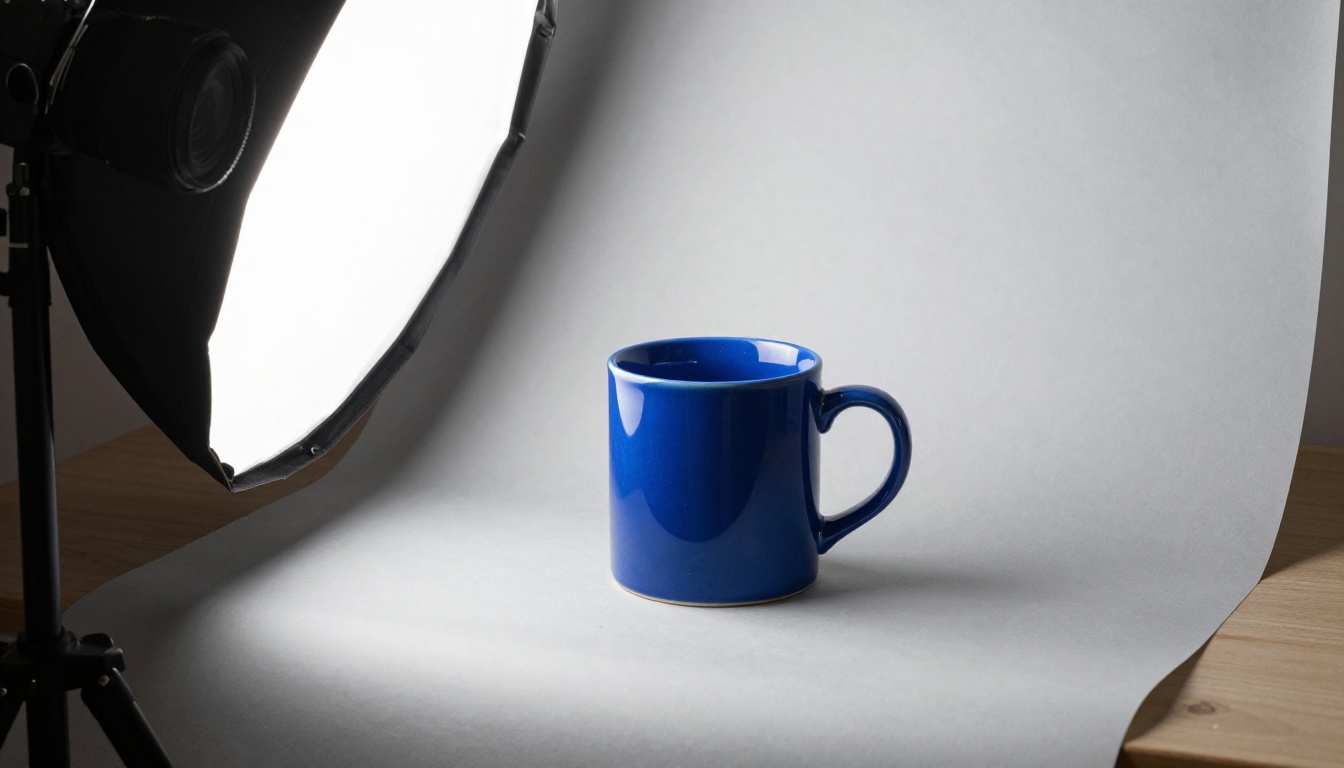
    prompt="Studio photo of a cobalt-blue ceramic mug on a pale gray backdrop, soft light from the left",
    size="1536x1024",
    quality="medium",
)

Path("mug.png").write_bytes(base64.b64decode(result.data[0].b64_json))
The image arrives as base64 in b64_json, so decode it and write the bytes. OpenAI notes that complex prompts can take up to two minutes, so the client above sets an explicit 180-second timeout. A stuck request then fails after three minutes instead of hanging a worker.
Logging the Real Cost
Do not trust a table, including the ones above. Log what every call actually used and convert it to dollars:
💡 Tip: these field names follow the usage object of the Images API. Print result.usage once on your SDK version to confirm them before you build reports on top.
Draft Low, Finish High
A cheap draft loop pays for itself within a few images. Render four low drafts, pick the prompt wording that works, then spend once on a high render:
PROMPT = "Studio photo of a cobalt-blue ceramic mug on a pale gray backdrop, soft light from the left"
MODEL = "gpt-image-2.5-flare"

drafts = [
    client.images.generate(model=MODEL, prompt=PROMPT, size="1536x1024", quality="low")
    for _ in range(4)
]
# Review the drafts, adjust PROMPT, then pay for one final render.
final = client.images.generate(model=MODEL, prompt=PROMPT, size="1536x1024", quality="high")
The math at 1536x1024: four drafts at $0.0047 plus one final at $0.0412 comes to about $0.060. Three blind high attempts cost about $0.123. One caveat: the final render will not match a draft pixel for pixel, so the draft loop is for choosing the prompt, not the picture.
Costs That Surprise Teams
Edits Cost More
Reference images are billed as image input at $8 per million tokens. In a modeled breakdown by Omid Saffari, a fresh generation with 200 text tokens and 2,000 output tokens costs $0.061. Add a 6,000-token reference image and the same request costs $0.109. Caching the repeated input brings it down to about $0.072. Those are illustrations with stated assumptions, not typical bills, but they show the direction: editing workflows cost more than generation.
Retries and Acceptance Rate
The number that matters is cost per accepted image: the cost of one attempt divided by the share of attempts you keep.
High at $0.0527 with 60% accepted: about $0.088 per keeper.
Medium at $0.0132 with 40% accepted: about $0.033 per keeper.
Low at $0.0059 with 15% accepted: about $0.039 per keeper.
A cheaper tier can still win even when you reject more of its output. Measure your own acceptance rate for a week before you pick a default.
Rate Limits by Tier
Throughput is capped by your usage tier. These are the limits OpenAI lists for GPT Image 2:
Tier
Tokens per minute
Images per minute
Tier 1
100,000
5
Tier 2
250,000
20
Tier 3
800,000
50
Tier 4
3,000,000
150
Tier 5
8,000,000
250
At Tier 1, five images a minute means 300 an hour at most. At Tier 3, 1,000 images clear in 20 minutes. Wrap your loop in a small semaphore or a retry with backoff so a burst of 429 errors does not become a burst of wasted retries.
Ways to Lower the Bill
Use the Batch API when you can wait.GPT Image 2 is reported to run Batch at half the standard token rates for jobs that tolerate up to 24 hours. The same reports say neither 2.5 variant supports it.
Choose landscape or portrait. About 20 percent cheaper than square at every tier.
Draft at low, finish once. The loop above costs about half of three blind high attempts.
Cap attempts. Put a hard limit on retries per prompt and log every failure.
Send one reference, not five. Image input tokens add up on every edit.
Draft prompts with a language model.GPT 5.6 Luna is a fast model for writing prompt variants, and GPT 5 Structured returns clean JSON your Python script can parse into prompt, size and quality per row. Keep it to one language-model call per batch of prompts, since that call has its own fee.
Review drafts side by side before any high pass. A contact sheet of 12 low-cost drafts lets a designer circle the two worth finishing, and that review takes minutes.
Before wiring an API call into a script, you can try the same model in a browser. GPT Image 2.5 Flare is on PicassoIA, and its parameters mirror the API's, which makes it a good sandbox for deciding which tier to call from Python.
Write the prompt. It is the only required field. Describe subject, light and framing in one or two sentences, as in the Python example.
Choose quality. The default is auto. Use a low setting for drafts and a high one when the composition is final. The page notes that higher quality takes longer and costs more.
Set aspect_ratio. The default is 1:1. Test a landscape ratio, since it is the cheaper shape in the API.
Adjust the extras.number_of_images accepts 1 to 10 so you can compare options from one prompt. output_format defaults to webp, output_compression to 90, and background can be set to transparent for cutouts. input_images accepts reference photos for edits.
Generate and download. Save the best result and note which settings produced it.
PicassoIA also offers a Replicate-style developer API at api.picassoia.com/v1 with Bearer token authentication, asynchronous create-then-poll predictions and a limit of five concurrent predictions per account. It serves PicassoIA Image and PicassoIA Image Editor Pro, among others. Check picassoia.com/en/api for current access terms and pricing, since this article does not quote them.
Run Your Own Price Test
Pricing tables only go so far. The best number is the one you measure with your own prompts, your own acceptance rate and your own sizes. Pick three prompts from your real workload, render each at low, medium and high, and log the cost with the helper above. Then decide which tier earns its place.
If you want to see the quality difference before you spend a cent on the API, open GPT Image 2.5 Flare or GPT Image 2.5 Sunburst on Picasso IA and generate your own set. Try a product shot, a portrait and a poster with short text, then compare them at different settings. Your first test image is a click away.