Generate imagesLarge Language ModelsGenerate 3D models
Personalize Your AI Waifu in Minutes: Everything You Actually Need
Creating an AI waifu used to mean commissioning custom art or wrestling with complex software tools. Today, with models like Seedream 4.5 and PicassoIA's full model library, you can design your ideal AI character in minutes, specifying hair, eyes, outfit, personality, and body type from a simple text prompt, with no technical skills required.
Creating the perfect AI waifu used to mean commissioning an artist, waiting weeks, and paying rates that scaled fast. That process collapsed. Today, with a text prompt and the right AI model, you can design an AI character with the exact appearance, outfit, and personality you want in three minutes flat. No design software. No technical skills. No waitlist. This is what modern AI image generation looks like when the tools stop fighting the creator.
What an AI Waifu Actually Is
Waifu comes from the Japanese pronunciation of "wife," but in practice it refers to any deeply personalized fictional female character that someone has a strong attachment to. AI waifu generation takes that concept and makes it active: instead of attaching to a pre-existing character from anime or games, you build your own from the ground up using AI.
More Than a Static Image
The older version of this was just fan art. Someone would find a character they liked, maybe commission some art, and that was the end of it. Today's AI waifu tools produce something different: characters you can iterate on indefinitely. You can generate 15 variations of the same base character across different outfits, lighting conditions, and moods. You can use image-to-image editing to refine specific features without restarting. You can pair your character image with a large language model to give her a personality and a voice.
Why Personalization Is the Whole Point
A generic AI-generated woman is not a waifu. The attachment comes from specificity: the particular shade of lavender in her hair, the exact curve of her smile, the style of jacket she always wears. That specificity requires precise prompt writing and models that do not strip out the details. The right tools preserve those details. The wrong tools average them out into something forgettable.
Why Most Platforms Fall Short
The majority of mainstream AI image platforms are built around safety filters that go far beyond blocking genuinely harmful content. They remove suggestive poses, flag references to swimwear, and blur or reject prompts that describe realistic human forms in detail. For someone trying to build a personalized AI companion, this is a constant source of friction.
The Filter Problem
When filters are too aggressive, you spend more time rewording prompts to avoid false flags than you do actually creating. The character you had in mind becomes progressively diluted with each workaround. What you end up with is a sanitized approximation of your original idea, not the character you wanted. The final image shares almost nothing with what you imagined.
What Unrestricted Access Changes
Platforms that give you genuine creative control produce different results. You can describe exactly what you want: the pose, the outfit, the expression, the body type, the lighting. The model follows the prompt instead of the filter. The result matches your intent instead of a compromise. This is the single biggest difference between platforms that work for waifu creation and platforms that do not.
Building Your Character: Physical Traits
The physical design of your AI waifu is entirely prompt-driven. Every detail you specify becomes part of the output. The more specific your prompt, the closer the result is to your vision.
Hair, Eyes, and Skin
Hair is the most visible distinguisher of anime-adjacent characters. Specify:
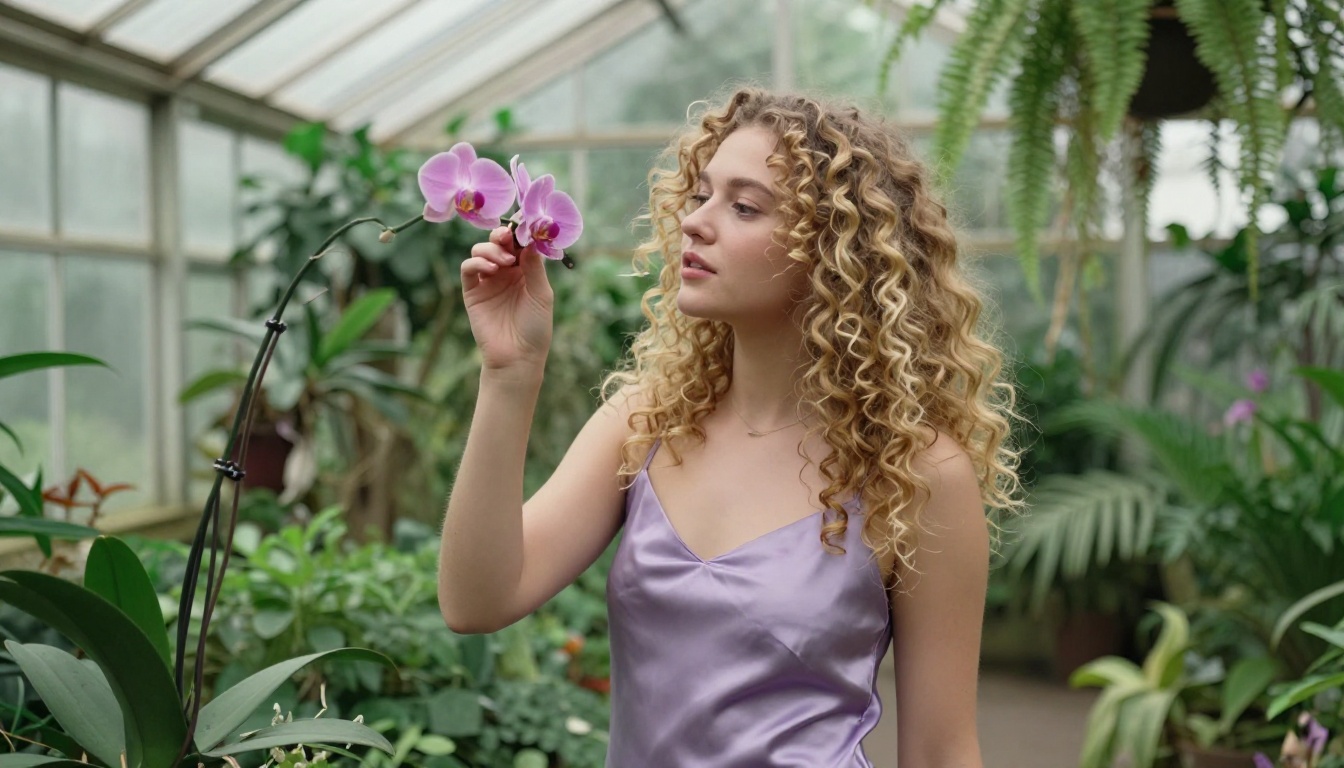
Length and texture: waist-length silky straight, short textured bob, voluminous curls
Style details: messy bun with loose strands, twin tails, side braid with flyaways
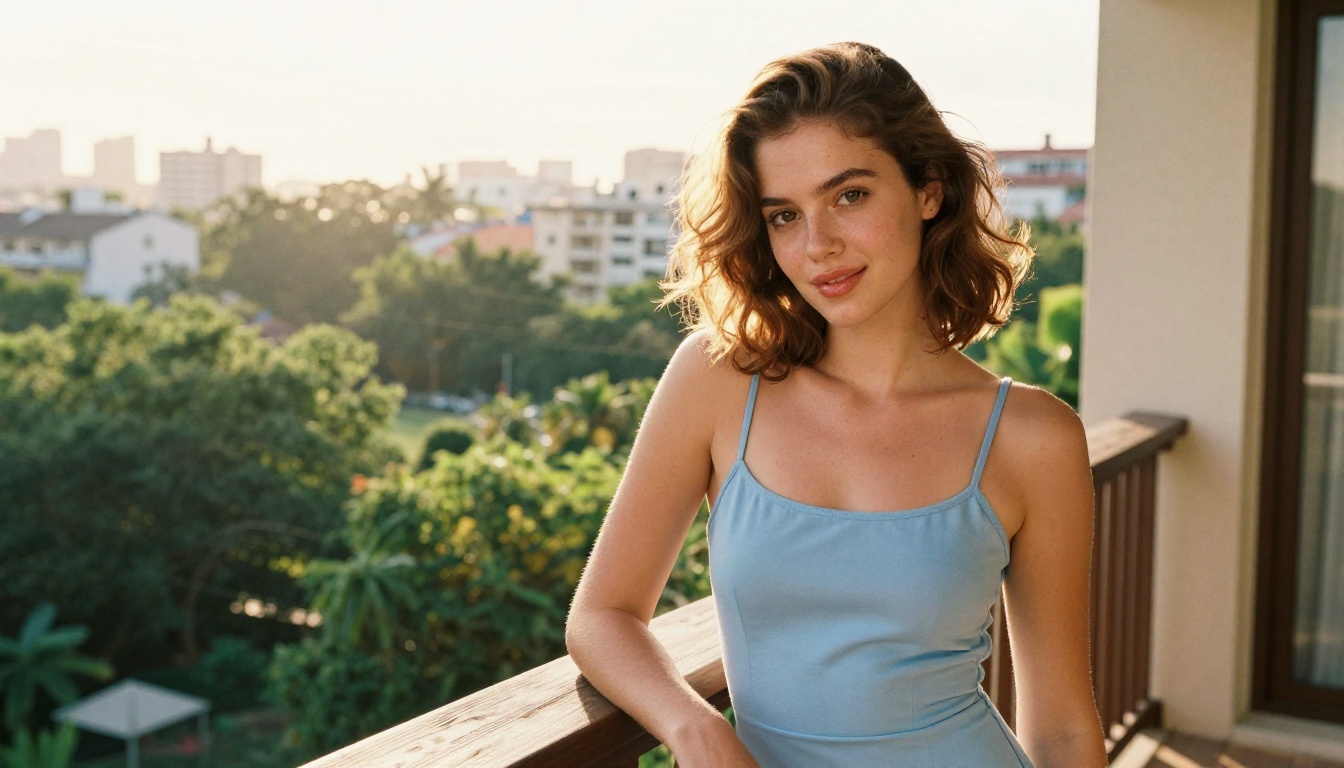
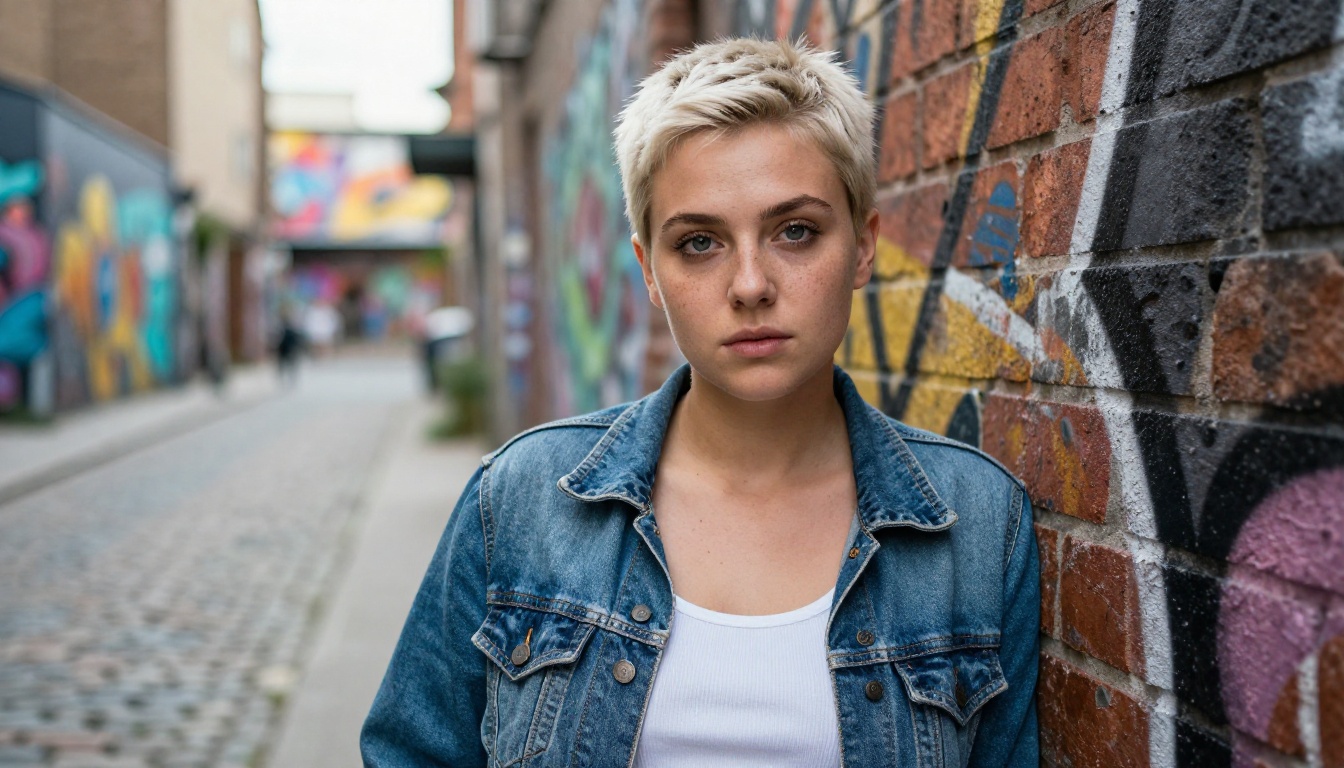
Eyes carry the emotional tone of the character. Specify the color, the size relative to the face, and whether they have a sharp or soft quality. For skin, specify both the tone (porcelain, warm olive, deep brown) and texture (smooth, light freckles, natural sun-kissed glow).
Body Type and Build
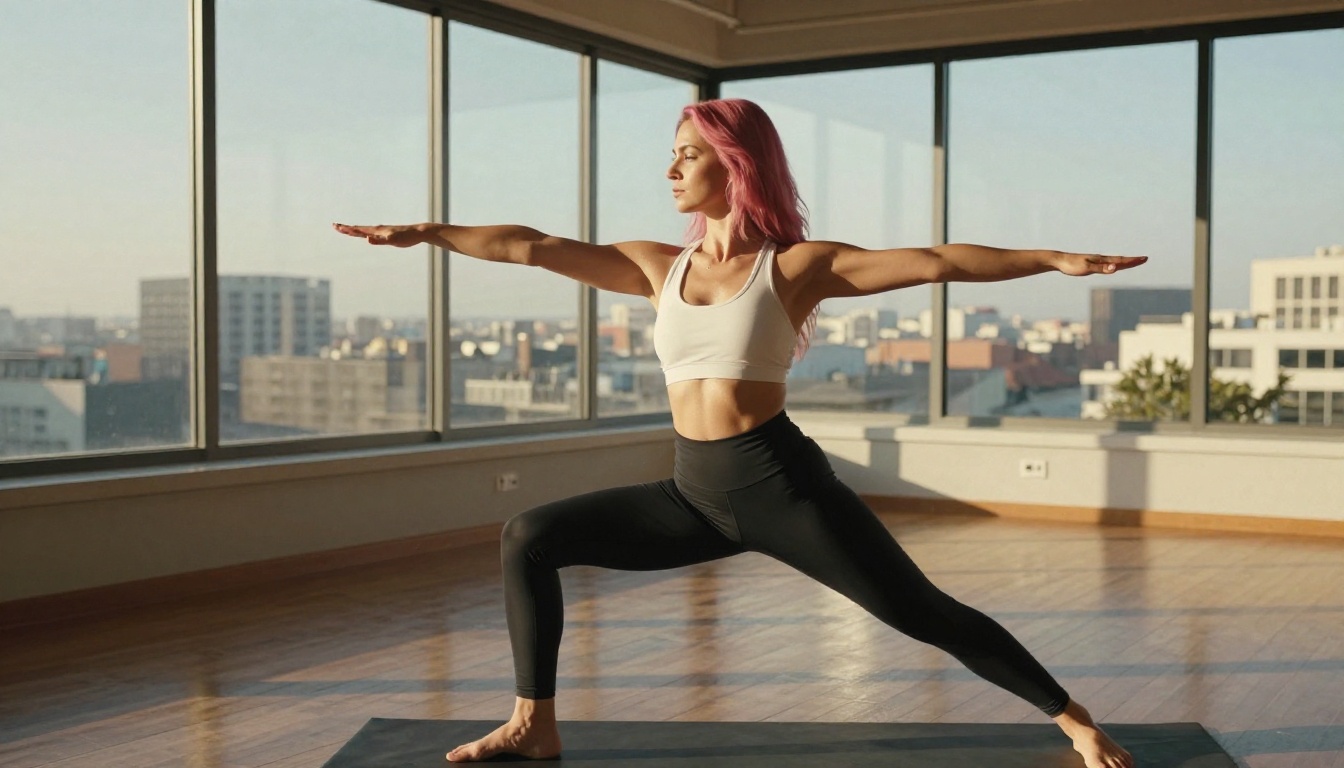
AI models respond well to specific anatomical descriptions framed in photography terms. Instead of abstract adjectives, use framing like "petite frame with narrow shoulders" or "athletic build with visible muscle definition in arms." This gives the model clear photographic reference without ambiguous language.
💡 Prompt tip: Describe your character in terms of how a photographer would brief the subject before a shoot. Camera angle, lighting direction, lens choice, and background all shape the final result as much as the character description itself.
Outfit and Style Settings
Outfit is one of the fastest ways to establish character identity. A few choices in the prompt change the entire personality read of the image.
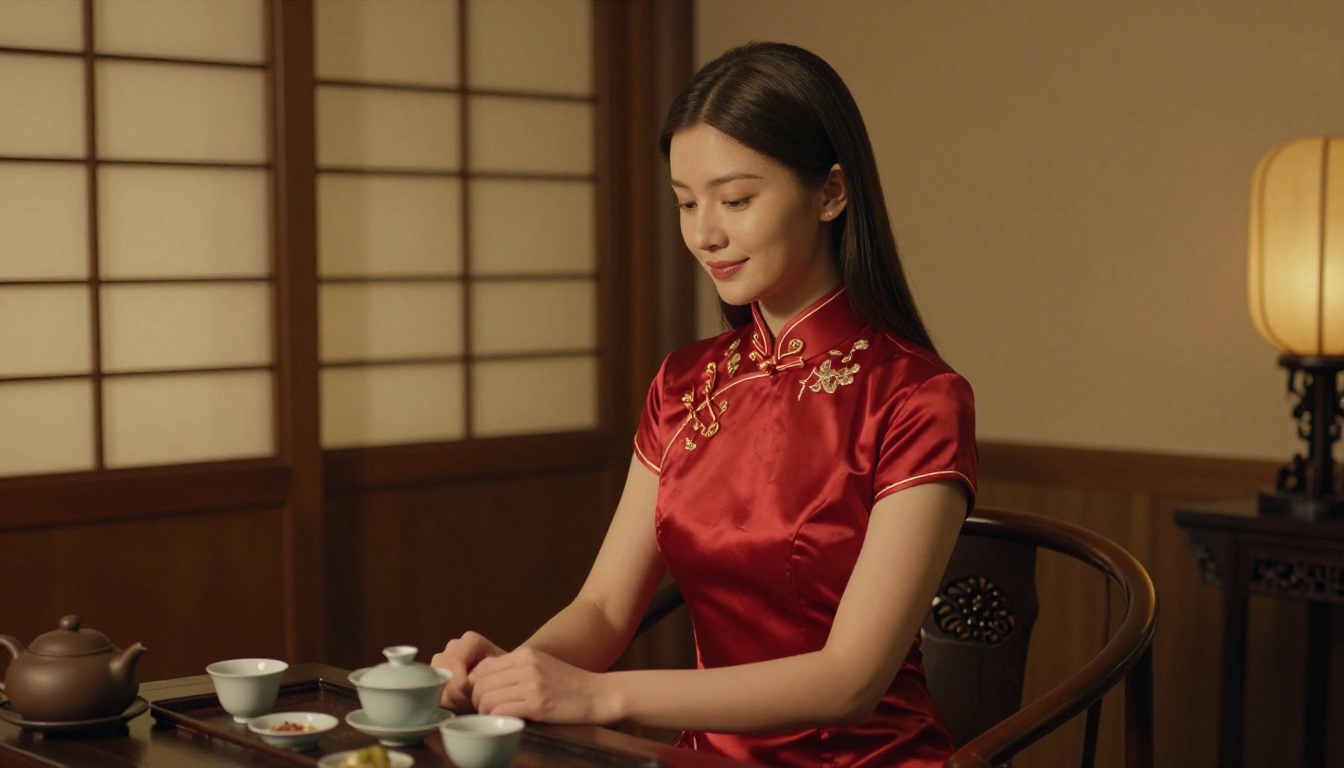
Adding cultural context to the outfit prompt changes the setting naturally. A character in a crimson qipao sits differently in the composition than the same character in a floral chiffon dress. Both are valid. The choice should reflect the specific character you are building, not just a generic aesthetic. Seasonal props work the same way: a winter coat and cold breath mist versus a light summer dress and golden afternoon light produce completely different emotional registers even if the face is identical.
How to Use Seedream 4.5 on PicassoIA
Seedream 4.5 is the strongest model on PicassoIA for AI waifu generation. It accepts adult content, generates at 2K and 4K resolution, and produces results in under 3 seconds. It also supports image-to-image input, meaning you can take a generated image and refine specific elements without starting from scratch.
Write a detailed text prompt. Start with the character's physical features, then add outfit, expression, and setting. Aim for 60 to 120 words.
Set the resolution. Choose 2K for speed, 4K when you need print-ready quality or plan to crop tightly.
Pick an aspect ratio. For a character portrait, 9:16 works well. For a full scene, 16:9.
Enable sequential generation when you want up to 15 variations in one run. Great for exploring different expressions or outfits from the same base prompt.
Download and iterate. Use the output as a reference image for your next generation to preserve the character design while varying specific elements.
Parameters That Matter
Size: 2K generates faster, 4K adds pixel density useful for cropping or printing
Sequential mode: Set to "auto" to generate variations; leave disabled for a single focused result
Image input: Upload your previous best result to keep the character consistent across generations
Disable safety checker: Toggle this on for adult aesthetic content to remove prompt restrictions beyond illegal content
💡 Iteration tip: After your first generation, feed the output back as image input with a modified prompt. This locks in the character's face and body while letting you change the outfit, background, or lighting freely.
Best Models for AI Waifu Generation on PicassoIA
PicassoIA has the widest collection of unrestricted image generation models available without a subscription to a niche platform. Here are the ones that perform best for personalized AI waifu creation:
Seedream 4.5 ⭐ The top pick. Accepts adult content, supports image-to-image editing, generates ultra-realistic results in under 3 seconds, and outputs at up to 4K. (Note: Seedream 5 Lite does not allow NSFW content.)
PicassoIA Image Editor Pro Img2img model with unlimited generations on Elite and Infinite plans. Need 500 iterations to nail a specific look? That is 500 images at no extra cost. Delivers results in under a second. Includes a 3-generation free trial with no credit card required.
Qwen Image 2 Open-source model. Edit or create any character image in seconds with very detailed realism and without content restrictions.
Grok Imagine Image Excellent for converting reference photos into styled character images. Particularly strong for realistic image transformation across different visual styles.
Recraft V4 Text-to-image only, but delivers some of the most photorealistic character outputs available. Strong for establishing the base design of your character before moving to image-to-image editing.
P-Image by PrunaAI Fast NSFW text-to-image generation in under 1 second. Ideal when you need to iterate quickly across many prompt variations in a short session.
Wan 2.2 Image Highly realistic text-to-image generation without content filters. Strong for photorealistic body and fabric rendering when you want maximum physical detail.
💡 Cost comparison: Generating 1,000 character variations on a per-credit model costs around $100 at average rates. On PicassoIA Image Editor Pro with an Elite or Infinite plan, those 1,000 generations are included at no extra cost.
Giving Your Waifu a Personality: LLMs on PicassoIA
A visual character is the first layer. The second layer is how she thinks and responds. Large language models can simulate personalities with enough specificity to feel genuinely distinct from one another, and PicassoIA has a full catalog of them.
Personality Design With LLMs
Write a system prompt describing your character's traits, speech patterns, backstory, and emotional tendencies. The model then responds consistently within those parameters across the entire conversation. Done well, the result is a character who feels like someone you actually know.
Emotional baseline: optimistic by default, cautious and introspective, warmly sarcastic
Backstory details: where she is from, what she cares about, what she avoids
Quirks: specific phrases she uses, topics she gets animated about, things that make her laugh or go quiet
💡 Tip: Pair your character image with a saved LLM system prompt. Every time you open a new session, reload the prompt to restore her personality exactly as you designed it.
Animating and Sharpening Your Character
Still images are just the beginning. PicassoIA has tools that take a generated character image and extend it in several directions without requiring video editing software or 3D modeling tools.
Super Resolution
If you generated at 2K and need a larger print or a higher-detail crop, super resolution models on PicassoIA upscale 2x to 4x without losing sharpness. This is useful when you have a composition you like but need it larger for a desktop wallpaper, printed poster, or social media banner where pixel density matters.
Face Swap and Inpainting
Already have a character design you love but want to change the hairstyle in one image without regenerating everything? Inpainting lets you mask a specific area and fill it with new content while leaving the rest of the image intact. The PicassoIA Image Editor Pro handles this natively with no additional setup.
For scenarios where you want to place your character's face onto a different body or scene composition, PicassoIA's face swap tools do this in a single generation step, preserving facial identity across different poses and outfits.
Lipsync and Audio
PicassoIA also offers lipsync tools that take a still image and synchronize the mouth to an audio clip. Combined with a text-to-speech model, you can generate audio in your character's intended voice and then lipsync the result to her face image, producing a short animated portrait without any video editing background.
Prompt Patterns That Actually Work
After generating hundreds of AI waifu images, certain prompt structures consistently outperform generic approaches. Here is what the effective ones have in common.
The Anatomy of a Strong Waifu Prompt
[Character description: hair, eyes, skin, body] +
[Outfit and accessories] +
[Expression and emotional tone] +
[Setting and background] +
[Lighting conditions] +
[Camera specifications] +
[Film grain or texture style]
Weak prompt: "anime girl in a cafe"
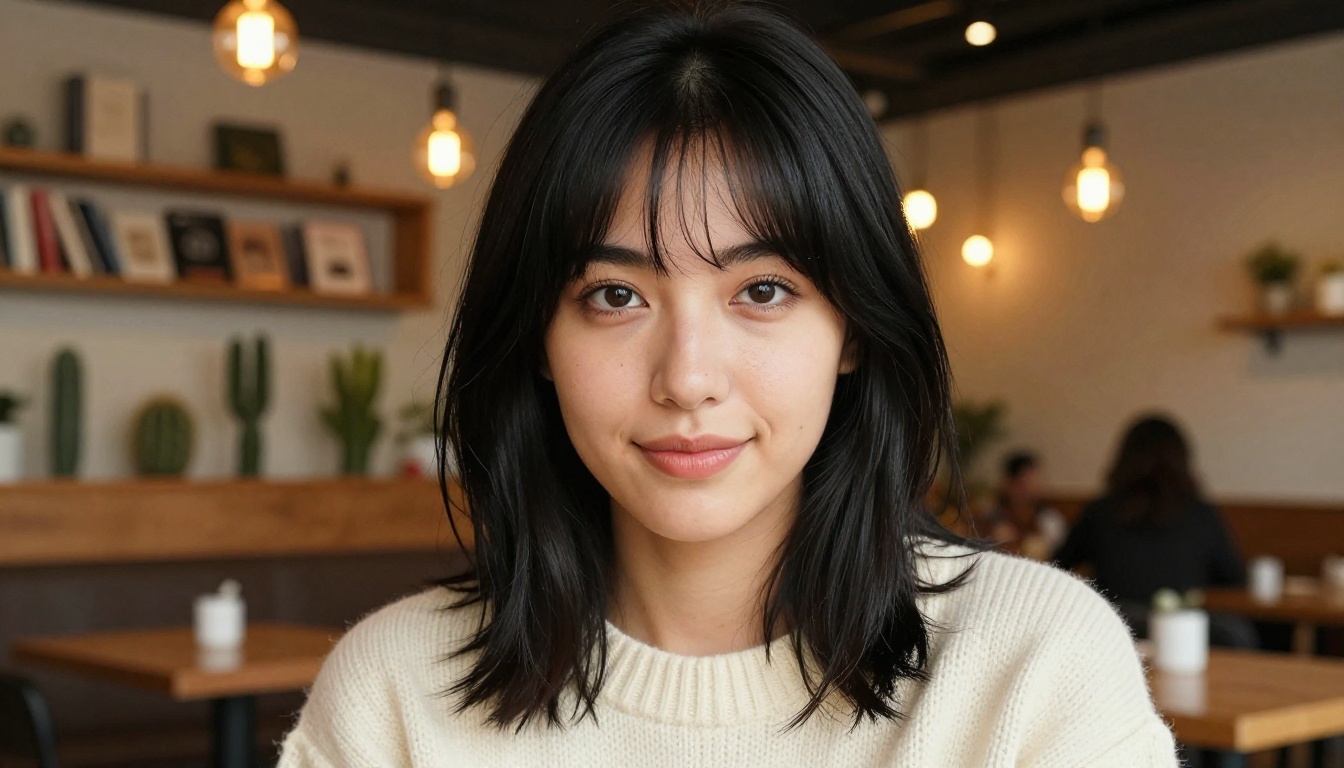
Strong prompt: "Young woman with long silver hair and violet eyes, wearing an ivory off-shoulder lace blouse, seated in a cozy cafe with warm Edison-bulb lighting, gentle smile, shot at eye level on an 85mm f/1.4 lens, Kodak Portra 400 grain, shallow depth of field"
The difference between those two prompts is the difference between a generic output and a character you would actually recognize and come back to across multiple sessions.
Common Mistakes to Avoid
Too vague on physical features: "beautiful girl" gives the model nothing specific to anchor to
Conflicting style descriptors: mixing "photorealistic" with "anime cel shading" in the same prompt pulls the output in two directions and produces neither
Ignoring the background: the setting affects the character's lighting and mood even when blurred into bokeh
No camera information: specifying a lens and shooting distance gives the model a compositional anchor that produces more consistent framing across generations
💡 Consistency tip: Maintaining the same character across multiple images requires saving the exact prompt and using the previous output as an image-to-image reference. The model cannot remember a character across sessions, but image-to-image input mimics that continuity precisely.
Your Character Is Waiting
The tools exist right now. A fully personalized AI waifu, one with a specific face, signature outfit, and a personality that holds up across long conversations, is achievable in a single afternoon. You do not need prior art skills. You do not need to install anything. You do not need to negotiate with aggressive content filters.
Start at Seedream 4.5 for image generation. Pair the result with one of PicassoIA's large language models for personality. Use PicassoIA Image Editor Pro when you want unlimited iterations at no extra cost. The full catalog at picassoia.com/en/all-models has every tool you need in one place, with no restrictive filters standing between you and the character you want to build.