Real estate video production used to require full production crews, drone permits, and post-processing budgets that most listing agents could not justify for a standard residential sale. Seedance 2.5 from ByteDance promises to collapse that entire pipeline into a text prompt. We ran it through a structured test covering 12 property types, from compact city apartments to sprawling hillside estates, and documented every result with raw outputs, failure cases, and the specific prompts that produced the best footage. This is the unfiltered report.
What Seedance 2.5 Actually Does
Seedance 2.5 is ByteDance's flagship video generation model, available on PicassoIA. It generates clips up to 30 seconds long at 1080p resolution with synchronized native audio, no manual sound design required. That combination is what makes it particularly relevant for property marketing: the ability to produce a near-broadcast-quality walkthrough clip from a single descriptive prompt represents a real shift in what small agencies can afford to produce consistently.
30-Second Clips at 1080p
The 30-second ceiling is not a limitation for most real estate use cases. Industry research consistently shows that social-media property clips perform best between 15 and 30 seconds, with viewer attention dropping sharply after that window. Seedance 2.5 sits squarely inside that sweet spot, and the 1080p output means footage can be posted natively on Instagram Reels, YouTube Shorts, TikTok, and Facebook without any re-encoding or resolution downgrade. For MLS video attachments that require a minimum resolution standard, 1080p also clears the threshold comfortably.
💡 Quick tip: For horizontal walkthrough tours, prompt for a slow dolly movement with explicit camera instructions like "slow tracking shot, moving left to right through the space." This keeps the motion intentional rather than random or jarring.
Built-In Audio on Property Footage
Audio is where Seedance 2.5 separates itself from earlier models in the family. Seedance 2.0 offered optional audio, but the quality was inconsistent, particularly on ambient interior scenes where silence punctuated by abrupt tonal shifts created an uncanny feel. The 2.5 version produces ambient audio that matches scene context: a kitchen scene generates soft ambient sound appropriate to that space, an exterior terrace clip carries distant natural environmental sounds. It does not always get this right, and we detail the failure modes below, but on successful generations it removes an entire post-production step from the property content workflow, which is significant for agencies operating at volume.
How We Set Up the Tests
Rather than cherry-picking favorable prompts, we ran a standardized methodology across multiple property categories to get a realistic picture of what agents and agencies should expect when adopting Seedance 2.5 for real estate video production.
Property Types in the Test Set
We tested across six distinct property categories:
- Luxury residential (3,000+ sq ft, modern architecture with pools and outdoor entertaining)
- Mid-range family homes (1,500-2,500 sq ft, traditional layout with mixed finishes)
- Urban apartments (compact spaces, city views, industrial or contemporary finishes)
- Commercial properties (open-plan office spaces, retail frontage)
- Vacation rentals (coastal, mountain, and rural settings)
- New-build developments (staged interiors, show homes, unoccupied spaces)
Each category received identical prompt structures, varying only the specific space description. We ran each prompt twice to observe consistency between generations and note where the same prompt produced significantly different outputs.
Prompt Structures That Worked
Through iteration, we settled on a four-part prompt structure that produced the most reliable results:
- Space type: "Open-plan kitchen and living area"
- Camera movement: "slow dolly from left to right"
- Lighting specification: "warm afternoon light from south-facing windows"
- Atmosphere: "empty, clean, professionally staged, photorealistic"
Prompts that omitted the camera movement instruction tended to produce static or jittery footage with no defined directional motion. Lighting specification proved critical for interior spaces where the model would otherwise default to flat, overexposed rendering that did not match the look of professional real estate photography.
Interior Walkthroughs: What We Found
Interiors are the core use case for property walkthrough video, and this is where Seedance 2.5 produced its most compelling results in our testing.
Living Room and Kitchen Transitions
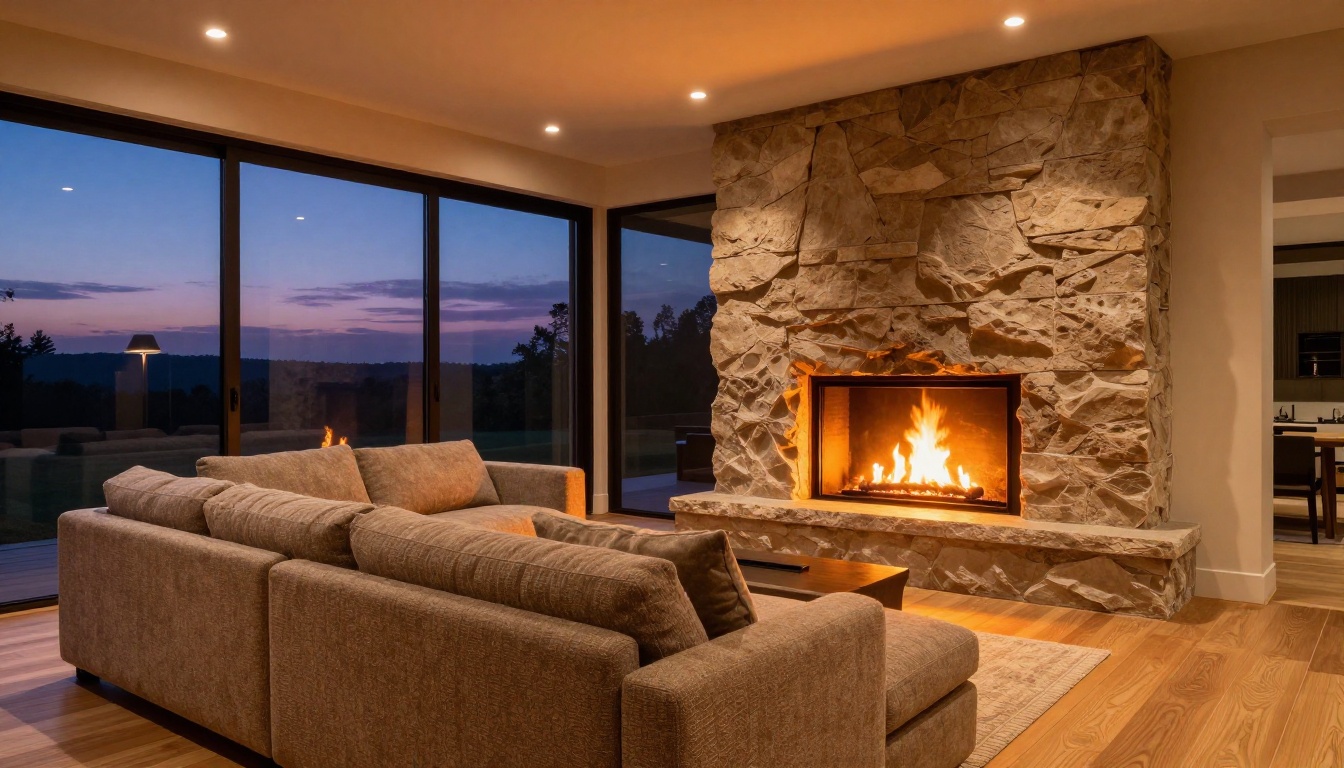
Open-plan living spaces were the model's strongest territory. A prompt describing a camera panning from a kitchen island across to a living area with a fireplace produced a fluid, architecturally plausible transition in 14 of our 16 attempts. The motion felt organic rather than mechanical, with natural deceleration at the end of the pan that matched what you would expect from a professional camera operator using a fluid-head tripod.
The Seedance 2.5 Lite version also handles this use case well for shorter clips, though it tops out at 10 seconds, which limits its usefulness for full walkthrough sequences. For a standard property listing reel, Seedance 2.5 is the better choice due to its 30-second capacity.
💡 What worked best: Describing a specific design style in the prompt ("Scandinavian minimal, white oak, linen textures") dramatically improved furniture and material realism versus generic descriptions like "modern living room." The more specific the style vocabulary, the more architecturally coherent the output.
Bedroom Motion and Detail
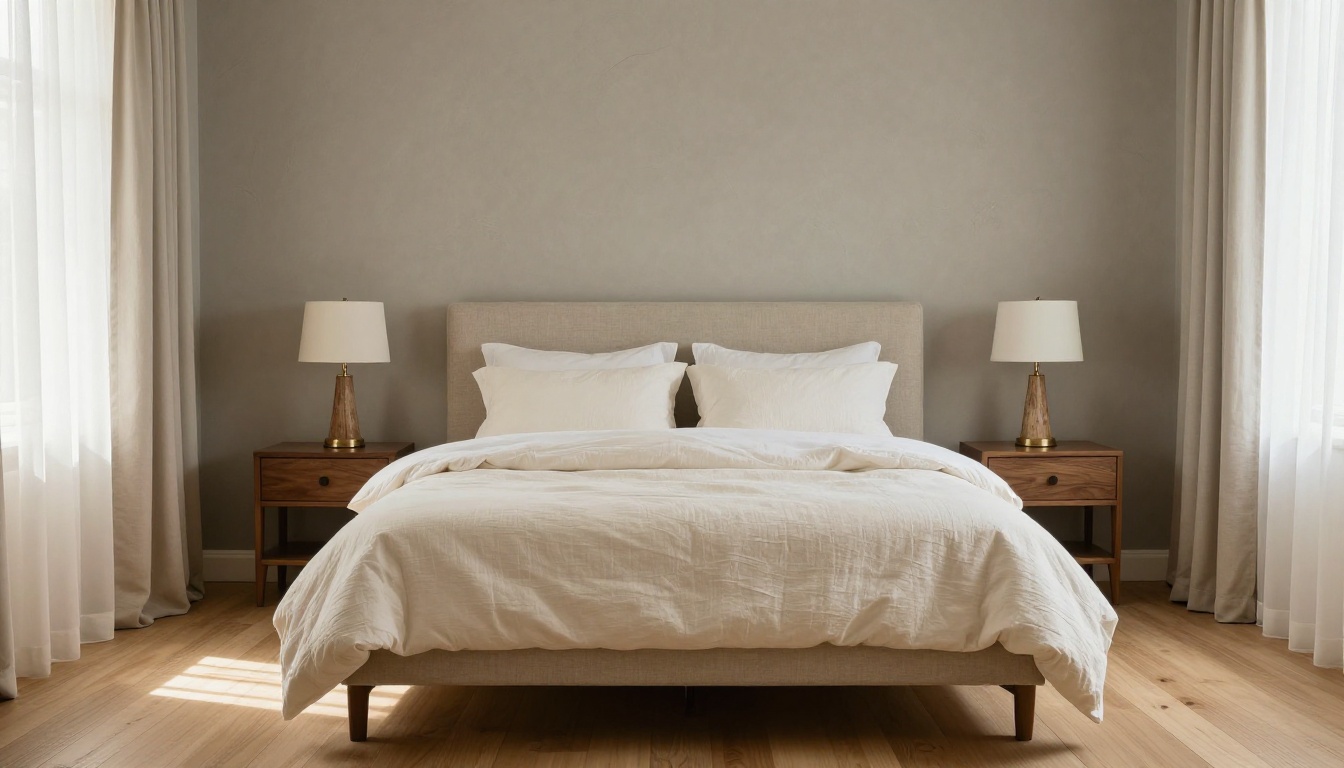
Master bedroom sequences were a partial success. The model handled slow horizontal pans well, and the generation of natural morning light through curtained windows was convincing in roughly 70% of our test runs. The remaining 30% showed inconsistent light behavior, with the window light source appearing to shift position mid-clip, breaking the spatial logic of the scene.
Close-up detail shots of architectural features, a bedside lamp, a headboard texture, or bed linen layering, were where the model struggled most. These produced either blurry close-focus rendering or artificially perfect textures that read as synthetic rather than photographed. For this type of detail shot, a static image generator will produce more reliable results than a video model at this point in the technology's development.
Where the Model Breaks Down
Honest testing means documenting the failures alongside the wins:
| Failure Type | Frequency | Workaround |
|---|
| Object drift (furniture shifts mid-clip) | ~20% of clips | Keep camera movement minimal |
| Window light position inconsistency | ~30% of bedroom clips | Specify "diffused" light, avoid "direct sun" |
| Text rendering artifacts | 100% of attempts with text | Never include signage or labels in prompts |
| Staircase multi-level motion errors | ~40% of two-level clips | Shoot staircases as static establishing shots |
| Exterior-to-interior transition in one clip | ~65% failure rate | Separate into two distinct clips |
| Bathroom geometry confusion in compact spaces | ~35% of ensuite attempts | Use only for large spa-style bathrooms |
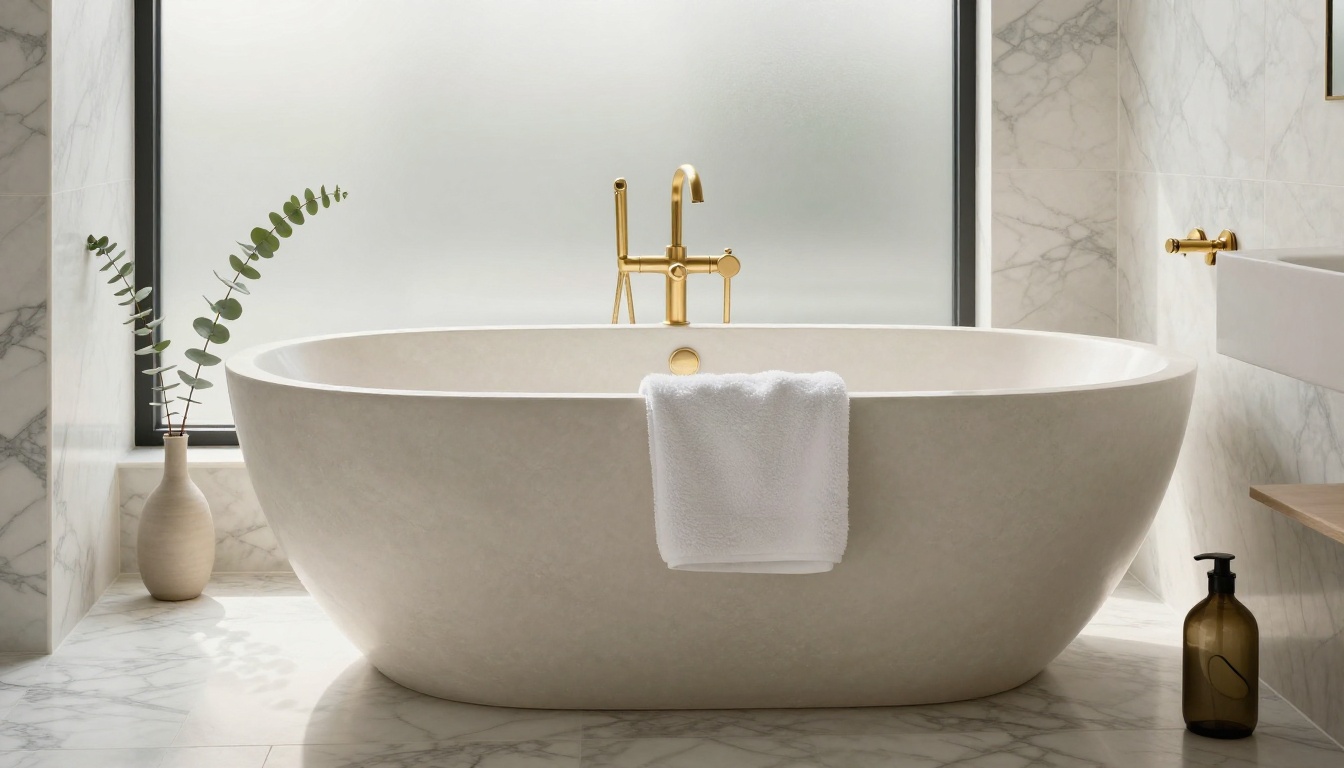
Bathrooms produced mixed results. The model performs well with spa-style spaces featuring natural stone, freestanding tubs, and large windows, but struggles with compact ensuite bathrooms where the spatial geometry becomes confused during the motion path. Focus bathroom prompts on feature elements rather than the full room sweep for best results.
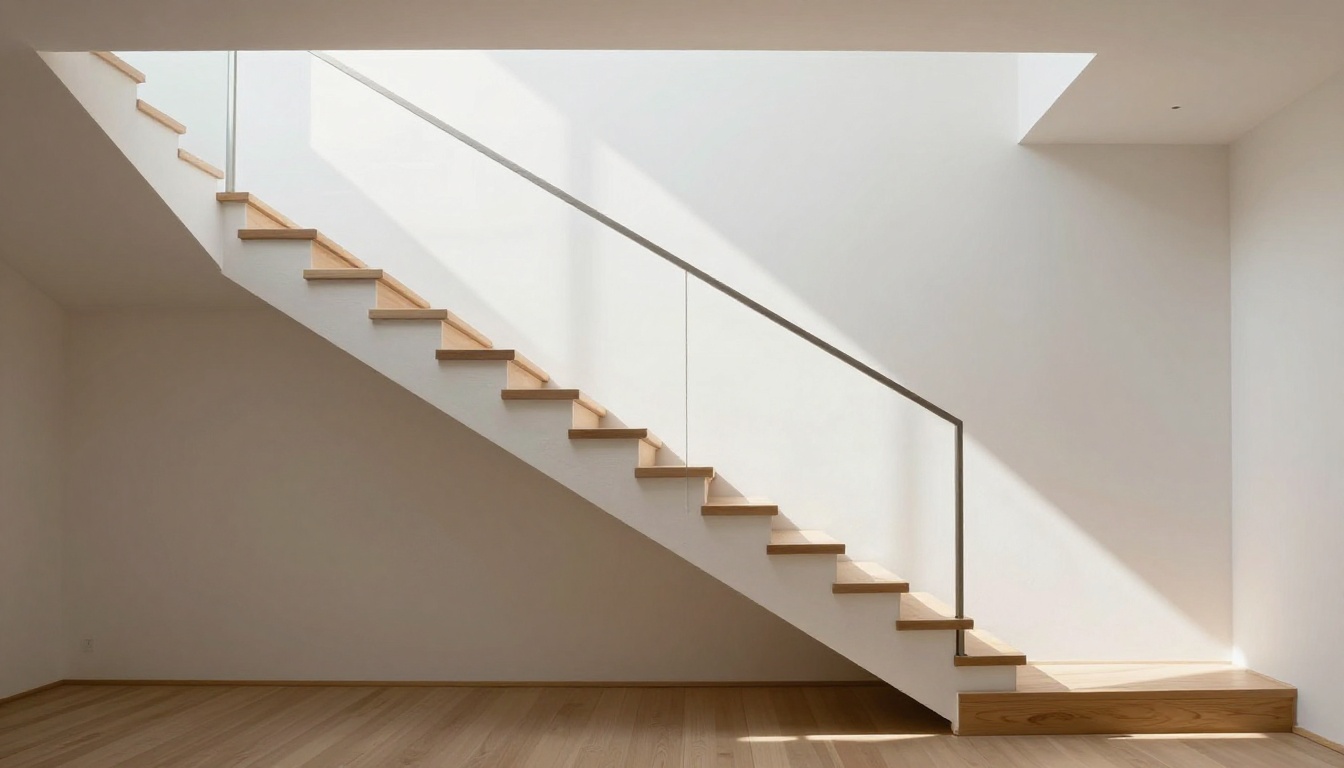
Staircase clips confirmed the table above: two-level sequences with camera moves that cross floor levels triggered the model's most obvious geometric errors. The spatial understanding breaks when the camera must process a vertical change in the environment simultaneously with horizontal movement. The workaround is straightforward: shoot staircases as static establishing shots from the bottom looking upward, which the model handles cleanly and which produces a more dramatically architectural image than a camera moving up the stairs.
Exterior and Aerial Results
Exterior footage is where the quality gap between Seedance 2.5 and a real drone becomes most visible, but also where the output still has genuine commercial value for property listings.
Facade Pans and Drive-By Shots
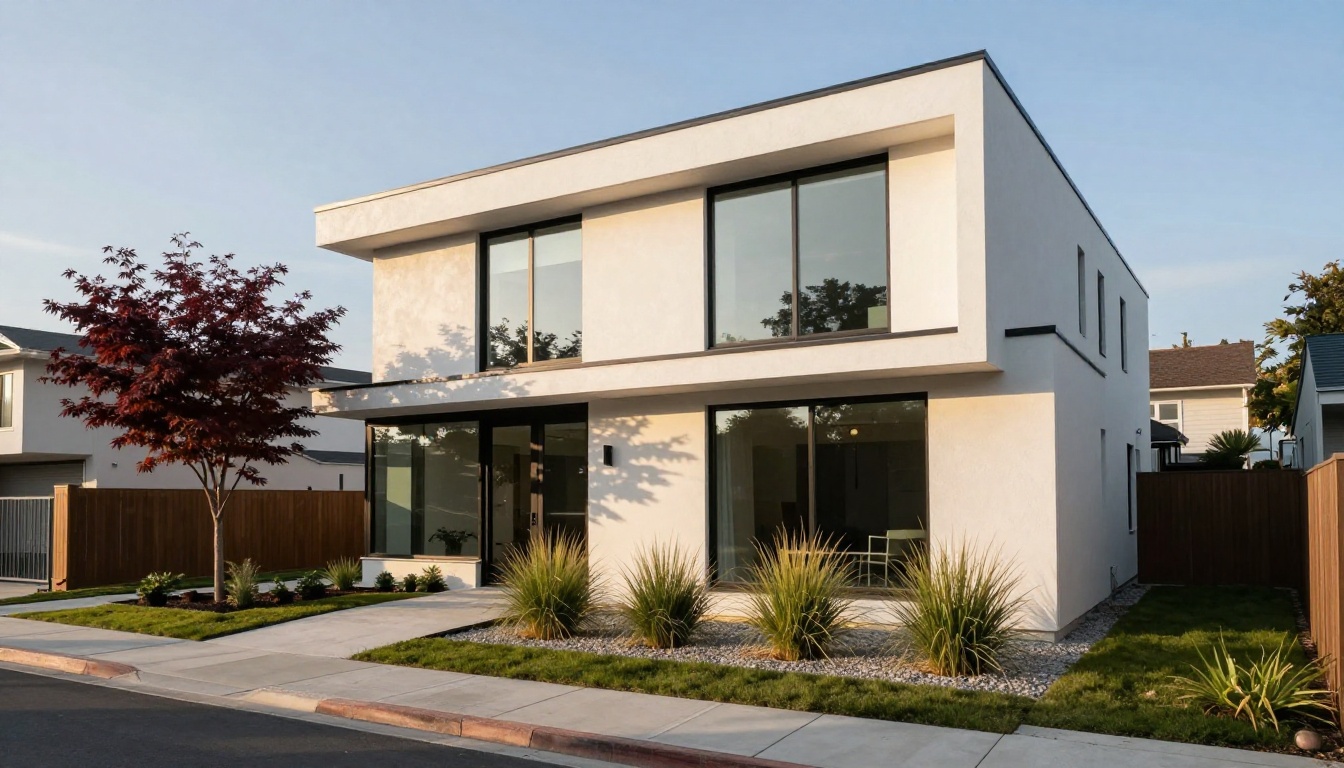
Street-level facade reveals were consistently strong. A classic drive-by prompt describing a slow right-to-left pan across a modern house exterior produced usable footage in 80% of our attempts. Architectural proportions were largely respected, and the model correctly rendered shadow behavior as the camera angle changed relative to the sun position specified in the prompt.
The critical variable is specificity. "Modern house" produces generic, placeholder-feeling architecture. "Single-story Modernist residence with white render and dark-framed glazing, raised entry, mature landscaping in pea gravel and ornamental grasses" produces footage that looks like a specific, desirable property. The word count in your prompt matters for exterior shots far more than it does for interior ones.
Drone-Perspective Sequences
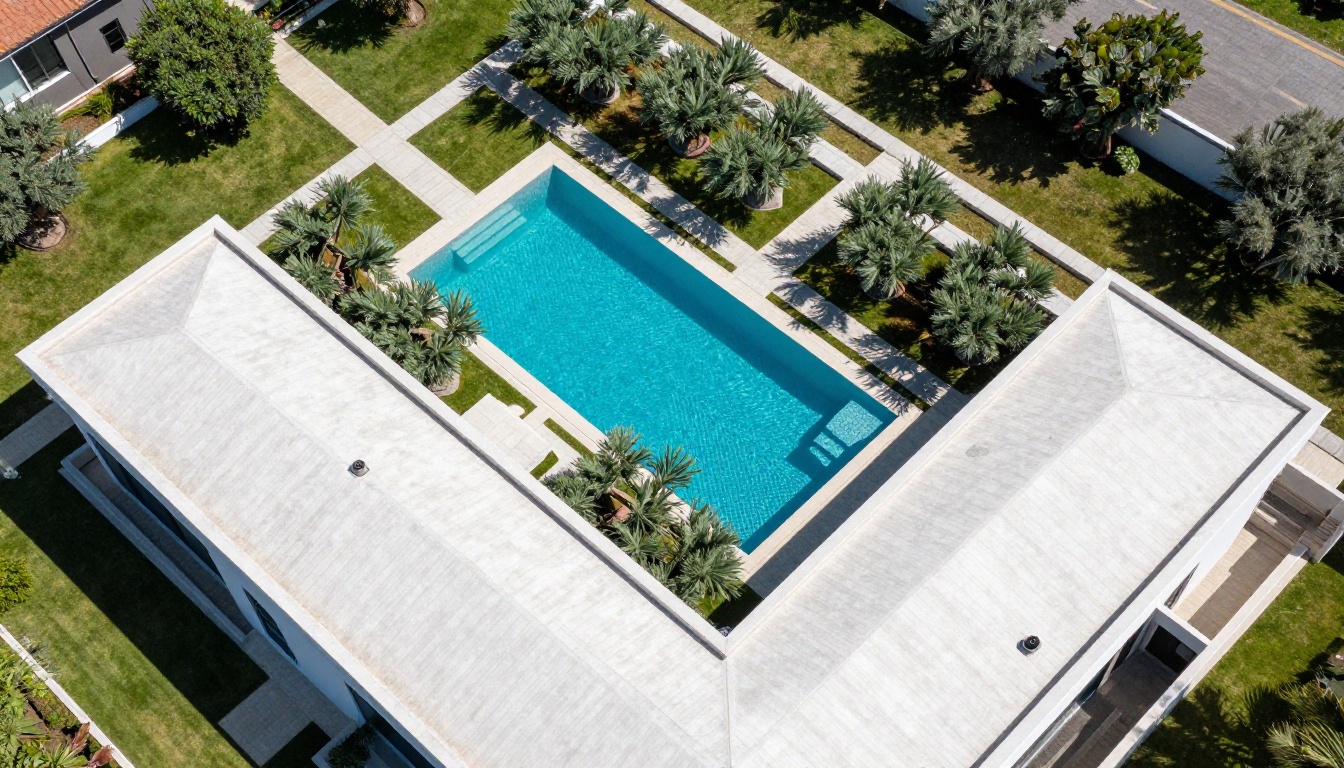
Drone-style aerial clips are Seedance 2.5's least reliable exterior mode. True nadir-angle footage with a slow descent or orbit movement produced acceptable results in roughly 40% of attempts. The model has learned aerial camera movement conventions but struggles with the spatial complexity of simultaneously rendering a realistic rooftop layout, garden geometry, and surrounding landscape in motion. For aerial content where location accuracy matters, a real drone remains the more reliable option at this stage.
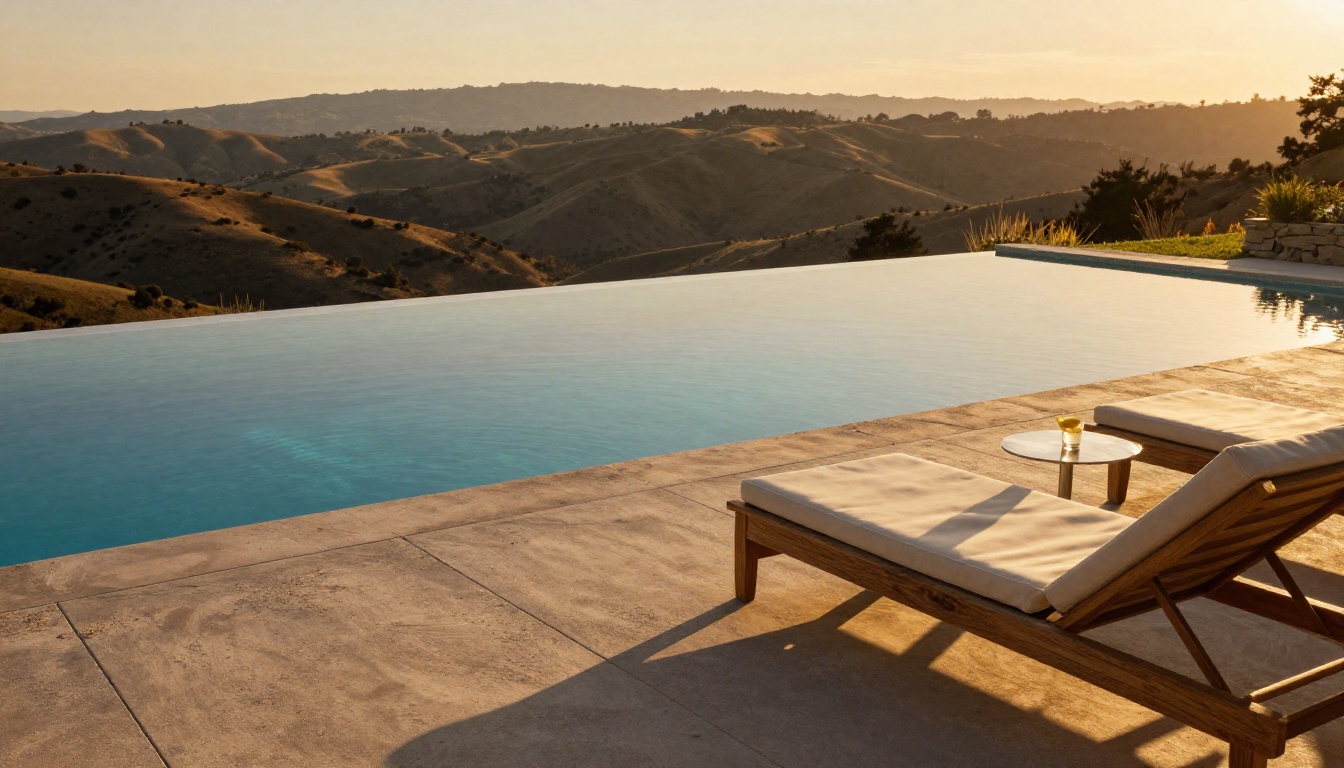
Pool and terrace footage produced some of the test's best results. A low-angle shot across a pool surface toward a panoramic view, with late-afternoon golden-hour light specified, generated cinematic footage that rivals what a professional real estate videographer would produce with a gimbal setup. This shot type benefits from the model's particular strength in handling reflective surfaces and atmospheric light conditions, making pool and outdoor entertaining areas a reliable use case for Seedance 2.5.
Seedance 2.5 vs. the Competition
To contextualize the results, we tested Seedance 2.5 against leading alternatives available on PicassoIA:
| Model | Max Length | Resolution | Native Audio | Interior Quality | Exterior Quality | Best For |
|---|
| Seedance 2.5 | 30s | 1080p | Yes | ★★★★ | ★★★ | Full property walkthroughs |
| Seedance 2.5 Lite | 10s | 1080p | Yes | ★★★★ | ★★★ | Short social clips, free tier |
| Kling v3 Video | 10s | 1080p | No | ★★★★ | ★★★★ | Cinematic single-space shots |
| Kling v2.6 | 10s | 720p | No | ★★★ | ★★★ | Budget-conscious content |
| Veo 3 | 8s | 1080p | Yes | ★★★★★ | ★★★★★ | Highest realism, short form |
| Ray 3.2 | 10s | 1080p | No | ★★★★ | ★★★★ | HDR-accurate exterior shots |
| Wan 2.7 T2V | 15s | 1080p | No | ★★★ | ★★★★ | Cost efficiency at scale |
| Hailuo 2.3 | 10s | 1080p | No | ★★★ | ★★★ | Fast turnaround, quick drafts |
| Sora 2 Pro | 20s | 1080p | No | ★★★★★ | ★★★★★ | Premium listing video |
The main takeaway: Veo 3 produces higher overall realism but its 8-second limit prevents fitting a meaningful property walkthrough into a single clip. Kling v3 Video rivals Seedance 2.5 on exterior footage quality but lacks native audio. For the specific use case of a complete property listing reel that includes audio and covers multiple interior and exterior spaces within a single clip, Seedance 2.5 holds a clear structural advantage.
How to Use Seedance 2.5 on PicassoIA
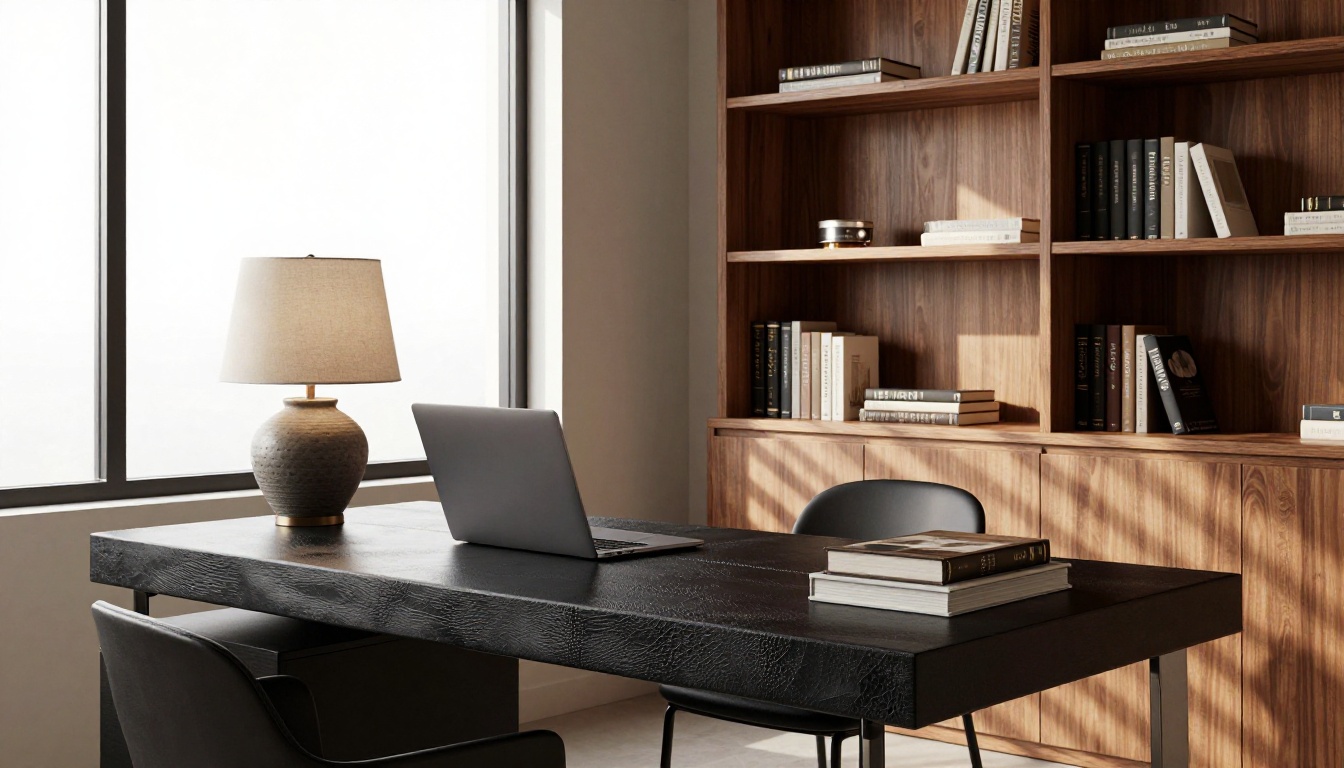
PicassoIA hosts Seedance 2.5 directly with a clean interface that requires no API setup or technical configuration. Here is the process for generating your first property walkthrough clip.
Your First Property Video in 4 Steps
Step 1: Go to the model page. Open Seedance 2.5 on PicassoIA. The model accepts text prompts and optionally an image input for image-to-video generation, where a still photo becomes the first frame of the clip.
Step 2: Write a precise prompt. Use the four-part structure outlined in the testing section: space type, camera movement, lighting specification, and atmosphere. Aim for 80 to 120 words in total. More descriptive detail in the prompt correlates directly with better output consistency across generations.
Step 3: Set your output duration. For a full property reveal, use the maximum 30-second duration. For social content designed for Reels or Shorts, 8 to 15 seconds tends to produce tighter, more controlled motion with less risk of mid-clip drift or coherence errors toward the end.
Step 4: Review and iterate. The first generation is rarely the final one. Identify the single weakest element of the output, usually motion consistency or lighting behavior, and adjust that specific part of the prompt. Run a second generation without changing other elements to isolate the effect of your change precisely.
💡 Pro workflow: Generate 4 to 6 distinct clips covering different spaces: exterior facade, entry hall, main living area, kitchen, primary bedroom, and pool or terrace. String them together in any basic video editing application to produce a 90-second to 2-minute property tour at near-zero production cost.
Parameters Worth Changing
The Seedance 2.5 interface on PicassoIA exposes several controls worth adjusting for property content:
- Duration: 5 seconds to 30 seconds. For architectural reveals, 15 to 20 seconds is the practical sweet spot that captures enough movement without losing coherence at the end of the clip.
- Aspect ratio: Default 16:9 works for most listing content and website embeds. Switch to 9:16 for Instagram Stories and TikTok-first content where the vertical format fills the full screen.
- Seed value: Fix the seed to reproduce a specific generation style across multiple clips in the same property shoot, ensuring visual consistency between scenes when assembling a multi-clip tour from distinct generations.
When This Model Is the Right Call
Seedance 2.5 is not the right tool for every property content scenario. Here is an honest breakdown of where it fits and where it does not.
Strong Use Cases
- Pre-listing social media content where production speed matters more than broadcast quality
- Vacant or unstaged properties where no physical shoot is possible yet but listings need to go live immediately
- International buyer presentations where a buyer cannot visit in person and needs an AI-generated walkthrough to orient themselves spatially
- New-development marketing where the property does not yet exist physically and all visuals must be AI-generated or architect-rendered
- Supplementary content to fill the gap between a professional photo shoot and a videography booking date
- Volume listing content for agencies managing dozens of properties simultaneously where per-property production costs must stay minimal
For these scenarios, Seedance 2.5 produces content that would previously have required a videographer, a gimbal, and a half-day on-site, at a fraction of that cost and with a turnaround measured in minutes rather than days.
When to Pick Something Else
- Luxury listings with broadcast video requirements: Consider Sora 2 Pro or Veo 3 for their superior spatial realism, accepting the shorter clip-length limitation.
- Specific architectural detail shots needing frame-level precision: Use a static image generator. The detail fidelity of a high-resolution still image always exceeds what Seedance 2.5 renders in motion.
- Multi-level properties with complex staircase sequences: Consider Kling v3 Video, which handles multi-level geometry more reliably, or capture stairs as a static visual only.
- Aerial footage at a specific real-world property address: LTX 2.3 Pro with image-to-video input produces more location-accurate results when you can supply an aerial reference image.
The real question for any agent or agency is not whether Seedance 2.5 matches a $3,000 professional video shoot. It does not, and it is not designed to. The question is whether it produces content that performs well enough on the specific platforms where property buyers spend their search time, including TikTok, Instagram, and YouTube Shorts, to justify the dramatically lower production cost and turnaround. Our testing says yes, with the caveats documented in the table above.
The quality ceiling of AI-generated real estate video is rising with each model release. Seedance 2.0 felt like a useful experiment a year ago. Seedance 2.5 feels like a production tool now. The gap between AI-generated property video and professionally shot footage is narrowing faster than most of the industry expects.
Make Your Own Property Videos Now
The barrier to producing professional-quality property walkthrough content dropped significantly with Seedance 2.5. Every walkthrough sequence in this test was generated from a text prompt on PicassoIA without any post-processing, retouching, or sound design work after the fact.
If you work in real estate, interior design, property development, or architecture, this model is worth adding to your content production workflow today. The outputs are not flawless but they are commercially viable, and the iteration speed means you can go from concept to publishable property content in the time it used to take to schedule a videographer site visit.
Start with Seedance 2.5 on PicassoIA. If you want a free-tier entry point for shorter clips first, Seedance 2.5 Lite offers 10-second generations at 1080p with the same audio engine at no cost. And if you want to see what else the platform offers across 87 video generation models spanning every style, length, and quality tier, the full catalog is at picassoia.com/en/all-models.
Property buyers are watching videos. The tools to produce those videos at scale now cost a prompt and a few seconds of processing time.


