Paying a monthly subscription for royalty-free music that still gets copyright-flagged at upload is one of the most frustrating recurring costs in content creation. The situation has changed. AI music generation has matured fast enough in 2027 that you can produce original, royalty-free songs from a single text prompt in under a minute, and generate studio-quality voiceovers without hiring a voice actor. The tools below are the ones actually worth building into your workflow.
Why Most YouTube Audio Falls Flat
The stock library problem
Stock music libraries work on a simple premise: pay monthly, use their tracks, stay out of trouble with Content ID. The problem is that those same tracks are shared across hundreds of thousands of other creators. YouTube's Content ID system doesn't just flag unauthorized use, it also gets confused when a legitimately licensed track fingerprint appears too frequently. You've seen the result: a monetization dispute on a video where you paid for the music.
The deeper problem is that generic background music makes your channel sound generic. A lo-fi hip-hop loop from a library might work fine for study content, but it builds no sonic identity for your brand. Viewers who watch multiple videos from your channel with different stock tracks subconsciously register the inconsistency, even if they can't articulate it.
What AI generation changes
AI music generators don't sample existing songs. They create original compositions from scratch based on your text description, which means the output has no fingerprint in any Content ID database. Beyond copyright safety, the best tools let you specify genre, tempo, mood, instruments, and even full lyrics, so the music actually fits what's on screen rather than being the closest approximation you could find in a library.
💡 The real advantage is iteration speed. You can generate ten different versions of a track in the time it would take to browse a stock library and still not find what you need.
The other shift is for voiceovers. Channels that can't afford consistent voice talent, or that need to scale narration across a high volume of content, can now produce studio-quality audio without recording sessions. The gap between what a solo creator can produce and what a production team delivers has narrowed considerably.
The Best AI Music Generators Right Now
MiniMax Music 2.6
MiniMax Music 2.6 is the strongest all-around choice for YouTube creators right now. It generates full songs with vocals, instrumentals, or both from a text prompt. The lyric handling is particularly strong: paste your own lyrics and the model finds a melody and vocal style that fits the words rather than forcing them into a generic template.
What separates it from older generators is emotional coherence across the full track. Earlier models would nail an intro and then drift off-genre by the midpoint. Music 2.6 maintains the established mood and arrangement through the end, which matters a lot when a video runs fifteen minutes and the background track needs to stay consistent.
Best for: Branded intro/outro music, full background tracks, content where consistent mood matters across a long video.
Google Lyria 3 Pro
Google Lyria 3 Pro is Google's flagship music generation model. The audio quality is noticeably higher than most alternatives, with clean instrument separation and realistic dynamic range. The Pro version extends the standard Lyria 3 with longer generation length and finer arrangement control.
For travel, documentary, or cinematic YouTube content where the music needs to feel produced, Lyria 3 Pro delivers results that don't read as machine-generated on first listen. The orchestral and acoustic outputs are particularly convincing. Google Lyria 2 remains a solid choice for shorter clips and lighter use cases where the Pro tier's extended length isn't necessary.
Best for: Cinematic channels, travel vloggers, documentary-style content, anything where audio production value is part of the channel identity.
Stable Audio 2.5
Stable Audio 2.5 from Stability AI takes a different approach from the song generators. It excels at sound design and loopable background audio, which makes it ideal for editors who need cues that cut cleanly when a scene changes. Think ambient textures, tension-building beds, and short stingers rather than full compositions.
The prompt control is unusually precise. You can specify BPM, tonality, and instrumentation in natural language and the model responds to those parameters reliably. An experienced editor will find this more useful than a full-song generator for complex multi-scene projects.
Best for: Video editors who layer multiple audio tracks, creators who need short atmospheric cues rather than full tracks.
ElevenLabs Music
ElevenLabs Music brings ElevenLabs' reputation for audio quality into music generation. The model is strong at emotional tone matching: describe a feeling rather than a genre and it interprets the intent accurately. A prompt like "nervous anticipation building toward a reveal" produces something that captures that tension rather than defaulting to a generic suspense bed.
MiniMax Music 2.5 is another strong option for full vocal song generation, particularly for creators who want to iterate on a song concept with incremental prompt adjustments before finalizing.
Best for: Storytelling channels, essay-format videos, content where emotional arc matters more than genre labels.
MiniMax Song Restyle
MiniMax's song restyling model works differently from the others. Instead of generating from scratch, it takes an existing song and shifts it into a different genre. You give it a track and specify acoustic, orchestral, hip-hop, or another style, and it produces a transformed version with a new sonic identity.
This is useful for creators who want to post their own spin on trending audio without the copyright exposure of using the original. The output is original audio that carries no fingerprint from the source material.
Best for: Reaction channels, remix content, creators who want genre-shifted versions of trending tracks.
Good music is only half the audio equation. If your voiceover sounds flat or robotic, it undercuts everything else in the production. These are the AI speech tools delivering results good enough to use in published YouTube content.
MiniMax Speech 2.8 HD
MiniMax Speech 2.8 HD is the closest thing to studio-recorded voice available from any AI tool right now. The prosody, breathing patterns, and emotional variation are modeled well enough that short clips regularly pass for human-recorded audio. For YouTube, this is the voice tool to use when you need a consistent narrator across a long series without booking studio time.
The Speech 2.8 Turbo variant produces faster renders with slightly less fidelity at the top end, which is worth it for draft previews or high-volume content pipelines where speed matters more than peak quality.
Best for: Narration-heavy channels, documentary content, educational series needing consistent voice output.
ElevenLabs V3
ElevenLabs V3 is the most expressive TTS model in widespread use. The difference from earlier versions is most obvious in how it handles punctuation and emphasis: it doesn't just read text, it performs it. Sarcasm, excitement, and hesitation all translate into the audio in ways that previous tools couldn't manage convincingly.
The ElevenLabs v2 Multilingual model extends this quality across 30+ languages for international channels. Voice cloning pairs well with MiniMax Voice Cloning, which lets you record a short sample of your own voice and generate unlimited narration in that voice without recording every line manually.
Best for: Channels with strong presenter personality, scripted entertainment content, creators who want their own voice scaled.
Google Gemini 3.1 Flash TTS
Google Gemini 3.1 Flash TTS offers 30 distinct voices across 70+ languages. For creators targeting international audiences or running multilingual channels, this is a significant capability. Voice quality remains consistent across languages, which isn't the case for most multi-language TTS tools.
It also handles code-switching, where a speaker moves between two languages mid-sentence, better than any competing model. If your audience spans multiple language markets, this is the practical choice.
Best for: International channels, multilingual content, creators building audiences in multiple language markets.
Qwen3 TTS
Qwen3 TTS stands out for voice design flexibility. Rather than selecting from a fixed preset library, you describe the voice characteristics you want and the model produces a custom voice that matches. Deeper pitch, faster cadence, more authoritative tone: these can all be specified in natural language rather than through sliders.
This is the tool for channel branding at the audio level. Your channel gets a voice that belongs to it rather than one shared by anyone else who picked the same preset.
Best for: Channels building a distinct audio identity, creators who want a custom-designed voice that no competitor is using.
Resemble AI Chatterbox Pro
Resemble AI Chatterbox Pro focuses on per-sentence emotional expression control. You can specify different emotional states for different sentences within the same clip, so the narrator sounds genuinely engaged rather than delivering a flat read of the script. PlayHT Play Dialog is another strong option for dialogue-heavy content where two voices need to interact naturally.
The Chatterbox Turbo variant runs at higher speed for situations where generation throughput matters more than peak expressiveness. Both are available on PicassoIA.
Best for: Entertainment channels, storytelling content, creators who script emotionally varied material.
Prompt Writing That Gets Real Results
The tools above are only as good as the prompts you give them. Generic prompts produce generic results.
Music prompts that work
Too vague: "Upbeat music for a YouTube video"
Specific enough: "Upbeat acoustic guitar with fingerpicked melody, light bongo percussion, 118 BPM, warm and optimistic tone, no vocals, 90 seconds, fades out in final 10 seconds"
The specificity isn't just about getting better audio. It's about getting consistent audio across a series. If you save your exact prompt, you can regenerate a track with similar character for the next video in the series, building sonic cohesion across your channel.
With MiniMax Music 2.6 and Google Lyria 3 Pro, descriptors like "Fender Rhodes electric piano," "brushed drum kit," or "cello arpeggios in the upper register" produce noticeably more accurate results than genre labels alone.
💡 Save your best prompts: Build a personal prompt library organized by mood and BPM range. Reusing refined prompts is the fastest way to maintain consistent audio identity across your channel.
Voice prompts that work
For TTS, the prompt is your script. But how you write the script affects output quality significantly. Short sentences with natural punctuation produce better pacing than long, complex constructions.
💡 TTS tip: Add a comma anywhere you want the AI to pause naturally. Add a period where you want a hard stop. Avoid parenthetical asides, as most TTS models don't handle them gracefully and will flatten the reading.
With ElevenLabs V3 and Resemble AI Chatterbox Pro, you can add emotion tags or select per-sentence emotion settings to make a narrator sound genuinely excited about a reveal rather than just slightly louder.
How to Generate Audio on PicassoIA
PicassoIA gives you access to all the models above without managing multiple subscriptions or switching between platforms.
Generating a track with MiniMax Music 2.6
- Go to MiniMax Music 2.6 on PicassoIA.
- Write a specific prompt: mood, tempo, instruments, vocal preference, length.
- If you have lyrics you want sung, paste them into the lyrics field.
- Generate and download the audio file immediately.
- If the first result isn't right, refine the prompt rather than regenerating the same one. More specific instrument names and BPM values produce faster improvement than swapping genre labels.
Adding a voiceover with Speech 2.8 HD
- Go to MiniMax Speech 2.8 HD.
- Paste your script in natural paragraph breaks for better pacing output.
- Select a preset voice, or use MiniMax Voice Cloning with a short sample of your own voice to generate narration that sounds like you.
- Download the audio and layer it over the music track in your editor, with the voice sitting clearly above the music bed.
💡 Workflow tip: Generate the voiceover first, then create music that fits around its natural pacing. The voice should dictate the energy level of the background track, not compete with it.
AI Music vs. Royalty-Free Subscriptions
| Factor | AI Music Generation | Royalty-Free Subscription |
|---|
| Copyright risk | None (original output) | Low but not zero |
| Audio variety | Unlimited variations | Fixed library |
| Customization | Full control via prompt | Minimal (BPM filter, genre tags) |
| Brand uniqueness | High | Low (same tracks used by thousands) |
| Vocal tracks | Yes, with custom lyrics | Usually instrumental only |
| Content ID safety | 100% clean fingerprint | Occasional false flags |
| Iteration speed | 1-2 minutes per track | 20+ minutes browsing |
The math shifts fast once you factor in browsing time. Generating a track that fits your specific scene takes about two minutes. Finding one in a stock library that's close enough often takes significantly longer, and you still might not land exactly what you need.
For high-volume channels publishing three or more videos per week, AI music generation produces more consistent audio identity because you can prompt for similar character across every video rather than grabbing different tracks that happen to share a genre label.
High-output channels
You need speed and consistency above everything else. MiniMax Music 2.6 for background tracks and ElevenLabs Flash v2.5 for voiceover rendering cover most use cases without hitting slow generation queues. Both are optimized for throughput.
Documentary and essay channels
Audio quality and emotional fit matter more than speed. Google Lyria 3 Pro for the soundtrack and ElevenLabs V3 for narration will produce results that hold up against professionally produced content without requiring a full production team.
Multilingual channels
Google Gemini 3.1 Flash TTS with its 70+ language support is the practical choice. Running separate TTS tools per language creates inconsistency in voice quality. A single model trained across languages produces a more cohesive output across all your localized versions.
For music in multilingual contexts, ElevenLabs Music and Google Lyria 3 produce instrumental tracks that don't carry the cultural associations of any particular language's pop music traditions, which makes them travel better across international audiences.
Branded channels building a distinct identity
Use Qwen3 TTS for voice design and Stable Audio 2.5 for ambient soundscapes. These tools let you build audio DNA for your channel rather than borrowing from a shared template that thousands of other creators are also using.
Audio Quality Is Now a Competitive Factor
Three years ago, any background music behind a YouTube video was better than silence, and any voice narration was acceptable if it was clear. That bar has moved. Audiences now have enough exposure to high-quality audio that a cheap stock loop or a flat TTS voice reads as low production value immediately, often before the viewer consciously registers why they're losing interest.
The tools in this article remove cost as the barrier. Google Lyria 3 Pro produces music at a level that previously required a session musician. MiniMax Speech 2.8 HD generates narration that sounds like a professional voice actor recorded it in a treated booth. The gap between what a solo creator can achieve and what a full production team delivers has narrowed to the point where the difference often comes down to editing, not source audio quality.
💡 What this means practically: You can compete on audio quality without a budget. The differentiator now is how thoughtfully you prompt these tools and how carefully you mix the output in your editor.
The channels getting real results from AI audio right now aren't the ones with the most sophisticated setups. They're the ones who picked two or three tools that fit their specific workflow, built consistent habits around using them, and maintain prompt libraries so they can reproduce similar results across a series.
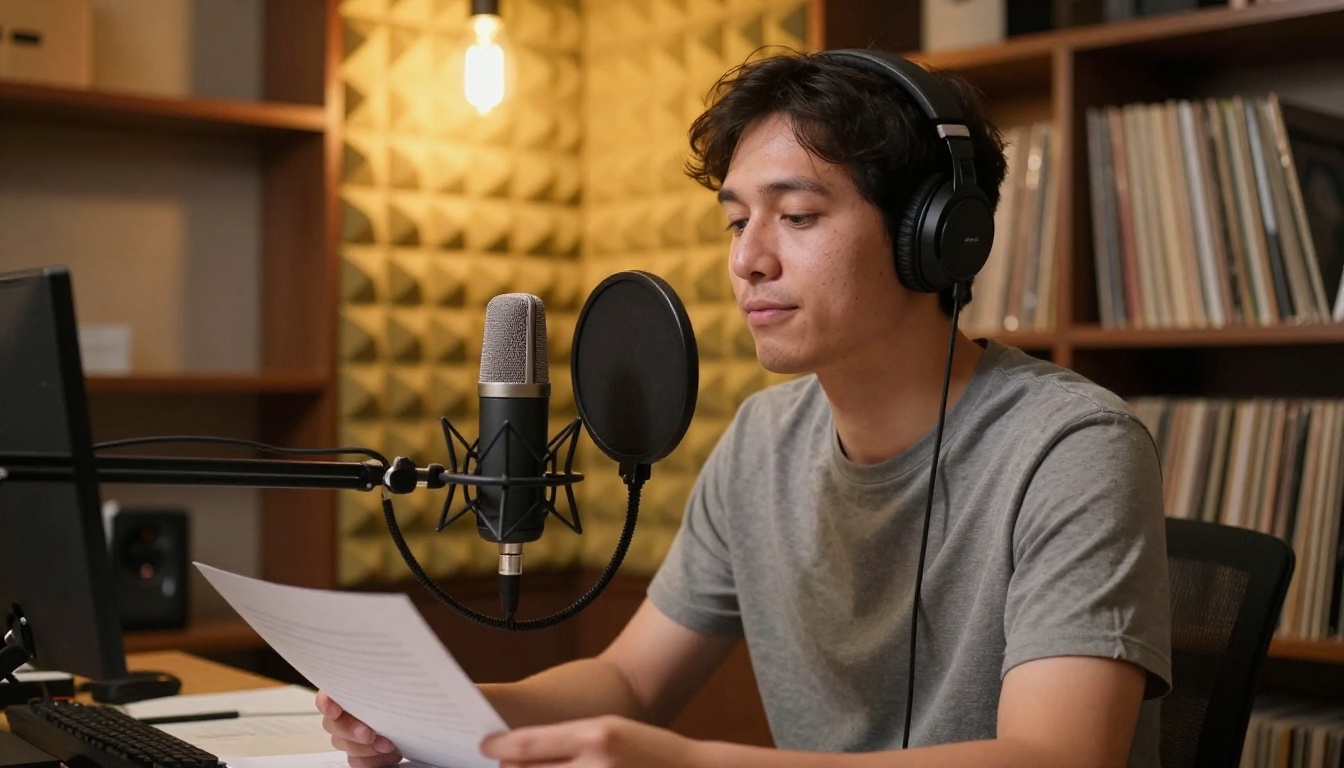
Start Creating Your Sound
Every tool in this article is available on PicassoIA without managing separate subscriptions or accounts. You can generate a background track with MiniMax Music 2.6, produce a narration in your own cloned voice with MiniMax Voice Cloning, and restyle a trending track with MiniMax's song restyling model all in the same session.
The music and voice for your next video don't need to come from a library or a recording session. They can come from a text prompt that describes exactly what your content sounds like at its best. Generate it, mix it, and ship a video that sounds like it has a real production budget behind it.
Try PicassoIA and build the audio identity your channel deserves.


