The race between Google's Veo 3.1 and OpenAI's Sora 2 Pro is not theoretical anymore. Both models have shipped, both are accessible through platforms like PicassoIA, and both have been pushed through a battery of real-world prompts with no filters, no cherry-picking, and no corporate spin. This article shows you what came back.
We ran twelve identical prompts across both models, covering human movement, environmental scenes, abstract motion, and cinematic storytelling. The results were sometimes jaw-dropping and sometimes embarrassing, which is exactly the kind of data creators need before committing to a workflow. If you have been waiting for an honest, side-by-side comparison that treats both models equally, this is it.
What These Tests Actually Measure
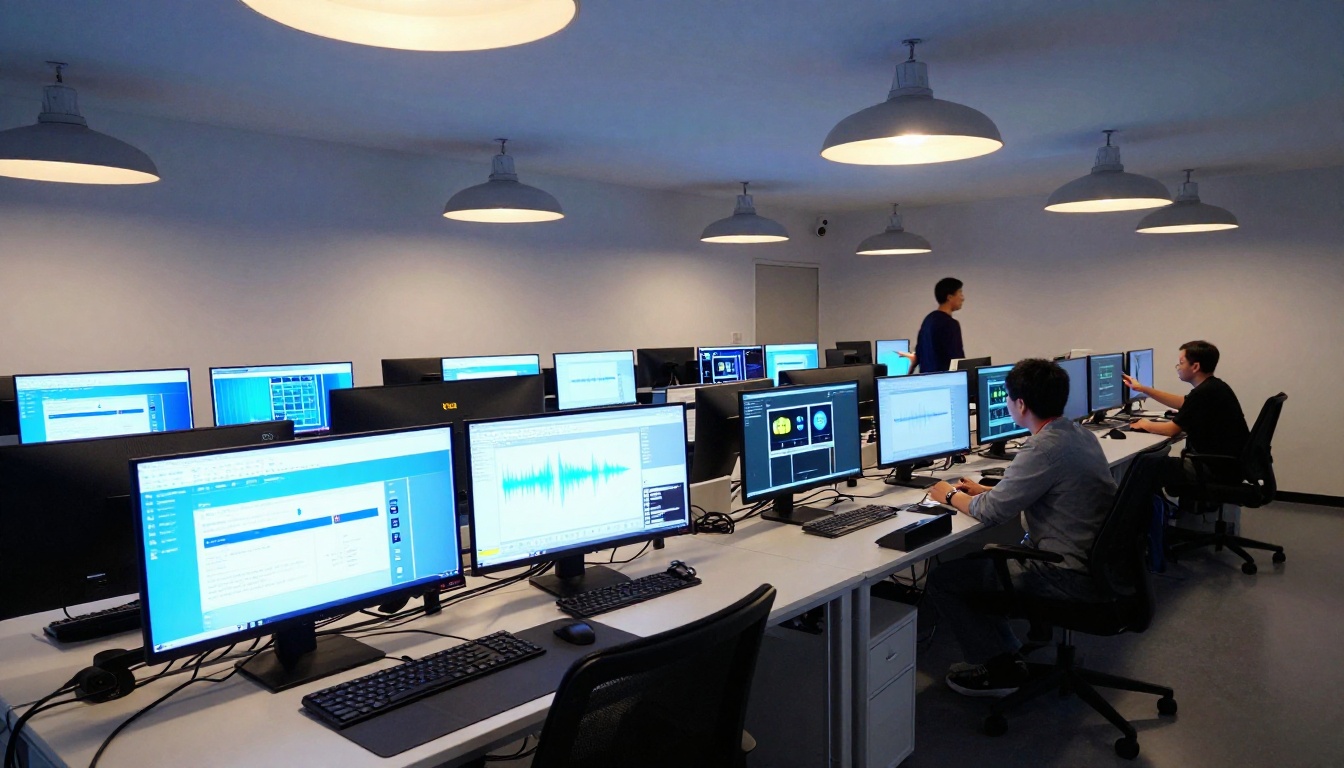
Before getting into the outputs, it matters to clarify what we are measuring and why it counts. AI video generation is not just about whether a clip looks pretty. Real-world usability breaks down into four pillars that determine whether footage is actually usable in production.
Prompt fidelity
Does the model do what you asked? If you write "a woman running through rain at night in slow motion," does the output match that description frame-for-frame, or does it drift into something vaguely adjacent? Prompt fidelity is the difference between a tool that works and one that requires constant regeneration to get close to the brief.
Temporal consistency
Do subjects stay physically coherent across the full clip? A face that morphs between frames, or a hand that gains and loses fingers, makes footage unusable regardless of initial visual quality. This is one of the hardest problems in AI video generation and the one where most models still show visible cracks.
Photorealism and motion quality
This is about whether movement looks physically plausible. Real humans have micro-jitter, weight shifts, and secondary motion in clothing and hair. Models that simulate these correctly produce video that passes at normal playback speed without triggering the uncanny valley response.
Generation speed
For production workflows, time is money. A model that takes eight minutes to produce a five-second clip versus one that delivers in ninety seconds represents a meaningful workflow difference when you are iterating on prompts across a project.
The 12 Test Prompts We Used
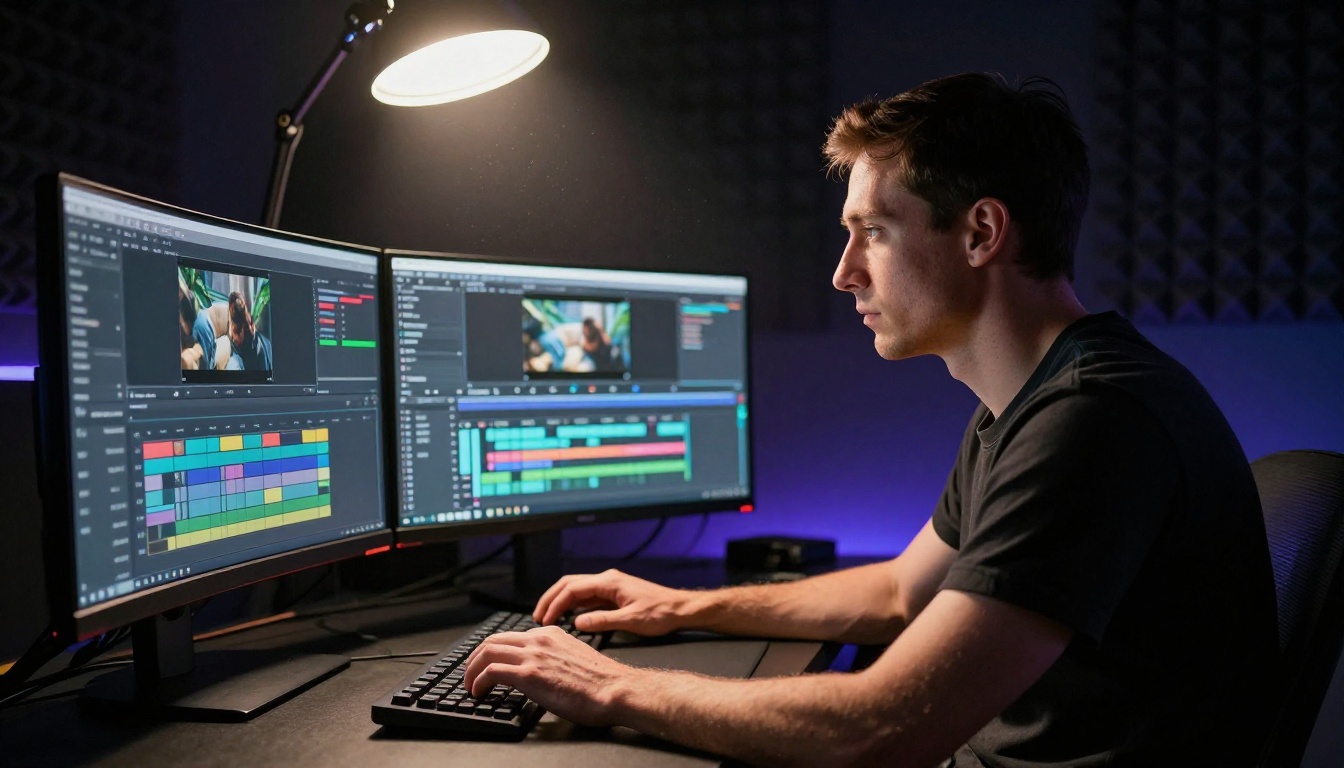
We designed prompts across four categories to stress different model capabilities. The same twelve prompts were submitted to both models without modification.
Category 1: Human Movement
- Slow-motion close-up of a woman's face reacting to rain
- A man sprinting across a wet city street at night
- Two people shaking hands in a sunlit office
Category 2: Nature and Environment
- Ocean waves crashing against a rocky cliff at sunset
- Autumn leaves falling in a park, wind visible in the trees
- Aerial shot of a mountain valley at dawn
Category 3: Abstract and Conceptual
- Ink dispersing in water, macro shot, black ink, white water
- A clock melting on a hot desert surface
- Colored smoke spiraling upward in a dark room
Category 4: Cinematic Drama
- A woman in a red dress standing at the edge of a rooftop at night, city lights below
- Two cars racing through an empty tunnel, practical lighting only
- A campfire crackling in a forest, no people, just the fire and trees
💡 Why these prompts? Human movement tests temporal consistency. Nature tests physics simulation. Abstract tests creative interpretation. Cinematic tests lighting, framing, and mood. Together they stress every dimension that matters for real content production.
Veo 3.1 Results: What It Actually Produced
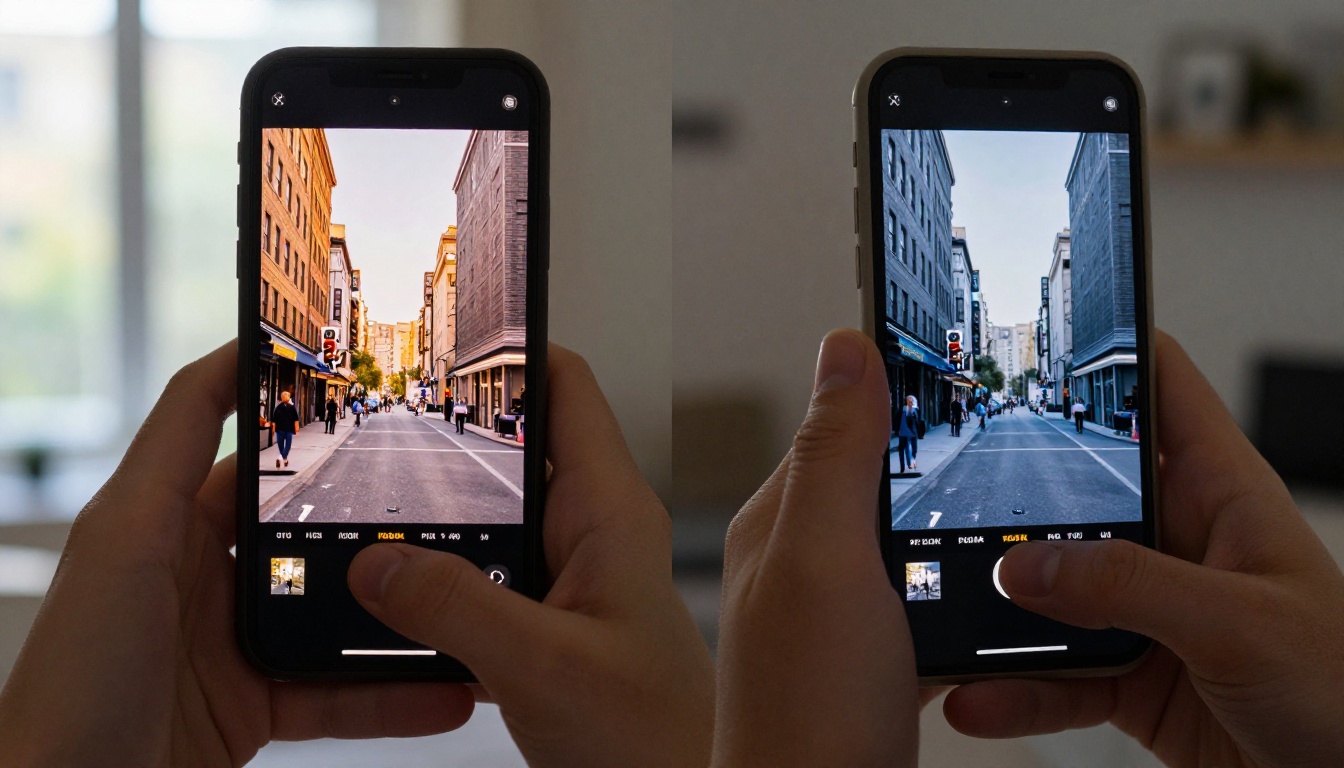
Veo 3.1 from Google represents a substantial improvement over Veo 3. The model delivers native 1080p output, stronger temporal coherence, and a noticeably improved understanding of physical cause-and-effect relationships between objects and environments.
Where Veo 3.1 excels
Human movement was where Veo 3.1 impressed most consistently. The woman's face reacting to rain was rendered with believable micro-expressions, water droplets interacting correctly with skin texture, and consistent facial identity across all frames. The man sprinting on a wet street showed realistic weight transfer, appropriate motion blur on his limbs, and reflections on the wet pavement that tracked correctly with the lighting source.
Nature scenes were similarly strong. Ocean waves had physically plausible foam mechanics, the wave crest curved and broke correctly at the cliff face, and the lighting on the rocks stayed consistent from frame to frame. Autumn leaves moved with genuine randomness rather than the looped simulation pattern that cheaper models often produce.
Generated audio was a major differentiator. Veo 3.1 produces synchronized native audio, not audio added in post-processing. Rain sounds matched the visual intensity of water hitting surfaces, the campfire crackle synced with visible flame movement, and the racing car engines had realistic stereo separation as vehicles moved through the tunnel frame. This is a capability that meaningfully changes the content production workflow.
Where Veo 3.1 falls short
Abstract conceptual prompts exposed a conservatism in the model. The "clock melting on a desert surface" was rendered literally and with limited visual imagination, missing the surrealist quality implied by the prompt. Ink dispersing in water was technically competent but lacked the truly chaotic fluid dynamics you see in real macro photography.
Generation time averaged around four minutes per five-second clip, which is workable but not fast for iterative work. The Veo 3.1 Fast variant cuts this significantly with a modest quality trade-off, and Veo 3.1 Lite offers an even quicker, lower-resolution option for concept validation before committing to a full render.
Sora 2 Pro Results: What It Actually Produced
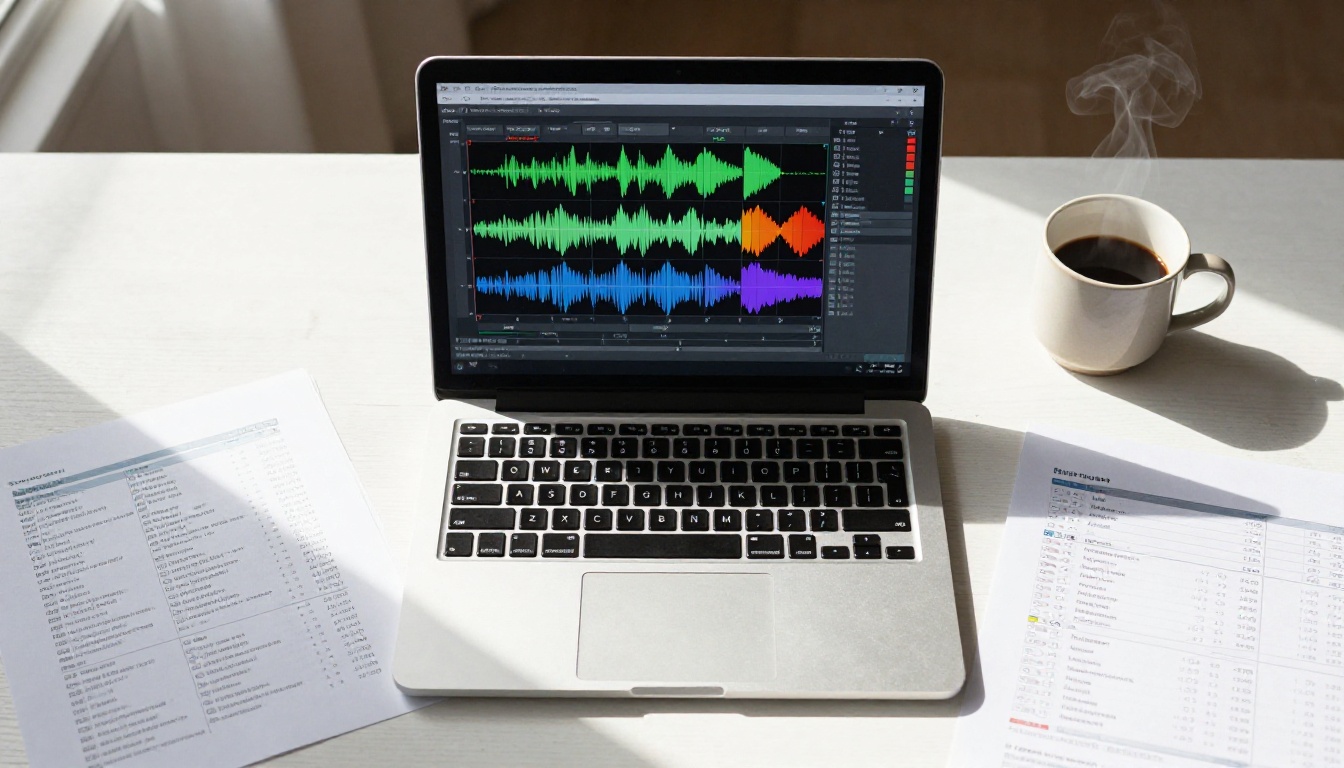
Sora 2 Pro brings OpenAI's world-simulation philosophy to video generation. Where Veo 3.1 tends toward technical precision, Sora 2 Pro leans into creative interpretation and cinematic scope. This distinction shapes every output in ways that are immediately visible.
Creative interpretation quality
Sora 2 Pro's output on the cinematic drama category was genuinely remarkable. The woman in a red dress on a rooftop at night had a mood and visual language that felt like a frame from a prestige production. The city lights below had lens flare, depth, and warm-to-cool color temperature separation. The framing felt intentionally compositional in a way that suggested the model understood the aesthetic intent behind the prompt, not just its literal content.
The campfire prompt yielded a result that went beyond the literal brief: a gentle fog layer drifted between the trees, and the exposure adjusted dynamically as the fire intensity changed in a natural breathing pattern. This kind of directorial embellishment is what separates Sora 2 Pro from models that simply execute prompts without interpretation.
Prompt adherence issues
The flip side of creative interpretation is drift. On two of the twelve prompts, Sora 2 Pro produced outputs that were visually strong but meaningfully different from what was asked. The "two people shaking hands in a sunlit office" prompt produced a scene that looked more like a tense negotiation in a dimly lit conference room, and the "aerial shot of a mountain valley at dawn" came back as mid-morning light with no visible dawn warmth.
For creators who need literal prompt execution over creative embellishment, this drift is a genuine obstacle that requires additional prompt engineering to manage.
Temporal consistency under pressure
Sora 2 Pro showed minor consistency issues on two of the twelve human movement prompts. The sprinting man's jacket sleeve changed texture partway through the clip, and the office handshake showed a brief hand geometry artifact around the two-second mark. These were subtle enough that they might pass casual viewing but would fail close inspection for commercial use cases where every frame gets scrutinized.
Head-to-Head Score Breakdown
After running all twelve prompts and scoring each output from 1 to 10 across four pillars, here are the aggregate results:
| Category | Veo 3.1 | Sora 2 Pro |
|---|
| Prompt Fidelity | 8.7 | 7.2 |
| Temporal Consistency | 8.9 | 7.8 |
| Photorealism | 8.4 | 8.6 |
| Creative Output | 7.1 | 9.2 |
| Generation Speed | 7.0 | 7.5 |
| Native Audio Sync | 9.1 | 8.3 |
| Overall Average | 8.2 | 8.1 |
The scores are remarkably close, which reflects the actual state of the top-tier AI video space: both models are genuinely excellent, and the differences are increasingly situational rather than categorical.
💡 The real answer to which is better: it depends on what you need from the output. Veo 3.1 for precision and audio accuracy. Sora 2 Pro for atmosphere and cinematic feeling.
The Audio Question
One factor deserves its own section: native synchronized audio. This is not a minor feature.
Veo 3.1 generates audio that is synchronized to the visual content at the generative level. When rain falls, you hear rain timed to visible water landing. When a car accelerates, the engine sound tracks the visual motion precisely. This matters enormously for social media content, where a clip without convincing audio immediately loses engagement compared to one that sounds immersive and real.
Sora 2 Pro also supports audio generation, though the synchronization was slightly less precise in our tests. The campfire audio drifted very slightly from the visual crackling on the longest clip, and ambient sounds on the nature prompts occasionally felt more like generic soundscapes than scene-responsive audio that actually reacted to what was happening on screen.
For creators who plan to add custom music or voiceover regardless, this distinction matters less. But for quick social media output where audio needs to work straight out of the generator, Veo 3.1 currently has the edge.
What Other Models Are Producing
These two models do not exist in a vacuum. The broader text-to-video space has produced strong alternatives worth knowing before you commit to any single model:
Seedance 2.5 from ByteDance offers up to 30-second clips with built-in audio and strong temporal coherence, making it a credible alternative for longer-form content that neither Veo 3.1 nor Sora 2 Pro covers at that duration.
Ray 3.2 from Luma AI brings cinematic HDR capabilities and strong motion quality, particularly on environmental and nature prompts where its dynamic range handling is noticeably better than average.
Kling v3 Video from Kwai produces compelling 1080p output with particularly good handling of human subjects and character motion, and Kling v2.6 offers a faster alternative with very similar quality on most prompt types.
Wan 2.7 T2V delivers 1080p text-to-video at high quality with a generation speed that suits rapid iteration workflows, making it a solid default for teams that need volume.
LTX 2.3 Pro from Lightricks pushes into 4K territory, making it a viable choice when resolution matters more than generation speed.
💡 All of these models are accessible through PicassoIA with no software installation needed. You can switch between them freely to find the right fit for each project.

Using Veo 3.1 and Sora 2 Pro
PicassoIA hosts both Veo 3.1 and Sora 2 Pro directly. Here is how to get the best outputs from each.
Running Veo 3.1 effectively
Write descriptive, literal prompts. Veo 3.1 rewards specificity. Include lighting direction, time of day, camera angle, subject behavior, and environmental details. "A woman with auburn hair walks through autumn leaves in a park at 5pm, warm side lighting from the left, slow panning camera" will outperform "a woman in a park" by a significant margin.
Use the speed variants for iteration. Veo 3.1 Fast is useful for testing prompt variations before committing to a full render. Veo 3.1 Lite is ideal for concept validation at minimal cost when you just need to see if a scene direction works.
Let the audio do its job. Do not plan to mute the output by default. Write prompts that account for what you want to hear, and the model will generate synchronized audio that serves the clip without additional effort.
Running Sora 2 Pro effectively
Use directorial language. Sora 2 Pro responds strongly to cinematic direction. Phrases like "film noir lighting," "golden hour," "shallow depth of field," "slow dolly-in," and "dramatic lens flare" produce results that lean into the model's strengths and produce output that feels genuinely cinematic.
Expect and account for creative additions. The model will embellish. If that is a problem for a specific brief, adding "exactly as described, no additional elements" to your prompt will make it more restrained without killing its quality.
Also try Sora 2. The non-Pro variant is faster and has a lower cost per generation, and on many prompt types the quality difference is not significant enough to justify the gap, especially for social content.

Which One Should You Use
Here is a direct breakdown by use case, based on the actual results from these tests:
Neither model is universally better. Professionals who work across different content types will likely end up using both, each for the category where it performs best.
💡 The strongest production approach: use Veo 3.1 as your primary generator for technically demanding clips where accuracy and audio sync matter, and reach for Sora 2 Pro when the brief calls for atmosphere and visual storytelling over precision.
Why This Space Moves So Fast
Both models received major updates this year alone. Veo 3.1 improved substantially over Veo 3, particularly in temporal coherence and audio synchronization, which were the two weakest areas in its predecessor. Sora 2 Pro pushed the creative ceiling higher than Sora 2 in ways that are immediately visible on cinematic prompts.
This rate of change means that any benchmark is a snapshot. The scores above reflect what both models produce as of September 2025. By the time you read this, there may be a Veo 3.2 or a new Sora variant that shifts the comparison in one direction or another.
The more durable insight is the methodology: run your own prompts, score them against the pillars that matter for your specific work, and update your tooling based on what you actually find in practice. No published benchmark, including this one, can fully substitute for testing against your own briefs.
Run Your Own Tests Now
The outputs in this article came from real prompts run through PicassoIA's platform. Every model referenced, including Veo 3.1, Sora 2 Pro, Seedance 2.5, Ray 3.2, Kling v3, Kling v2.6, Wan 2.7 T2V, and LTX 2.3 Pro, is available in one place without requiring separate accounts or API keys for each.
The best way to form your own informed opinion is to take the twelve prompts from this article, run them yourself, and score what comes back. Your content type and aesthetic preferences will weight the four pillars differently than our scoring did, which means your best model might be different from ours and that is exactly the point.
Access all models and start generating at picassoia.com/en/all-models.


