Virtual Try On API: Free, Google and Kling Options Compared
Google charges about six cents per try on image, Kling Kolors about seven, and the free models carry a non commercial license. See prices, quotas, photo rules and a hands on test so you can pick the right virtual try on API for your fashion store or app.
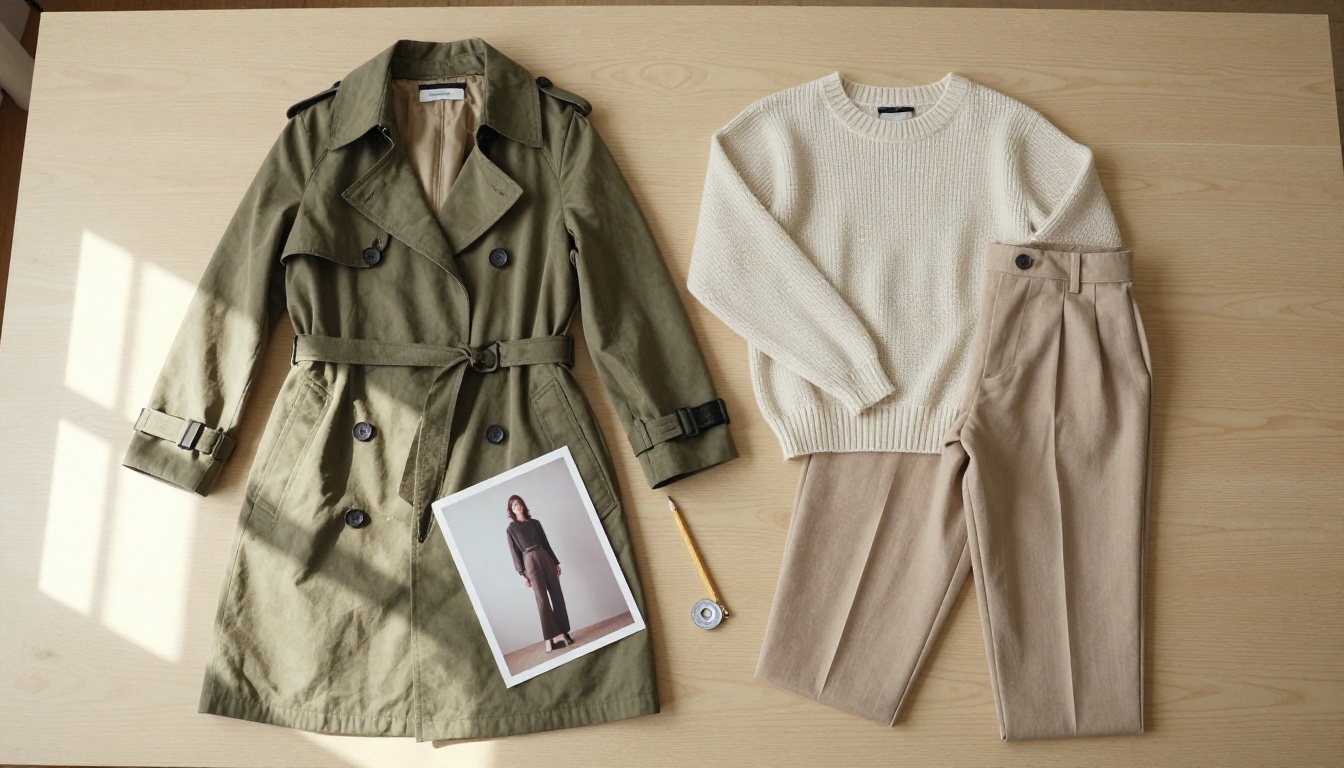
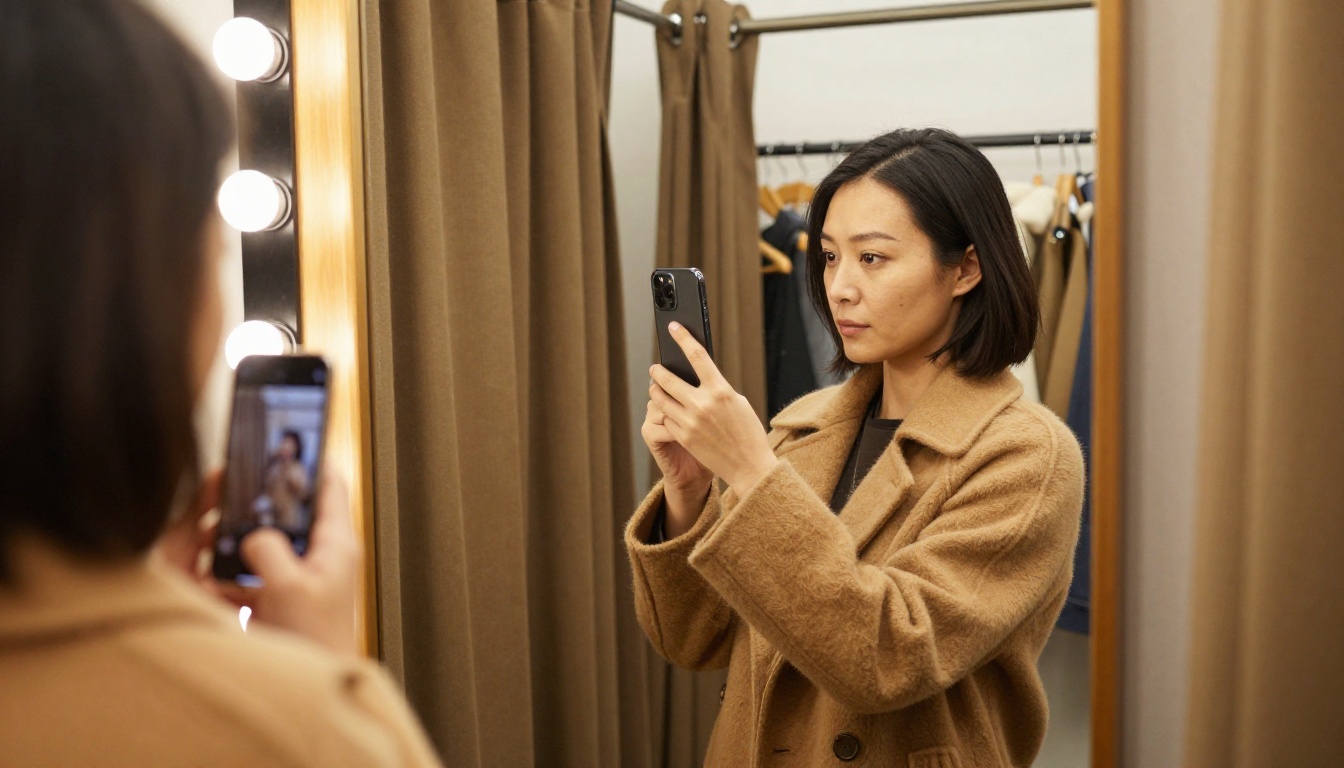
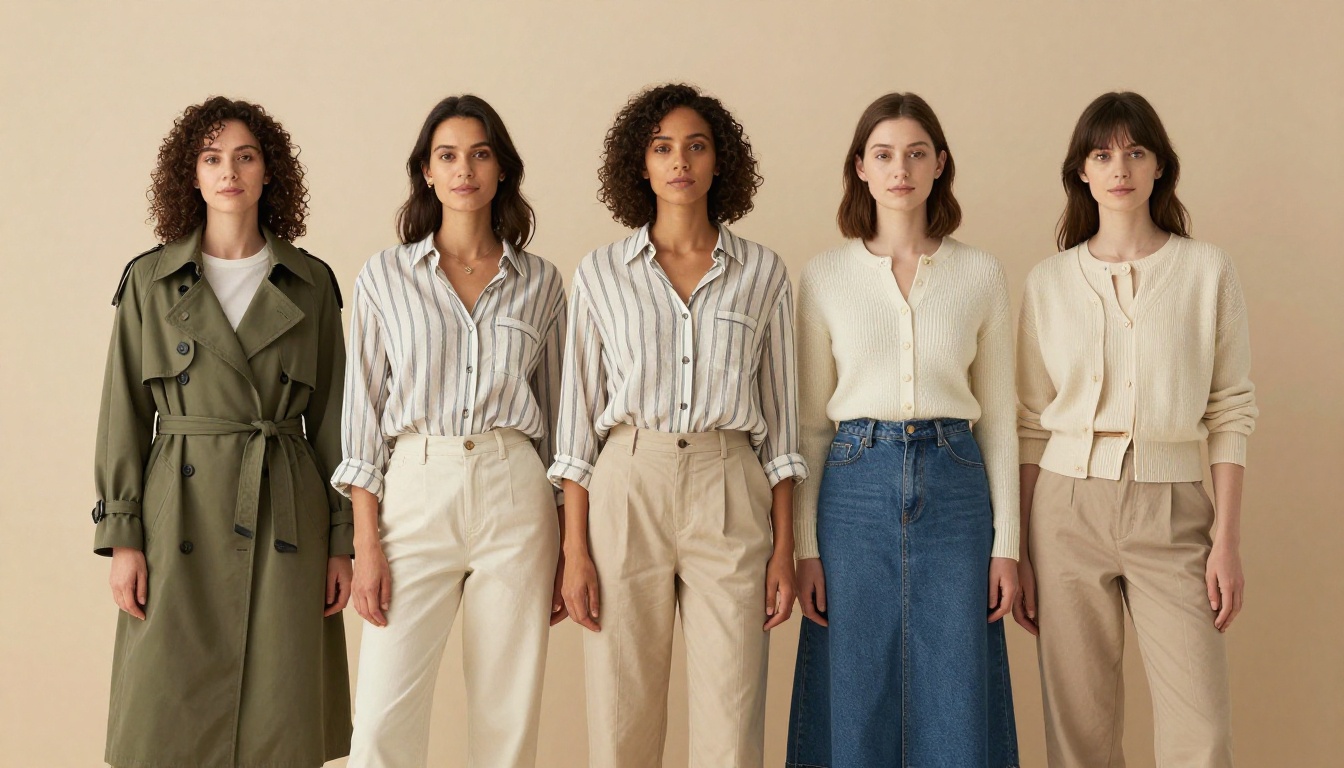
A shopper uploads one selfie, taps an olive trench coat and three seconds later sees themselves wearing it. Behind that tap sits a virtual try on API, and the one you pick sets your cost per image, your photo quality and how much engineering you sign up for. Three options come up in almost every search: Google's try on model on Vertex AI, Kling's Kolors try on, and the free open source models. This article puts them side by side with real prices, limits and license terms, then shows a quick way to test your own garment photos before you write a single line of integration code.
💡 Short answer: Google wins on documentation and enterprise controls. Kling wins on simple pricing and the jump from a try on photo to a video. The free route only wins if your project is non commercial or you already own the GPUs.
What a Try On API Actually Does
A try on API takes a photo of a person and a photo of a garment, then returns a new image of that same person wearing that garment. Face, pose and background stay put. Only the clothing changes. That sounds like a small trick, but it replaces a photoshoot per outfit, per size and per color with a single request that costs cents.
The Two Inputs Every Request Needs
Every provider in this comparison asks for the same pair of images, and the quality of both decides the result more than the model does:
Person image: a single person, full body or half body, simple pose, clear light, wearing clothing close to the type of garment you want to swap in.
Garment image: one item, ideally on a white or plain background, with the front fully visible and no heavy folds hiding the shape.
Optional extras: some models accept several garments at once, a text prompt to pick one piece out of a busy photo, or a reference pose.
Practical rule: if a human editor could not tell what the garment looks like from your photo, the API cannot either.
Why Retailers Care About Returns
Online fashion has a fit problem. Shoppers cannot see how a jacket drapes on a body like theirs, so they order two sizes, keep one and send the other back. Every return means shipping, inspection, refolding and sometimes a write off. A try on feature gives the shopper a believable preview, and a believable preview is cheaper than a returned parcel.
For small brands the angle is different. Shooting each product on three or four models is expensive, so try on turns one model photo into a whole catalog. That is why try on APIs keep showing up in e-commerce roadmaps, and why the choice between providers deserves more than a quick glance at a price list.
Google Virtual Try On on Vertex AI
Google's offering is a model called virtual-try-on-001, served through the Vertex AI REST API next to the Imagen family. It is the most formal option of the three: versioned, documented, quota based and tied to Google Cloud billing. If your company already runs on Google Cloud, procurement and access control are mostly solved before you write any code.
What the Model Accepts
According to Google's documentation, the contract looks like this:
Inputs: one person image and your product photos
Formats: PNG and JPEG, up to 10 MB per image
Output: up to 4 samples per request, at the aspect ratio and resolution of the input image
Safety: configurable safety settings, digital watermarking and C2PA Content Credentials compatibility
The output matching your input resolution is a quiet advantage. A 2000 pixel studio photo comes back as a 2000 pixel studio photo, so you may not need a separate upscaling step. Asking for several samples in one request also lets you show a shopper a few variations, or let your own team pick the best one before publishing.
Pricing, Limits and Lifespan
Google bills the model under Imagen pricing. Third party price trackers list about $0.06 per image, and the hosted reseller Pixazo lists $0.063, so budget a little over six cents per output and confirm the number on Google's pricing page before you forecast.
The documented quota is 50 regional online prediction requests per base model per minute. That is plenty for a store and tight for a social app with sudden spikes, so plan a queue and a retry policy from day one.
💡 Check the end date: the model page lists General Availability from January 20, 2026 and a discontinuation date of January 20, 2027. Read the current page before you build, and keep the provider behind a small adapter so that a successor model is a one file change.
Kling Kolors Virtual Try On
Kling's try on comes from the Kolors line and is available through Kling's own platform and through resellers such as fal. The version most developers test is Kolors Virtual Try On v1.5, which uses diffusion based inpainting and works best with front facing model photos and clean garment shots.
How a Request Looks
On fal the endpoint is fal-ai/kling/v1-5/kolors-virtual-try-on. You send two image URLs and get one image back:
An optional sync_mode flag returns the image directly in the response. Without it the job is queued and you collect the result later. The example output on the listing is a single PNG at 768 by 1024 pixels, which is fine for a product page thumbnail and small for a hero banner.
Price and Photo Rules
Price: $0.07 per generation on fal
Speed: Kling's own page quotes 10 to 13 seconds per result
Aspect ratios: 1:1, 4:3, 3:4, 3:2 and 2:3
Garments: tops, bottoms, dresses and full outfits, though product images showing bottoms only are not recommended
Weak spot: small text and logos can drift, especially when the garment fills little of the frame
That last point matters for brands. If your hoodie carries a small embroidered logo, test it before you promise shoppers an exact preview.
From Try On Photo to Video
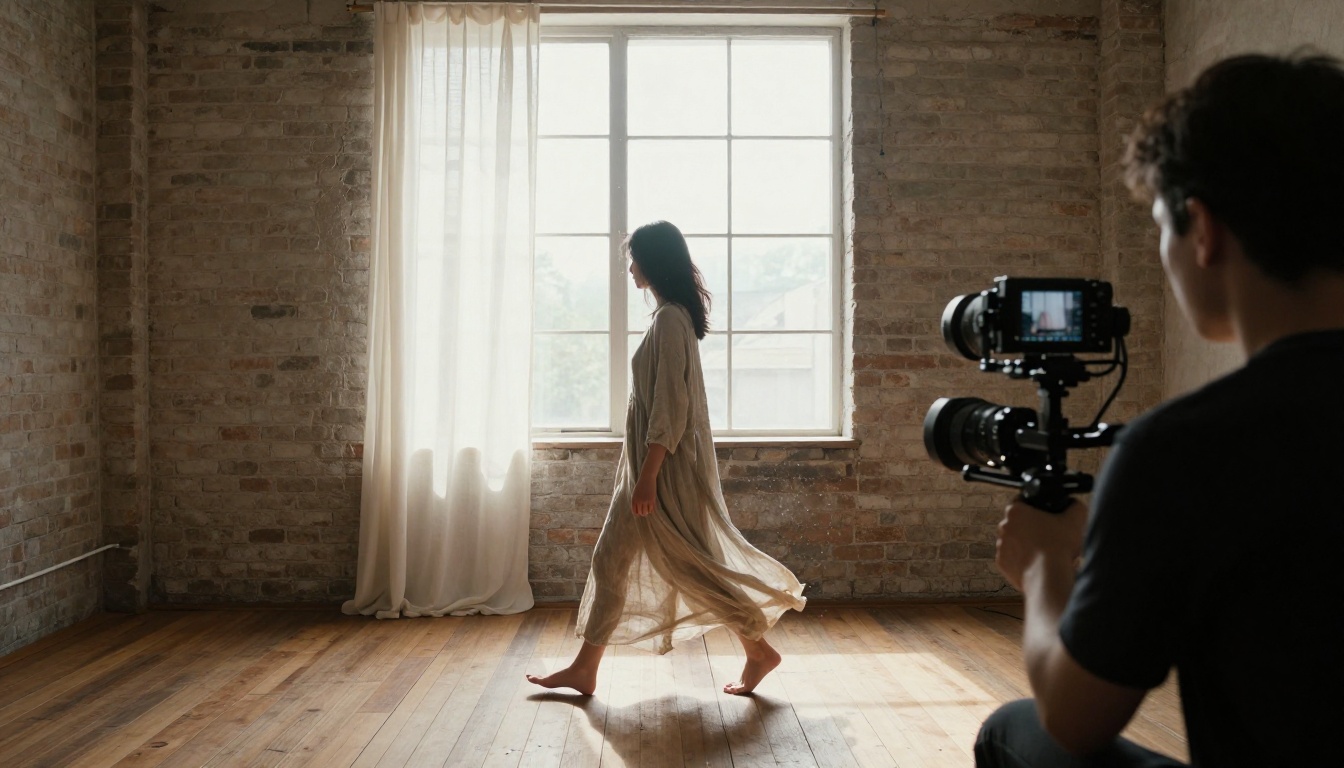
Kling's platform lets you feed a try on result into its image to video model, which turns a still outfit preview into a short clip. You can reproduce that flow on PicassoIA by taking any finished try on image into Kling v3 Video or Kling v2.6 and describing the motion: a slow turn, a walk toward a window, fabric moving in a light breeze.
Short clips like that suit product pages and social ads far better than another static shot, and they cost a fraction of a real shoot.
Free Options That Actually Work
"Free" has two meanings in this market: free to download and free to run. The open source models are the first and rarely the second.
IDM-VTON and Its License
IDM-VTON is the research implementation behind the paper "Improving Diffusion Models for Authentic Virtual Try-on in the Wild". It ships with a local Gradio demo, inference scripts for the VITON-HD and DressCode datasets, and a public Hugging Face demo for browser testing.
The detail that trips teams up is the license: CC BY-NC-SA 4.0, which prohibits commercial use. That is fine for research, a class project or a personal prototype. It is not fine for a paid store feature. The Kolors family is also published on GitHub and Hugging Face, so read the license of the exact checkpoint you plan to ship.
Hosted Demos Versus Self Hosting
Hosted demos: zero setup, shared queues, no uptime promise and no service agreement. Good for testing garment photos and checking whether the idea survives contact with your catalog.
Self hosting: you rent or own a GPU and handle queueing, retries, storage and model updates. The weights cost nothing, but engineer hours and GPU time do.
💡 A paid API at roughly seven cents per image usually stays cheaper than a self hosted pipeline until a dedicated GPU is busy most of the day. Run that math with your own volumes before you commit.
Side by Side Comparison
The table below only lists numbers that appear in the providers' own documentation or in public price listings. Where a figure is not published, it says so.
Factor
Google virtual-try-on-001
Kling Kolors v1.5
IDM-VTON
Cost per image
About $0.06
$0.07 on fal
$0 license, you pay for GPU time
Commercial use
Yes, as a paid cloud service
Yes, as a paid API
No, CC BY-NC-SA 4.0
Inputs
Person image plus product photos
Person image plus one garment
Person image plus one garment
Output
Up to 4 samples, input resolution
One PNG, example 768 by 1024
Depends on your setup
Speed
Not published in the docs
10 to 13 seconds per Kling
Depends on your GPU
Limits
50 requests per minute per region, 10 MB per image
Not stated on the fal listing
Your hardware
Lifespan
Discontinuation date January 20, 2027
Not stated
You control it
Video follow up
Separate model needed
Kling image to video
Separate model needed
Which One for Which Project
Online store with steady traffic: Google, for quotas, watermarking and Cloud billing you may already use.
Startup MVP or social app: Kling Kolors, for a flat price and a short path to video.
Research, class work or hobby: IDM-VTON, as long as you respect the non commercial license.
Real time shopping flows: look at streaming options such as Decart's Lucy 2.1 VTON Realtime, listed on fal at $0.02 per second of streaming.
Other still image names to test: FASHN v1.6 with its 864 by 1296 output, Leffa, CAT-VTON and Bria's try on, all shown on fal's try on page.
Run P Image Try On on PicassoIA
Before you write integration code, test your garment photos where iteration is cheap. PicassoIA hosts P Image Try On, a clothing swap model that keeps the original face, pose and body shape. It accepts up to six garment images in one run (up to eleven are supported) and returns the result at your original resolution.
💡 At the time of writing, PicassoIA's developer API follows a Replicate style predictions flow but exposes four models, and P Image Try On is not one of them. Use the web interface for testing, and Google or Kling when you need a production API call.
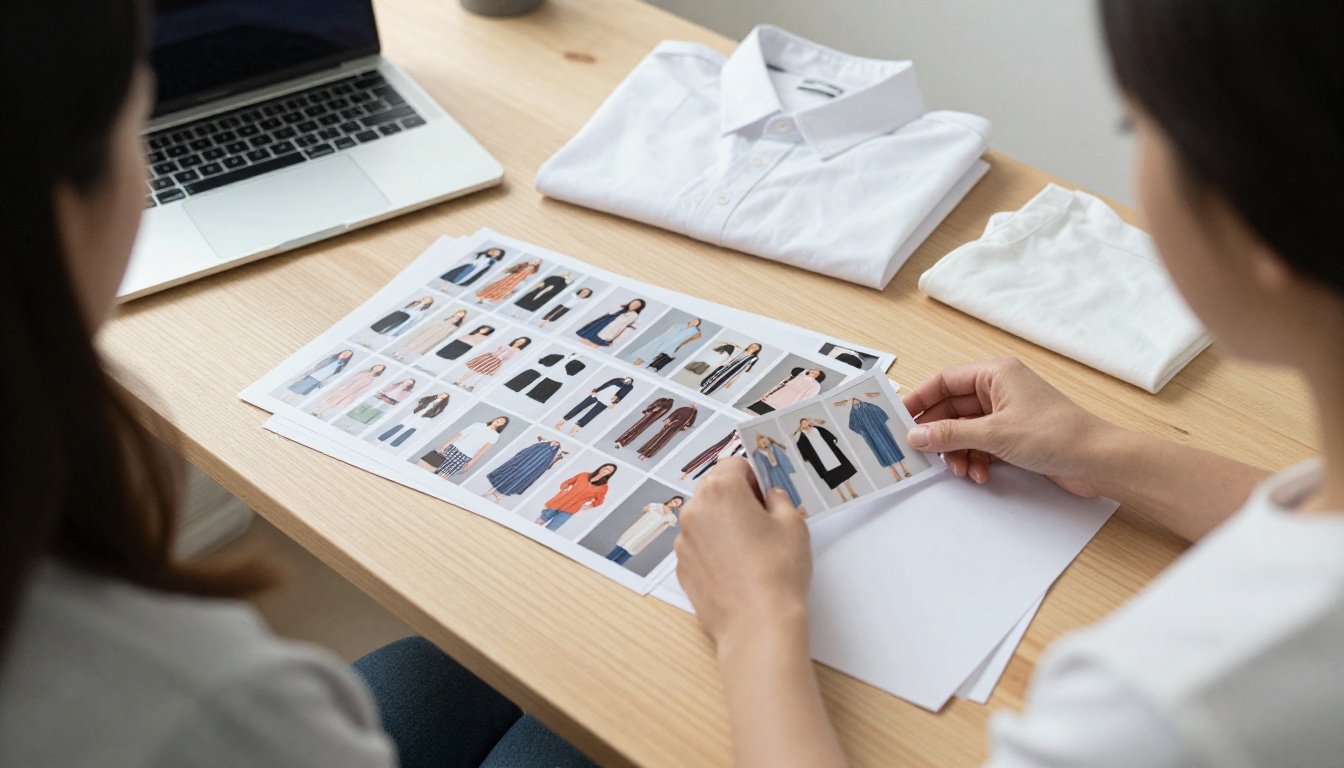
Step 1: Pick Clean Photos
Choose one person photo with simple posture, even light and a plain background.
Gather one photo per garment, flat or on a hanger, with the whole piece visible.
Keep the person's current clothing similar in shape to the new garment, so the model has less to repaint.
Step 2: Set the Parameters
The model page lists these inputs:
Person image and garment images: the two required fields
Turbo: faster processing, not recommended for more than four garments
Prompt: experimental, useful for picking one piece from a photo with several items, such as "the green t-shirt from image 1"
Reference pose: experimental, repositions the person before the garments are applied, and might fail for some seeds
Output format and quality: JPG, WebP or PNG, with quality from 0 to 100 (default 95)
Preserve input size: on by default, so the result keeps your original dimensions
Step 3: Check Fit and Fabric
Zoom in on seams, hems, collars and any print. Run the same pair again with a different seed if a sleeve looks off. The example runs on the model page mostly finished in under 15 seconds, but a few took several minutes, so any production design should include a timeout and a retry.
For one off outfit changes where you only have a single reference, prompt based editors such as Image Editor Pro or Nano Banana Pro can edit a photo from a text instruction. Dedicated try on models take garment images as direct input, so they are the safer starting point for a catalog.
Mistakes That Ruin Try On Results
Most disappointing outputs trace back to the inputs, not the model. Two habits cause the majority of the damage.
Weak Source Photos
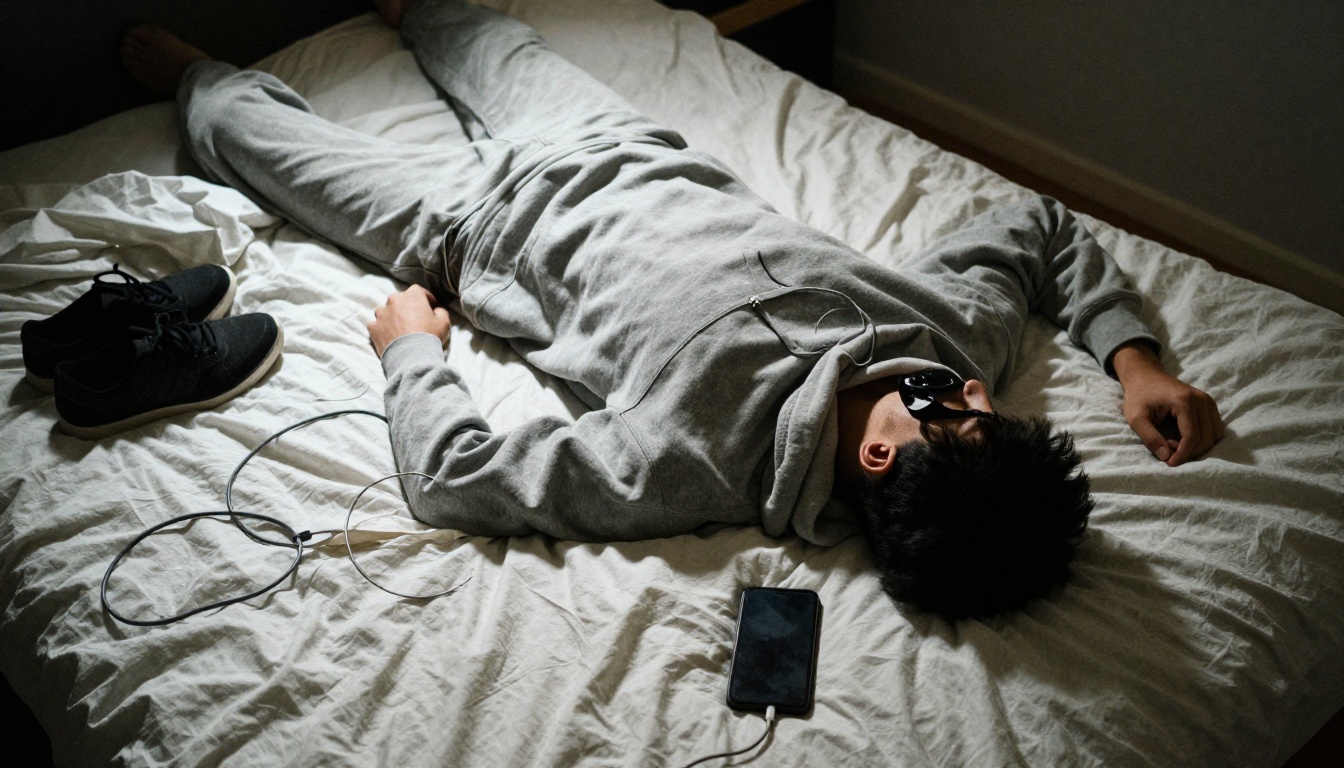
A wrinkled hoodie on a messy bed under a harsh lamp gives the model uneven shadows and a distorted shape to copy. Provider documentation says the same thing in different words: single item, clear details, simple background, simple pose. Spend ten minutes on lighting and steaming before you spend money on generations.
Skipping Consent and Privacy
A shopper's selfie is personal data, and a photo of a real model is a person who agreed to a specific use. Get permission, say how long you keep uploads, delete them when the session ends if you can, and label generated previews as previews. Check the rules that apply in your market, because they differ. Google's output supports watermarking and Content Credentials, which makes labeling easier.
Start Dressing Your Own Models
You now have the numbers: about six cents per image on Google, seven cents on Kling through fal, and a free license that stops at the commercial line. The fastest way to find out which result looks right for your catalog is to run your own photos through them.
Open P Image Try On on Picasso IA, upload one model photo and three garments, and compare the output with what your shoppers expect to see. Then take the best result into Kling v3 Video and watch the outfit move. Experiment with different poses, lighting and garment photos, and keep the setups that work. Your first test costs a few minutes, and it will tell you more than any comparison table.