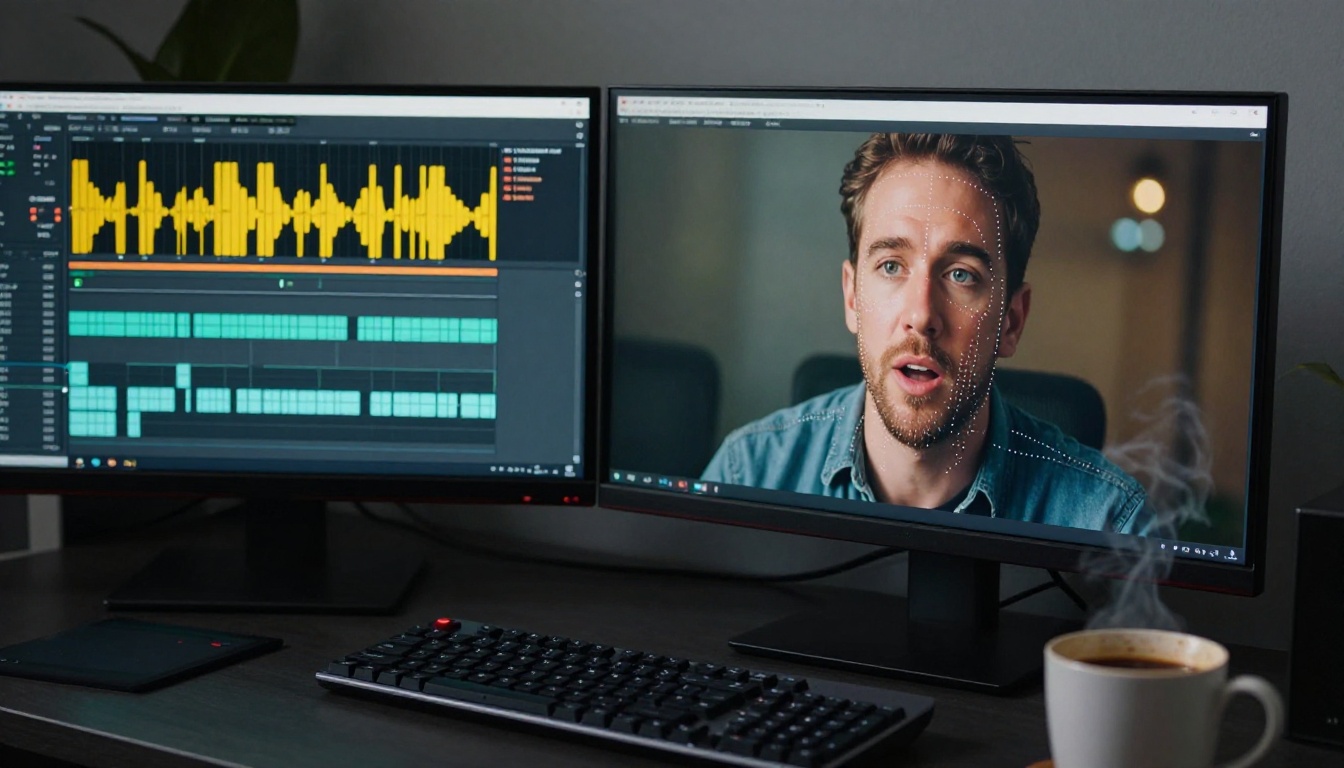
Lipsync used to require a professional dubbing studio, hours of re-recording, and a skilled sound engineer to match audio to mouth movement frame by frame. In 2027, that entire process fits in a browser tab. AI lipsync tools can now take an audio file, a video, or even a still photograph, and produce a synchronized talking video in seconds. No lip-reading specialists, no ADR sessions, just a file upload and an output you can actually use.
The catch? Most well-known platforms bury the good stuff behind subscriptions. This article cuts through that and focuses on the models that genuinely work, specifically the ones you can access without handing over a credit card on day one. All of these are available on PicassoIA, which consolidates 12+ lipsync models in one place so you're not juggling accounts across six platforms for a single workflow.
What AI Lipsync Actually Does
Before picking a tool, it helps to know what you're actually asking it to do. "Lipsync" describes several distinct technical tasks that different models handle in different ways.
Audio syncing to existing video
The most common use case: you have a video of someone speaking, and you want to replace or overdub the audio without re-recording the footage. The AI analyzes the new audio track, predicts the correct mouth shapes (phoneme mapping), and warps the mouth region of the video frame by frame to match. The best models in 2027 do this without visible artifacts at the jaw line, without smearing lip texture, and without affecting the rest of the face.
Animating a static photo
You give the model a single portrait photo plus an audio file, and it generates a short video of that face speaking the words. The challenge is realism: cheaper models produce the "puppet mouth" effect where only the lips move. Top-tier models animate the jaw, neck, head micro-movements, and even blink naturally in response to speech rhythm.
Video dubbing and translation
You upload a video in English, and the model returns a dubbed version in Spanish, French, Japanese, or 150+ other languages, with mouth movements re-synced to match the translated audio. This is the most complex pipeline, and it shows: quality varies significantly between providers.

The Best Free Lipsync Models Right Now
These are the models you can run directly on PicassoIA, no paid subscription required to start testing.
Sync React 1
React 1 from Sync Labs is built specifically for adding realistic lipsync to pre-existing video footage. It takes any video with a visible face and an audio file, then re-renders the mouth region to match the audio. The output quality is strong enough for social content and explainer videos. What sets React 1 apart from most competitors is its handling of profile angles and partial face visibility, scenarios where many other models produce visible glitches.
Best for: Overdubbing existing talking-head footage where you want to swap the audio track and keep the video otherwise unchanged.
Lipsync 2 and Lipsync 2 Pro
Lipsync 2 is the workhorse of Sync Labs' lineup. Solid, fast, handles a wide variety of input video quality levels including compressed phone footage. Lipsync 2 Pro adds a precision refinement pass on the lip region to eliminate micro-jitter artifacts that appear in fast consonant sequences. If your use case involves professional-quality output for client presentations or marketing, Pro is the right choice.
💡 Tip: For cleaner output with Lipsync 2 Pro, upload audio at 44.1kHz WAV rather than compressed MP3. The model processes phoneme timing from the raw waveform, and compressed audio introduces timing errors at consonant bursts.
Kling Lip Sync
Kling Lip Sync from KwaiVGI is one of the strongest performers for natural-looking mouth animation on video content. Its strength is handling videos where the face isn't fully frontal: slight turns, nodding, or talking while walking. Many tools degrade badly when the face isn't perfectly centered, but Kling maintains consistent output quality through moderate head movement. It's particularly well-suited for influencer-style content and interview footage.
PixVerse Lipsync
PixVerse Lipsync takes a different approach from the Sync Labs models. Where Sync focuses on surgical accuracy in the lip region, PixVerse runs a broader face-aware render that subtly adjusts cheek tension, chin position, and neck posture in addition to the mouth. The result is more holistic and natural for close-up footage, though processing time is slightly longer.
Comparison: Audio-to-Video Lipsync Models
| Model | Best angle | Speed | Strength |
|---|
| React 1 | Frontal and profile | Fast | Profile handling |
| Lipsync 2 | Frontal | Fast | Compressed input tolerance |
| Lipsync 2 Pro | Frontal | Medium | Precision refinement pass |
| Kling Lip Sync | Any angle, with movement | Medium | Head motion tolerance |
| PixVerse Lipsync | Frontal and close-up | Slower | Full-face realism |
HeyGen Lipsync Speed and Precision
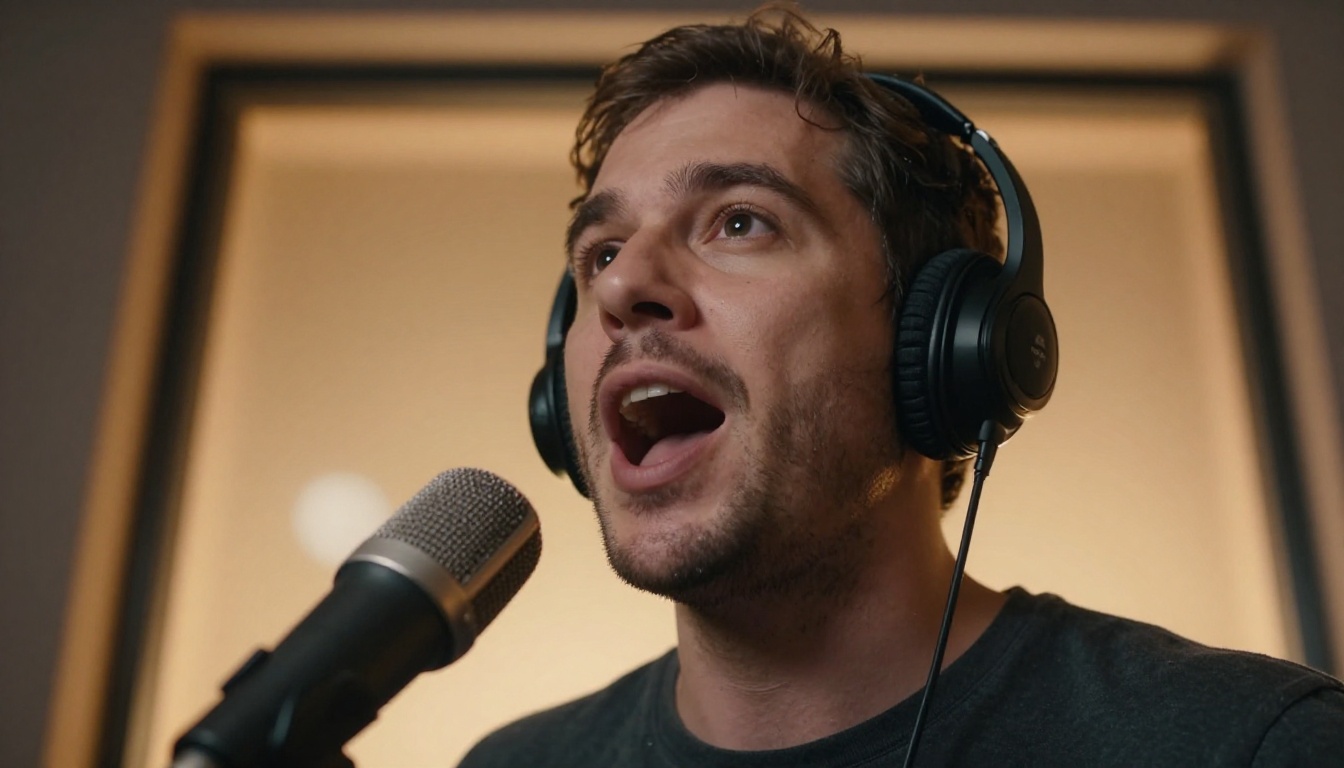
HeyGen offers two distinct lipsync models on PicassoIA, each optimized for a different trade-off. Lipsync Speed processes videos in seconds, making it ideal for rapid iteration when you're testing multiple audio takes. Lipsync Precision takes longer but produces broadcast-grade synchronization accuracy with finer phoneme-to-viseme mapping.
For most creative workflows, starting with Speed for a draft pass and then running Precision on the final approved take is the most efficient approach. The speed difference between the two makes drafting affordable, and the quality difference on the final output is consistently worth the extra processing time.
Make a Photo Talk
This capability is often underestimated. If you don't have a video to work with, these models start from a single photograph and produce a realistic speaking video from it.
Omni Human 1.5
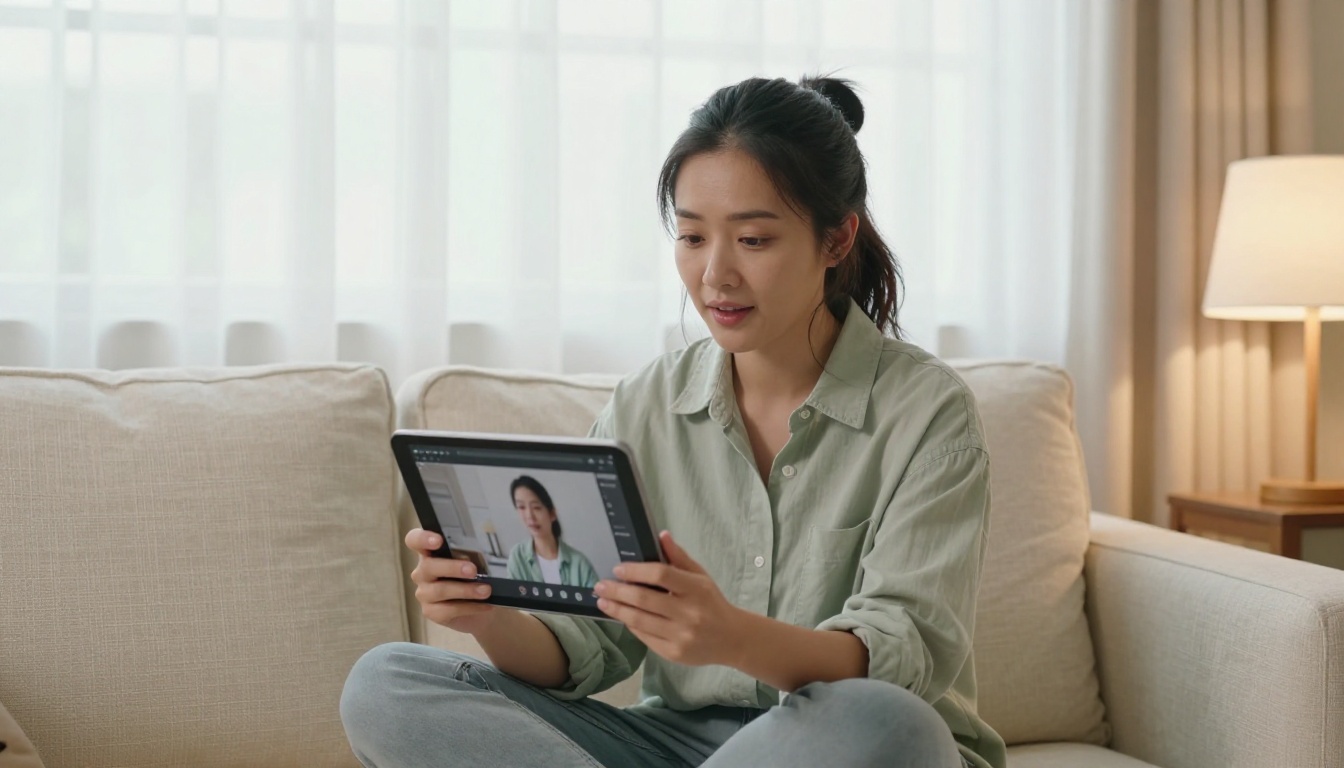
Omni Human 1.5 from ByteDance is the most capable photo-animation lipsync model available on PicassoIA in 2027. Where earlier photo-animation tools produced stiff, mechanical outputs, Omni Human 1.5 generates natural head micro-movements, eye blinks synchronized to speech pauses, and subtle shoulder shifts that make the result feel like real footage rather than a manipulated image. Upload a single clear portrait, provide an audio file, and it returns a video.
The earlier Omni Human remains available for faster, lighter tasks where full realism isn't the priority. If you need a quick draft to check timing before committing to the full 1.5 processing run, the original is the faster choice.
What makes it different: The model was trained on a dataset that explicitly included non-frontal, partial-occlusion portraits, so it handles sunglasses, hats, beards, and non-standard lighting far better than competing models.
💡 Tip: For the most realistic output with Omni Human 1.5, use a portrait photo with soft, even lighting and a clean background. The model allocates more of its processing budget to face animation when the background is simple, which shows in the final output.
P Video Avatar
P Video Avatar from PrunaAI creates full talking-avatar videos from a single photo. Its focus is on consistent avatar identity across longer audio segments: if you pass it a 90-second audio clip, the avatar maintains consistent appearance throughout, without the drift artifacts that accumulate in other models over long clips. This makes it the right choice for longer-form content like product tutorials, onboarding videos, and spokesperson segments where the video runs beyond 30 seconds.
Fabric 1.0
Fabric 1.0 from VEED is optimized for social-media format output, specifically short clips in square and vertical ratios. It has pre-set profiles for Instagram and TikTok that optimize avatar framing automatically, making it the fastest path from a photo to a platform-ready spokesperson clip. If you're running a brand account that needs a consistent face but doesn't want to appear on camera, Fabric 1.0 handles the production side cleanly.
Dub Videos in 150+ Languages
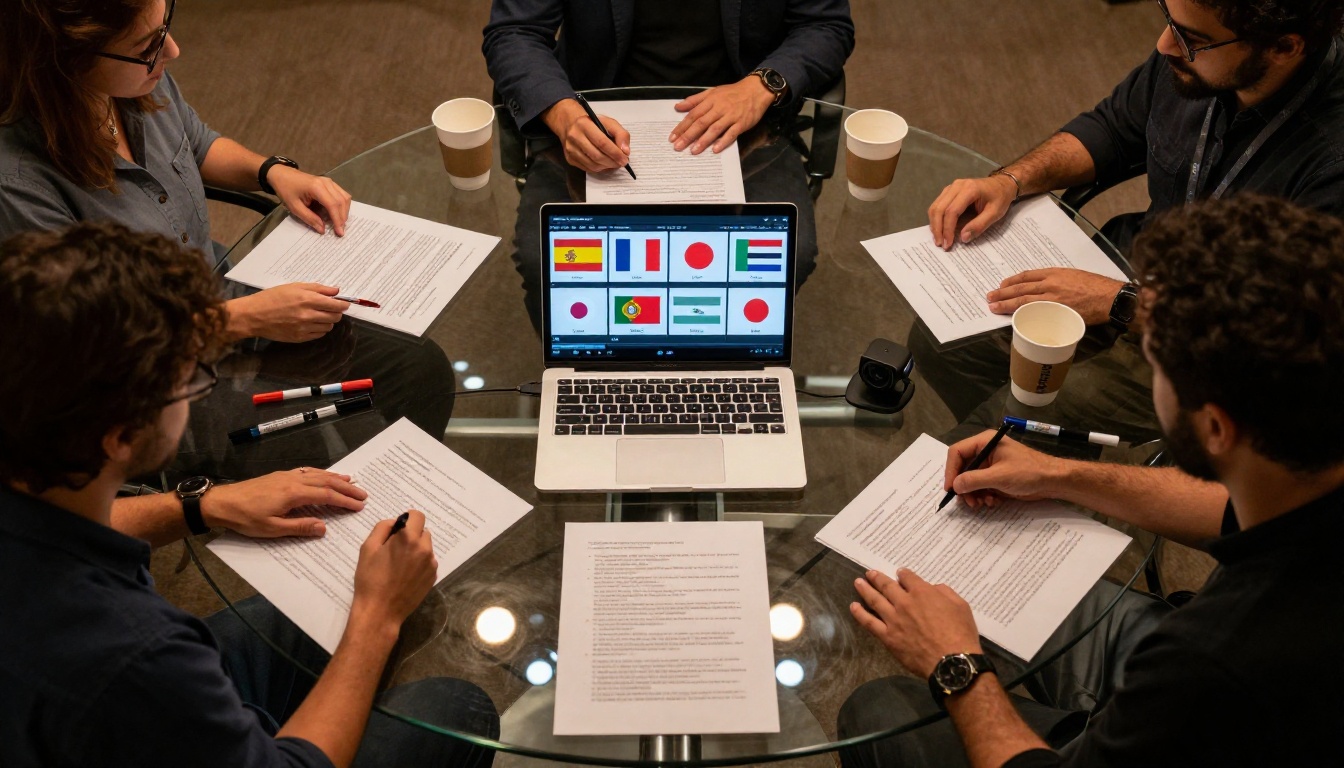
Translation dubbing is where lipsync gets genuinely impressive in 2027. You upload an English video and get back a fully dubbed, lip-synced version in another language. The automated pipeline behind it handles transcription, translation, voice synthesis, and lipsync in sequence.
HeyGen Video Translate
Video Translate from HeyGen is the most widely used dubbing pipeline available. It supports 150+ languages, preserves the original speaker's voice characteristics in the translated version using voice cloning, and runs lipsync on the output automatically. The free tier includes enough credits to test the full pipeline on short clips, which is enough to evaluate whether the quality meets your needs before committing to anything.
One genuinely useful feature: Video Translate detects when a clip has multiple speakers and handles each voice separately, so you don't end up with a single cloned voice narrating what was originally a two-person conversation. Most competing tools don't handle this at all.
ElevenLabs Dubbing
ElevenLabs Dubbing is built on one of the strongest voice-synthesis engines available, which shows in the dubbing output. The translated voice quality is notably higher than most competitors, especially for tonal languages and languages with complex phonology like Arabic or Mandarin. The lipsync pass on the dubbed video is handled automatically after voice generation.
💡 Tip: When dubbing content where the speaker's voice identity matters, such as a CEO message or a personal brand video, ElevenLabs Dubbing performs best. Its voice-cloning component maintains recognizable vocal fingerprints through the translation, so the dubbed version sounds like the same person rather than a generic AI voice.
Dubbing Models at a Glance
Pair Lipsync with AI Voice
Lipsync is only as good as the audio you feed it. If you're starting from text rather than recorded audio, you need a text-to-speech model first. The voice quality at this step matters more than most people realize: robotic TTS input produces robotic lipsync output, regardless of how sophisticated the lipsync model is.
MiniMax Speech 2.8 HD
Speech 2.8 HD from MiniMax produces studio-quality voiceovers with natural prosody that pairs extremely well with lipsync models. The reason it works so cleanly as lipsync input is its natural pacing: the pauses it generates between clauses match human speech rhythm, giving the lipsync model the correct timing cues to produce natural-looking mouth movements.
For a faster version with slightly reduced quality, Speech 2.8 Turbo still produces clean, usable lipsync input. Use it for draft passes and switch to HD for final output.
ElevenLabs V3
ElevenLabs V3 is particularly strong for expressive content where the voice needs to convey emotion rather than just deliver information. Training videos, product demos, and brand content where flat narration feels off benefit from V3's emotional range. Feeding V3 output into Lipsync 2 Pro produces some of the most convincing AI-generated spokesperson videos currently achievable.
Other voice options worth noting
- Qwen3 TTS: strong voice cloning from a short reference clip, useful for maintaining a consistent voice identity across many video pieces
- Resemble AI Chatterbox: explicit emotion parameters for happiness, sadness, and urgency in the generated voice
- Google Gemini 3.1 Flash TTS: 30 voice options across 70+ languages, a strong starting point when the target lipsync content will be dubbed into another language
Using Lipsync 2 Pro on PicassoIA
Lipsync 2 Pro is one of the most reliable models for clean, artifact-free lip sync on professional footage. Here's how to run it effectively.
Step 1: Prepare your video
Upload a video where the face is clearly visible in a reasonably consistent position. Avoid footage with hard cuts between shots: the model processes the clip as a single unit, and cuts disrupt the temporal alignment. Clips of 10 to 60 seconds work best.
Step 2: Prepare your audio
Export or record your audio as a 44.1kHz WAV file. If you're generating speech with a TTS model, download the WAV output before uploading to Lipsync 2 Pro. The model accepts MP3, but WAV gives the phoneme-detection algorithm cleaner timing markers.
Step 3: Run the model
Open Lipsync 2 Pro on PicassoIA. Upload your video and audio file. Leave the default settings for your first run: the automatic mouth region detection handles most portrait configurations without manual tuning.
Step 4: Review the output
The model returns an MP4 download. Scrub through the video at points where consonant-heavy words appear. The "p," "b," and "m" sounds are the hardest to sync correctly. If you see misalignment in those frames, rerun with slightly slower TTS output, which gives the phoneme-mapper more frames per sound event.
Step 5: Iterate
For client-facing output, run the video through React 1 as a second pass if any sections feel slightly mechanical. React 1's profile-handling often smooths out jawline artifacts that Pro occasionally leaves in three-quarter angle footage.
💡 Pro tip: If you're generating content for a brand that needs consistent spokesperson identity across many videos, P Video Avatar with a locked reference photo maintains consistent avatar appearance across long sessions better than any other model currently on the platform.
Try It Yourself
Lipsync in 2027 isn't a novelty, it's a production tool. Content teams use it to localize video content into 10 languages in the time it used to take to schedule one dubbing session. Educators create personalized explainer videos from a single recorded take. Small businesses produce professional spokesperson videos without hiring on-camera talent.
The quality bar has risen high enough that audiences often can't distinguish between dubbed and native-language production. That gap closing is what makes this generation of AI lipsync tools worth paying attention to, even at no cost.
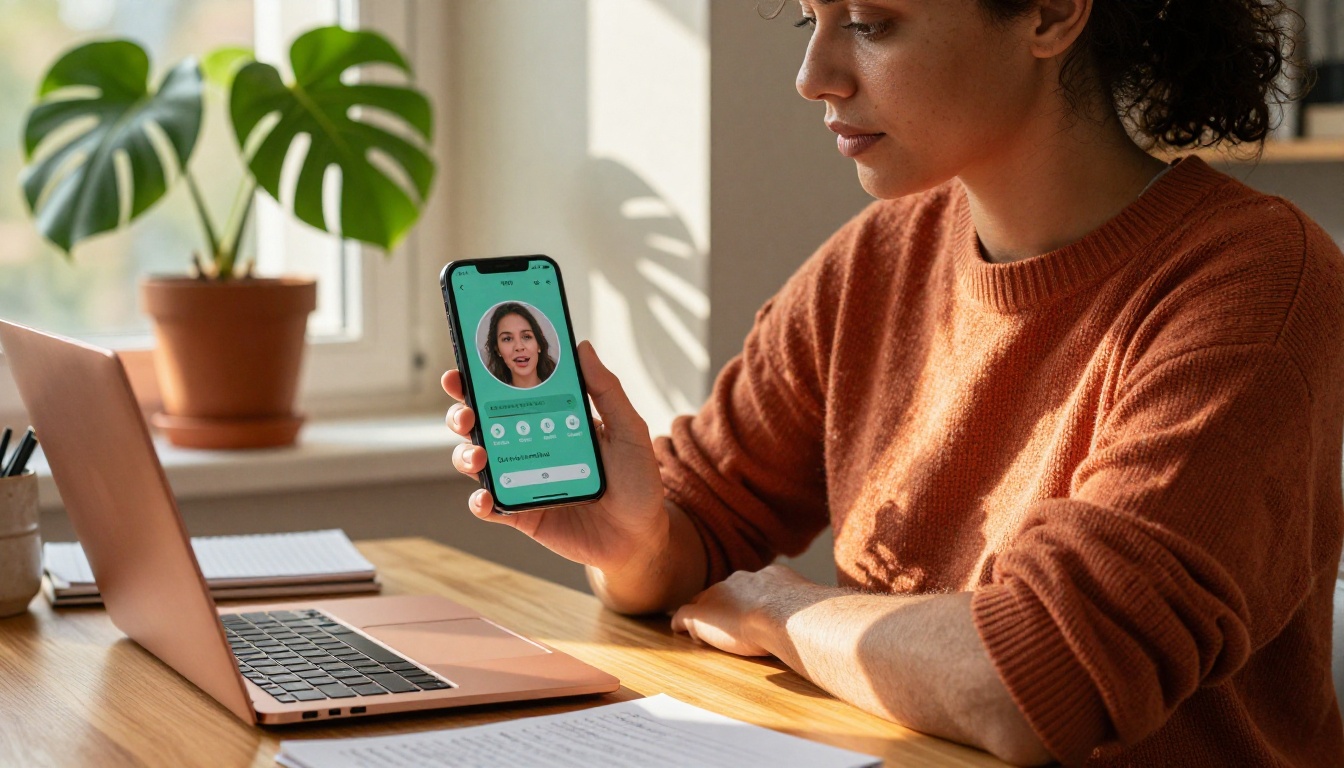
PicassoIA puts all 12 lipsync models in one place: Lipsync 2 Pro, Omni Human 1.5, Kling Lip Sync, HeyGen Video Translate, React 1, PixVerse Lipsync, Fabric 1.0, Lipsync Speed, Lipsync Precision, and more. You're not juggling accounts across six different platforms to run a single workflow.
Start with Omni Human 1.5: upload a portrait photo and an audio clip, and see what the first result looks like. Most people are genuinely surprised. After that, it's just a matter of picking the right model for what you're making. Browse all available lipsync and voice models at picassoia.com/en/all-models.


