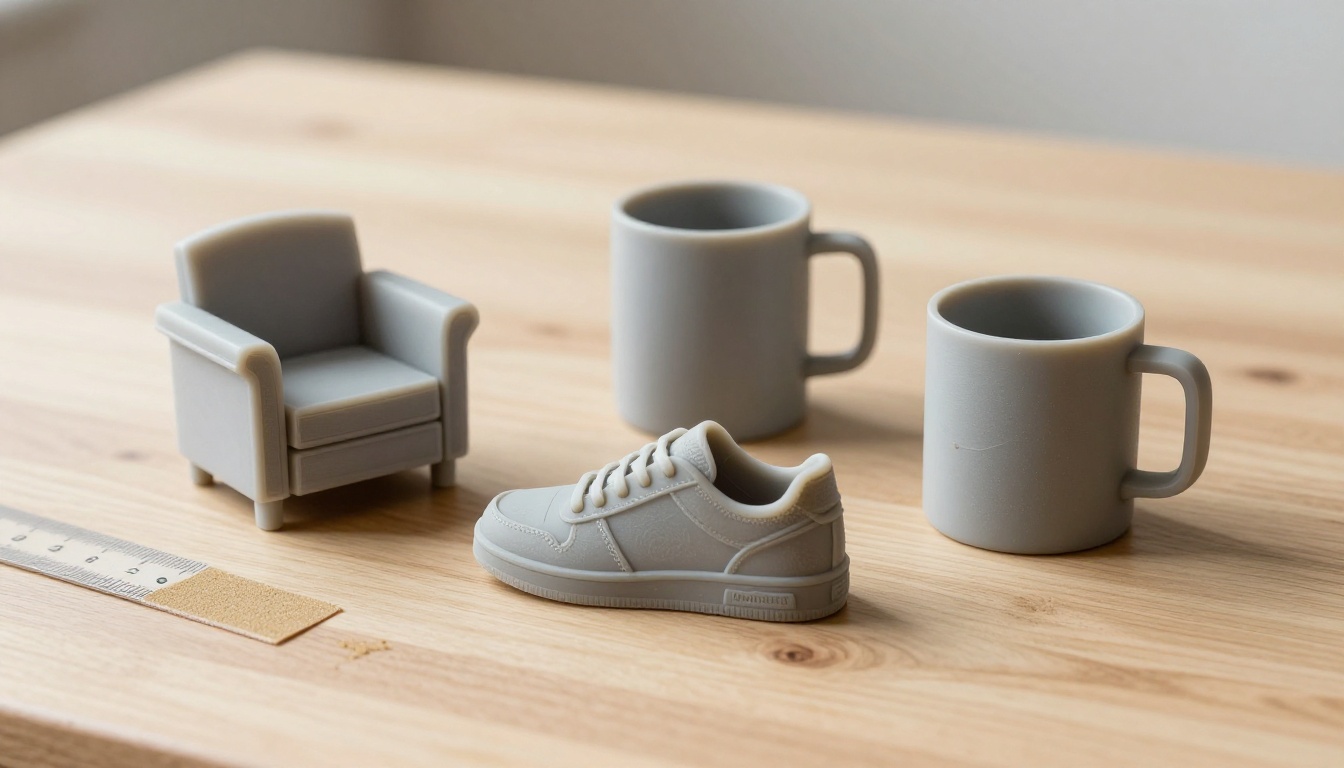
You have one good photo of a boot, a mug or a chair, and you want a 3D file from it without a weekend in modeling software. That is the promise of an image to 3D API: send a picture, wait a minute or two, and get a mesh back that works in a game engine, a web viewer or a slicer. The confusing part is the word "free." Meshy sells credits, Tencent's Hunyuan3D ships open weights that need a serious GPU, and a few browser tools let you generate models without writing code. This article prices out each route, lists the hardware and credit numbers, and points out where each one lets you down.
💡 Short version: If you only need a handful of models, use a browser tool and skip the API. If you need thousands of meshes inside your own app, compare Meshy's per-task credits against the cost of running Hunyuan3D on your own GPU. Free tiers exist, but none of them is a production pipeline.
What an Image to 3D API Does
From One Photo to a Mesh
An image to 3D API takes a flat picture and predicts the shape you cannot see. Most systems work in two passes. First they estimate the geometry, the raw surface of the object. Then they paint textures onto that surface so the result looks like your photo instead of a grey blob. Tencent describes Hunyuan3D in exactly this way: a shape stage called Hunyuan3D-DiT, followed by a texture stage called Hunyuan3D-Paint.
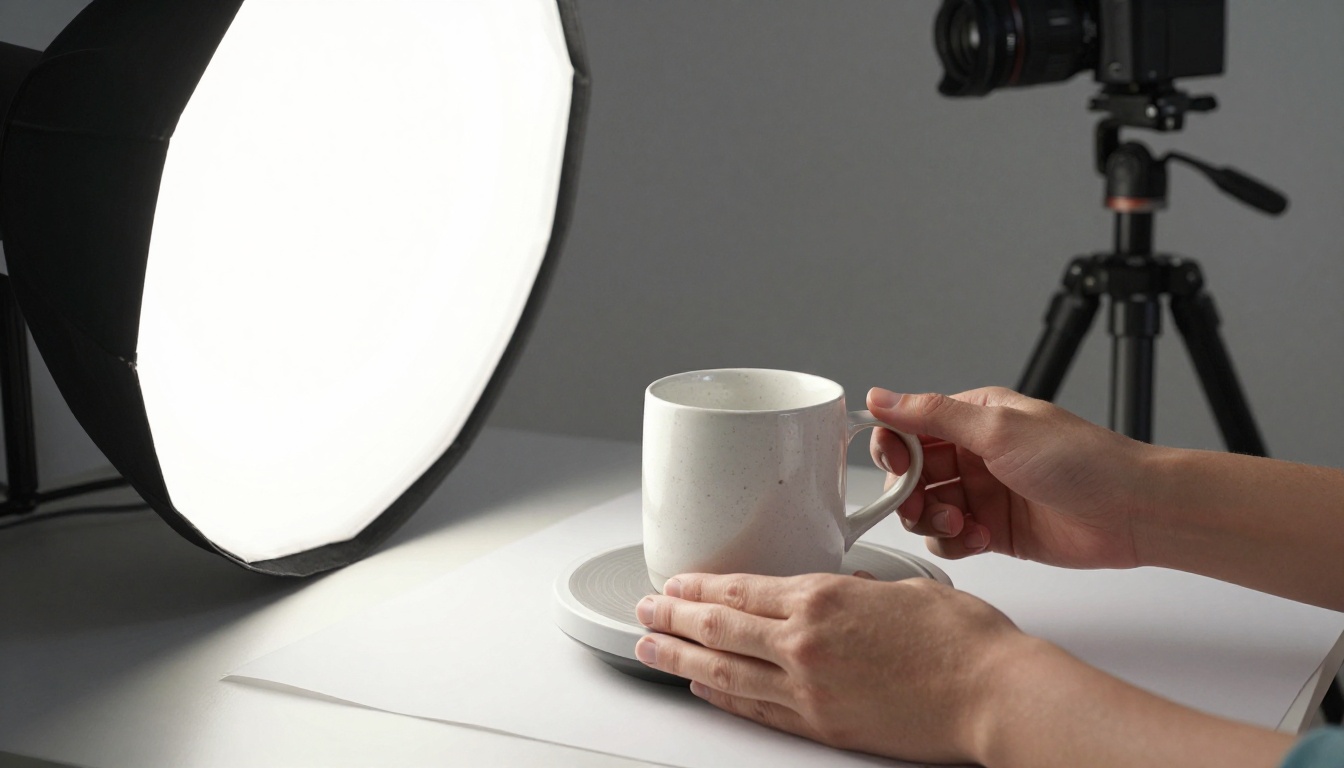
The input matters more than most people expect. A sharp photo of one object, evenly lit, on a plain background will beat a clever prompt every time. The model has to guess the back, the underside and every hidden side, and a clean photo gives it less to guess wrong.
Formats That Matter
The file format decides where your model can go next. Here is what each common one is good for:
| Format | Best for | Notes |
|---|
| GLB | Web viewers, real-time engines | One file, textures packed inside |
| FBX | Game engines, animation tools | Common in character pipelines |
| OBJ | Almost any 3D tool | Old, but universally readable |
| USDZ | Apple AR Quick Look | Lets a shopper place a product in their room |
| STL | 3D printing | Geometry only, no color |
If you are unsure, export GLB first. It opens in most viewers and converts to the others without much fuss.
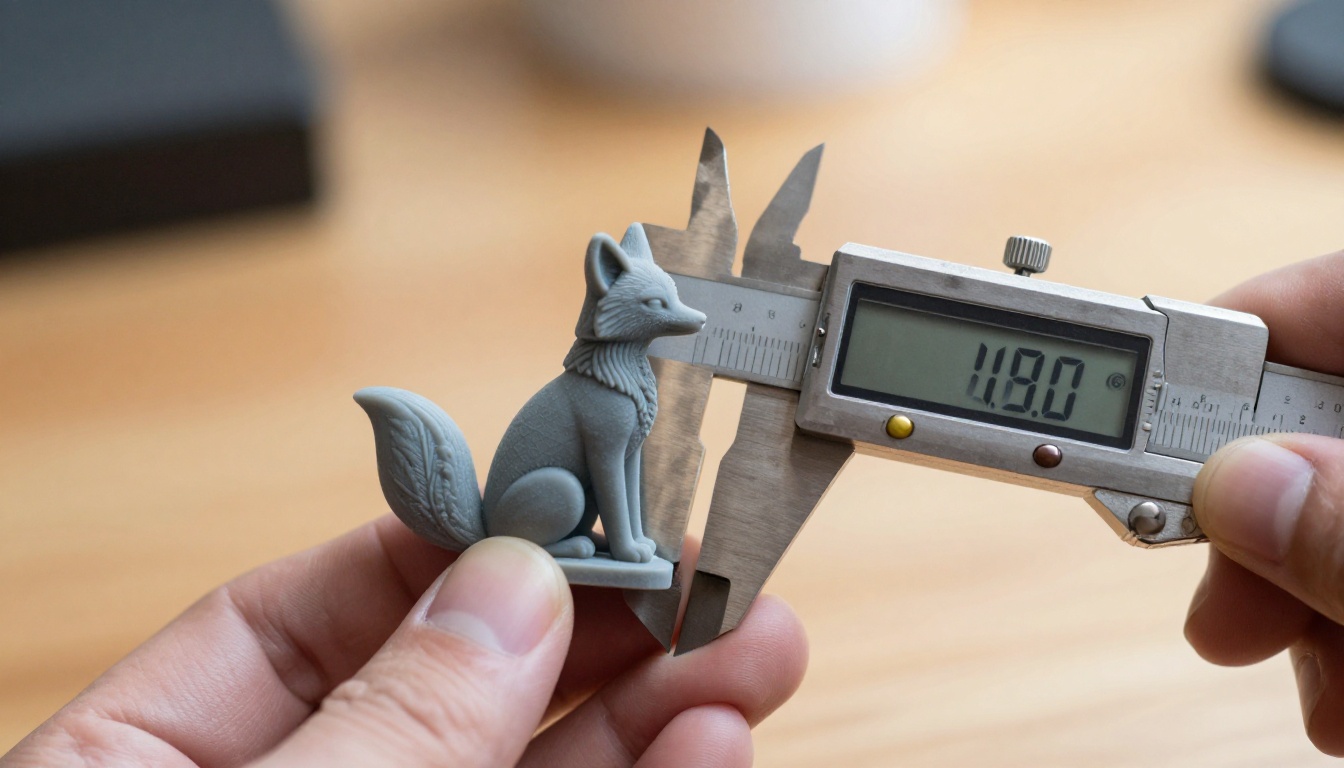
A generated mesh is not automatically print ready or animation ready, though. Check wall thickness before you slice it, and expect to rebuild the topology before you rig it.
Meshy: Credits, Not a Free API
Meshy is the best known hosted option, with a web app and a developer API. The two are billed differently, and that difference trips people up.
What the Credits Buy
According to Meshy's API pricing page, image to 3D tasks are charged in credits, and the cost depends on the model and the texture option:
| Model | Mesh only | Mesh + 2K texture | Mesh + 4K texture | Mesh + 8K texture |
|---|
| meshy-7.1 | 20 | 30 | 30 | 35 |
| meshy-6 | 20 | 30 | 30 | 35 |
| meshy-6-lite | 5 | 15 | n/a | n/a |
| meshy-t2 | 5 | 15 | 15 | 20 |
At those rates, 100 credits buys about three textured meshy-6 models or six textured meshy-6-lite models. The lite tier is the sensible choice for drafts, and the full models are for the final pass.
Meshy's docs price tasks in credits, not dollars, so work out your real cost per model from the credit pack you buy. Check the current packs on the Meshy site before you budget a project.
Is Meshy Free?
Partly. Meshy's pricing docs say the free web plan includes 100 credits per month with no credit card, and commercial use under a CC BY 4.0 license, which means attribution. Paid plans carry full commercial rights.
The API is a different product. The API docs say you purchase credits before making requests, and they list no free API tier. So Meshy is free to try in a browser, not free to automate.

Hunyuan3D: Open Weights, Real Hardware
Tencent published the Hunyuan3D models openly, so you can run them yourself for the price of electricity. The catch is the hardware and the fine print.
Running It Yourself
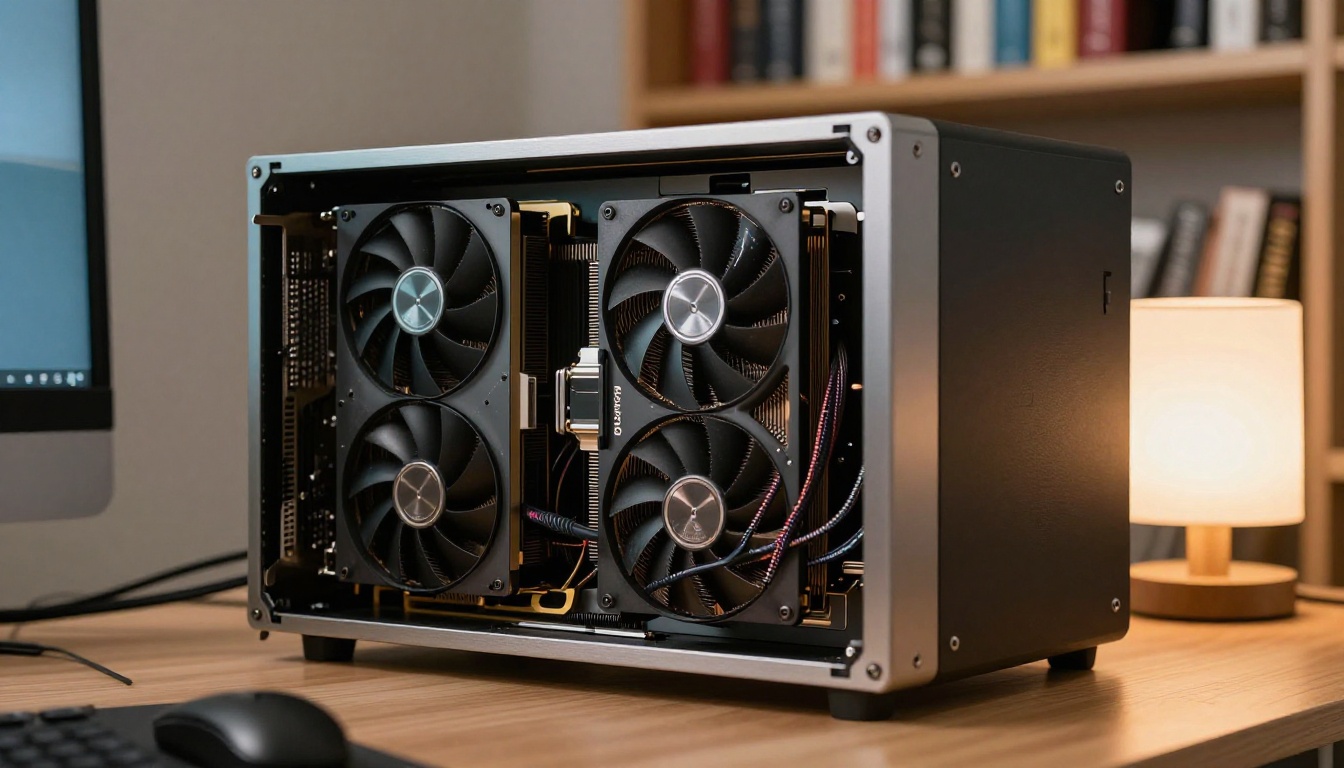
The Hunyuan3D-2.1 repository on GitHub states the memory budget plainly: 10 GB of VRAM for shape generation, 21 GB for texture generation, and 29 GB for both in one run. On paper, a 24 GB card fits either stage alone but not the whole pipeline at once. A workstation class GPU or a rented cloud one handles everything in a single pass.
The repository also ships an api_server.py file, which is the starting point if you want to wrap the model in your own HTTP endpoint. Tencent also links a hosted site and a Hugging Face demo from the same page, handy for judging output quality before you set up a machine.
For speed, third-party write-ups of the earlier 2.0 release put the lite shape model near 10 seconds and the standard one near 25 seconds on an NVIDIA A100. Treat those as ballpark figures, since your card, your image size and the texture stage all change the total.
💡 Do the math before buying a card. Multiply seconds per model by the number of models, divide by 3,600, then multiply by an hourly GPU rental rate. Compare that number with Meshy's credit cost for the same batch. For small batches, renting usually makes more sense than buying.
The License Catch
Open weights are not the same thing as an open source license. Hunyuan3D-2.1 is listed under Tencent's own tencent-hunyuan-community license, not MIT or Apache 2.0. Read it before you ship a commercial product, especially the parts that say where and how you may use the model.
Free Options Compared
| Option | Cost to start | What it needs | Best for | Watch out for |
|---|
| Meshy web app, free plan | 0, 100 credits per month | An account | Judging output quality | Attribution required |
| Meshy API | Prepaid credits | A credit purchase | Apps and pipelines | No free API tier listed |
| Hunyuan3D open weights | 0 for the model | 10 to 29 GB of VRAM | High volume, private photos | Custom license, setup time |
| Hunyuan3D hosted demo | 0 | A browser | One off tests | Shared demo, not built for volume |
| Hunyuan 3D 3.1 and Rodin in the browser | Check your plan on the site | An account | Quick models, no setup | Not available through an API yet |
What Free Really Means
Three different things hide behind that one word:
- A free plan gives you a small monthly allowance, often with attribution rules attached.
- Free weights give you the model at no charge, while the GPU, the setup time and the maintenance are all on you.
- A free demo costs nothing, but nobody promises uptime or speed.
None of them is wrong. They just solve different problems.
When Hosted Wins
Hosted wins when volume is low and nobody on the team wants to maintain a GPU server. Self hosting wins when volume is high, or when product photos cannot leave your network.
Try Both Models in Your Browser
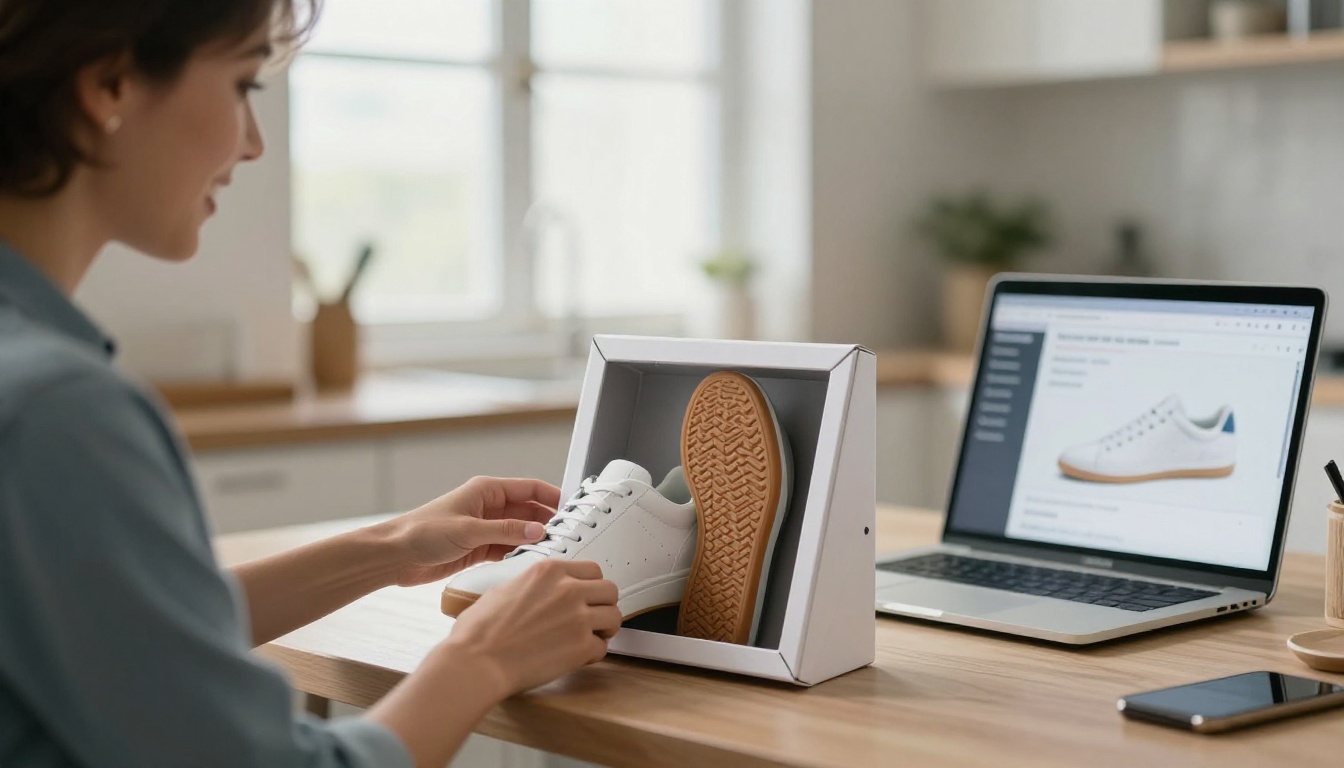
PicassoIA has a 3D models category, and two of its models turn a photo into a mesh: Hunyuan 3D 3.1 from Tencent and Rodin from Hyper3D. There is no GPU to rent and nothing to install. Note that 3.1 is a newer release than the 2.1 weights on GitHub, so the memory numbers above describe the open version, not this hosted one.
Hunyuan 3D 3.1 Settings
Here is the workflow on the Hunyuan 3D 3.1 page:
- Choose one input. Upload a photo (JPG, PNG, JPEG or WebP, 128 to 5000 pixels per side, up to 6 MB) or type a text description of up to 1,024 characters. The model accepts an image or a prompt, never both.
- Pick
generate_type. Normal returns a textured model. Geometry returns a plain white mesh, ideal when you plan to texture it yourself.
- Decide on
enable_pbr. It is off by default. Turn it on when the model is headed for a game engine or a renderer, so the materials react correctly to light. It has no effect in Geometry mode.
- Set
face_count. The default is 500,000 faces. Lower it for a web viewer, keep it high for printing.
- Generate and download.
💡 Tencent's own input notes ask for a simple background, no text and a single object filling more than half the frame. Follow them and your first result will usually be usable.
Rodin Settings
Rodin is the more configurable of the two. A short text prompt is required, and you can add up to five reference photos so it builds the shape from several angles at once. The settings worth knowing:
| Setting | What it does | Default |
|---|
mesh_mode | Quad gives clean topology for rigging, Raw keeps maximum detail | Quad |
material | Surface materials baked into the file | PBR |
quality | Four tiers, from extra low for fast previews to high for final assets | medium |
quality_override | Sets a custom polygon count | Off |
geometry_file_format | GLB, FBX, OBJ, USDZ or STL | glb |
tapose | Puts human figures in a standard T or A pose | Off |
seed | Repeats a result exactly | Random |
bbox_condition | Fixes width, height and length to fit a scene | Off |
If your model is a character, the T or A pose option saves you a lot of cleanup later. Related models in the same 3D category, such as Create Character v1 for auto rigging and Text To Motion Diffusion v2 for animation, handle the steps after the mesh. Check their input requirements before you chain them together.
Is There a PicassoIA API?
PicassoIA has a developer API at api.picassoia.com/v1, with Replicate style predictions and a Bearer token. As of early October 2026 its public model list holds four models: PicassoIA Image, PicassoIA Image Editor Pro and two video models. None of them is a 3D model.
So for now, Hunyuan 3D 3.1 and Rodin run in the browser, not through the API. If you need 3D over an API today, your realistic routes are Meshy or a self hosted Hunyuan3D. Check the API page for the current model list and plan terms before you build on any of this.
No clean photo of your product yet? Generate one with PicassoIA Image on a plain background, then feed it to the 3D model.
Photos That Convert Well
Background and Framing
A few habits separate a good mesh from a lumpy one:
- Plain background. White, grey or a seamless paper sweep.
- One object. Remove everything else from the frame.
- Fill the frame. The object should take up more than half of it.
- Soft, even light. A single large softbox or a bright window works.
- Three quarter angle. Show the front and one side so the model can infer depth.
- No text or logos. Lettering tends to melt into the surface.
Mistakes That Ruin Meshes
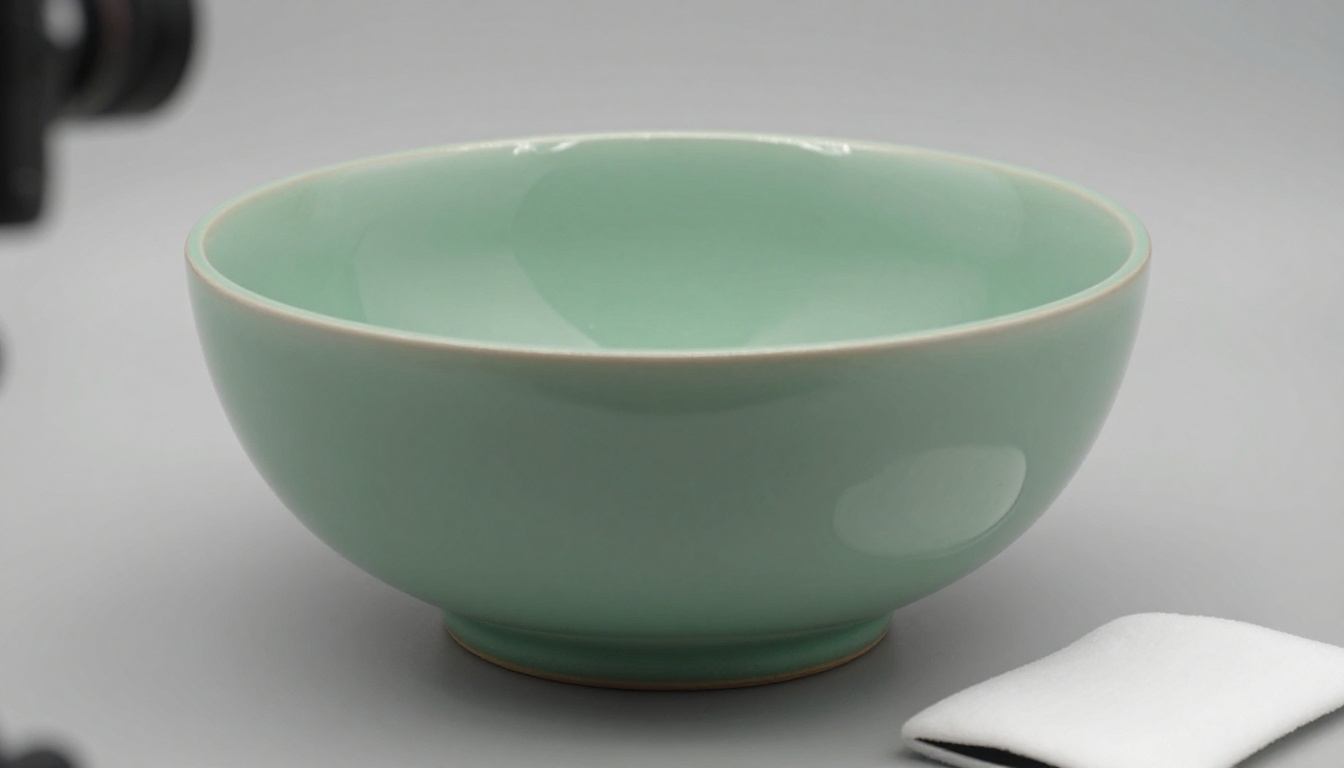
- Glass and chrome. Reflections look like shape to a model, so shiny and transparent objects tend to come out distorted.
- Cropped edges. If part of the object leaves the frame, the model invents the missing part.
- Hard shadows. They get baked into the texture as if they were paint.
- Thin details. Wires, hair and antennas often merge into a single blob.
- Several objects. The model picks one, or fuses them.
💡 When in doubt, shoot it twice: once straight on, once from a three quarter angle. Run both and keep the better mesh.
Picking by Use Case
| Goal | Best fit | Why |
|---|
| Test an idea this afternoon | A browser tool or the Meshy free plan | No setup, no spend |
| Product viewer for a shop | Rodin or Hunyuan 3D 3.1, exported as GLB or USDZ | Web and AR friendly formats |
| 3D printing | STL from Rodin, or Geometry mode in Hunyuan 3D 3.1 | Clean geometry without textures |
| Game prop pipeline | PBR on, FBX or GLB export | Materials respond to engine lighting |
| Thousands of models inside an app | Meshy API or self hosted Hunyuan3D | Automation and volume |
| Private product photos | Self hosted Hunyuan3D | Images stay on your machines |
Make Your First 3D Model Today
The fastest way to know which option fits you is to run the same photo through two of them. Pick one object, shoot it on a plain background, and open Hunyuan 3D 3.1 with Normal mode and PBR on. Then upload the same photo to Rodin and compare the silhouettes, the textures and the file formats side by side.
Keep the one that matches your photo best, and note the settings you used so you can repeat them. If you want to try more models, the full catalog lives at picassoia.com/en/all-models. Upload a photo on PicassoIA, and see what your next 3D asset looks like in a few minutes.


