No, Wan 3.0 is not open source, at least not today. Alibaba released it as an API only public beta on August 6, 2026, widened the launch on August 24, 2026, and the most recent checks I could find (dated mid September 2026) still showed no weights on Hugging Face, no GitHub repository with inference code, and no published license. If your plan depends on downloading the model and running it on your own GPU, that plan is on hold. If your plan is to make good video with it, you can do that right now with Wan 3 on PicassoIA.
This article separates confirmed facts from rumors. You get the release timeline, the per second price at 480p, 720p and 1080p, what a real clip costs, a short tutorial for Wan 3 and Wan 3 Prime, and prompt formulas that hold up for clips up to 30 seconds.
💡 Quick verdict: Wan 3.0 is closed, billed by the second through Alibaba's API, and capped at 1080p. You can try it online without installing anything or owning a GPU.
Is Wan 3.0 Open Source Today?
What open source requires
For a video model, "open source" is not a marketing label. Three things have to exist before anyone can say it with a straight face:
- Downloadable weights on a public host such as Hugging Face.
- Inference code you can run yourself, usually on GitHub.
- A license that spells out what you may do with the files and the output, like Apache 2.0.
Wan 3.0 has none of the three at the time of writing. One audit of 27 official Hugging Face repositories and 6 official GitHub repositories found nothing newer than version 2.2. A community write-up about the wider Wan ecosystem gave the same warning in plain words: do not ship a product that depends on Wan 3.0 being Apache 2.0.
| Item | Wan 3.0 status |
|---|
| Public weights | None published |
| Inference code | None published |
| License | None published |
| Access | API only, through Alibaba Cloud Model Studio |
| API label | Still marked preview |
| Self hosting | Not possible |
Why the Wan history says closed
The earlier releases tell the story. Wan 2.1 and Wan 2.2 shipped with open weights under Apache 2.0, and that is why the name became a favorite for people who like running models locally. Then the flagship line went behind an API.
| Version | Release | Weights | License |
|---|
| Wan 2.1 | Early 2025 | Open | Apache 2.0 |
| Wan 2.2 | July 28, 2025 | Open | Apache 2.0 |
| Wan 2.5, 2.6, 2.7 | September 2025 to April 2026 (reported) | API only | Not published |
| Wan 3.0 | August 6, 2026 | API only | Not published |
Four flagship generations in a row, 2.5, 2.6, 2.7 and now 3.0, have shipped closed. Alibaba still releases smaller control and animation models with open weights (Wan-Dancer-14B is a reported example under Apache 2.0), but the main text to video model stays behind the API.
⚠️ Plan for closed. Until Alibaba posts weights and a license on its official Hugging Face and GitHub pages, treat Wan 3.0 as a hosted service. Check those pages again before you make any hardware purchase.
What to use if you need weights
If open weights are a hard requirement, the realistic choices are the models that already shipped them. Wan 2.2 is the newest Wan with Apache 2.0 weights. HunyuanVideo from Tencent and LTX Video from Lightricks have also been published as open models, each under its own license, so read the license before you build on either one. All three are older and shorter than Wan 3.0, but you can run them on your own hardware and audit exactly what you are allowed to do with the output.
Release Date and Timeline
Dates you can rely on
Early leaks pointed at August 6, and the public beta did arrive on that date. A wider launch followed about two and a half weeks later.

- July 28, 2025: Wan 2.2 arrives with open weights.
- September 2025 to April 2026: Wan 2.5, 2.6 and 2.7 ship as API products.
- August 6, 2026: Wan 3.0 public beta opens, API only.
- August 24, 2026: wider launch.
- Mid September 2026: the latest check I found still showed no weights on Hugging Face.
What preview status means
The API reference still labels Wan 3.0 as preview. In practice that means three things: access can depend on your region and account, some accounts have reported invitation only access, and pricing can change without much warning. If you build a product on it, confirm availability and rates in your own console first.
What Wan 3.0 Can Do
Specs at a glance
The numbers below come from the public API documentation and the model pages.
| Spec | Wan 3.0 |
|---|
| Resolutions | 480p, 720p, 1080p (no 4K) |
| Clip length | 2 to 30 seconds |
| Aspect ratios | 16:9, 9:16, 4:3, 3:4, 1:1, adaptive |
| Audio | Generated together with the video, multilingual |
| Modes | Text to video, image to video, first and last frame, reference to video |
| Reference inputs | Up to 10 images, 5 video clips, 5 audio tracks |
The jump in length is the headline. The previous generation topped out at 15 seconds, so a single Wan 3 render now holds a full short scene without stitching clips together. The reference inputs matter too. Feeding the model up to 10 images, 5 video clips and 5 audio tracks is how you aim for a consistent character, product or voice across several shots, instead of hoping a text prompt repeats the same face twice.
Where it still falls short
- No 4K. Output stops at 1080p. For higher resolution you need a different model or an upscaler.
- Long clips take time. One documented 30 second image to video render at 720p needed roughly 15 minutes.
- Preview limits. Quotas, regions and rates are still moving.
Timing samples on PicassoIA give a rough feel for render time. A 5 second 1080p sample on Wan 3 took about 322 seconds, while the samples on Wan 3 Prime took about 36 seconds at 480p and about 102 seconds at 1080p. The prompts differ, so treat those as rough numbers, not a benchmark.
Wan 3.0 Price Per Second
Official API rates
Alibaba Cloud Model Studio bills by the second of output. These are the international rates reported at launch, plus the mainland China rate for comparison.
| Tier | 480p | 720p | 1080p |
|---|
| Standard (international) | $0.05 | $0.10 | $0.20 |
| Prime (international) | $0.068 | $0.14 | $0.28 |
| Mainland China | ¥0.30 | ¥0.60 | ¥1.20 |
The Prime tier costs roughly 36 to 40 percent more than Standard at every resolution. Alibaba also lists a free quota of 30 seconds per model, valid for 90 days.
What a real clip costs
Multiply the rate by the seconds. That is the whole formula.
| Clip | Standard | Prime |
|---|
| 5 seconds at 480p | $0.25 | $0.34 |
| 5 seconds at 720p | $0.50 | $0.70 |
| 5 seconds at 1080p | $1.00 | $1.40 |
| 15 seconds at 1080p | $3.00 | $4.20 |
| 30 seconds at 1080p | $6.00 | $8.40 |

Failed experiments are where the budget disappears. Ten 5 second drafts at 480p cost $2.50 on the Standard tier, while ten 5 second drafts at 1080p cost $10. A few habits keep the bill honest:
- Draft small. Test the idea at 480p and 5 seconds before spending on 1080p.
- Fix the prompt first. Short clips expose prompt problems as clearly as long ones.
- Reuse seeds. Once a draft looks right, keep its seed and raise the resolution.
- Render long clips once. Spend the 30 second budget only on a prompt you have already tested.
- Test for free first. Wan 3 is free to try online on PicassoIA, so you can tune prompts before paying per second anywhere else.
💡 Rates change, and regional pricing differs. Treat every number here as a snapshot and confirm it in your own console before you commit a project budget.
How to Use Wan 3 on PicassoIA
Pick a model and settings
Wan 3 and Wan 3 Prime share the same inputs on PicassoIA, so the steps are identical.
- Open the model page and write your prompt in the Prompt field.
- Set the resolution. The default is 1080p. Drop to 480p while you draft.
- Set the duration. The default is 5 seconds. Raise it, up to 30, only after a draft works.
- Choose the aspect ratio. The default is adaptive. Pick 16:9 for landscape, 9:16 for vertical, 1:1 for square. The setting is ignored when you upload an image.
- Add a negative prompt for things you never want, such as watermarks, extra people or flickering text.
- Decide on prompt expansion. It is on by default. It helps short prompts, adds latency, and is worth switching off when your prompt is already precise.
- Lock a seed between 0 and 2147483647 if you want to repeat a result.
- Generate and download the clip.
Image to video in practice
Upload a first frame in JPG, PNG, BMP or WEBP format, up to 10 MB, and describe only what should move. The image already carries the subject, light and color, so your prompt can focus on motion and camera.

A portrait like the one above works well as a start frame. A prompt such as "he looks up from the tablet, smiles at someone off screen, steam drifts from the cup on the table, slow push in, soft cafe chatter" gives the model one clear action, one camera move and one sound.
Prompt Tips That Work
A five part prompt formula
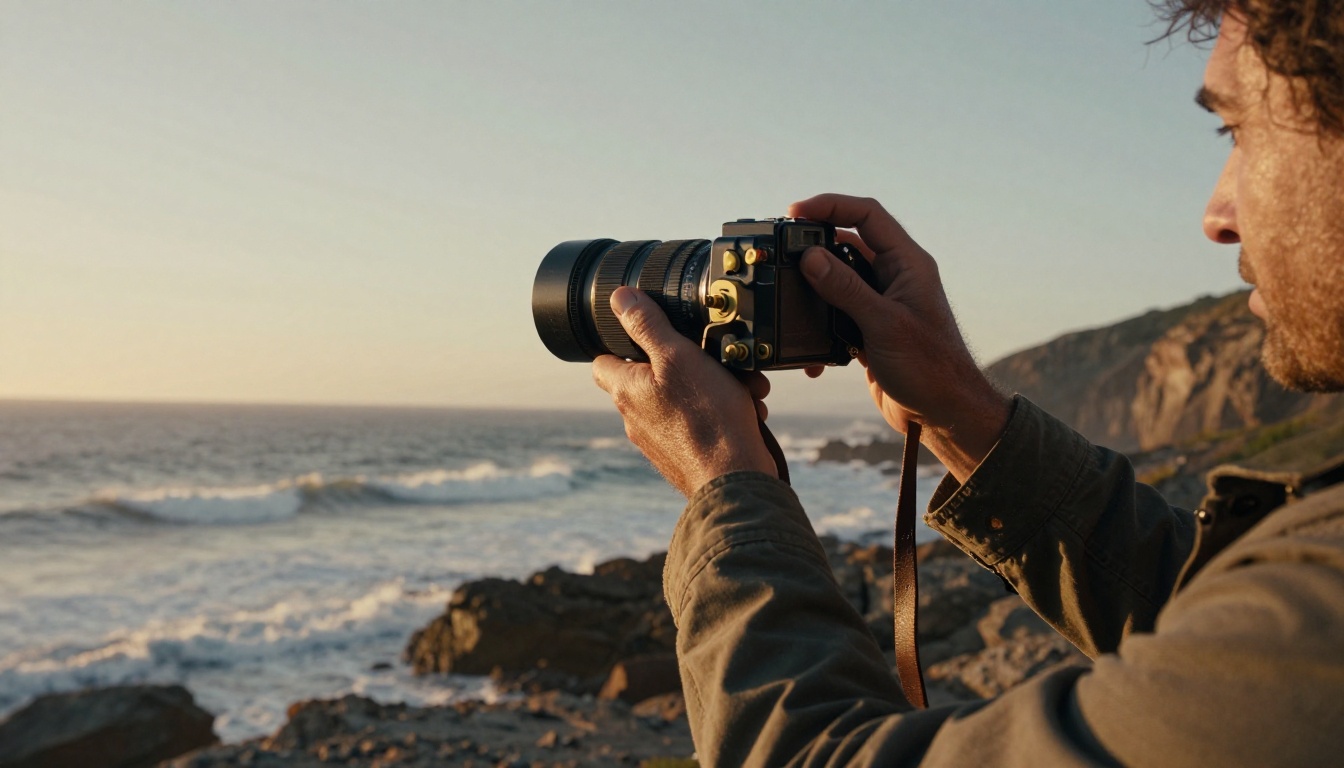
Strong Wan 3 prompts follow the same order: subject, action, camera, light, sound. Because audio is generated with the video, the last slot is not optional.
- Subject: who or what, with two or three concrete details.
- Action: one main verb per shot, in present tense.
- Camera: one move only, such as "slow dolly in", "handheld follow" or "static wide".
- Light: time of day and direction, such as "low sun from the left".
- Sound: ambient noise, music mood or a line of dialogue in quotes.
Here are three prompts to copy and adapt:
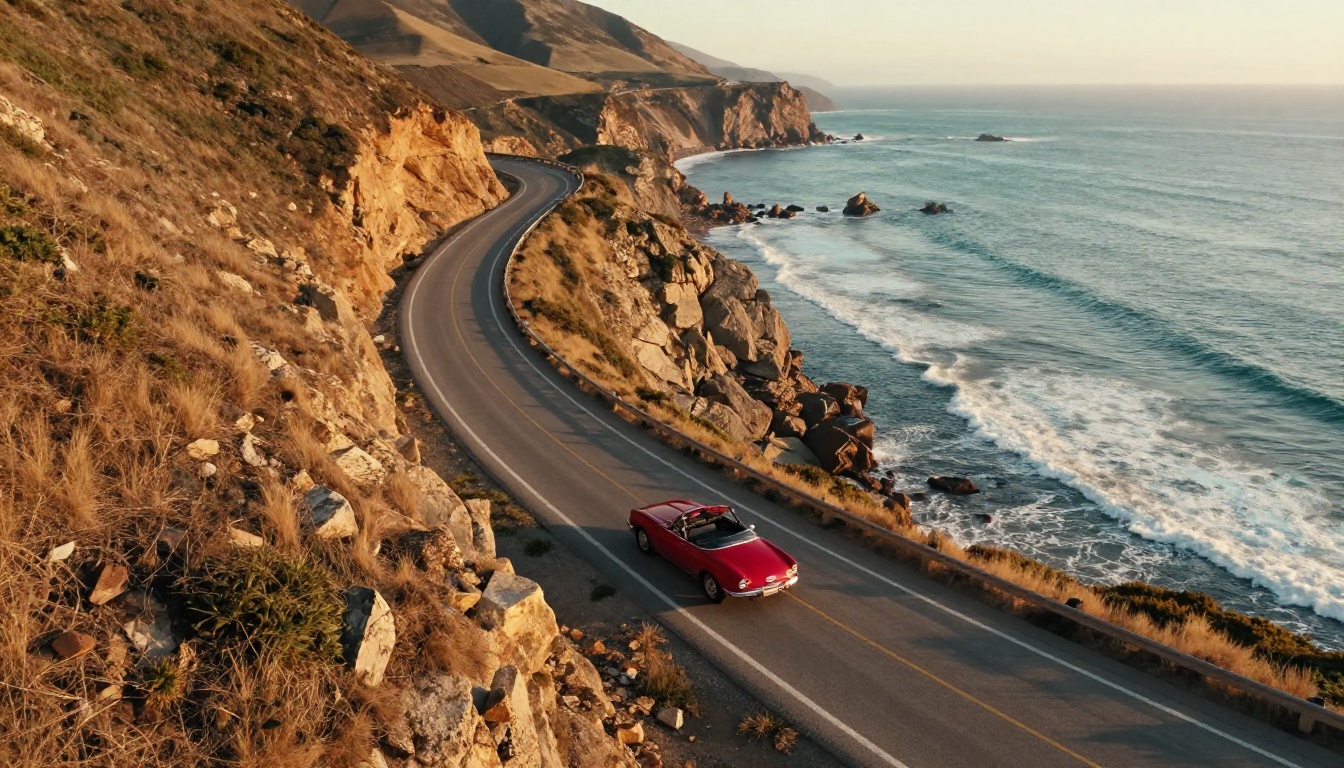
"A red vintage convertible takes a curve on a cliffside coastal highway, aerial drone shot slowly tilting down, long golden shadows from the setting sun, surf crashing below, warm engine hum and gulls."
"A baker pulls a tray of croissants from a stone oven, close up on her flour dusted hands, handheld camera, soft window light from the left, the crackle of crust and quiet radio music."
"A hiker reaches a ridge at dawn and lowers her backpack, wide static shot, cold blue light turning gold, wind across grass, distant bird calls."
Pace a 30 second clip
Long clips tend to drift when the prompt describes a single moment. Write beats instead, one short sentence per phase, so the model has somewhere to go. No special timestamp syntax is documented, so treat this as plain language.
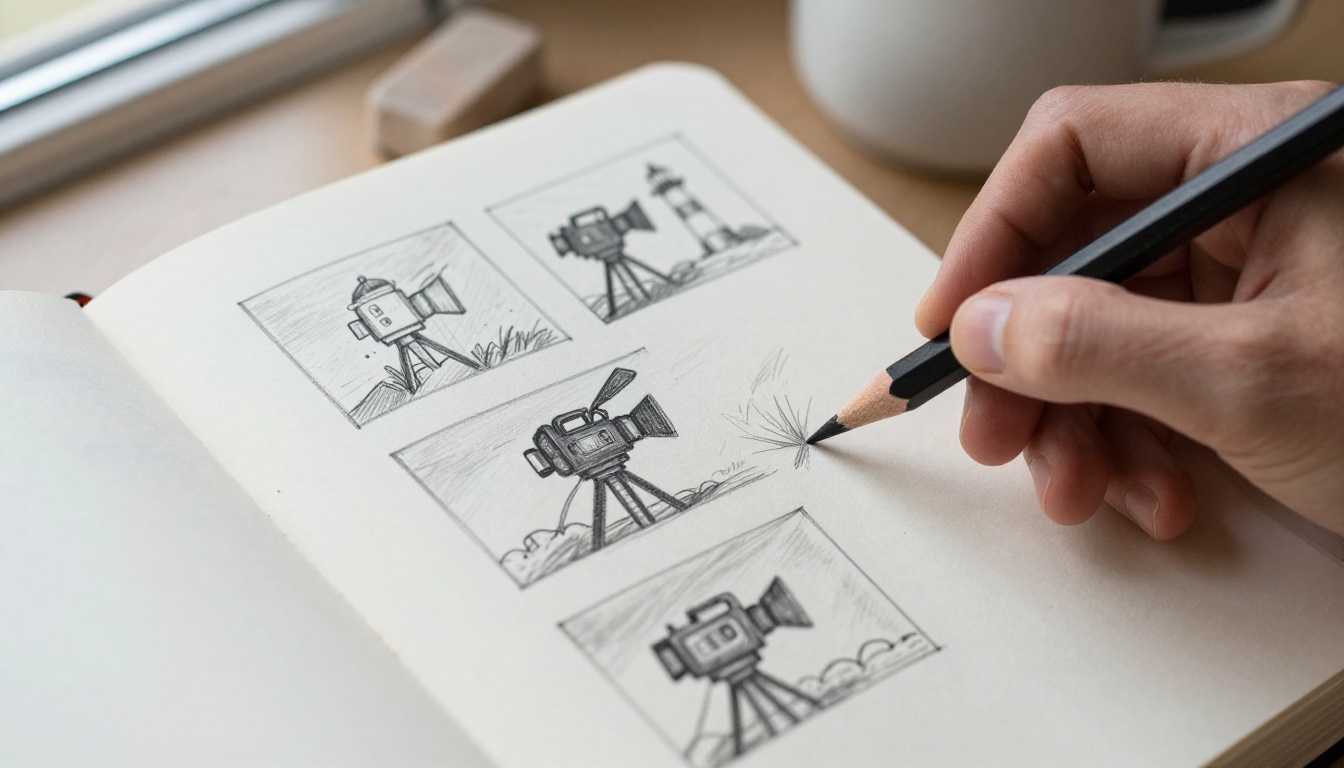
"First, a wide shot of a lighthouse at dusk with waves below. Then the camera moves closer along the rocks while the lamp turns on. Then a keeper opens the door and steps onto the balcony. Finally, the camera rises above the keeper to show the whole coastline, with the sound of wind and a distant bell."
A rough storyboard like the sketch above is the fastest way to find your beats before you spend any money on a render.
Negative prompts and seeds
- Negative prompt: list what you never want, for example "watermark, subtitles, blurry motion, extra fingers, distorted faces".
- Seed: change only one thing per run. If the seed and the prompt both change, you cannot tell which one helped.
- Prompt expansion: keep it on for one line ideas and turn it off for prompts you wrote with care.
- One camera move per shot. Combining a dolly, a pan and a zoom usually gives muddy results.
Five common mistakes to skip
- Stacking camera moves. A dolly plus a pan plus a zoom fights itself. Pick one.
- Cramming a story into 5 seconds. One action fits. Three actions turn into a blur, so split them into separate clips or stretch the duration.
- Leaving sound blank. With native audio, an empty sound slot gets generic ambience. Name two concrete sounds instead.
- Using vague praise. Words like "beautiful" and "epic" give the model nothing to draw. Describe the lens, the light and the material you want to see.
- Starting at 1080p. The first render is a test. Run it at 480p, then repeat the winner at full resolution with the same seed.
How Wan 3 Compares to Other Models
Wan 3 is not the only option for long, high resolution clips. These models are all available on PicassoIA, and the notes come from their model pages.
If you need 4K, LTX 2.3 Pro is the better pick because Wan 3 stops at 1080p. If you need a free, unlimited short clip, Seedance 2.5 Lite fits. If you need the longest single render, Wan 3 and Seedance 2.5 are the two to test side by side with the same prompt.
Make Your First Wan 3 Clip
You do not need an API account, a GPU or a spare weekend to find out whether Wan 3 fits your work. Open Wan 3 on Picasso IA, paste one of the prompts above, set 480p and 5 seconds, and generate. Change one thing per run, keep the seed you like, and only then raise the resolution and the length.

When you want a second opinion, run the same prompt on Wan 3 Prime and compare the motion. And if the open source question matters to you, keep an eye on the official Wan pages. If weights ever appear, the prompts above will carry over to a local setup. Try your first clip on Picasso IA today.


