Two free AI image generators. One test. We ran Nano Banana 2 and Grok Imagine through the exact same set of prompts to find out which tool actually delivers better results without spending a cent. The differences are bigger than you might expect, and knowing which one to pick could save you hours of frustration.

What Nano Banana Actually Is
Nano Banana is not some obscure hobby project. It is a text-to-image model built by Google, and the second version, Nano Banana 2, represents a significant step up in what free image generation can do.
Built by Google, Free on PicassoIA
Nano Banana 2 is available for free on PicassoIA with no credit caps, no usage quotas, and no watermarks. You type a prompt, hit generate, and get a result back in roughly 20 to 25 seconds. That generation time is slower than some competitors, but the quality it returns for a free tool is genuinely impressive.
What separates Nano Banana 2 from most free text-to-image generators is its feature set. You can feed it up to 14 reference images at once for multi-image fusion, blending two different photos into one coherent output. It supports conversational editing, where you describe changes in plain language and the model applies them without requiring you to rewrite the full prompt. Output resolution goes up to 4K, and you can choose from 15 different aspect ratios.
What Makes It Different
The real standout is the real-time web grounding feature. Nano Banana 2 can pull live information from Google Search or Google Image Search during generation, letting you create images tied to current events, recent sports results, or trending visual styles without manually describing every detail. No other free image generator offers this.
💡 Tip: Use the conversational editing feature in Nano Banana 2 to refine results with follow-up instructions like "make the shadows softer" or "shift the color palette to warmer tones" instead of rewriting from scratch.
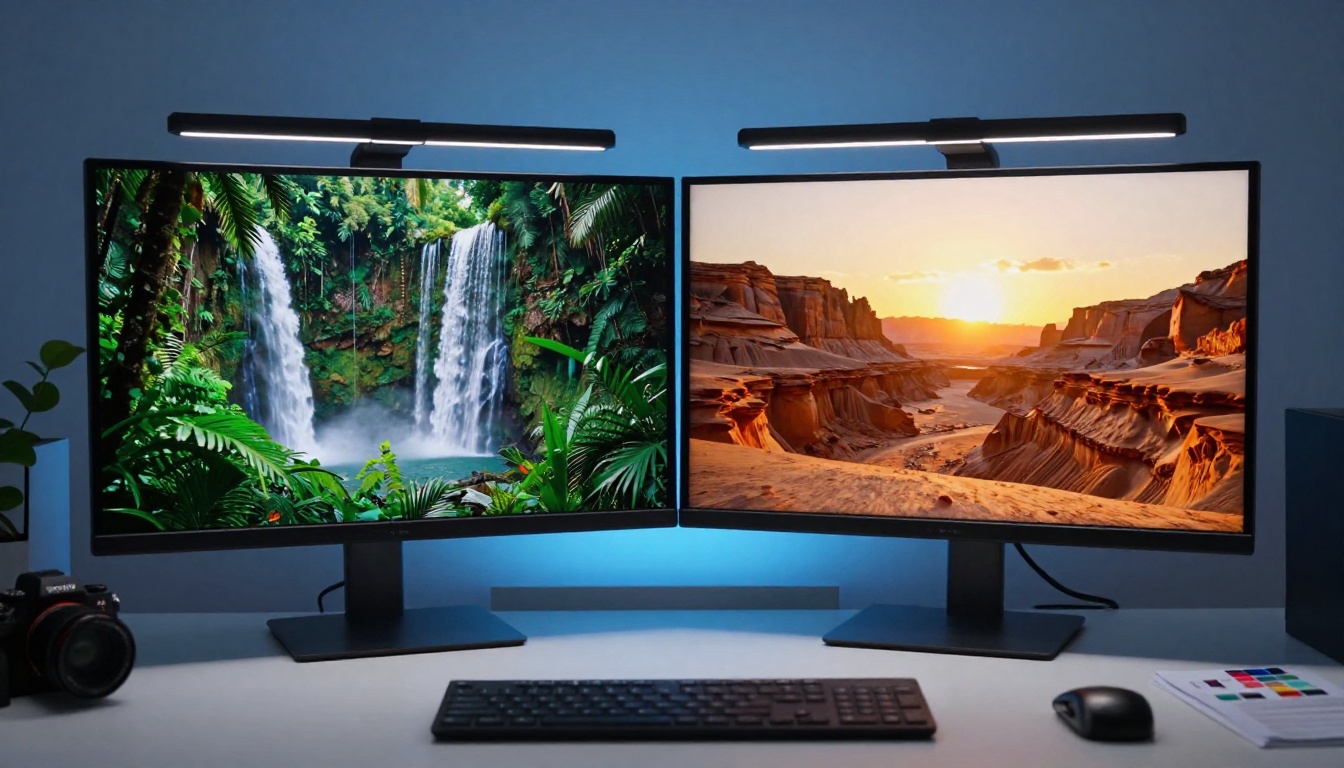
What Grok Imagine Actually Is
Grok Imagine is the image generation feature built into xAI's Grok chatbot. It runs on a model called Aurora, which xAI developed internally to handle photorealistic image generation at consumer quality.
Aurora Under the Hood
Aurora is a diffusion model trained on a large proprietary dataset. Based on public outputs, it uses a latent diffusion approach similar to models like Flux Dev. The results lean toward photorealism by default, with solid handling of human faces and natural environments.
The model generates at a fixed resolution depending on the aspect ratio you select. It does not give you explicit resolution controls or output format options, which is a limitation compared to Nano Banana 2's more granular settings.
How to Access It Free
Free Grok users get a limited number of image generations per day. The exact quota changes, but as of this test, free accounts are capped at roughly 10 image generations every 24 hours. Once you hit that cap, you have to wait for the reset or upgrade to a paid plan.
This daily cap is the single biggest practical difference between the two tools for anyone doing regular creative work.
The Test Setup
We used five prompt categories to compare the two generators: portraits, landscapes, abstract scenes, product visuals, and text-in-image prompts. Every prompt was run on both tools without modification.
Same Prompts, Same Conditions
Each prompt was written to be moderately detailed, around 30 to 50 words, to give both models enough context without over-specifying. We used the 16:9 aspect ratio on both tools and did not cherry-pick outputs. The first result from each tool was used for comparison.
| Category | Prompts Tested | Metric |
|---|
| Portraits | 5 | Face accuracy, skin texture, lighting |
| Landscapes | 5 | Color depth, horizon detail, atmosphere |
| Abstract | 3 | Prompt adherence, creativity |
| Product | 3 | Edge sharpness, background separation |
| Text-in-image | 2 | Readability, placement accuracy |
How We Scored Results
Each output was evaluated on three criteria: prompt adherence (did the image match what was described), visual quality (sharpness, color accuracy, realistic detail), and practical usability (would you actually use this image in a real project). Scores ran from 1 to 10 per category.
Round 1: Portrait and People Prompts
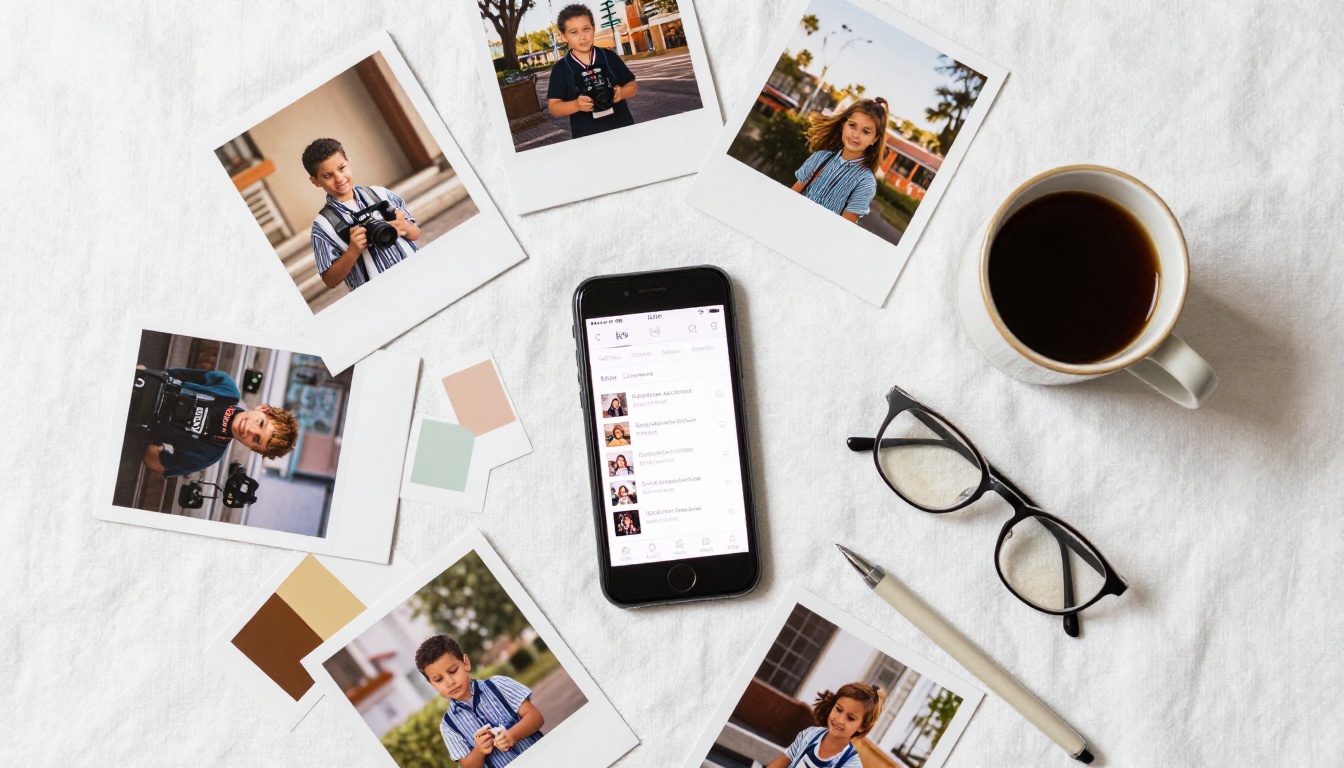
Portraits are the hardest test for any AI image generator. Bad models produce blurry faces, misaligned features, or uncanny skin tones.
Nano Banana 2 Results
Nano Banana 2 handled portrait prompts with strong consistency. Skin tones were natural, facial features were symmetrical, and lighting direction followed the prompt accurately. Where it showed weakness was in hair detail on complex styles, producing slight blur in strands during high-motion poses. Score: 8.2/10.
Grok Imagine Results
Grok Imagine's Aurora model produced sharp portraits with confident composition. Face geometry was accurate in most cases, and the default output had a slightly cinematic quality. The model tended to add dramatic contrast that was not always specified in the prompt. In some cases this improved the image; in others it contradicted the brief. Score: 7.8/10.
Round 1 Verdict
Nano Banana 2 wins on portrait consistency, while Grok Imagine wins on single-shot cinematic quality. If you are iterating toward a specific look, Nano Banana 2's conversational editing gives it a significant practical edge here.
Round 2: Landscapes and Natural Scenes
This is where color science and depth of field handling make or break an AI image generator.
Color Accuracy and Depth
Both tools produced impressive landscape outputs, but with different artistic philosophies. Nano Banana 2 rendered skies and water with neutral, true-to-life color accuracy, while Grok Imagine punched up saturation by default. For social content, Grok's output often looked more visually striking straight out of generation. For professional photography reference or print use, Nano Banana 2's accuracy was more useful.
Depth of field simulation was stronger in Nano Banana 2, with clearly separated foreground and background layers. Grok Imagine occasionally flattened spatial depth in wide-angle scenes.
Speed Matters Here
Grok Imagine generated landscape images in roughly 8 to 12 seconds. Nano Banana 2 took 20 to 28 seconds. For a single image this does not matter much, but for iterative testing across 15 to 20 prompts, Grok's speed reduces friction noticeably.
💡 Tip: For landscape prompts, add specific lighting direction to your Nano Banana 2 prompts, for example "volumetric morning light from the left" rather than just "morning light." The model responds precisely to directional cues.
Round 3: Abstract and Creative Prompts
Abstract prompts test how well a model interprets ambiguous instructions and how far it deviates from literal meaning.
Prompt Adherence Face-Off
This was the closest round. Both models handled abstract prompts well, but Nano Banana 2 stayed closer to the literal prompt description, while Grok Imagine took more creative liberties. Whether that is a strength or weakness depends on what you are building. For branded creative content where the brief matters, Nano Banana 2's fidelity is valuable. For open-ended ideation, Grok's interpretations sometimes produced more interesting starting points.
Style and Consistency
Across all abstract prompts, Nano Banana 2 showed more style consistency between runs. Because it supports seed-based reproducibility and conversational editing, you can iterate toward a specific visual direction without losing your baseline. Grok Imagine lacks seed controls in the free interface, which makes it harder to build on a result you liked.
Quality Score Breakdown
After running all 18 prompts across both tools, here is the full scoring summary:
| Category | Nano Banana 2 | Grok Imagine |
|---|
| Portrait consistency | 8.2 | 7.8 |
| Landscape color accuracy | 8.5 | 7.5 |
| Abstract prompt adherence | 8.0 | 7.4 |
| Generation speed | 6.5 | 9.0 |
| Style control | 9.0 | 6.5 |
| Overall | 8.0 | 7.6 |
Which One Is Actually Free
Both tools market themselves as free, but the definitions differ significantly. Nano Banana 2 on PicassoIA has no generation caps, no credit counters, no watermarks, and no daily reset timers. You can run 500 generations in a single session if your project demands it.
Grok Imagine's free tier caps you at around 10 images per day. For casual exploration this is fine. For any real production workflow, it becomes a ceiling you will hit fast.
Where Each Tool Falls Short
Nano Banana 2's main weakness is speed. At 20 to 28 seconds per generation, rapid iteration takes patience. Its interface also requires a PicassoIA account, though registration is free.
Grok Imagine's weaknesses are the daily cap and the lack of style controls. There is no seed parameter, no aspect ratio granularity, and no multi-image input. It is a capable single-shot generator but not a serious iterative tool.
Using Nano Banana 2 on PicassoIA
Since Nano Banana 2 is the stronger overall pick for free image generation, here is exactly how to get started with it on PicassoIA.
Step-by-Step Setup
- Go to the Nano Banana 2 page on PicassoIA.
- Type your prompt in the text field. Be specific about lighting, angle, and subject.
- Select your aspect ratio. For social content, use 9:16 or 4:5. For web banners, use 16:9 or 3:2.
- Choose your resolution: 1K for fast drafts, 2K or 4K for final outputs.
- Click generate and wait 20 to 28 seconds for the result.
- If the result needs adjustments, type a follow-up instruction like "add more shadow on the left side" without rewriting the whole prompt.
- For multi-image fusion, click the image input field and upload up to 14 reference photos before generating.
Tips for Better Results
- Be specific about light direction. "Volumetric morning light from the upper left" produces better results than "good lighting."
- Use the web grounding feature for prompts tied to real-world references like specific locations, recent events, or named visual styles.
- Run 1K resolution for testing, then switch to 4K only when you have the composition right. This saves iteration time.
- For character consistency, feed the same reference photo as one of the image inputs across multiple scene variations.
💡 Tip: Nano Banana 2's conversational editing works best when you describe specific attributes to change. "Shift the color tone to sunset orange" outperforms vague directions like "make it warmer."

Other Free AI Image Models Worth Testing
If Nano Banana 2 is your starting point, PicassoIA has dozens of additional text-to-image models available for free, each with different strengths.
Fast Iteration with Flux
Flux Schnell generates images in under 5 seconds, making it the fastest free option for rapid iteration. The quality is lower than Nano Banana 2 at 4K, but for testing prompt ideas quickly before committing to a final generation, it is hard to beat. It supports 11 aspect ratios and produces watermark-free outputs with no usage cap on PicassoIA.
Flux Dev runs a 12-billion parameter model with img2img support. If you have a reference photo and want to redirect it with a text prompt, Flux Dev handles that workflow cleanly. It takes longer than Flux Schnell but produces significantly sharper detail at full resolution.
Upscaling Your Results
One area where both Nano Banana 2 and Grok Imagine show limitations is super-resolution output. Even at 4K, fine detail in complex textures benefits from dedicated upscaling. PicassoIA has several super-resolution models for this exact purpose:
- Clarity Pro Upscaler: photorealistic upscaling that preserves skin texture and natural surface detail.
- Real ESRGAN: fast 4x upscaling suited for landscapes and product images.
- Crystal Upscaler: optimized for portrait upscaling up to 4x without introducing artifacts.
- Topaz Image Upscale: the most aggressive option, capable of 6x enlargement on high-fidelity source images.
Running a Nano Banana 2 output through any of these upscalers takes the result from impressive to print-ready.
What to Do Right Now
The verdict is straightforward. For a single quick image when you do not want to set up an account, Grok Imagine does the job and produces respectable photorealistic results fast. For anything requiring more than 10 images per day, iterative refinement, multi-image fusion, or precise style control, Nano Banana 2 on PicassoIA wins by a clear margin.
The free tier on PicassoIA has no generation ceiling. That single factor changes how you work. Instead of rationing prompts or planning around a daily cap, you run as many tests as your project needs until the result is right. That is not a minor convenience. It is a fundamentally different creative workflow.
Start here:
- Open Nano Banana 2 on PicassoIA and run your first prompt for free.
- If you need rapid concept drafts, switch to Flux Schnell for sub-5-second generation.
- Once you have a composition you want to push to print quality, run it through Clarity Pro Upscaler or Topaz Image Upscale.
- Browse all 90+ text-to-image models and every other AI tool available at picassoia.com/en/all-models.
There is no better time to stop rationing generations and start creating at the pace your ideas actually move.


