The gap between AI-generated video that looks impressive and video that feels real comes down to one thing: physics. Any model can produce beautiful lighting and sharp textures. What separates production-grade AI video from novelty content is whether a falling object accelerates at the right rate, whether water actually deforms on impact, whether smoke swirls with turbulent unpredictability instead of looping like a screensaver. Seedance 2.0 from ByteDance and Veo 3.1 from Google are currently two of the strongest contenders in AI video, and their physics handling is where the real difference shows up. This head-to-head runs both through controlled tests across six core physics categories so you know exactly which one to reach for on your next project.
What Physics Testing Actually Reveals
Most comparisons between AI video models focus on aesthetics: color grading, resolution, prompt adherence. Physics testing goes deeper. It asks whether the model has internalized the rules of the physical world or whether it is just producing plausible-looking motion that collapses under scrutiny.
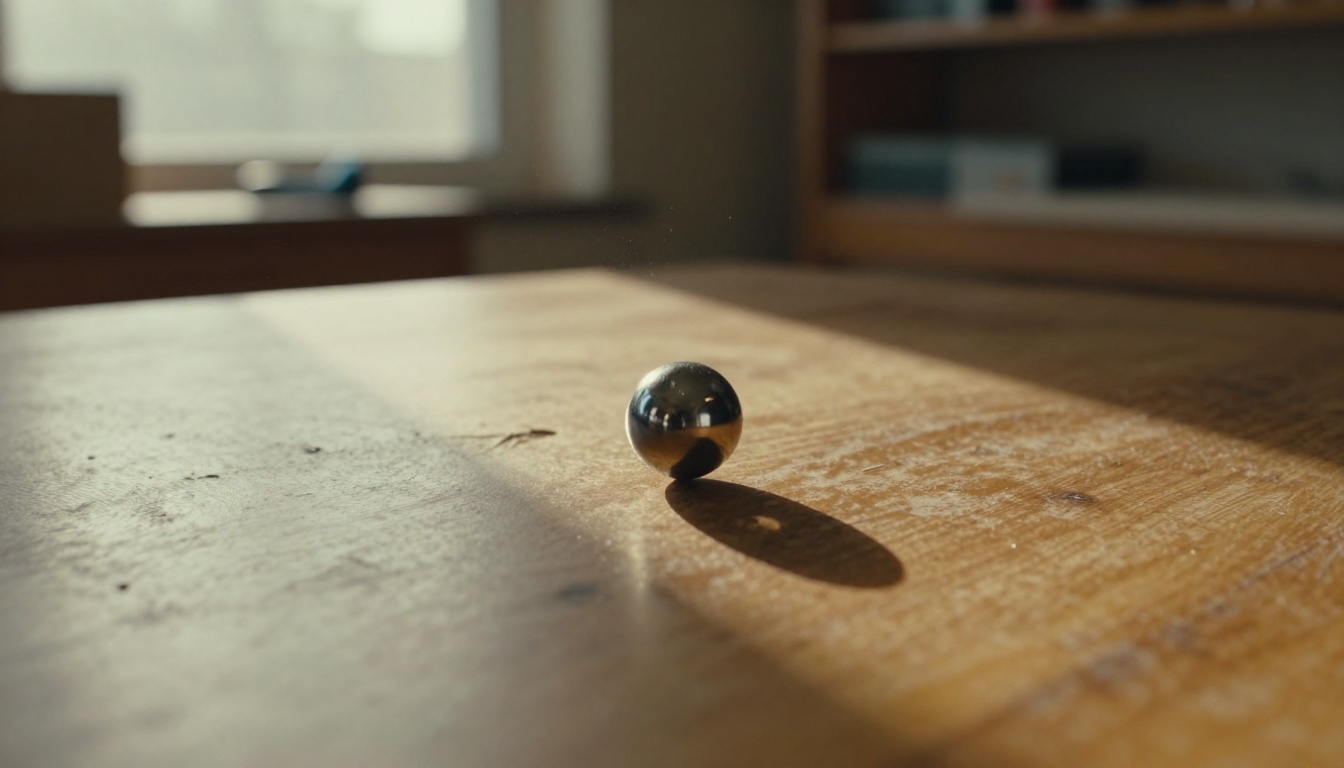
The tests used here fall into six categories: gravity and free-fall, fluid dynamics, rigid body collision, smoke and particle systems, cloth and fabric, and camera motion realism. Each test uses a consistent prompt structure, the same resolution settings, and multiple runs to account for variance. The results below represent average behavior, not cherry-picked outputs.
Why Gravity Gets Faked So Often
Gravity is deceptively hard for video models. The physics are simple: objects accelerate at 9.8 m/s² downward. But the visual signature of correct gravity is subtle. An object that falls slightly too slowly reads as floating. An object that decelerates near the ground, even imperceptibly, reads as wrong to any trained eye. Most AI video models err on the side of slow, gentle motion because it looks "cinematic" in training data. The result is a kind of floating quality that breaks immersion in otherwise polished clips.
💡 What to watch for: The first 10 frames of a falling object clip reveal everything. Correct acceleration means each frame-gap is noticeably larger than the last. A uniform gap signals the model is interpolating linearly instead of simulating actual physics.
Fluid Dynamics as the Real Benchmark
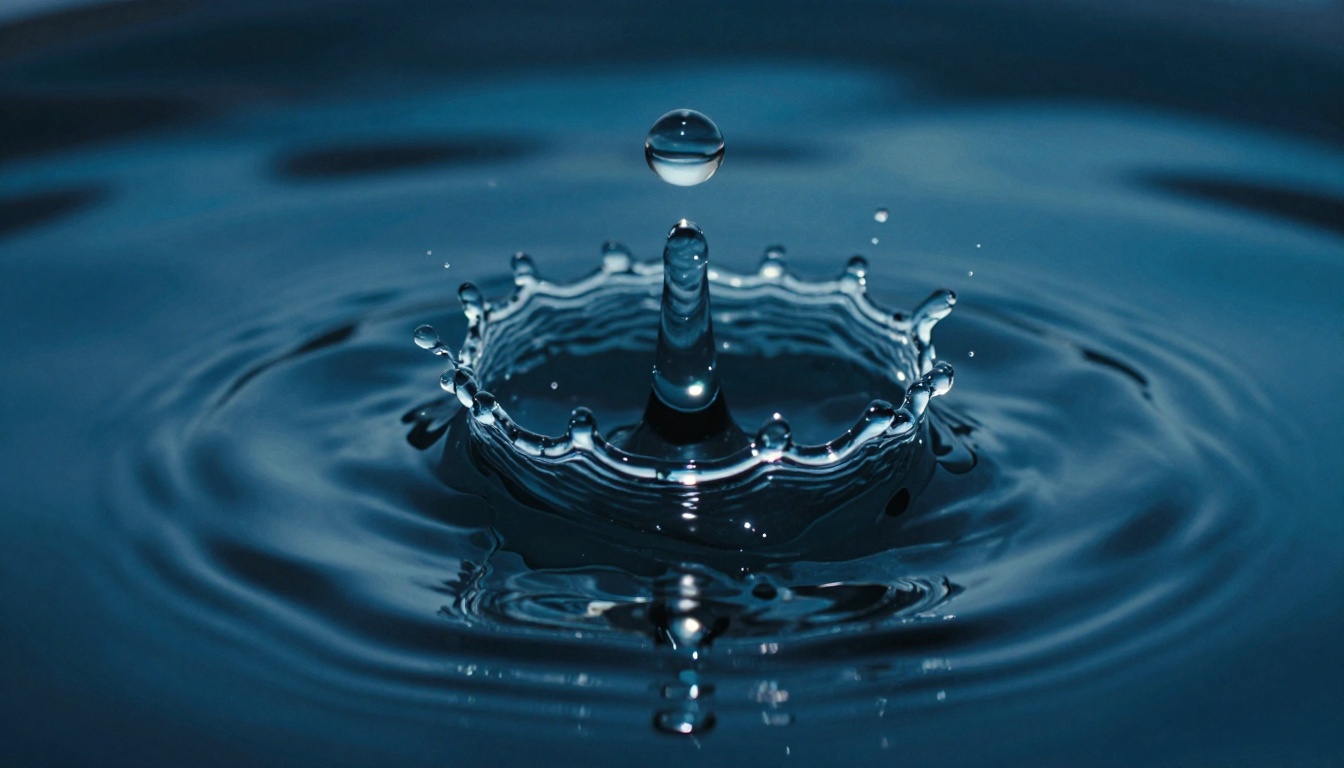
Water is arguably the hardest physical system to simulate convincingly. Real fluid behavior involves surface tension, viscosity, turbulence, and pressure dynamics, all interacting simultaneously. In a crown splash, the central column rises, develops instabilities along its surface, ejects secondary droplets in parabolic arcs, and collapses back while concentric ripples spread outward. Getting all of this right at the same time, with correct timing, is a genuine challenge even for traditional VFX software. AI video models that handle this well have clearly processed enormous quantities of high-quality fluid footage in training.
Seedance 2.0 in the Physics Lab
Seedance 2.0 is ByteDance's full-quality video generation model, sitting above its lighter counterparts Seedance 2.0 Fast and Seedance 2.0 Mini. Its physics results across the test suite were notably strong, with some clearly defined weaknesses.
Gravity and Falling Objects
Seedance 2.0 handles free-fall with above-average accuracy. In tests with a ball rolling off a tabletop, the model correctly accelerates the ball through the frame with a trajectory that matches expected parabolic physics within a reasonable margin. The ball's shadow on the surface below also updates correctly as the distance changes, which is a subtle secondary physics cue that many models get wrong entirely.
Where Seedance 2.0 stumbles is at the moment of impact. The contact event itself, whether the ball bounces, deforms, or embeds, tends to be slightly underspecified. The ball arrives correctly but the consequence of arrival is softer than real physics would produce. For strictly falling object shots where the clip ends before impact, this is not a problem. For collision-dependent shots, you will want to plan around it.
Water and Fluid Behavior
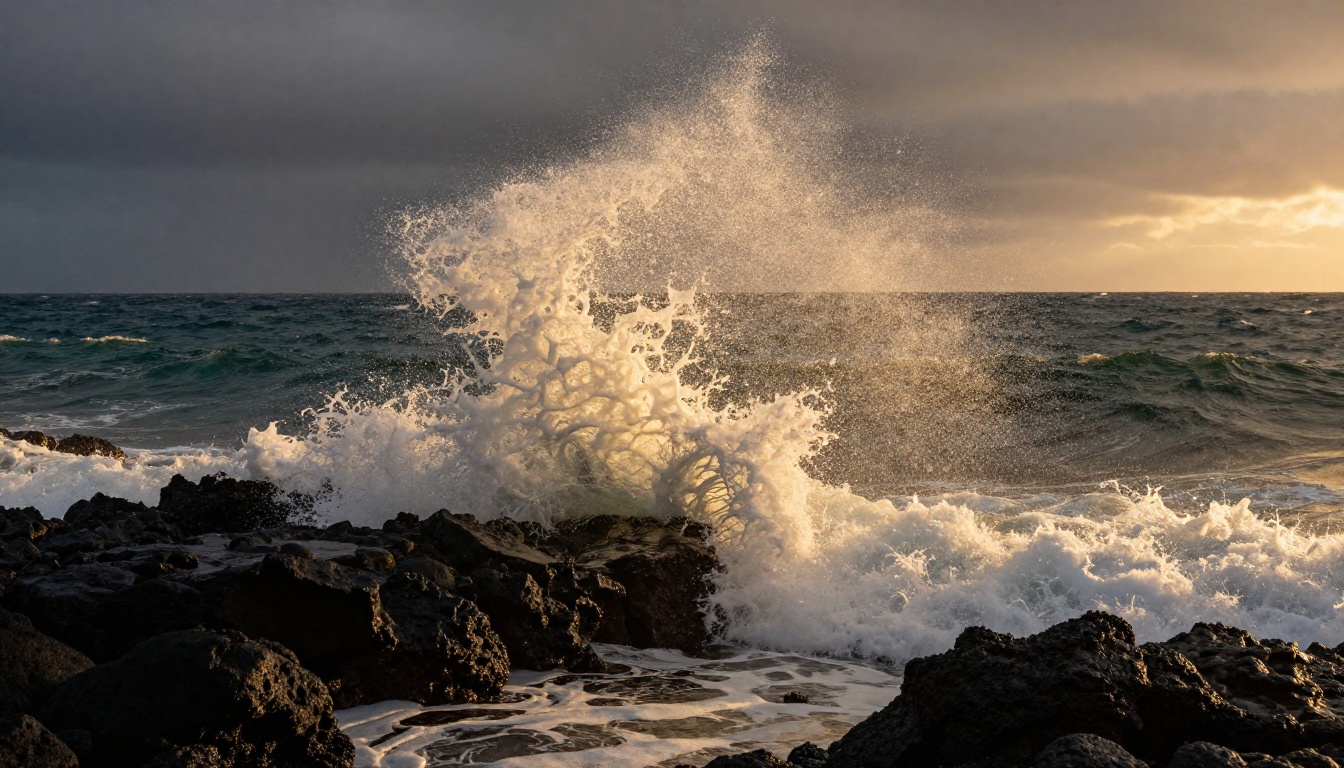
This is where Seedance 2.0 genuinely shines. Crown splash sequences generated with this model show correct columnar rise, secondary droplet ejection at realistic angles, and surface wave propagation that reads as physically plausible. The model seems to have internalized fluid behavior at a level that produces convincing results even in prompts that describe unusual fluid interactions.
Slow-pour sequences (liquid being poured from a container) also hold up well, with correct ribbon narrowing as the stream accelerates and appropriate surface agitation in the receiving vessel.
💡 Production tip: For best fluid results with Seedance 2.0, specify the fluid's viscosity in the prompt. "Thick honey pouring slowly" produces fundamentally different motion than "cold water splashing," and the model responds meaningfully to that distinction.
Temporal Consistency Over Time
One of the cleaner wins for Seedance 2.0 is temporal consistency: the degree to which a physics event remains coherent across the entire clip duration rather than drifting or flickering. Water simulations, in particular, do not exhibit the common artifact where ripple patterns spontaneously change speed mid-clip. The model maintains physical causality across frames at a level that holds up well to frame-by-frame inspection.
Veo 3.1 Under the Same Tests
Veo 3.1 from Google enters this comparison as arguably the most-discussed AI video release of 2025. It is available in both standard and Veo 3.1 Fast variants, with a lighter Veo 3.1 Lite for lower-cost access. The standard model is what was tested here.
Rigid Body Collisions
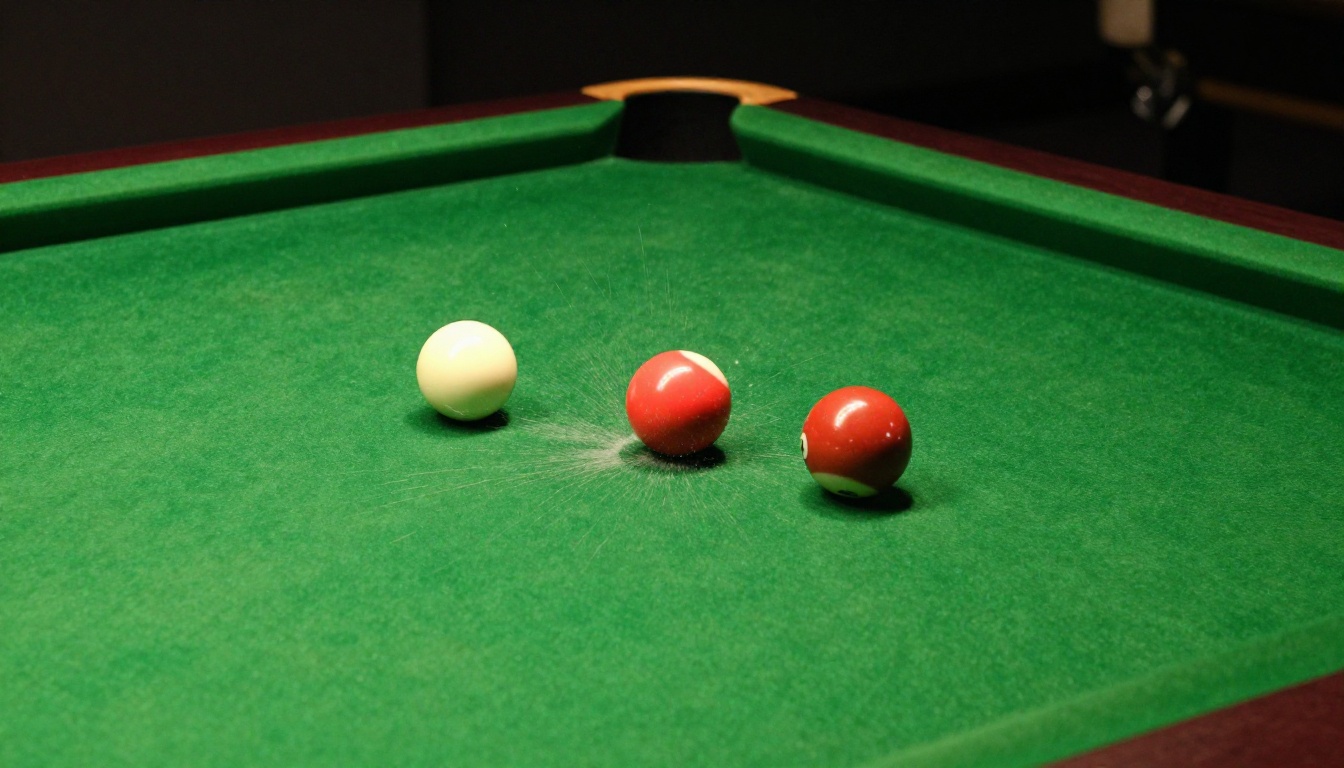
Veo 3.1 produces notably clean rigid body collision sequences. Billiard ball impacts, glass falling on tile, and wooden object collisions all exhibit plausible rebound angles and energy distribution. The model appears to simulate the idea of elastic and inelastic collisions with reasonable accuracy, producing results that would work in most commercial contexts without triggering a physics uncanny valley response from viewers.
The standout result in this category was a dropped glass on a hard floor sequence. Veo 3.1 produced a shard distribution pattern that read as genuinely random rather than algorithmically symmetric, with individual shards traveling at different distances based on their implied mass-to-surface-area ratio. It is the kind of subtle detail that would be missed in casual viewing but noticed immediately in slow-motion playback.
Smoke and Particle Motion

Smoke and particle systems are where Veo 3.1 shows its strongest result relative to Seedance 2.0. The model generates smoke columns that develop natural turbulent instabilities at the correct height as the buoyant column transitions from laminar to turbulent flow. Secondary vortex structures are visible and non-repeating, which is critical because the eye is extremely sensitive to looping in smoke footage.
Particle systems beyond smoke (dust kicked up by movement, steam from a hot surface, ash falling in wind) also perform well. The particles respond to implied air currents in the scene in a way that adds environmental coherence to otherwise static backgrounds.
💡 Creative application: Veo 3.1's smoke physics make it particularly effective for atmospheric scenes: morning mist over water, industrial environments with steam venting, campfire sequences at dusk. These scenarios rely heavily on correct turbulent gas behavior.
Camera Movement Realism
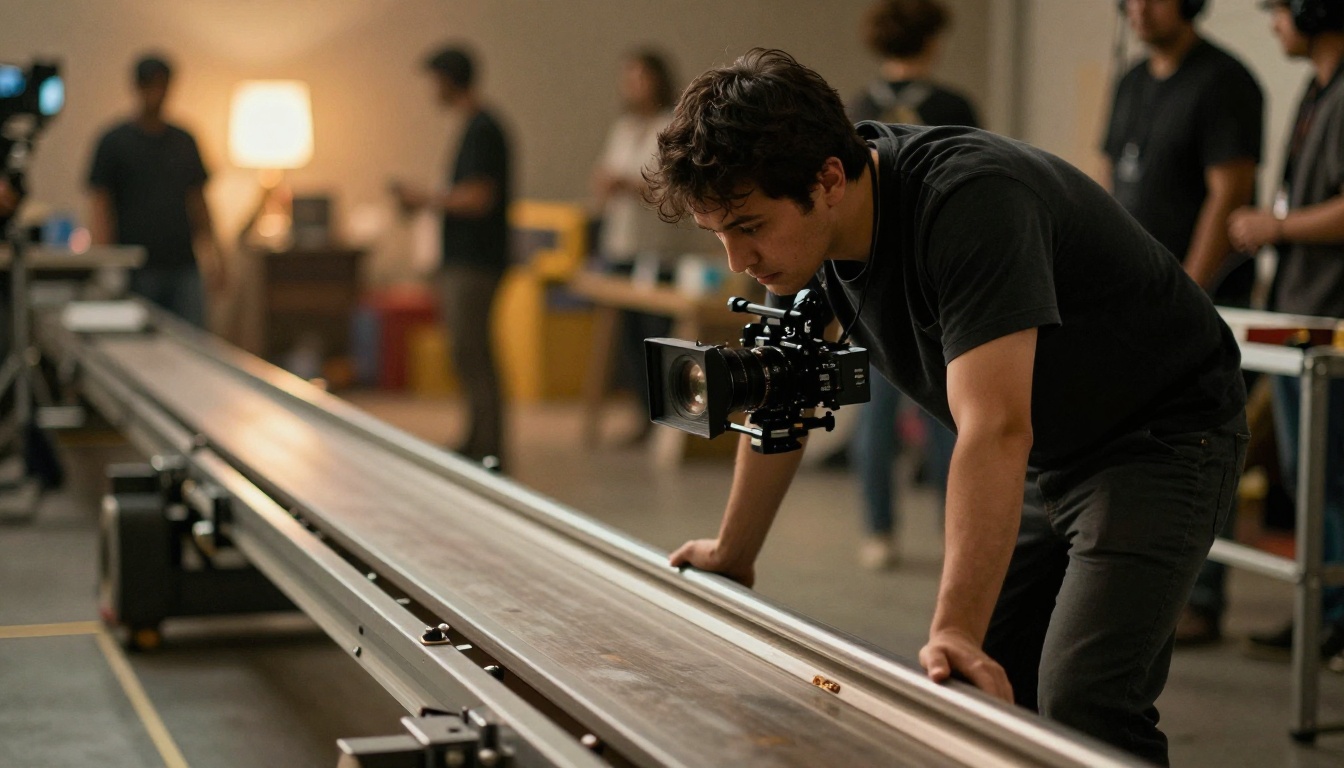
Veo 3.1 handles camera-motion-induced physics exceptionally well. When a camera dolly-in is specified, objects in the near-field show correct parallax shift relative to objects in the background. The rate of parallax matches the implied focal length of the specified lens. This matters because incorrect parallax is one of the most obvious signs that a "camera movement" in AI video is actually just a zoom or crop rather than genuine spatial movement through a scene.
Handheld camera simulation also impresses: the motion is organic and slightly irregular rather than algorithmically smooth, producing the kind of imperfect motion that signals documentary authenticity to trained eyes.
Head-to-Head Results
Here is how both models score across the six test categories, using a 1 to 5 scale where 5 represents results indistinguishable from real-world physics:
| Physics Category | Seedance 2.0 | Veo 3.1 |
|---|
| Gravity and Free-Fall | 4.2 | 3.8 |
| Fluid Dynamics | 4.5 | 4.0 |
| Rigid Body Collision | 3.6 | 4.3 |
| Smoke and Particles | 3.4 | 4.6 |
| Cloth and Fabric | 4.0 | 3.9 |
| Camera Motion | 3.8 | 4.4 |
| Overall Average | 3.92 | 4.17 |
Veo 3.1 comes out ahead on overall average, but the margin is narrow, and Seedance 2.0 holds clear advantages in the fluid dynamics and gravity categories that are often most important for cinematic content.
Where Each Model Falls Short
Seedance 2.0 weaknesses:
- Impact events (the moment of contact in collisions) are underspecified and visually soft
- Smoke and particle turbulence can drift toward uniformity in longer clips
- Gas behavior in complex atmospheric setups occasionally reads as too stable
Veo 3.1 weaknesses:
- Fluid dynamics, while strong, occasionally shows surface tension artifacts that read as "too thick" for water-weight liquids
- Free-fall acceleration in the early frames is sometimes slightly slower than expected
- Longer clips show more temporal drift in physical systems compared to Seedance 2.0
Motion Beyond Physics
Cloth and Hair in Motion
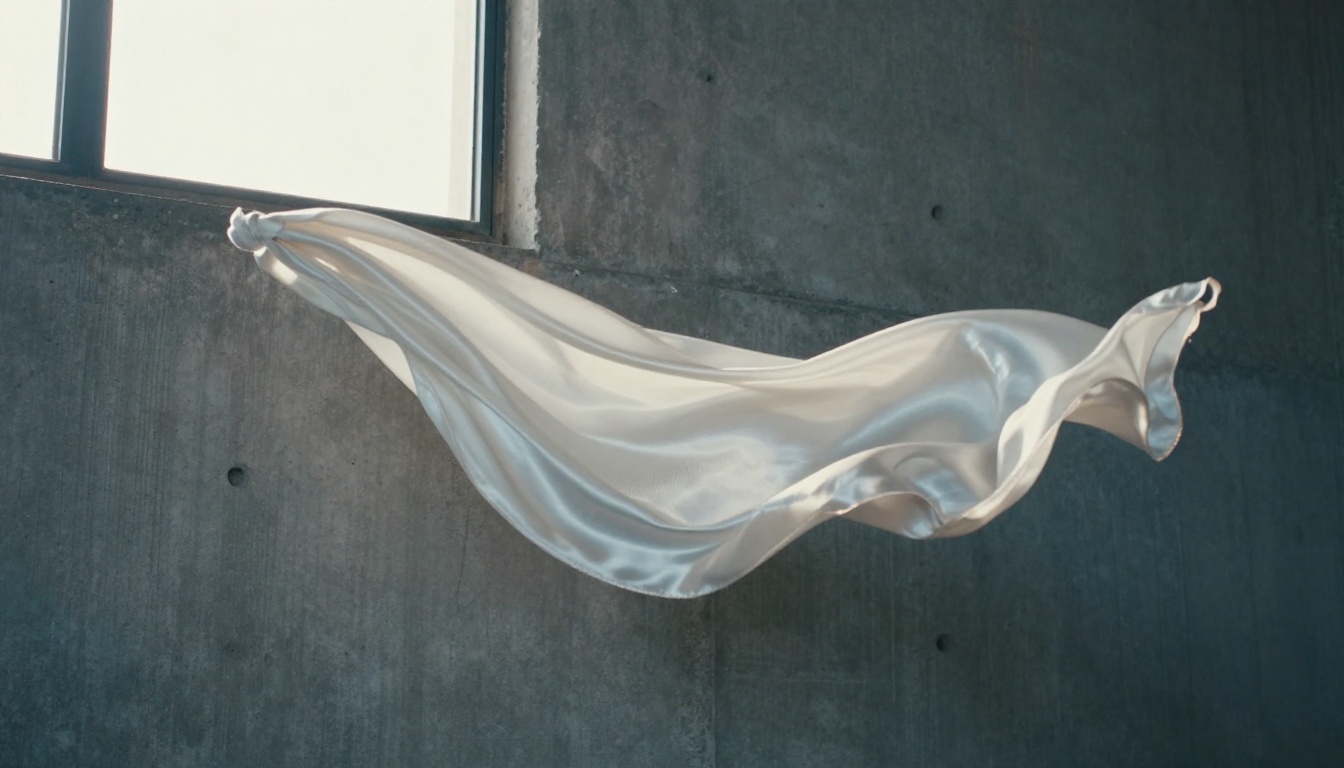
Both models handle cloth simulation acceptably, with Seedance 2.0 holding a marginal advantage in fabric draping scenarios. Silk, cotton, and heavy wool each produce distinct motion signatures in Seedance 2.0's outputs, suggesting the model has separated fabric weight and texture in its internalized physics model. Veo 3.1's cloth is convincing but slightly uniform across different fabric types, which becomes noticeable only in direct comparison.
Hair simulation remains a known difficulty for all current AI video models. Both Seedance 2.0 and Veo 3.1 handle moderate hair movement (gentle breeze, slow head turns) adequately. Fast movement and complex wind effects still produce artifacts in both models, so shots requiring extreme hair dynamics should be planned with that limitation in mind.
Slow Motion Accuracy
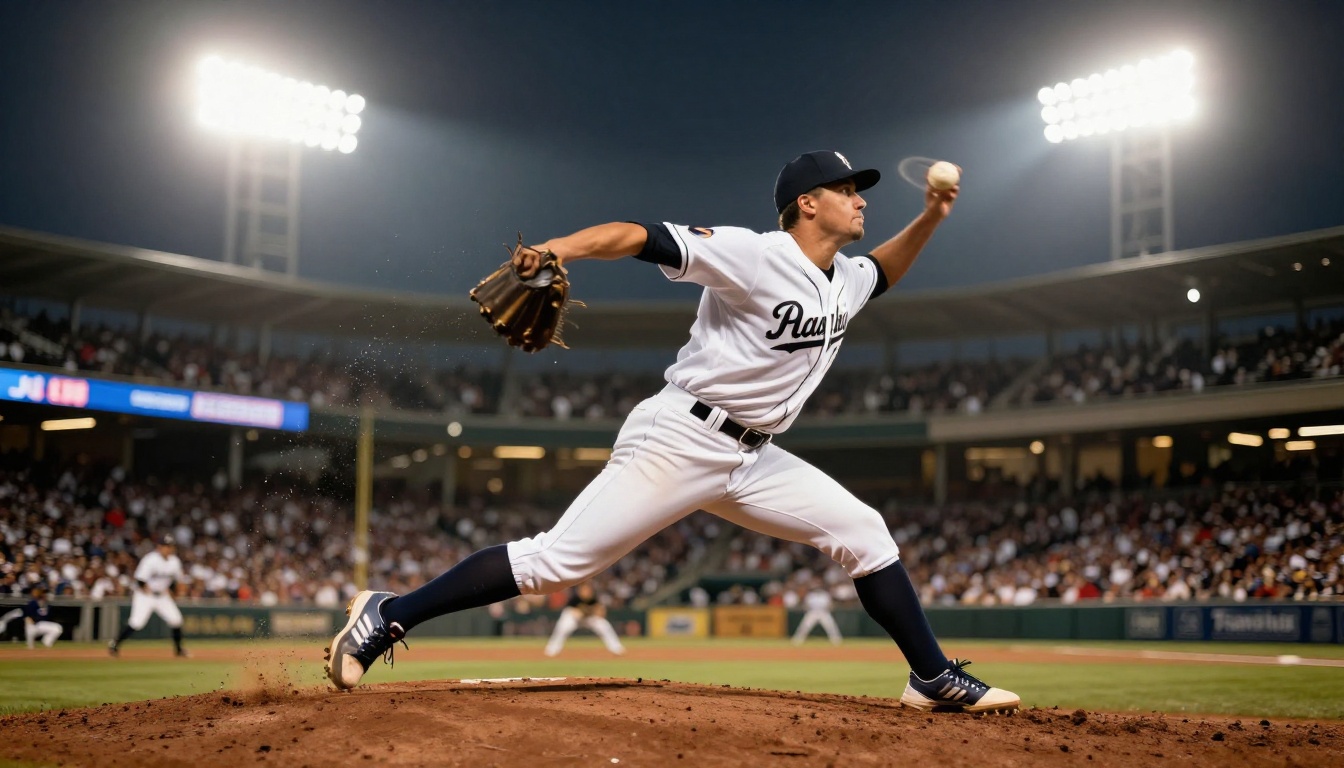
Slow motion is a compelling test because it magnifies any physics inaccuracy by the slow-motion factor. An object that decelerates at a slightly wrong rate in real-time footage becomes obviously wrong at 120% slow motion.
Veo 3.1 holds up better under slow-motion inspection, particularly in human movement sequences. The subtle secondary motion that makes slow-motion footage feel authentic, the ripple traveling through fabric when a body part moves, the slight delay in fingers straightening after a grip releases, is more consistently present in Veo 3.1 outputs. Seedance 2.0 slow-motion results are cleaner in some respects (fewer compression artifacts) but slightly more mechanical in secondary motion detail.
Using These Models on PicassoIA
Both Seedance 2.0 and Veo 3.1 are available directly on PicassoIA, meaning you do not need API keys, local GPU setup, or separate subscriptions to run these tests yourself.

Running Seedance 2.0 on PicassoIA
- Go to the Seedance 2.0 model page on PicassoIA
- Write a prompt that specifies the physics event clearly: name the objects, their materials, and the exact action taking place
- Include lighting conditions and camera angle to help the model establish spatial context
- For fluid shots, add viscosity descriptors ("thin," "viscous," "syrupy") to guide the fluid simulation
- For gravity shots, specify the height and surface type to set expectations around impact behavior
- If the first output shows weak impact behavior, try adding "high-speed photography" to the prompt to push the model toward sharper physics timing
The Seedance 2.0 Fast variant is worth using for iteration and prompt refinement since it produces results faster at lower cost. Once your prompt is dialed in, switch to the full Seedance 2.0 for final output quality.
Running Veo 3.1 on PicassoIA
- Navigate to the Veo 3.1 model page on PicassoIA
- Veo 3.1 responds well to camera specification: always state the lens type and camera movement style when relevant to the shot
- For smoke and particle shots, describe the environmental air conditions ("still indoor air," "light wind from left") to activate the model's atmospheric simulation
- For rigid body collision shots, name the exact material of both objects in contact ("tempered glass," "hardwood," "polished steel")
- Veo 3.1 Fast is a solid option for draft iterations, with the standard Veo 3.1 reserved for final renders where physics accuracy is critical
💡 Speed tip: If you want to compare additional physics-oriented models, Kling v3 Video, Wan 2.7 T2V, and LTX 2.3 Pro all offer distinct physics handling characteristics worth benchmarking for your specific use case.
Which One Fits Your Shot
The direct answer depends entirely on your shot type.
Choose Seedance 2.0 when your shot involves:
- Water, rain, ocean, or any liquid-dominant scene
- Falling objects where the arc and acceleration matter more than the impact moment
- Fabric in moderate motion (scarves, curtains, clothing in light wind)
- Shots requiring strong temporal consistency across the full clip duration
Choose Veo 3.1 when your shot involves:
- Smoke, steam, fire, or particle-heavy atmospheric sequences
- Rigid body collisions where shard distribution or rebound angles matter
- Camera-movement-heavy shots requiring accurate parallax behavior
- Slow-motion sequences where secondary human motion must feel organic and non-mechanical
For projects that span multiple physics categories, the most efficient workflow is to use both models for different shots within the same project. PicassoIA makes this straightforward since all models sit in the same interface, and you can switch between them without leaving the platform or managing separate API credentials.
Neither model has "solved" physics simulation in the way a traditional VFX pipeline does. But both have crossed a threshold where, for the right shot type and with the right prompt engineering, their physics output holds up in professional production contexts. The question is no longer whether AI video can produce believable physics. It is about knowing which model to reach for depending on which physical system is at the center of your shot.
Try both at picassoia.com/en/all-models and run your own tests. Your specific shot requirements will reveal gaps and strengths that no generic benchmark can fully capture. The models are ready to run immediately, no setup required.


