Two Seedream models sit side by side on PicassoIA, and picking the wrong one costs you time on every render. Seedream 5 Lite is the newer ByteDance release, built around a reasoning pass that reads your prompt before it draws anything. Seedream 4.5 is the older sibling with a higher resolution ceiling and a custom size option. Both are free to try online, both accept reference photos, and both run from a plain text box with no coding. This article puts the two next to each other, shows where each one wins, and hands you prompts you can paste and test today.
Quick Verdict First
Short on time? Here is the decision in two lines.
- Pick Seedream 5 Lite when your prompt has many moving parts: several subjects, exact positions, text inside the scene, or an edit built on reference photos.
- Pick Seedream 4.5 when you need the largest file (4K), an exact pixel size, or a batch of clean frames at the highest resolution.
💡 Tip: You do not have to choose once and stay loyal. Run the same prompt through both and keep the better frame. It takes a minute and settles the question for your own style of work.
Specs at a Glance
The numbers below come straight from the two model pages on PicassoIA, so they describe what you actually get in the form, not what a press release promises.
| Feature | Seedream 5 Lite | Seedream 4.5 |
|---|
| Resolution options | 2K (2048 px) or 3K (3072 px) | 2K (2048 px) or 4K (4096 px) |
| Custom width and height | Not offered | Yes, 1024 to 4096 px |
| Reasoning on complex prompts | Built in | Not listed |
| Reference images | 1 to 14 | 1 to 14 |
| Batch generation | Up to 15 images per run | Up to 15 images per run |
| Aspect ratios | 9 settings, including 21:9 and match input | 9 settings, including 21:9 and match input |
| Output format choice | PNG or JPEG | Not in the form |
| Safety checker toggle | No | Yes |
| Watermarks | None | None |
Two things jump out. Seedream 5 Lite trades the top resolution tier for reasoning, and Seedream 4.5 keeps exact-size control plus the safety checker toggle. Everything else lines up, which is why the choice usually comes down to your prompt and your output size, not to a long list of settings.
Who Should Pick Which
Seedream 5 Lite fits you if:
- You write long, layered prompts and want every clause respected
- You edit with reference photos and describe the change in plain words
- 3K output is plenty for your screens and prints
Seedream 4.5 fits you if:
- You print large or crop hard and want 4096 px of headroom
- You need a specific width and height for a layout, a texture, or a background plate
- You want the safety checker setting available in the form
What Actually Changed in 5 Lite
On paper the two models share a lot. The differences show up in how they read a prompt and how big a file they hand back.
Reasoning Before Rendering
Seedream 5 Lite applies built-in reasoning to interpret detailed, multi-part prompts, according to its PicassoIA page. In practice that means the model works out the layout of the scene before it renders: who stands where, which object sits in front of which, what the light should do. It behaves less like a word matcher and more like an art director reading a brief.
Think of a photographer who sketches thumbnails before a shoot. The sketch costs seconds and prevents the "wrong lens, wrong angle" problem later. A reasoning pass plays the same role. A prompt like "a woman on the left holding a red umbrella, a cyclist passing on the right, a bakery window behind them" is exactly where it should pay off, because the positions are part of the instruction.
Seedream 4.5 handles dense prompts well too, but its page does not list reasoning as a feature. On short, simple prompts you may see no difference at all. The gap, if there is one, opens up when the brief gets crowded.
⚠️ Heads up: Some platforms advertise live web lookup for Seedream 5.0 Lite. The PicassoIA model page lists reasoning but not web search, so do not count on current-events context when you generate here.
Resolution and Custom Sizes
Seedream 5 Lite outputs 2K (2048 px) or 3K (3072 px). Seedream 4.5 outputs 2K or 4K (4096 px), and it also accepts a custom width and height anywhere between 1024 and 4096 px.
Why does that matter? Rough math at 300 dpi: if 3072 px is the long edge, you get about 10 inches of sharp print. At 4096 px the same print stretches to roughly 13.5 inches. For a website hero, a social post, or a slide, 2K is already more than enough. The extra tier mostly pays off for posters, packaging mockups, and images you plan to crop hard.
Shared Tools Both Models Offer
Neither model leaves you without the basics a working creator needs:
- Reference images: upload 1 to 14 photos to steer style, subject, or composition
- Sequential generation: set it to auto and ask for up to 15 related frames in one run (your uploads count toward that 15)
- Nine aspect settings: 1:1, 4:3, 3:4, 16:9, 9:16, 3:2, 2:3, 21:9, and match input image
- Clean files: no watermarks on the downloads
Free Access on PicassoIA
What "Free" Means Here
PicassoIA lists both models as free and online with no coding. You open the model page, type a prompt, and press generate. There is no install, no API token, and no GPU to rent. How many renders you get per day and how fast they queue depend on your plan, so check your account before you plan a big batch. "Free to try" is the honest label; the model pages do not promise unlimited use.

Two habits stretch free access further:
- Draft small, finish big. Test every idea at 2K and switch to 3K or 4K only for the render you plan to publish.
- Write prompts outside the form. Keep them in a notes app, then paste. A typo caught early saves a whole render.
Open Each Model Directly
These are the Seedream pages worth bookmarking:
For a sense of speed, the example runs on the model pages are a decent ballpark. Seedream 5 Lite examples took 37 to 71 seconds across 2K and 3K, and Seedream 4.5 examples took 15 to 62 seconds. Load, size, and batch settings all move those numbers, so treat them as hints, not a benchmark.
How to Use Seedream 5 Lite
Seedream 5 Lite is available on PicassoIA, so you can follow this routine in a few minutes:
- Open the Seedream 5 Lite page.
- Type your idea in the Prompt field. Two to four descriptive sentences is a good length.
- Leave size on 2K for drafts. Move to 3K for finals.
- Pick an aspect_ratio: 16:9 for banners and blog heroes, 9:16 for stories, 1:1 for feeds, 21:9 for ultra wide headers.
- Choose an output_format: PNG when you will edit the file, JPEG when you want it lighter.
- Optionally add reference photos, or switch sequential generation to auto and set a max image count.
- Generate, judge the result, change one thing, and run it again.

The same routine works for Seedream 4.5. Swap 3K for 4K, use the custom width and height when you need exact pixels, and ignore the output format step because that form does not offer it.
Settings Worth Changing First
| Setting | Default | When to change it |
|---|
| size | 2K | Switch to 3K for print or heavy cropping |
| aspect_ratio | match_input_image | Set a real ratio so nothing is left to chance |
| output_format | png | Use jpeg for smaller files |
| image_input | empty | Add 1 to 14 photos for style, subject, or edits |
| sequential_image_generation | disabled | Use auto for story scenes or character variations |
| max_images | 1 | Raise up to 15 when sequential generation is auto |
Adding Reference Images
References turn the model into an editor. The routine is short:
- Upload one or more photos in image_input.
- Say what each reference is for: "keep the face from the first photo, borrow the lighting from the second."
- Be exact about positions when you edit. "Change the orange purse in the blue box to a purple oval purse" beats "make it nicer" every time.
- Rerun with one change at a time, so you know which edit did the work.
Remember the 15 image cap includes your uploads. Four references leave room for 11 new frames, and fourteen references leave room for exactly one.
Prompt Tips That Work on Both
Write Sentences, Not Tag Piles
Older generators rewarded strings like "best quality, 8K, ultra detailed, trending". Models that reason read natural language, and a pile of quality tags adds noise without adding meaning. Two to four clear sentences is the sweet spot for most scenes, and staying under roughly 600 words keeps the model focused.
- Weak: woman, cafe, cinematic, 8K, ultra detailed, best quality
- Stronger: A woman in a green coat reads by the window of a small cafe on a rainy afternoon. A half-finished espresso sits near her elbow. Soft daylight comes from the left, shot on a 50mm lens at f/1.8.
The second prompt gives the model a story, a place, a light source, and a camera. Every clause is something it can act on.
Name the Light and the Lens
Photographic language works on both models. The example prompts on the Seedream 5 Lite page lean on phrases such as "expired Kodak Portra 800" and "Shot on Phase One IQ4 150MP", while the Seedream 4.5 examples ask for "35mm-inspired digital photography" with "soft afternoon sunlight". The pattern is the same: say where the light comes from, what time of day it is, and which lens or film look you want.
| Add this | To get this |
|---|
| "soft window light from the left" | Gentle shadows with a clear direction |
| "golden hour, low sun behind the subject" | Warm rim light and long shadows |
| "85mm lens, shallow depth of field" | Blurred background, sharp subject |
| "24mm wide angle, shot from below" | Tall, dramatic perspective |
| "subtle film grain, Kodak Portra look" | Natural, slightly warm color |
Put Text in Quotes
If a word has to appear in the picture, wrap it in quotation marks and say where it goes and how it looks: hand-painted lettering on a shop window that reads "OPEN". Keep it short. One to three words render far more reliably than a full sentence, and you should check the spelling on every render.
Use Batches for Variations
When you are hunting for a look, switch sequential generation to auto and ask for a set: "four variations of the same character in different outfits, same studio background". One run returns up to 15 related frames, which beats rewriting the prompt four times and hoping the face stays the same.
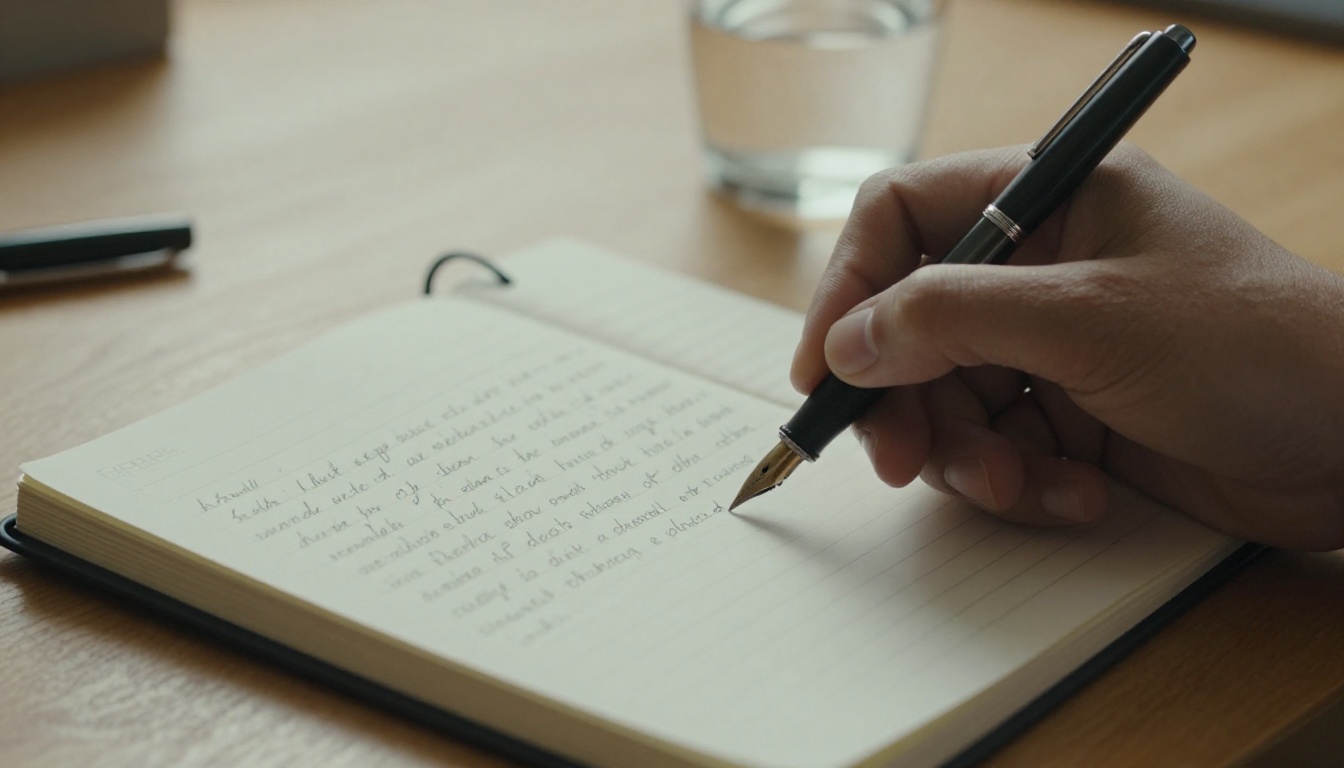
Three Prompts to Test Side by Side
The form shows no seed field, so one render proves very little. Run each prompt three times on each model at the same size and ratio, then compare patterns: composition, hands, text spelling, skin texture.
Test 1, the portrait:
An elderly fisherman mends a net on a wooden pier at sunrise, weathered skin with deep creases, silver stubble, a wool cap pulled low. Soft golden light from the left, calm sea behind him, shot on an 85mm lens at f/1.8.
Watch for: pores and wrinkles that look real, natural hands, and catchlights in the eyes.
Test 2, the product shot:
A handmade speckled ceramic mug on folded linen, placed on a pale ash wood table. Light steam rises from the cup. Soft window light from the left, shallow depth of field, shot on a 50mm macro lens.
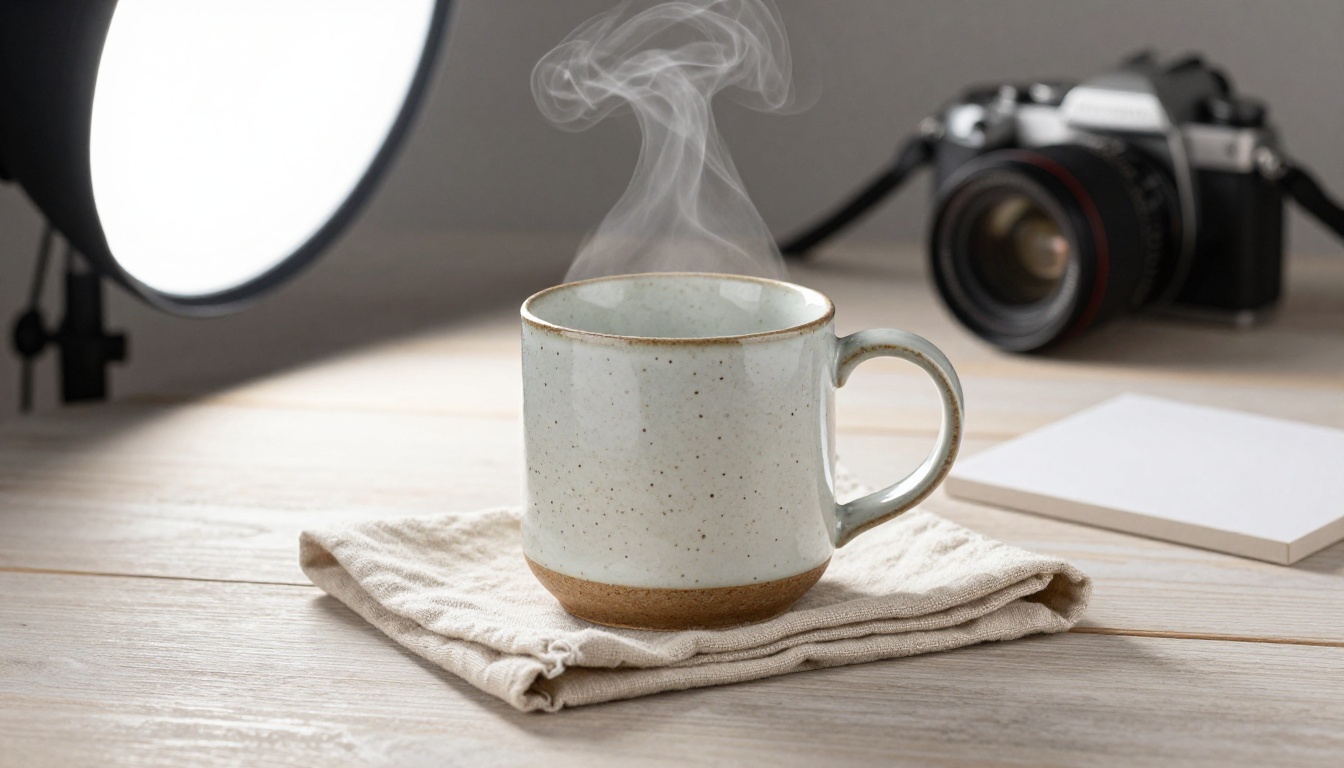
Watch for: glaze reflections, wood grain, the shape of the steam, and clean edges around the handle.
Test 3, the poster text:
A vertical poster for a small bakery. A large headline in bold serif letters reads "FRESH BREAD". Below it, in smaller sans serif letters, "Open daily 7 to 3". A sourdough loaf rests on a wooden board in the lower third, warm cream background.
Watch for: spelling, letter spacing, and whether the loaf stays inside the frame. Text is where the two models are most likely to disagree, so it earns a spot in your test set.
Which Model Fits Which Job
| Job | Better pick | Why |
|---|
| Social post or blog header | Seedream 5 Lite | 2K is plenty, and layered prompts land well |
| Large print or heavy crop | Seedream 4.5 | The 4K tier gives more pixels to work with |
| Poster with text | Test both | Both aim at text, so compare spelling |
| Character variations | Either | Both batch up to 15 frames |
| Layout plate at exact pixels | Seedream 4.5 | Custom width and height |
| Photo edit with references | Seedream 5 Lite | Reasoning helps it follow multi-part edit notes |
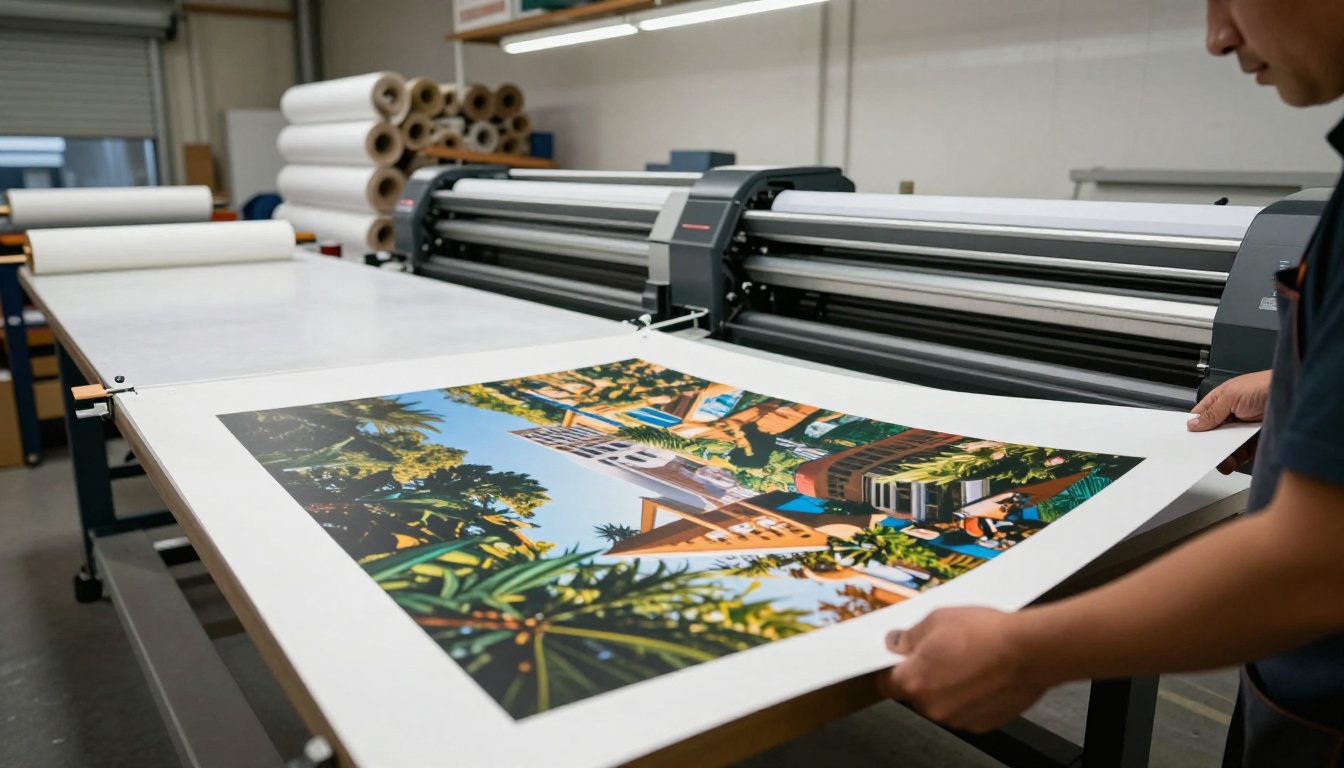
If you cannot decide, default to Seedream 5 Lite for everyday work at 2K and switch to Seedream 4.5 the moment a project needs 4K or exact dimensions. That single rule handles most real jobs.
Content Filters and Limits
Seedream 5 Lite blocks adult content, so mature themes belong elsewhere. Seedream 4.5 includes a Disable Safety Checker option that relaxes input moderation to block only illegal material. Use it responsibly, and keep anything you publish within your platform's rules. If a prompt gets rejected, rewrite it rather than hunting for a workaround. For brand work, leave the checker on.
A few more limits to plan around:
- Seedream 5 Lite stops at 3K, so true 4K work belongs to Seedream 4.5 or the earlier Seedream 4.
- Seedream 4.5 does not list reasoning, so crowded prompts may need more iterations.
- Neither form lists a seed field, so exact repeats are not guaranteed.
- A single run caps at 15 images, uploads included.
Run Your Own Side by Side
Reading a comparison only gets you halfway. The fastest way to find your favorite is to open both pages on Picasso IA, paste the three test prompts above, and watch how each model reads them. Save the renders you like, note which settings produced them, and build your own cheat sheet.
Start with the Seedream 5 Lite page, then jump to Seedream 4.5 with the same prompts. When you want more options, browse every model at picassoia.com/en/all-models and try a few outside the Seedream family. Your first side by side is one prompt away, so go make something.


