Generate imagesLarge Language ModelsVisual Effects
Consistent Character AI: Free Image Generator and ChatGPT Prompts
Characters drift because every image generation starts from scratch. This article shows how to lock a face with a written character sheet, reuse a ChatGPT prompt block that never changes, and pick a free image generator that accepts a reference image, so your character looks like the same person in every scene.
You write a prompt, love the result, then reuse the same prompt with a new scene and get a stranger. Different nose, different jaw, a coat that changed color halfway through the series. That is character drift, and it is the most common reason an AI image project falls apart after the third picture. This article shows how to stop it with a short written character sheet, a set of ChatGPT prompts you can copy, and free image generator options that accept a reference photo, so the same face comes back in every scene.
Why Characters Drift Between Images
Image models have no memory. Every generation starts from random noise plus your prompt, and a phrase like "woman with dark curly hair" fits millions of different faces. The model picks a new one each time, and you end up with a stranger wearing the same hairstyle.
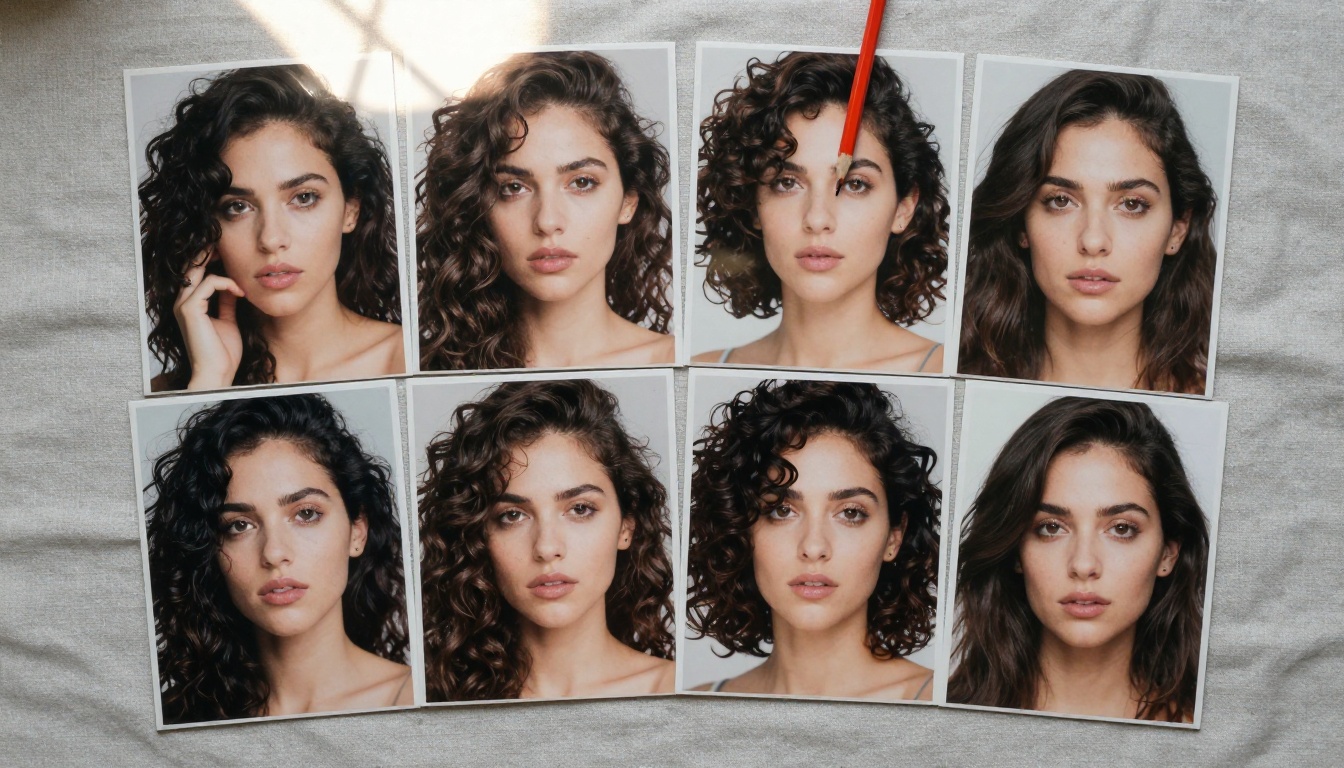
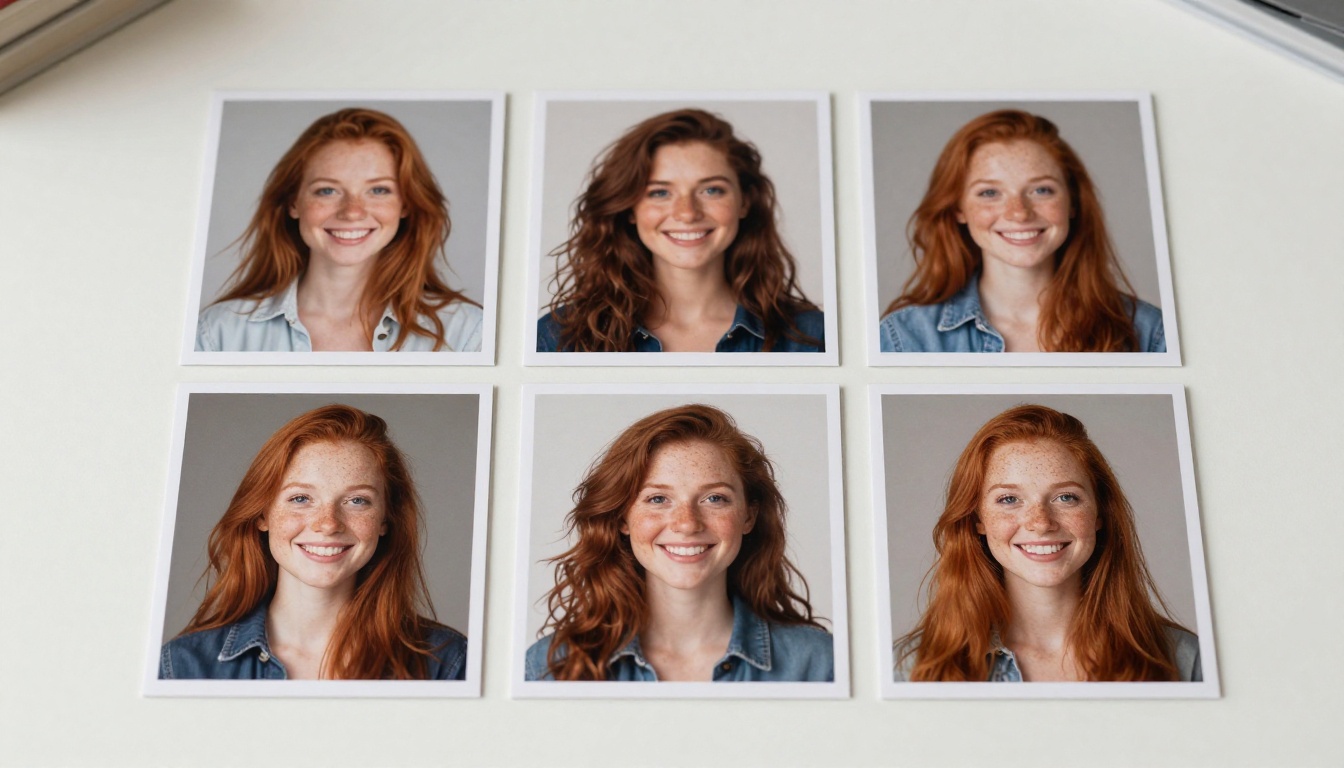
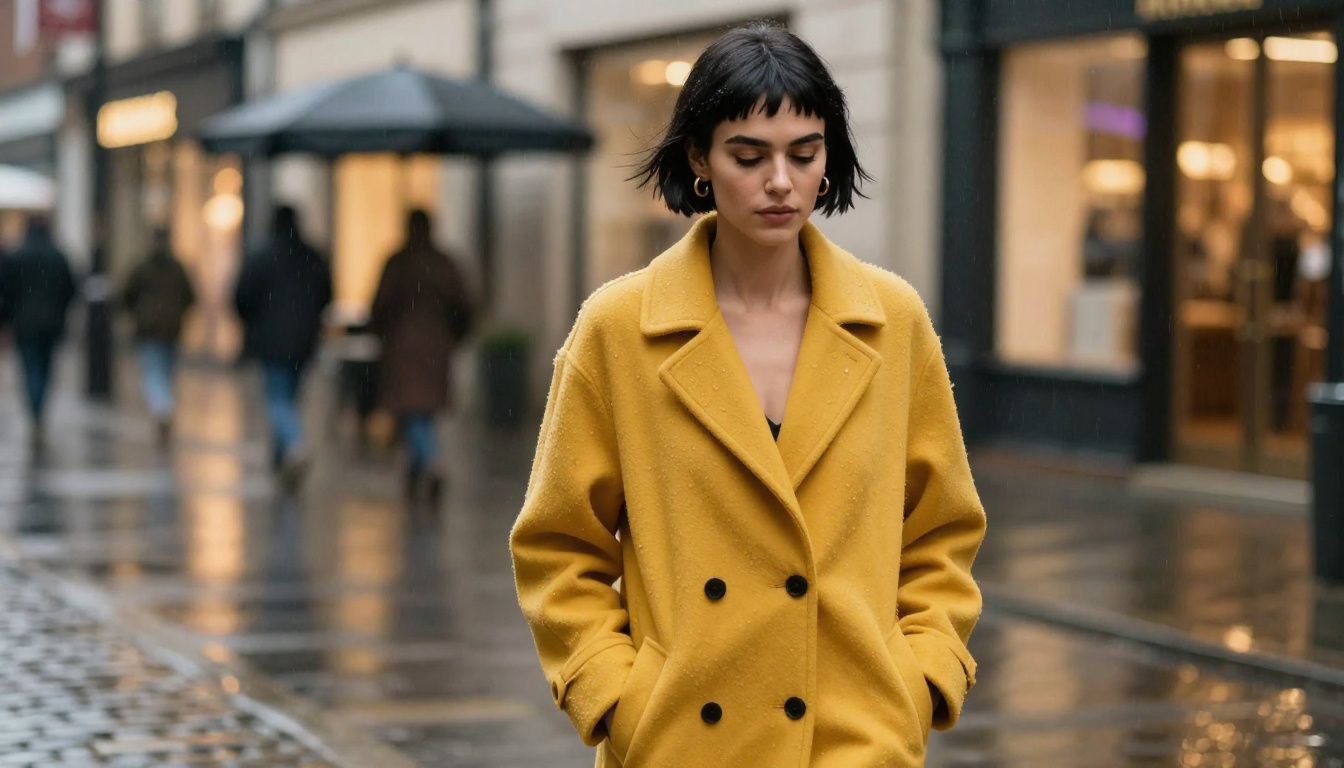
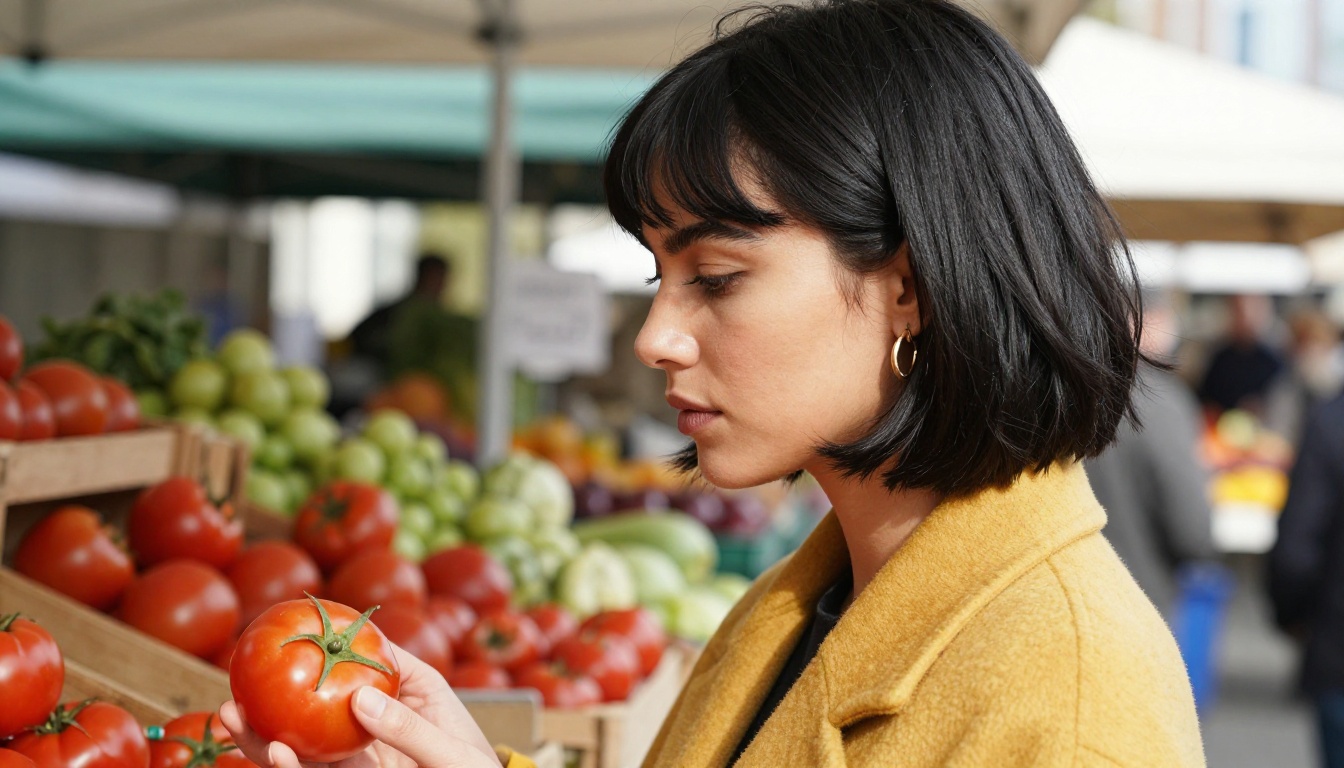
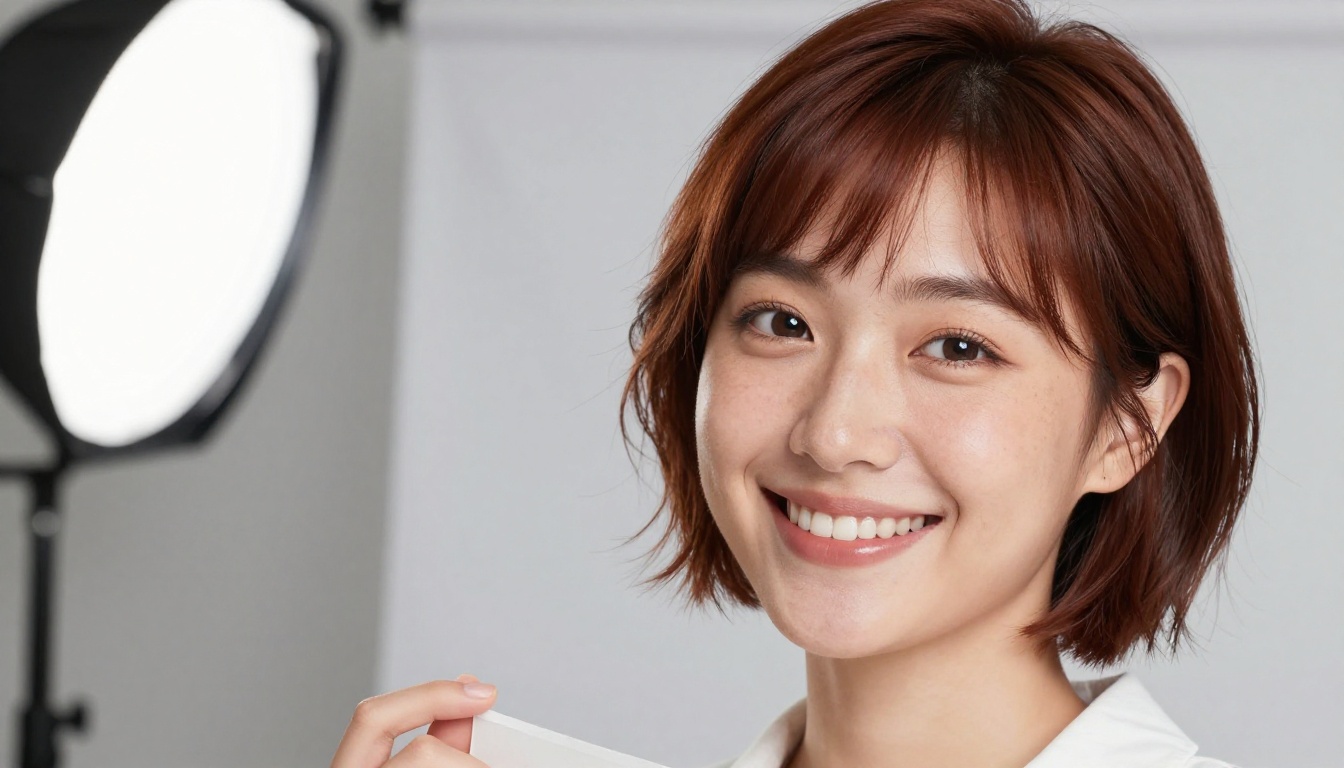
Dark curly hair holds steady across these prints. Everything underneath it moves.
A fixed seed does not solve this on its own. A seed repeats the same image for the same prompt. The moment you change the scene, the model takes a different path and the face changes with it.
Your Prompt Is a Loose Description
Most prompts describe a type of person, not a person. "Young woman, long hair, friendly smile" leaves the nose, jaw width, eye spacing, lip shape and skin tone wide open. The model fills those gaps differently on every run. The fix has two parts: describe more of the face in fixed words, and give the model a picture to copy instead of words to interpret.
Four Things That Change First
What drifts
Why it happens
What fixes it
Face shape
Nose, jaw and eyes are rarely written down
A reference image
Hair
"Long" and "short" mean a different length every run
Length in inches, plus parting and texture
Clothing details
Buttons, collars and prints get reinvented
One named outfit per scene, repeated word for word
Age and skin
Loose words like "young" shift the whole face
One exact age and one fixed skin description
💡 Tip: Drift is worst on faces and mildest on objects. If your story needs a mascot or a product, text alone can be enough. If it needs a recognizable person, you need a reference image.
Build a Character Sheet First
Before you generate anything, write the character down. A sheet takes ten minutes and saves hours of rerolls, because every later prompt, whether you type it yourself or ask ChatGPT to write it, pulls from the same source.
Write the Face in Fixed Words
Use the same fields every time and fill them with details you could check in a photograph:
Name and age: Nora, 28
Build: slim, average height
Hair: sharp black bob at jaw length, straight bangs
Face: olive skin, thick dark eyebrows, brown eyes, straight nose
Signature items: small gold hoop earrings, mustard yellow wool coat
Default expression: calm, with a slight frown of concentration
Notice what is missing: no beautiful, no stunning, no attractive. Those words describe a feeling, not a feature, and a model reads them as permission to improvise. Concrete nouns hold a face in place. Adjectives of opinion let it slide.
Use this
Avoid this
"jaw-length black bob, straight bangs"
"cool short haircut"
"thick dark eyebrows, brown eyes"
"striking eyes"
"mustard yellow wool coat, black buttons"
"stylish yellow jacket"
"28 years old"
"young"
Pick One Anchor Image
Generate eight to ten candidates from the sheet and choose a single anchor: front facing, neutral expression, even light, no hat, no sunglasses, nothing blocking the hairline. That image becomes the reference for every reference-based tool you use later.
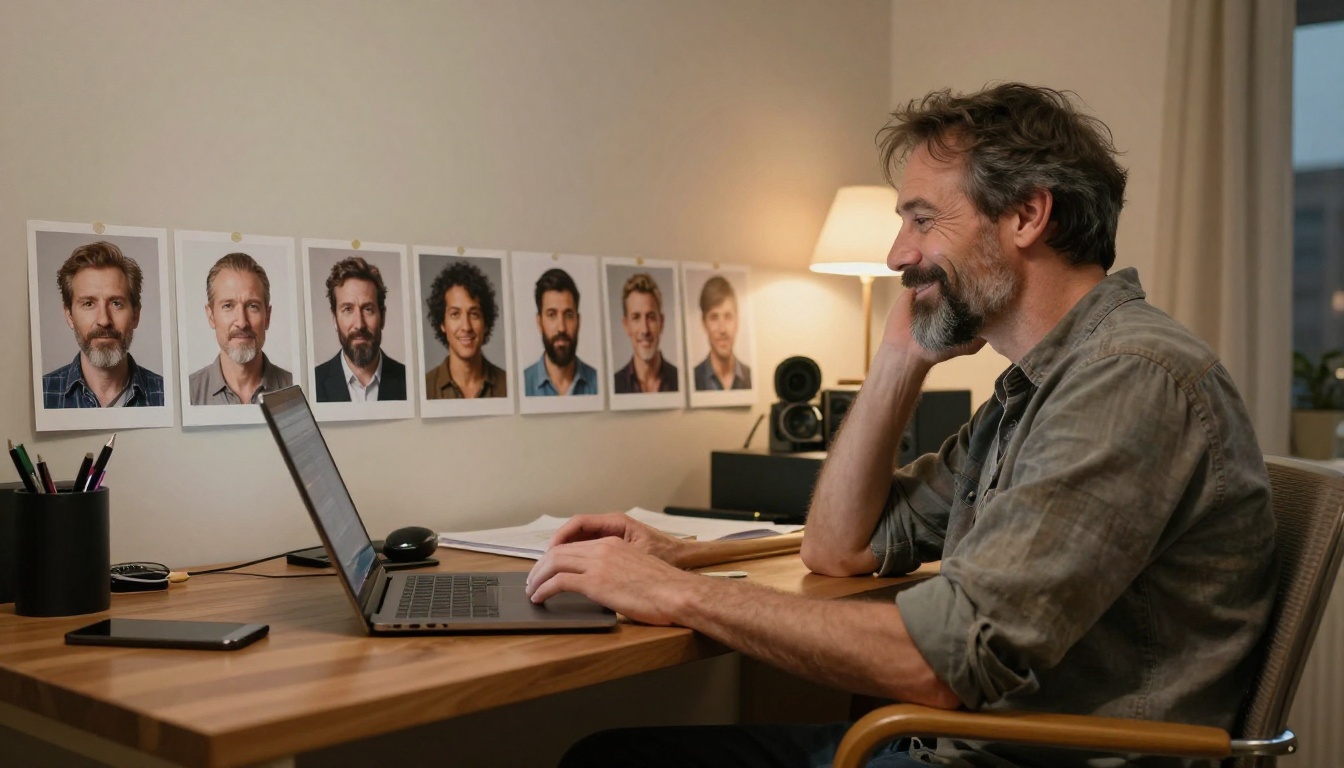
A shortlist of candidates. Lay them side by side and keep the one that matches the sheet best.
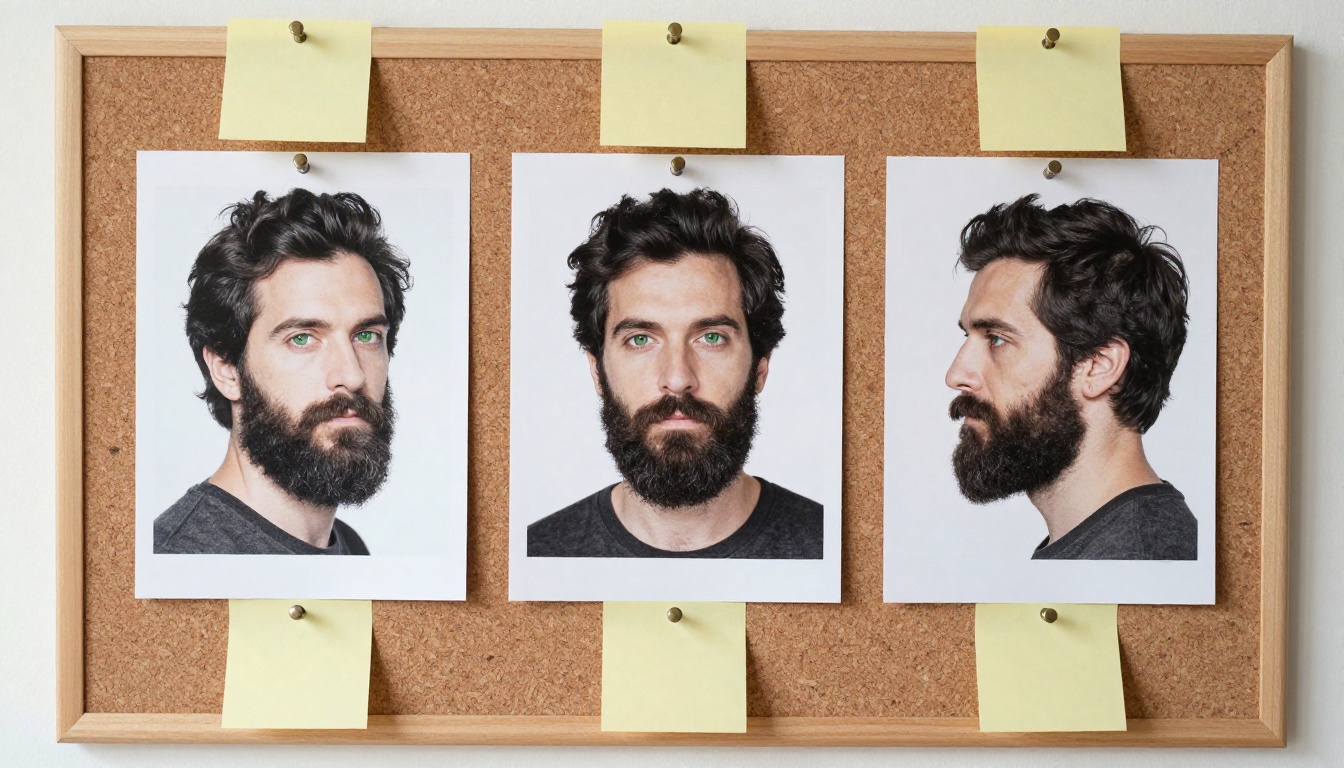
If you can, make two more: a left profile and a three-quarter view, like the board above. Models that take several references at once, such as Nano Banana Pro, accept up to 14 images, so a small set of angles gives them far more to work from than one flat portrait.
💡 Tip: Save the anchor and the exact base block in one note. When a result looks off three weeks into a project, that note is how you spot that someone retyped the description.
ChatGPT Prompts That Hold a Face
ChatGPT is good at one job in this workflow: writing fixed text and repeating it exactly. It is poor at remembering your character from one chat to the next, so every prompt below pastes the character sheet back in. Copy them as written and swap in your own details.
Prompt 1: Build the Character Sheet
Act as a casting director. I need a fictional character for an image series.
Write a character sheet in under 120 words with these fields: age and build, hair, face, skin, eyes, signature items, default expression.
Use only concrete visual details I could check in a photo.
Do not use words like beautiful, stunning or attractive.
Character idea: [one sentence about who this person is]
Prompt 2: Lock the Base Block
Turn the character sheet below into one sentence of 40 words or fewer.
Include only features that never change between scenes.
Output the sentence alone, on a single line, so I can paste it at the start of every image prompt.
Character sheet: [paste the sheet]
For Nora, the output looks like this:
Nora, 28, slim, sharp jaw-length black bob with straight bangs, olive skin, thick dark eyebrows, brown eyes, small gold hoop earrings, mustard yellow wool coat.
Prompt 3: Write Scene Variations
Here is my base block: [paste the block].
Write 6 image prompts for these scenes: [list your scenes].
Start every prompt with the base block copied exactly, character for character.
After the base block, change only the location, light, pose and camera angle.
Photorealistic, natural light, no text inside the image.
This is the prompt that does the work. The words copied exactly matter because chat models love to paraphrase, and a paraphrased base block is a new character. A scene prompt built from Nora's block looks like this:
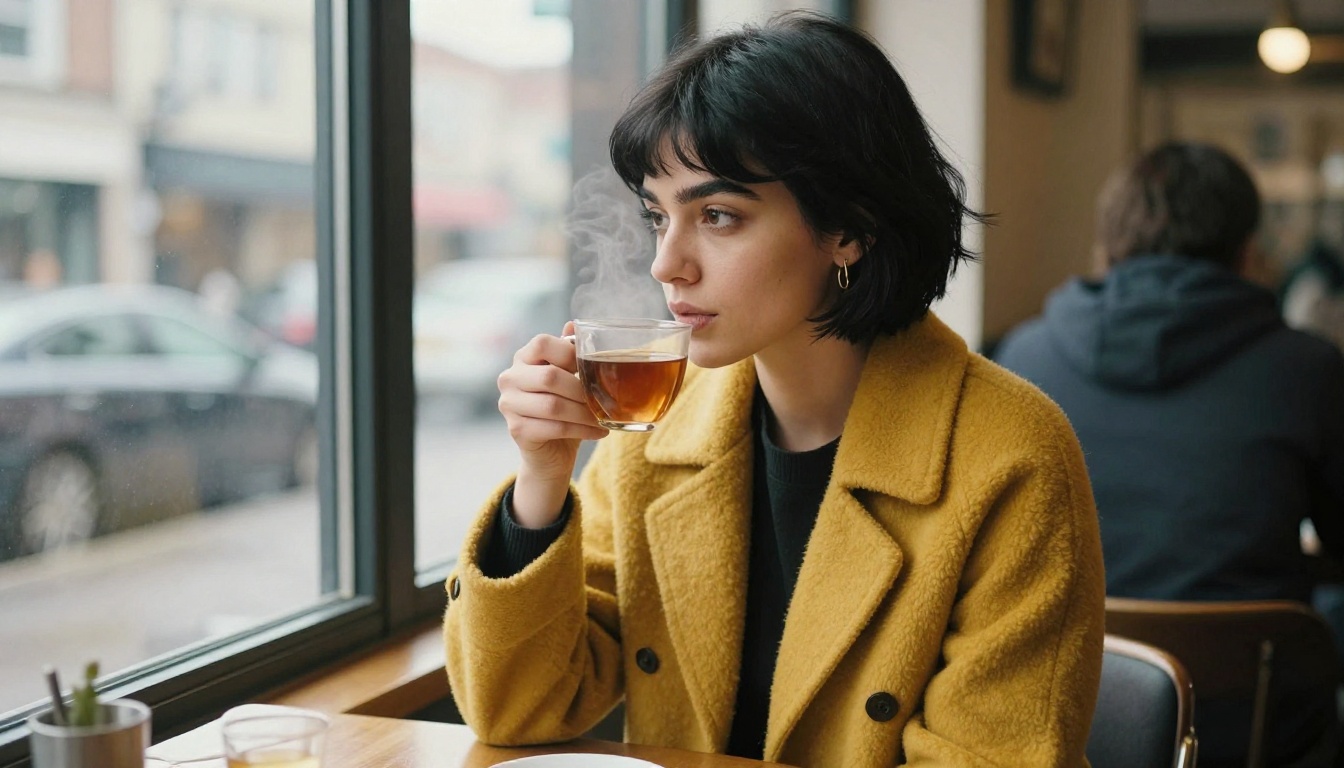
Nora, 28, slim, sharp jaw-length black bob with straight bangs, olive skin, thick dark eyebrows, brown eyes, small gold hoop earrings, mustard yellow wool coat, sitting by the window of a busy café with a cup of tea, three-quarter angle, soft overcast light, 50mm lens, photorealistic.
Prompt 4: Fix Drift After a Miss
Reference description: [paste the base block].
Below is the prompt I used and a description of the image I got: [paste both].
List the features that do not match the reference.
Rewrite the prompt so it corrects only those features and leaves everything else untouched.
💡 Tip: You can run these four prompts without leaving PicassoIA. The large language models in the collection include GPT 5.4, Claude Sonnet 4.6 and Gemini 3.1 Pro. Any of them can write the sheet, the block and the scene list.
Free Generators That Keep a Face
A free image generator is enough to test a character. Free plans usually pinch on the details that matter for consistency: whether you can upload a reference image, whether you can fix a seed, how many generations you get per day, and whether the output carries a watermark. Check those four before you commit a whole series to one tool.
Approach
Needs a reference image
Likeness across scenes
Best for
Prompt only
No
Loose
Mascots, stylized stories, fast drafts
Prompt plus reference
Yes
Strong
Recognizable people, brand characters
Edit an existing image
Yes
Strongest for small changes
Outfit, background or lighting swaps
Prompt-Only Generators
To see the ceiling of text alone, here are three images made with P-Image from Nora's base block and nothing else. Only the scene changes.
The result is honest about what text can do. The bob, the bangs, the gold hoops and the mustard coat repeat in all three frames, which is the base block doing its job. The faces are close relatives, not the same person: the jaw, the eyes and the nose shift from frame to frame. For a comic mascot or a story where the outfit is the identity, that is fine. For a character your audience should recognize as one person, it is not enough.
Reference-Image Generators
Reference-based models close that gap by anchoring each result to a photo. Ideogram Character takes a single reference image and rebuilds that character in a new scene. Nano Banana Pro accepts up to 14 reference images, renders at 1K, 2K or 4K, and exports JPG or PNG. Both sit on PicassoIA, so you can run the same anchor image through each and compare the faces side by side.
How to Use Ideogram Character on PicassoIA
Ideogram Character is built for this exact job: one reference image in, the same character out in a new setting. This is the workflow that works.
Upload the Anchor and Set the Style
Open the model page and drop your anchor image into the character reference field. The field is required, so the model cannot run without it. Then set three options:
Style type:Realistic for photography, Fiction for illustrated or comic looks, Auto if you want the model to decide.
Rendering speed:Turbo for quick drafts, Quality for final renders, Default in between.
Aspect ratio: 1:1 is the default. Pick 16:9 for banners and 2:3 or 4:5 for portraits and feed posts.
Write the Scene and Render
Describe the scene only. The model already has the face, so pasting the full base block again can fight the reference. The model's own examples use short lines such as she is hosting a podcast in a blue sweater. Keep that shape: who acts, what they do, what they wear.
If a result is close but not right, change the seed or the rendering speed and run again. Once a frame works, write the seed down. Magic Prompt rewrites your wording to add variety, so switch it to Off if scenes start to wander from what you typed.
To place the character inside a photo you already have, supply that image plus a mask. Black pixels in the mask are filled with the character and white pixels stay untouched.
💡 Tip: Run a three scene test before you commit: a café, a street and a market. If the face holds in all three, your anchor is good. If it breaks in one, swap the anchor for a more neutral frame.
Edit One Image Instead of Restarting
Sometimes you do not need a new scene, only a new coat or a new background. Editing models keep everything you do not mention, which makes them the safest route when the face is already right.
Flux Kontext Pro for Single Edits
Flux Kontext Pro changes an image from a plain text instruction: swap the background, change a shirt color, move the light from harsh noon to golden hour. For consistency, phrase the edit as a constraint: change the background to a beach while keeping the person in the exact same position, scale and pose, and only replace the environment. Set the aspect ratio to match the input image so the framing stays put, and reuse a seed when you compare variations.
Nano Banana Pro for Multi-Reference Scenes
Nano Banana Pro is the pick when one anchor is not enough. Feed it the front view, the profile and an outfit reference together, then describe the new scene. Choose 2K for web use and 4K when the image is headed to print.
Qwen Image Edit Plus for Combining Photos
Qwen Image Edit Plus takes several photos plus one sentence about how to combine them. Its examples include prompts such as the woman from image 2 on the sofa drinking coffee in the scene from image 1, which is exactly the move you need to drop a character into a location you already shot. It also supports ControlNet when you want to fix a pose or structure.
1. Rewriting the base block mid series. One new adjective and you have a new character. Paste the block, never retype it, and keep it in a note you can copy from.
2. Choosing a weak anchor. Sunglasses, a hat, a hard shadow across half the face or a wide open laugh all hide features the model needs. A neutral, evenly lit, front facing frame gives it the most to hold on to.
3. Judging from thumbnails. Faces that look identical at 200 pixels split apart at full size. Open each result at 100 percent and check the eyes, nose and jawline before you approve it.
4. Switching models halfway. Every model reads a face in its own way. Pick one reference-based model for the series and finish it there, then use editing models only for small changes afterward.
Make Your Own Character Today
You now have the whole workflow: a written sheet, one anchor image, a base block that never changes and a model that accepts a reference. Open Picasso IA, upload your anchor to Ideogram Character and run the same person through three scenes. If the face holds, build the rest of your series. If you want to change one detail without touching the face, send the image to Flux Kontext Pro and describe the edit.
Pick one character, write the sheet tonight and generate your first three scenes. Browse every model at picassoia.com/en/all-models to find the one that fits your style, and let the results tell you what to adjust next.