Still images carry a story frozen in a single frame. Seedance 2.5 by ByteDance takes that frame and sets it in motion, producing up to 30 seconds of smooth, photorealistic video with native synchronized audio from any photograph you upload. The results are not filtered loops or simple zoom effects. They are coherent scene animations where light shifts, surfaces ripple, and subjects move in ways that match the original image's physics and atmosphere. If you have been waiting for an image-to-video model that actually respects the quality of your photography, this is the one worth paying attention to.
What Seedance 2.5 Actually Does
From Photo to Video in Seconds
Most image-to-video tools apply a generic motion pattern to whatever you upload. Seedance 2.5 does something fundamentally different: it builds a temporal model of your image, inferring depth, lighting direction, and surface type before it generates a single frame of video. The result is motion that feels native to the scene rather than pasted on top of it.
ByteDance built this model with several technical objectives: temporal coherence across long clips, physically plausible motion for different surface types including water, fabric, grass, and atmospheric haze, and audio generation that responds to the visual content rather than running as a separate independent track.
At its core, Seedance 2.5 is a diffusion transformer operating in the video latent space. It conditions on the input image and a motion prompt, then iteratively refines the latent video until the output matches both the visual content and the described motion. The model has been trained across a wide range of real-world photography styles, which is why it handles heterogeneous input images without the rigid preprocessing steps older models required.

Native Audio in Every Clip
One of the most significant additions in Seedance 2.5 is native audio generation. Earlier models like Seedance 2.0 produced video only, leaving audio as a separate workflow step that required either silence or a manual dubbing pass. Seedance 2.5 generates synchronized ambient sound and foley alongside the video frames.
If your input image shows a waterfall, you get the rush of water in the audio track. A busy street scene generates traffic ambience. Wind in tall grass, rain on windows, crowd murmur, fire crackling: the model infers appropriate sound from the visual context and your prompt description.
This matters for creators because it collapses what used to be a two-tool workflow into a single generation pass. The audio quality is not broadcast-grade, but for social content, presentations, and creative projects, it is consistently usable out of the box.

Duration and Resolution Options
Seedance 2.5 supports clips from 5 seconds up to 30 seconds at a single generation pass. On PicassoIA, the aspect ratio defaults to match the input image, which means your original composition is preserved without forced cropping or reframing. A vertical portrait stays vertical. A widescreen landscape stays widescreen.
The free version, Seedance 2.5 Lite, generates clips up to 10 seconds, which covers the majority of social media use cases. The full Seedance 2.5 extends to 30 seconds for longer-form content like trailers, brand videos, and ambient loops.
How Seedance 2.5 Compares to Other Models

Before committing to a single model for a project, it helps to know exactly where Seedance 2.5 stands against the alternatives. The table below covers the main image-to-video models available on PicassoIA across the dimensions that matter most for production work.
💡 Duration is a real differentiator. If your workflow requires clips longer than 10 seconds from a single image, Seedance 2.5 is currently one of the few models that can deliver without stitching multiple clips together.
How to Use Seedance 2.5 on PicassoIA
PicassoIA hosts both the full Seedance 2.5 and the free Seedance 2.5 Lite. The interface is the same for both, with the only difference being the available duration range. No API key, no local installation, and no queue management on your end.
Step 1: Upload Your Image

Navigate to the Seedance 2.5 model page on PicassoIA and click the image upload zone. The model accepts JPEG, PNG, and WebP files. For best results, upload images that are at least 1024 pixels on the short side. The model uses the full resolution as its conditioning input, and low-resolution uploads produce noticeably softer motion with less texture fidelity in the output.
Aspect ratio matters from this first step. If you upload a vertical portrait at 9:16, the output video will be vertical. A widescreen landscape at 16:9 stays widescreen. The model does not reframe or crop your image, so compose your photograph with the final video format in mind before uploading.
Step 2: Write a Motion Prompt

The motion prompt is not a description of your image. The model already sees the image. The prompt describes what moves and how. This is the single most important distinction to understand when working with Seedance 2.5.
Weak prompt: "a woman standing in a field of flowers with mountains in the background"
Strong prompt: "the woman slowly turns her head to look left, long grass sways in a gentle left-to-right breeze, distant mountains shimmer slightly in afternoon heat haze, soft dolly pull-back"
The model reads your motion instructions and applies them to the physics it has inferred from the image. The more specific your motion description, the more controlled the output will be. Vague prompts give the model too much freedom, and the result is often plausible but not what you intended.
💡 Keep camera movement instructions simple. One camera move per clip (dolly-in, pan-left, tilt-up) produces cleaner results than stacking multiple movements simultaneously.
Step 3: Set Duration and Generate
Select your desired clip length using the duration slider. For the free Seedance 2.5 Lite, this maxes at 10 seconds. For the full model, you can extend up to 30 seconds. Longer clips take proportionally more time to generate, typically between 60 and 120 seconds of processing for a 30-second output clip.
Click Generate and the model begins processing. PicassoIA runs the prediction asynchronously and displays a live progress indicator. When complete, the video player appears inline with both the video track and the audio track ready for preview directly in the browser.
Step 4: Download or Share
Once the clip is ready, download the MP4 directly from the interface. PicassoIA also gives you a shareable URL for the generated video. If you need to keep the clip permanently, download it immediately after generation rather than relying on the shareable link.
Best Images for Seedance 2.5
Portrait and Fashion Photography
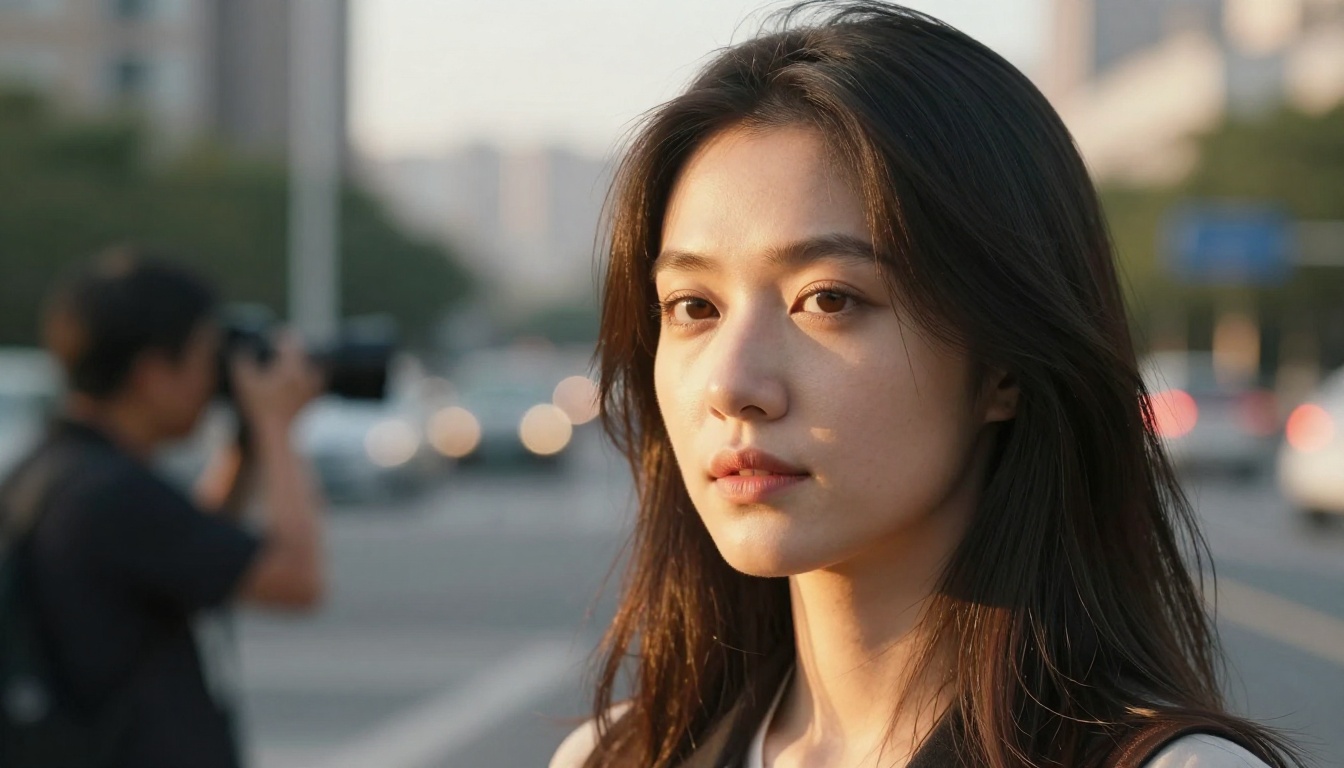
Portrait photographs are where Seedance 2.5 shows its strongest results. The model has been trained on a large corpus of human motion data, which means it handles subtle facial movement, hair physics, and clothing dynamics with accuracy that earlier models consistently missed.
What works well:
- Natural outdoor portraits with clear directional light
- Fashion shots with fabric that has visible texture and natural drape
- Environmental portraits where the background contains natural motion potential (trees, water, open sky)
- Close-up portraits where micro-expressions and hair movement are the primary animation target
What tends to struggle:
- Pure white studio background portraits where the environment offers nothing to animate
- Heavily retouched images with artificial skin textures that the model cannot assign realistic physics to
- Dense group shots with more than three people where independent motion for each subject creates conflicts
Landscape and Nature Scenes
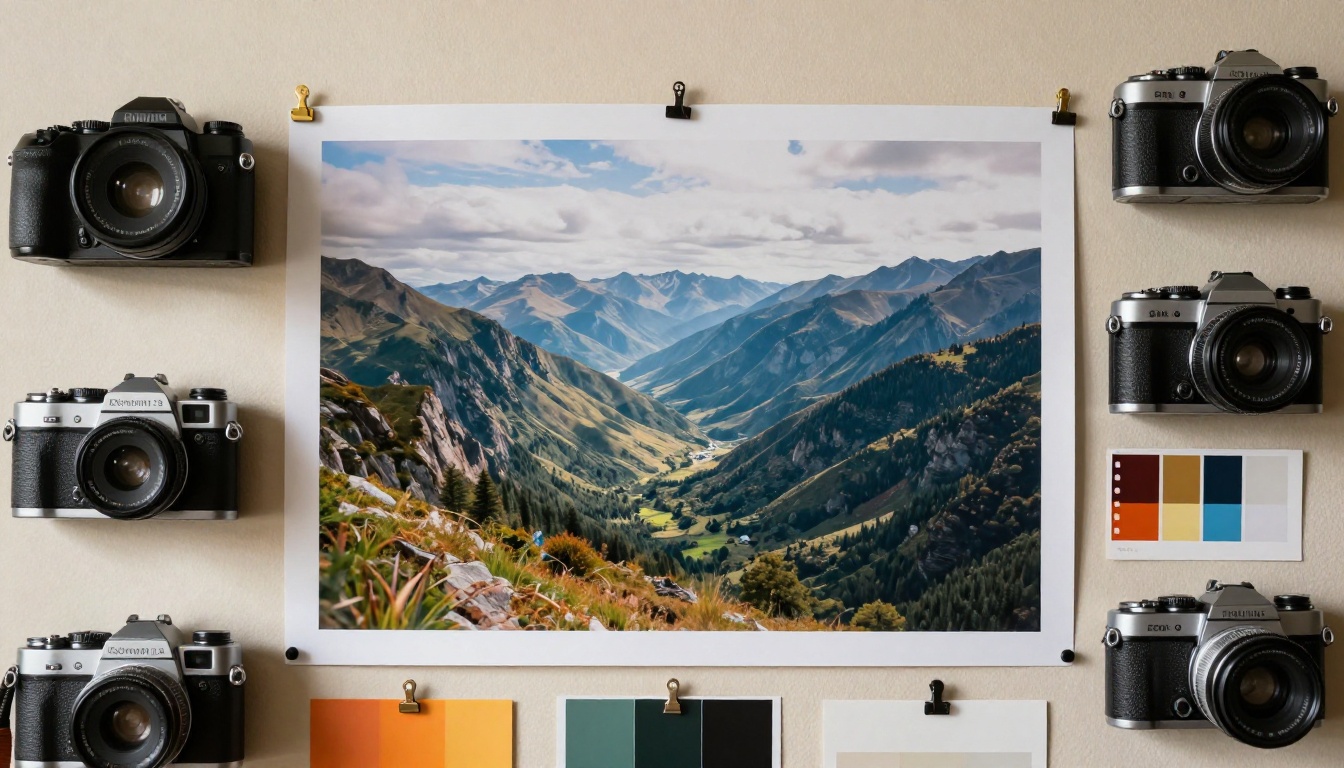
Natural landscapes are visually rich for Seedance 2.5 because they contain multiple independent motion layers: sky, water, foliage, atmospheric haze. The model handles these independently and composes them into a coherent clip where each layer moves at a realistic speed relative to the others.
For landscape animation, specify each layer explicitly in your prompt:
"Low clouds drift slowly right to left across the mountain ridge, pine trees in foreground sway gently in rhythm, surface of the lake reflects and ripples from a light wind, volumetric morning light shifts slightly warmer over 10 seconds, slow camera tilt-up"
This kind of layered prompt produces noticeably richer results than a single-sentence instruction. You are essentially giving the model a director's brief rather than a subject description.
💡 Golden hour images animate especially well. The directional light in golden hour photos gives the model clear cues for shadow movement as the simulated sun progresses through the clip.
Architecture and Urban Scenes
City and architecture shots work well when you focus the motion on environmental elements: pedestrians, vehicles, flags, steam vents, and sky movement. The model treats solid structures as static reference points and animates everything around and in front of them.
For architecture, the most cinematic output comes from combining slow aerial-style dolly movements with ambient pedestrian motion in the scene:
"People walk in and out of frame on the sidewalk below, a bus crosses at the far left, morning light gradually warms the glass facade, slow aerial dolly-in toward the building entrance"
Prompt Patterns That Actually Work

After running extensive Seedance 2.5 generations across different image types, certain prompt structures produce reliably better results than others. These are not magic phrases. They are specific motion descriptions that give the model clear behavioral constraints.
Subject motion first. Always lead with what the primary subject does. The model prioritizes the first motion instruction it receives, and everything else builds around that anchor.
Layer environmental motion second. Add background and atmospheric motion after the subject. Phrases like "trees sway in the background" and "clouds drift overhead" give the model secondary animation targets that enrich the overall motion without competing with the primary subject.
Camera movement last. Place camera instructions at the end of the prompt. This ensures the model resolves subject and environment motion before applying the virtual camera behavior, which prevents the two from conflicting.
Specify the pace explicitly. Words like slowly, gradually, gently, rapidly, and abruptly directly influence animation speed. Without them, the model defaults to moderate speed, which is often too fast for subtle scenes and too slow for action sequences.
Prompt structure that works:
[Primary subject motion + direction] + [secondary environment motion] + [atmospheric detail] + [camera movement + pace]
💡 Avoid negatives in prompts. Writing "do not shake the camera" tends to produce shake. Write what you want instead: "locked tripod, completely still camera position."
Other Image-to-Video Models Worth Using
Wan 2.7 I2V for Scene Detail
Wan 2.7 I2V from Wan Video is the strongest alternative to Seedance 2.5 for pure visual fidelity in the animated output. It runs at up to 10 seconds without native audio, but the level of surface detail preservation is exceptional. If you are working with highly textured photographs featuring stone walls, aged wood, intricate fabric weaves, or fine botanical detail, Wan 2.7 often preserves that texture more faithfully than Seedance 2.5.
The trade-off is clear: no native audio, shorter maximum duration, and slower generation speed per frame. For still-life and product photography where detail fidelity outweighs motion complexity, it is worth testing against Seedance 2.5.
Kling v3 for Cinematic Control
Kling v3 Video from Kwaivgi gives you precise camera control parameters beyond what a text prompt can describe. You can specify exact camera paths, focal length changes, and subject tracking behavior through the model's dedicated control interface. This makes it the right choice when you need a very specific cinematic shot that Seedance 2.5's text-based system cannot reliably reproduce across multiple generations.
Kling v3 supports native audio and generates at 1080p. It is a strong option for commercial and brand content where camera discipline and compositional precision are non-negotiable requirements.
Pixverse v5.6 for Fast Turnaround

Pixverse v5.6 trades some visual fidelity for generation speed. It is consistently faster than Seedance 2.5 and produces 1080p output with native audio. If your workflow involves iterating quickly through many prompts before committing to a final clip, Pixverse v5.6 lets you run more test generations in the same time budget.
For final-quality output destined for professional use, Seedance 2.5 is the stronger model. For rapid iteration, prompt testing, and client previews, Pixverse v5.6 competes seriously on speed and resolution.
What the Audio Actually Sounds Like
A common question from creators evaluating Seedance 2.5: is the native audio actually usable, or is it a novelty feature that sounds artificial on delivery?
The honest answer depends heavily on scene type. Here is a breakdown based on practical testing across different image categories:
| Scene Type | Audio Quality | Production Notes |
|---|
| Outdoor nature (water, wind, foliage) | Excellent | Clean ambience, well-timed to visual |
| Urban street (traffic, crowd, construction) | Good | Occasional tonal artifacts at peaks |
| Interior spaces (home, office, gallery) | Moderate | Some background hiss, workable |
| Music or vocal speech | Poor | Model is not designed for this use case |
| Abstract or extreme macro | Variable | Model sometimes generates silence |
For content going directly to social platforms, the ambient audio performs well without post-processing in most outdoor and nature scenarios. For anything with strict audio quality requirements — broadcast, commercial delivery, or music-sync content — treat the Seedance 2.5 audio as a reference track and replace it in post-production.
LLMs Inside the Workflow
It is worth noting that Seedance 2.5 itself uses large language model components internally for prompt interpretation. ByteDance integrated an LLM-based prompt parser that reads your motion description and maps it to motion tokens before the diffusion process begins. This is why Seedance 2.5 responds far better to natural language descriptions than to the keyword-style prompts that older video diffusion models required.
On PicassoIA, you can also pair Seedance 2.5 with the platform's LLM tools to pre-write and refine your motion prompts before generation. Use a language model to draft the motion description from your creative brief, then paste the output directly into Seedance 2.5. This two-step approach significantly reduces the number of test generations needed before arriving at a satisfactory result, which translates directly to lower credit usage on longer, more expensive clips.
💡 LLMs are prompt writers. If you are unsure how to describe the motion you want, paste a description of your image and your creative goal into a language model and ask it to write a Seedance-style motion prompt. The output usually requires only minor adjustment before it is ready to generate.
Start Generating Your First Clip
The best way to calibrate expectations is to run three test generations with the same image: one with a minimal one-sentence prompt, one with a fully layered prompt following the structure in this article, and one where you let the model generate with no prompt at all. The quality difference across these three runs shows you exactly how much prompt engineering is worth for your specific image type, before you invest time in longer or more complex generations.
Both Seedance 2.5 and the free Seedance 2.5 Lite are available now on PicassoIA. No setup, no API keys, and no queue management on your end. Upload a photograph you already have, write a motion prompt using the structure above, and generate the clip. That first result, even if imperfect, gives you a concrete baseline to improve from, and improving it is a matter of adjusting one variable at a time.
If you want to see the full range of image-to-video models available on the platform before committing to Seedance 2.5, the complete collection is at picassoia.com/en/all-models. Models like Kling v2.6, Seedance 1.5 Pro, and LTX 2.3 Pro each have distinct strengths depending on your image type and quality requirements. Testing across two or three models with the same input image is the fastest way to find the one that fits your workflow.


