Your AI waifu has the perfect look, the perfect name, and a meticulously crafted backstory. Then she opens her mouth and speaks in a voice that sounds like a GPS navigation system reading a medical disclaimer. That disconnect breaks everything. Emotional voice is not a luxury feature in AI character work. It is the difference between a character that feels alive and one that feels like a demo.
This article is for anyone who wants to fix that. Whether you are building an AI companion, producing voiced content for a visual novel, or just experimenting with character personas, the mechanics of emotional speech synthesis are accessible right now, and the tools on PicassoIA make them remarkably straightforward to use.
Why Flat Voices Kill Immersion
The human brain is wired to read voice as a primary signal of intent and emotion. Long before we process words, we register tone, pitch, and pace. A sentence like "I missed you" lands completely differently depending on whether it is spoken with a rising inflection and a slight breathiness, or delivered flat at a constant pace. The words are identical. The emotional content is not.
The Problem With Default TTS Output
Most out-of-the-box text-to-speech systems optimize for clarity and intelligibility. That is the right call for navigation apps, screen readers, and accessibility tools. It is the wrong call for an AI companion whose personality depends entirely on how she sounds when she is excited, nervous, or quietly heartbroken.
Default TTS output tends to suffer from three specific problems:
- Monotone prosody: pitch stays within a narrow band regardless of content
- Uniform pacing: every sentence arrives at roughly the same speed
- No micro-pauses: natural speech breathes and hesitates; synthetic speech does not
The result is a voice that is technically correct and emotionally empty.
What Emotional Voice Actually Means
Emotion in speech is not a single dial you turn up. It is a combination of several acoustic properties working in sync. When a person speaks with excitement, pitch rises and pace increases. When speaking with sadness, pitch lowers, pace slows, and there are longer pauses between phrases. Tenderness involves a softer attack on consonants and slightly reduced loudness range.
Good emotional TTS models learn these patterns from massive amounts of human speech data. The best ones let you specify the emotional target, either through explicit style tags, prompt engineering, or dedicated parameter controls, rather than forcing you to guess which combination of settings produces the feeling you are after.
The Science Behind Vocal Emotion
Understanding the mechanics underneath emotional speech makes you significantly better at prompting TTS models. You stop guessing and start engineering.
Pitch, Pace, and Pauses
These three parameters carry the bulk of emotional signal in human speech. Here is what the research tells us about each emotion category:
| Emotion | Pitch Pattern | Pace | Pauses |
|---|
| Joy / Excitement | High, wide range | Fast | Short, energetic |
| Sadness | Low, narrow range | Slow | Long, frequent |
| Anger | High, sharp rises | Fast | Minimal |
| Tenderness | Mid-low, smooth | Slow-moderate | Soft, deliberate |
| Surprise | Sudden pitch jump | Variable | Brief silence before |
| Nervousness | Slightly elevated | Irregular | Filled with breath sounds |
When you prompt an emotional TTS model, you are essentially asking it to apply the right pattern from this table. The better the model understands natural speech variation, the more convincingly it executes.
Prosody Control vs. Style Tags
There are two main approaches modern TTS systems use to handle emotion:
Style tags are explicit instructions embedded in the text prompt, like [joyful], [sad], or [whispering]. Some models read these inline and shift their output accordingly. They are fast to use but can feel mechanical if overused.
Prosody control is the more sophisticated approach, where the model processes emotional cues from the natural language of the prompt itself, and adjusts pitch, pace, and intensity organically. Models trained on this approach tend to produce more natural-sounding output because the emotion emerges from the content rather than being bolted on.
The best results come from combining both: write naturally emotional dialogue, then specify the emotional state in your generation parameters.
The Best TTS Models for Emotional Waifu Voices
PicassoIA hosts a strong selection of text-to-speech models, and not all of them are equally suited for emotional character work. Here are the ones that actually deliver.
Chatterbox by Resemble AI
Chatterbox is purpose-built for emotion control. It is the standout choice for AI waifu voice work specifically because it gives you direct levers over emotional intensity, not just voice style. You can clone a reference voice from a short audio sample and then apply emotional variants to that cloned voice, which means your character's voice stays consistent while her emotional register shifts naturally between scenes.
If you need speed without sacrificing quality, Chatterbox Turbo delivers faster output with only a marginal reduction in expressiveness. For production-level quality with maximum emotional nuance, Chatterbox Pro is worth the upgrade.
💡 Tip: Feed Chatterbox a 15 to 30 second voice sample from a voice actor reading an emotionally neutral passage. This gives the model a clean baseline to work from before you layer emotion on top.
ElevenLabs V3
ElevenLabs V3 is one of the most expressive multilingual TTS models available. Its output in emotional scenes is notably human, partly because V3 was trained with particular attention to the subtle acoustic cues that mark genuine emotion rather than performed emotion. The difference is real and audible.
For projects where your character needs to speak in multiple languages while maintaining emotional consistency, V3 handles cross-language emotional transfer well. A character who sounds warm and affectionate in English will carry that quality into Japanese or Spanish output.
For real-time applications or interactive AI companions where latency matters, ElevenLabs Flash v2.5 and Turbo v2.5 cut generation time dramatically while retaining enough expressiveness for conversational use.
MiniMax Speech 2.8 HD
MiniMax Speech 2.8 HD occupies the studio-quality tier. Its strength is in soft, intimate vocal delivery, which maps well to the affectionate, warm registers that waifu characters typically occupy. The model handles whispered speech, breathy delivery, and emotional cracks in the voice with particular accuracy.
For faster iteration during the testing phase, MiniMax Speech 2.8 Turbo gives you quick previews before committing to full HD renders. If you need custom voice identity, MiniMax Voice Cloning lets you build the base voice first.
Qwen3 TTS
Qwen3 TTS is the wild card in this list. Its voice design capabilities are unusually flexible: you can describe a voice from scratch using natural language ("a soft-spoken young woman with a slightly breathy quality and gentle upward inflections") and the model will attempt to synthesize that voice identity. For characters where you do not have a reference audio sample but do have a detailed mental image of how she should sound, Qwen3 TTS offers a creative entry point that other models do not.
How to Use Chatterbox on PicassoIA

Since Chatterbox is the best-suited model for this use case, here is a step-by-step workflow for getting emotional output from it on PicassoIA.
Step 1: Access the Model
Navigate to picassoia.com/en/collection/text-to-speech/resemble-ai-chatterbox. You will see the generation interface with text input and optional voice reference upload fields.
Step 2: Write Dialogue That Carries Emotion
This is the part most people skip, and it is why their output sounds flat. Do not write neutral text and expect the model to inject emotion. Write dialogue that already contains the emotional weight in its word choices and sentence structure.
Weak input (neutral text, hoping for emotion):
"I am happy to see you."
Strong input (text that carries emotion in its construction):
"Oh my gosh, you actually came back. I kept telling myself you would, but part of me was so scared you wouldn't."
The second example gives the model actual emotional content to work with: surprise, relief, vulnerability, barely contained joy. The acoustic output will reflect that.
Step 3: Set the Emotion Parameter
Chatterbox accepts emotion intensity as a direct input. Start at a moderate setting (around 0.5 to 0.7 on a 0-to-1 scale) and adjust based on the scene. Highly dramatic moments warrant higher intensity. Quiet, intimate moments often sound better at lower intensities where the emotion is implied rather than stated.
Step 4: Upload a Voice Reference (Optional but Recommended)
If you have a reference clip of your character's voice, upload it. Even a 20-second sample makes a significant difference in output consistency. The model uses it to lock in the fundamental voice character while applying the emotional variation on top.
Step 5: Preview, Iterate, Export
Generate a preview, listen critically through headphones rather than laptop speakers, and adjust. Small changes to sentence structure often produce larger changes in output quality than parameter adjustments. Export as WAV for maximum quality retention in downstream workflows.
Combining Voice with Lipsync
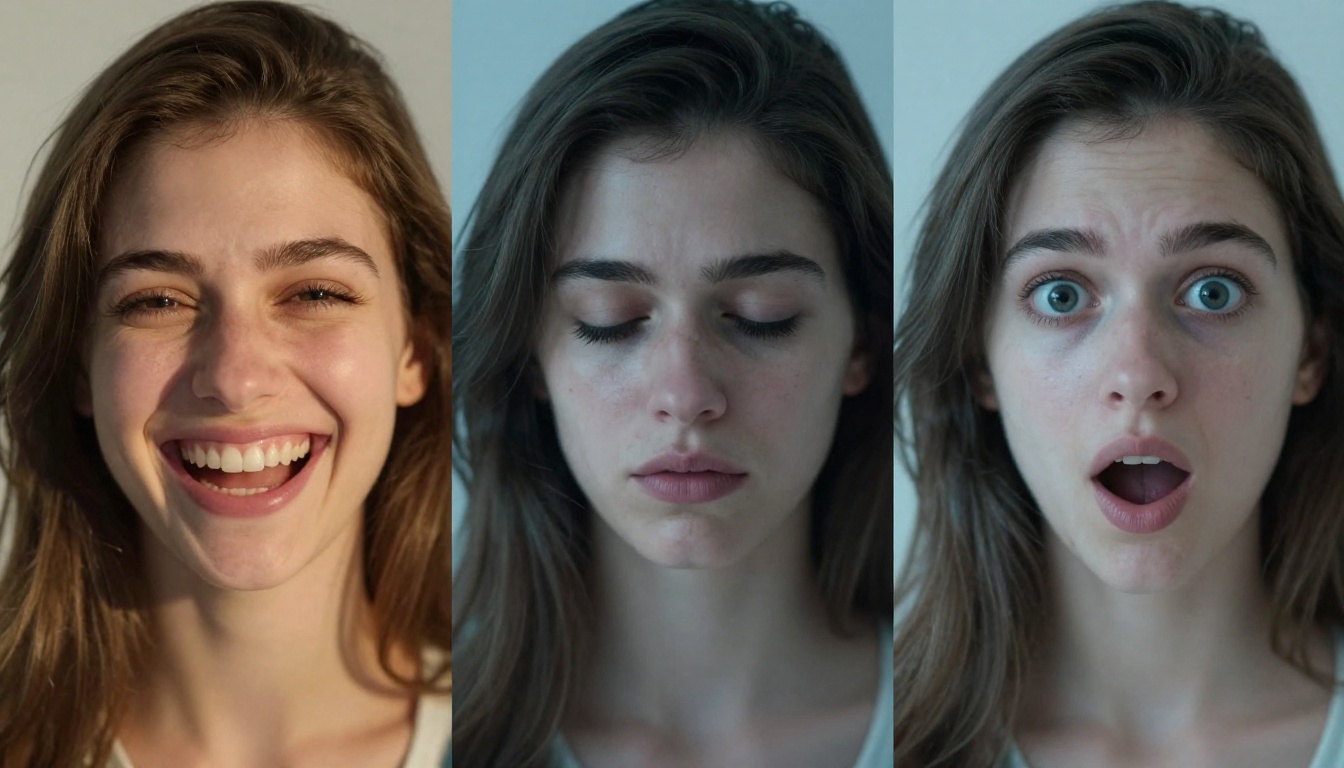
Voice alone is powerful. Voice synchronized to a moving face is something else entirely. PicassoIA's lipsync models let you take your generated audio and attach it to a character image or existing video, producing a talking avatar that matches the emotional content of the speech.
Omni Human 1.5 for Talking Avatars
ByteDance Omni Human 1.5 is currently the strongest option for animating a static character image into a talking video. Give it a single portrait image of your waifu character and the audio you generated with Chatterbox or ElevenLabs, and it produces a video where the character's mouth, face, and upper body move in sync with the speech.
The output respects the emotional content of the audio. If the voice is excited, the model generates more animated facial movement. If the voice is soft and tender, the movement is more restrained. That emotional coherence between audio and visual output is what makes the result feel real rather than mechanical.
Lipsync 2 Pro for Existing Video
If you already have a video of your character (from another AI video generation tool) and you want to replace or add voice, Sync Lipsync 2 Pro is the precision tool for this workflow. It detects the facial region in the existing video and remaps the mouth movements to match the new audio track.
For faster, less precision-critical applications, Sync Lipsync 2 and Pixverse Lipsync are solid alternatives. HeyGen Lipsync Precision is particularly strong when dealing with video where the character's face is partially obscured or at an angle.
Using LLMs to Write Better Emotional Scripts

The single biggest lever in emotional TTS output is the quality of the text input. Better writing produces better voice. PicassoIA's large language model collection gives you powerful tools for crafting dialogue that TTS systems can actually work with.
GPT 5 for Character Dialogue
GPT 5 excels at generating emotionally varied character dialogue when given a clear persona brief. Describe your character's personality, her current emotional state, and the context of the scene. Ask specifically for dialogue that carries the emotion in its structure, not just its content. The output quality for character voice work is noticeably strong, and GPT 5's understanding of subtle emotional register differences makes it a useful creative partner.
For longer scripts or projects that require complex multi-scene emotional arcs, GPT 5 Pro adds deeper reasoning capability that helps maintain character consistency across a large body of dialogue.
Claude 4 Sonnet for Nuanced Writing
Claude 4 Sonnet has a particular strength in writing that conveys subtext. Emotion is often most effective in voice work when it is implied rather than stated directly, and Claude tends toward that subtler register. For scenes where your character is suppressing emotion, hiding vulnerability behind humor, or saying one thing while feeling another, Claude 4 Sonnet's output tends to be richer in acoustic cues than straightforwardly emotional writing.
Claude 4.5 Sonnet and Claude Sonnet 5 both offer strong alternatives depending on the complexity and length of your project.
💡 Workflow tip: Use an LLM to write the full script first. Then feed each section to your TTS model with the relevant emotion tag. This separation of writing and generation keeps both stages at their highest quality.
Common Mistakes and How to Fix Them

After working with emotional TTS models, certain mistakes show up repeatedly. Here are the ones that cost the most output quality.
Using emotionally neutral text and blaming the model. The model can only amplify what is in the text. If the writing is flat, the voice will be flat regardless of what emotion settings you apply. Rewrite the line before touching parameters.
Setting emotion intensity too high. Maximum intensity often produces results that sound overdramatic or cartoonish. The sweet spot for most waifu character work is 0.5 to 0.75 on normalized scales. Reserve the higher end for specific dramatic peaks.
Ignoring punctuation. TTS models use punctuation as pacing signals. A line with no commas or pauses will be delivered as a single unbroken stream. Add natural breathing points where a real person would pause.
Not listening with good headphones. Laptop speakers compress the frequency range where emotional acoustic cues live. Headphones reveal what your output actually sounds like and where it needs adjustment.
Generating long paragraphs in one pass. Break long emotional speeches into shorter segments and generate each with appropriate emotional targeting. Stitched segments with smooth emotional transitions almost always outperform long single-pass outputs.
| Common Mistake | Quick Fix |
|---|
| Flat output despite high emotion settings | Rewrite the line with more emotional language |
| Overdramatic output | Lower emotion intensity to 0.5-0.6 |
| Rushed, breathless delivery | Add commas and ellipses for breathing room |
| Voice identity drifting between segments | Always upload the same reference audio clip |
| Lipsync misalignment | Trim silence from start of audio before syncing |
The Right Stack for Your Workflow
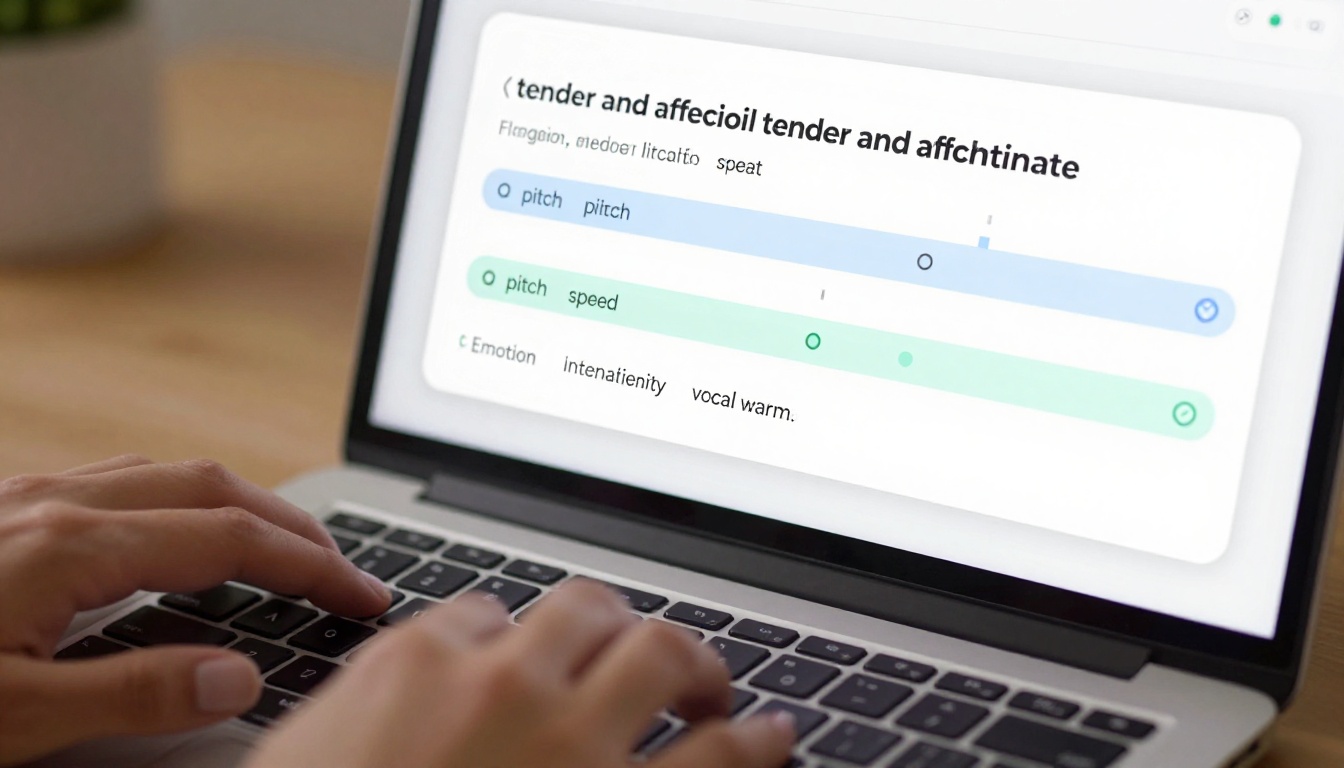
The tools exist, they are good, and they are accessible on a single platform. Here is the practical stack for a complete emotional waifu voice workflow:
- Write the script using GPT 5 or Claude 4 Sonnet, specifying emotional beats per scene
- Generate voice with Chatterbox for maximum emotion control, or ElevenLabs V3 for multilingual work
- Add studio quality using MiniMax Speech 2.8 HD for intimate, warm vocal scenes
- Animate the character with Omni Human 1.5 to sync audio to a portrait
- Refine lipsync on existing video using Sync Lipsync 2 Pro
The whole workflow runs without leaving PicassoIA. No third-party exports, no complicated integrations, no waiting for separate tool accounts to provision.
Your Character Is Ready to Speak

Emotional voice in AI characters is not magic and it is not complicated once you understand what drives it. Better writing, the right model for the emotional target you are after, and a bit of iterative refinement are all it takes. The gap between a robotic-sounding character and one that feels genuinely alive is smaller than most people expect, and the tools on PicassoIA put that gap within reach for anyone.
Pick one scene. Write the dialogue with real emotional weight. Run it through Chatterbox at a moderate emotion intensity. Listen with headphones. You will hear the difference immediately.
From there, the full catalog of text-to-speech models is waiting, each with its own strengths for different emotional registers and use cases. Your waifu has a voice. Now give it something worth saying.


