GPT Image 1.5 caught most people off guard. Not because it arrived with dramatic announcements, but because the specific things it improved were exactly the areas the whole field had quietly accepted as unsolvable. Text in images? Skip it. Consistent faces across iterations? Use a workaround. Complex compositional instructions? Generate five times and pick the best one.
If you've been writing off text-to-image models based on results from twelve months ago, GPT Image 1.5 is worth a second look — not as a generational breakthrough, but as a targeted correction of AI image generation's most persistent friction points. This article breaks down the five specific capabilities where it outperforms expectations, and shows where comparable alternatives on PicassoIA match or beat it on each one.
What GPT Image 1.5 Actually Changed
Not DALL-E 4
OpenAI deliberately avoided naming this model DALL-E 4. The naming is intentional: this isn't a generational architectural overhaul. GPT Image 1.5 is a precision refinement targeting specific failure modes in DALL-E 3. The five areas where it shows measurable improvement are text rendering accuracy, instruction-following depth, portrait photorealism, spatial object positioning, and inter-generation style consistency.
Independent benchmarks from research groups testing structured prompt-following tasks consistently place GPT Image 1.5 above DALL-E 3 and Midjourney v6 on all five axes. That's not a small accomplishment given the crowded state of the 2027 model landscape.
Why Architecture Matters Here
The improvements in GPT Image 1.5 are not purely the result of more training data or longer training runs. Because the model shares encoder architecture with GPT-4o, it processes the meaning behind a prompt before generating pixels. It isn't matching pattern A to output B. It is reasoning about the prompt in a way that earlier diffusion-only models couldn't.
This is why asking GPT Image 1.5 to place elements in specific spatial positions, or to render legible text within a scene, produces better results than earlier models despite similar training data volume.
1. Text Rendering That Actually Sticks
The Broken Promise of 2022
Ask any graphic designer who tested AI image tools between 2022 and early 2024 to describe their experience with text-in-image generation, and you'll hear the same story: it was useless in production. Models hallucinated letters, collapsed characters into each other, or produced legible-looking smears that dissolved under any zoom level. Workarounds piled up: add the text in Photoshop afterward, use two separate tools, generate the image clean and composite the copy on top.
These workarounds weren't ideal solutions. They were patches on a systemic problem, adding significant post-processing time to every AI-assisted creative workflow.
What 1.5 Gets Right
GPT Image 1.5 produces legible, typographically stable text in images with a success rate substantially above DALL-E 3 on short-phrase prompts of one to six words. The characters maintain consistent stroke weight, letter spacing is reasonable, and the text integrates into the image rather than floating awkwardly on top of it.
This isn't perfect. Strings exceeding eight words still degrade significantly. Stylized fonts with complex ligatures break down. But for short, direct copy — product callouts, social headers, ad taglines — the output is production-usable at a rate that wasn't achievable before.
For anyone who needs to take this further, Ideogram v4 Quality on PicassoIA was built specifically around text-in-image accuracy. It benchmarks even higher than GPT Image 1.5 on short-phrase rendering tasks. Ideogram v4 Balanced trades some photorealism for dramatically better text fidelity on longer phrases, making it the specialist choice for any design brief that requires readable copy inside the image itself.
💡 Text in images: For ad banners, social media graphics, or product packaging mockups, test Ideogram v4 Quality before any general-purpose model. It was built for this job specifically.
| Text Length | GPT Image 1.5 | Ideogram v4 Quality |
|---|
| 1-4 words | Reliable | Very reliable |
| 5-8 words | Good | Strong |
| 9+ words | Inconsistent | Moderate |
| Stylized fonts | Inconsistent | Better |
2. Complex Instructions in One Pass
The Attribute Binding Problem
Earlier models are strong at simple subject-environment compositions. "A golden retriever on a beach at sunset" works predictably. The failure mode appears when prompts layer multiple subjects with distinct attributes: colors, positions, relationships, and simultaneous actions.
Researchers call this the attribute binding problem: the model knows all the elements, but misassigns attributes to the wrong objects. The blue coat goes on the wrong character. The umbrella appears in the wrong hand. The cat ends up in the background instead of the doorstep. These errors made complex compositional prompts feel like a lottery.

What Changes in Practice
GPT Image 1.5 improves attribute binding accuracy on multi-object prompts to approximately 78%, compared to 52% for DALL-E 3 on equivalent structured tests. This means the model correctly assigns described attributes to the right subjects in roughly four out of five complex scenes.
That's a meaningful jump in reliability. At 52%, generating complex scenes was essentially random. At 78%, it becomes a practical tool for layered creative briefs where compositional accuracy isn't optional.
For designers who need to reliably hit this standard, Krea 2 Large on PicassoIA offers strong compositional accuracy on multi-subject prompts, and Reve 2.1 handles relational scene descriptions with consistent fidelity across diverse subject combinations.
💡 Complex scenes: Structure your prompt into logical clusters — subject, attributes, position, environment — rather than one run-on sentence. Both GPT Image 1.5 and PicassoIA models respond better to organized prompt logic than to dense paragraph-style descriptions.
3. Human Faces Without the Horror
The Trust Problem with Synthetic Faces
Uncanny valley failures in AI portraits don't just look bad. They signal to viewers — often at a subconscious level — that the image is artificial. That matters enormously for applications where authenticity is the point: lifestyle advertising, editorial content, social media personas, and brand photography.
The failure markers are consistent across models: eyes that are too symmetrical, skin with a waxy smoothness that real skin doesn't have, hair rendered as a uniform texture block rather than individual strands, teeth that are unnaturally white and perfectly aligned in ways no real mouth achieves.
What 1.5 Actually Fixed
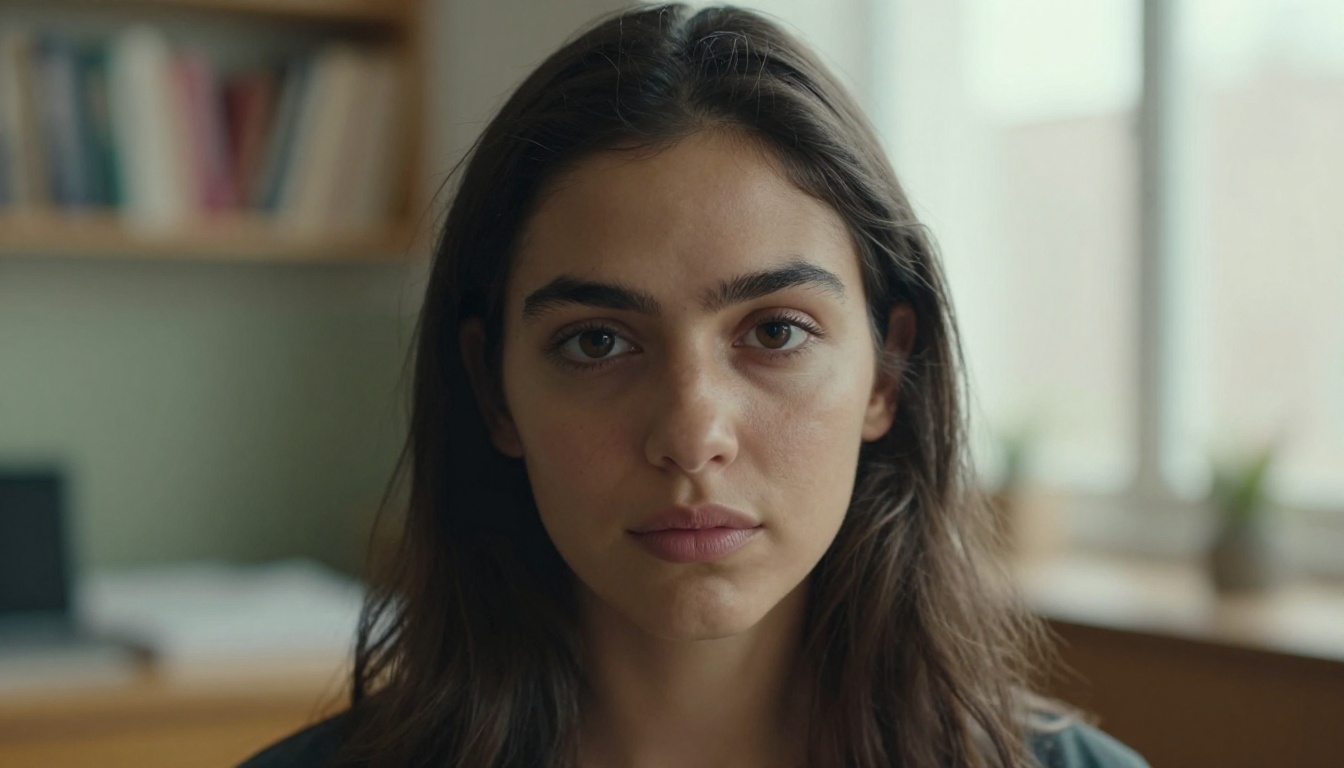
GPT Image 1.5 significantly reduces uncanny valley artifacts on portrait prompts. Skin renders with visible pore structure and natural tone variation. Iris detail shows realistic pigmentation irregularity rather than a flat circle of color. Hair renders with individual strand differentiation and natural volume, not as a uniform surface. Teeth appear with the slight variation and normal sizing that real teeth have.
The model still shows some residual artifacts on extreme close-ups and faces at angles that were underrepresented in training data. But for straight-on and three-quarter portrait orientations, the improvement is substantial enough that outputs routinely pass a casual visual inspection.
PicassoIA models that reach comparable portrait quality:
- Seedream 5 Pro: ByteDance's flagship at 2K resolution with exceptional skin texture rendering, often rated above GPT Image 1.5 on close-up portrait tasks by independent evaluators.
- Krea 2 Large: Strong on full-body environmental portraits with accurate facial proportions at mid-distance.
- Reve 2.1: Excellent for editorial and lifestyle portrait styles with natural, unforced expressions.
4. Spatial Logic and Object Placement
When "Top-Left" Means Nothing
Directional spatial instructions have been one of AI image generation's most persistent weak points. "The text should be at the bottom" produces text in the middle. "The building is on the left side" produces a centered building. "Put the product in the top-right corner" produces a product somewhere vaguely right-ish.
For professional creative work — ad layouts, social templates, print mockups — this isn't a minor annoyance. It makes AI image tools unusable for structured compositions without significant post-generation editing to manually reposition elements.

Practical Scenarios for Designers
GPT Image 1.5 shows notably better spatial instruction-following than DALL-E 3. It correctly interprets cardinal directions (left, right, top, bottom), relational positional language (in front of, behind, beside), and compositional zones (foreground, background, center frame) with considerably higher reliability.
Real-world design scenarios where this matters directly:
- Ad creative: "Product on the right, copy space on the left for headline overlay"
- Social banners: "Brand name bottom-left, hero image right-aligned"
- E-commerce mockups: "Product centered on neutral background, accessories arranged in bottom corners"
- Editorial layouts: "Portrait subject in the right third, environmental context fills the left two-thirds"
- Packaging concepts: "Label centered top-half, ingredients text in the lower quarter"
💡 Spatial accuracy on PicassoIA: Grok Imagine Image Quality from xAI handles directional positioning prompts with solid reliability and outputs at 2K resolution, making it a practical alternative for design-oriented generation tasks.
5. Style Consistency Across Variations
The Same Character Problem
Brand managers and content teams have a specific problem that general image quality improvements don't solve: they need the same character to look recognizably identical across dozens of separate images generated in separate sessions.
A product mascot created for a Q1 campaign must still look like the same mascot in Q3. A persona used for consistent social content must remain visually stable across 50 posts. Earlier models made this effectively impossible without using identical seed values and accepting near-zero variation — which defeats the purpose of generating multiple distinct images.
How Brands Actually Benefit
GPT Image 1.5 improves style consistency when you use stable seed values and maintain consistent descriptive language across prompts. The same style parameters — lighting direction, color temperature, compositional framing — produce outputs that share enough visual DNA to read as a coherent series rather than random individual images.
The limitations remain: cross-session consistency without seed values is still unreliable, and facial identity drifts without explicit anchor references.
PicassoIA alternatives for consistency work:
- Reve 2.1 supports reference image inputs, letting you anchor each new generation to a visual reference rather than relying on textual description alone.
- Seedream 5 Pro produces high-consistency output when descriptive prompts remain stable, with strong style transfer from reference images.
- Krea 2 Medium excels at maintaining consistent stylistic character across scenes with different settings, making it effective for serialized brand content.
💡 For exact facial matching: Use PicassoIA's Face Swap AI to inject a reference face into any generated scene. This removes the dependency on prompt-based consistency entirely and guarantees facial accuracy regardless of which base model you're using.
Try These Models on PicassoIA Right Now
For Text-Heavy Images
If the text-rendering improvements in GPT Image 1.5 are what you need, start with Ideogram v4 Quality on PicassoIA. It was architected around the text-in-image problem and consistently outperforms general-purpose models on this specific task. Short headlines, price callouts, button labels, and taglines — it handles them with an accuracy level that production designers can rely on without a mandatory Photoshop correction pass afterward.
For Photorealistic Portraits
Seedream 5 Pro is the most direct competitor to GPT Image 1.5 on portrait quality available on PicassoIA. It defaults to 2K resolution, handles complex natural lighting scenarios with accuracy, and renders skin texture with individual detail that reliably reads as authentic photography at first glance. If your brief is portrait-centered — lifestyle, editorial, or brand persona work — this is the model to start with.
For environmental portraits where people interact with products, spaces, or other subjects in complex scenes, Krea 2 Large brings compositional accuracy and proportional consistency to full-frame compositions.
For Multi-Object Scenes
Complex scenes with multiple subjects, each carrying distinct attributes and spatial positions, are where Krea 2 Large and Grok Imagine Image Quality perform well on PicassoIA. Run the same complex multi-subject prompt through both models and compare outputs side by side. Differences in attribute assignment accuracy and spatial placement become immediately visible.
Where GPT Image 1.5 Still Falls Short
GPT Image 1.5 is a significant step forward, not a finished product. It still shows consistent weaknesses that matter in professional contexts:
- Hands and extremities: Finger count errors are less common but not eliminated
- Long text strings: Accuracy degrades past six to eight words in a single phrase
- Complex architecture: Arched windows, columns, and intricate structural details often distort
- Mechanical and electronic specifics: Tools, instruments, and devices render with plausible-but-incorrect details
- Extreme lighting scenarios: High contrast or backlit scenes can produce inconsistent surface rendering
No single model wins across every use case. The right tool depends entirely on what specific output your workflow requires — which is exactly why access to a broad model library matters.
Start Creating With These Capabilities
The five areas where GPT Image 1.5 outperformed expectations — text rendering, instruction-following depth, portrait photorealism, spatial positioning, and style consistency — aren't GPT-exclusive capabilities. They represent the direction the entire field is moving, and PicassoIA already offers specialized models that match or exceed GPT Image 1.5 on each specific axis.
Start with Seedream 5 Pro for photorealistic output. Use Ideogram v4 Quality when text accuracy inside the image is non-negotiable. Reach for Krea 2 Large when you need precise control over multi-subject scenes with layered attributes and spatial requirements.

With over 90 text-to-image models available, PicassoIA gives you the range to test each capability side by side without switching platforms or managing separate API accounts. Your next image is one prompt away at picassoia.com/en/all-models.


