Ten seconds of 720p video from Gemini Omni 1.1 costs about $1.01. The same ten seconds at 4K costs $3.04, and as a 360p draft it costs $0.34. Google bills video output by the token, so your real price depends on three things: the resolution you pick, the length of the clip, and how many takes you throw away before one is good enough to publish. This article turns the published rates into numbers you can paste into a budget: cost per second, cost per clip, cost per month, and the spots where drafts and retries move the total.
💡 Short answer: budget roughly $0.10 per second at 720p, $0.15 at 1080p, $0.30 at 4K, and $0.03 at 360p. The API has no free tier and no batch discount, so the first token is already billed.
The Price in One Table
Google lists Omni Flash on its Gemini API pricing page under the standard tier only. Three token rates matter, and one of them does almost all the work.
| Token type | Price per 1M tokens |
|---|
| Input (text, image, video, audio) | $1.50 |
| Text output | $9.00 |
| Video output | $17.50 |
Video output is the line that decides your invoice. Google counts 5,792 output tokens for every second of 720p video, and 5,792 tokens at $17.50 per million works out to roughly $0.10 per second. Prompt length, aspect ratio, and the time of day do not change that rate. Resolution and duration do.
Cost per Second by Resolution
Each resolution has its own token count, and the price follows it. This is the full rate card for Gemini Omni 1.1, calculated from Google's token counts at $17.50 per million.
| Resolution | Tokens per second | Cost per second | Cost per minute |
|---|
| 360p (draft) | 1,931 | $0.034 | $2.03 |
| 720p (default) | 5,792 | $0.101 | $6.08 |
| 1080p | 8,688 | $0.152 | $9.12 |
| 4K | 17,376 | $0.304 | $18.24 |
Google rounds the 720p rate to "about $0.10." The unrounded figure is $0.1014 per second, and it shows up on long renders: a 40 second clip is $4.05, not $4.00. It is a small gap, but it separates a budget that matches your invoice from one that is always a few percent short.
What Changed in Version 1.1
The 1.1 update arrived in late August 2026 and added the features that make longer clips possible. Each one touches the bill, though on the pricing page they show up as seconds and resolution, not as separate line items:
- Scene extension: continue a clip in 10 second steps up to 40 seconds in total. The model now reads up to 10 seconds of earlier footage instead of only the final second.
- First and last frame control: supply a start image and an end image, and the model fills the gap between them.
- Video reference input: a short clip of about 3 seconds helps hold a character steady across shots.
- 4K output: the top tier, priced at three times the 720p rate.
- 360p draft mode: up to 60% faster, and about one third of the 720p cost.
How the Per-Second Rate Works
The Token Formula
One formula prices every clip:
Cost = seconds × tokens per second × $17.50 ÷ 1,000,000
Take an 8 second clip at 1080p. That is 8 × 8,688 = 69,504 tokens, and 69,504 tokens at $17.50 per million is $1.22. Swap in 1,931 tokens per second and the same 8 seconds at 360p costs $0.27.
💡 Shortcut: every tier is a clean multiple of 720p. Multiply the 720p price by 0.33 for 360p, 1.5 for 1080p, and 3 for 4K. If you can do 720p math in your head, you can price anything the model renders.
What Input Tokens Add
Input is billed at $1.50 per million tokens, and Google quotes that one rate for text, images, video, and audio. A 600 token prompt costs $0.0009, so a thousand prompts cost $0.90. For plain text-to-video, input is a rounding error.
Editing is different. When you hand Gemini Omni 1.1 a source video or reference footage, those tokens are billed as input too. The rate is published, but the token count for your specific clip is something you measure, not something you can read off a table. Run one real test, check the token usage in the API response, and multiply from there before you queue a hundred edits.
Real Costs for Real Clips
A per second price is abstract. A per clip price is the number somebody actually approves.
Price by Clip Length
| Clip length | 360p | 720p | 1080p | 4K |
|---|
| 5 seconds | $0.17 | $0.51 | $0.76 | $1.52 |
| 10 seconds | $0.34 | $1.01 | $1.52 | $3.04 |
| 20 seconds | $0.68 | $2.03 | $3.04 | $6.08 |
| 40 seconds | $1.35 | $4.05 | $6.08 | $12.16 |
A 5 second 720p product shot costs 51 cents. A 10 second hero shot at 1080p costs $1.52. Push that same hero shot to 4K and it costs $3.04, which is $2.03 more than the 720p version for the same ten seconds. Ask whether your audience will see the difference on a phone screen before you pay it.
The 40 Second Extension Math
Scene extension chains a first clip of up to 10 seconds with extra 10 second steps until you reach 40 seconds. At 720p that is four blocks of $1.01, for $4.05 in total. At 1080p it is $6.08, and at 4K it is $12.16.
Plan each extension to cost the same as a fresh 10 second render, then check your first invoice against that assumption. Because you pay for the seconds generated, a bad third extension should cost one 10 second block to redo, not the whole 40 seconds. That is a solid argument for extending in steps and reviewing each step before you start the next.
💡 Longer context helps continuity, but it does not remove drift. Check faces, clothing, and props at every join between two extensions.
The 360p Draft Habit
The cheapest video you will ever render is the one you tested at low resolution first. Draft mode is fast and costs a third of 720p, which turns it into a test bench for prompts. Because a draft returns up to 60% sooner, you also review more ideas per hour, not just per dollar.
Draft First, Render Once
Here is a 5 second clip that takes five attempts to get right:
| Strategy | Attempts | Total cost |
|---|
| Five attempts at 720p | 5 | $2.53 |
| Four 360p drafts, one 720p final | 5 | $1.18 |
| Five attempts at 4K | 5 | $7.60 |
| Four 360p drafts, one 4K final | 5 | $2.20 |
The draft route saves 53% when the final is 720p and 71% when the final is 4K. The higher the final resolution, the more a cheap draft pays off.
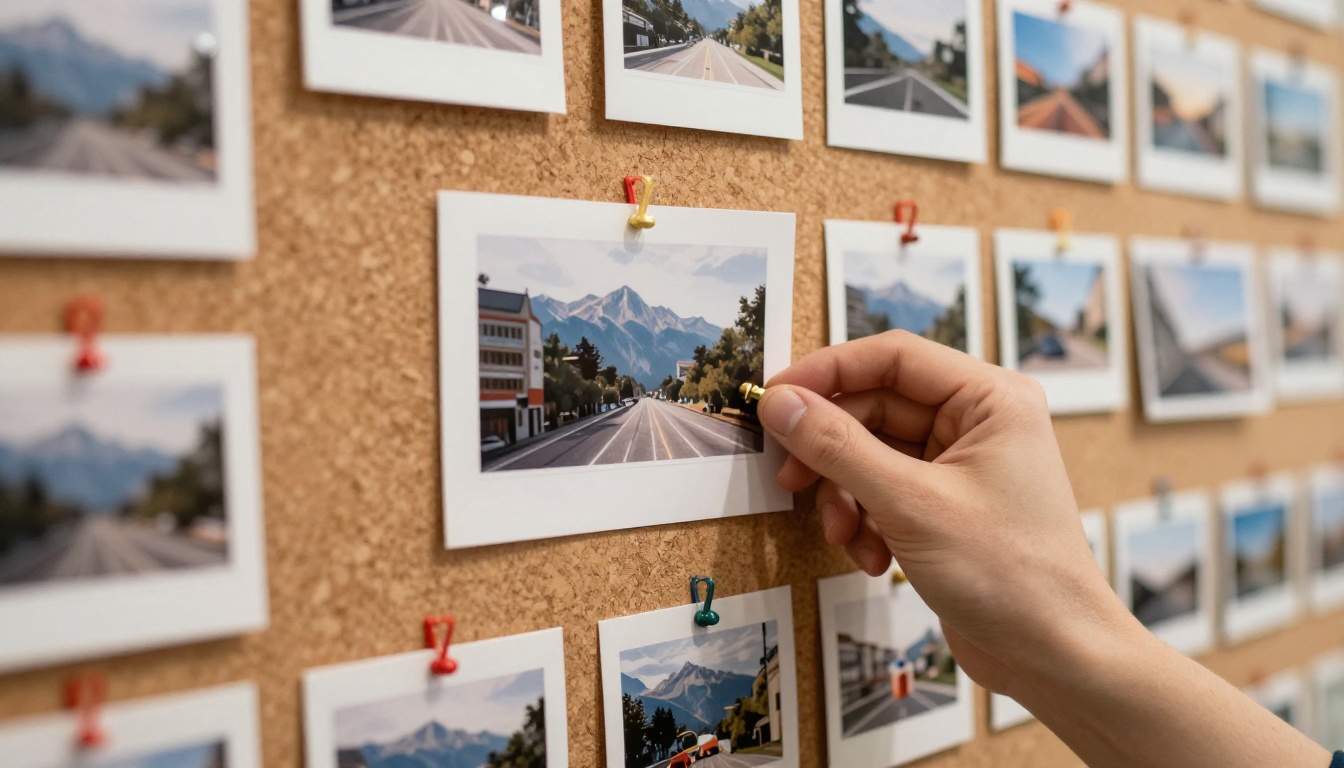
A 360p draft tells you what you need most: whether the composition works, which direction the motion goes, how the pacing feels, and whether the model read your prompt the way you meant it.
When to Skip the Draft
Drafts are not free insurance. Skip them in these cases:
- Fine detail decides the shot. Small text, hands, and skin texture are hard to judge at 360p.
- The prompt already worked. Reusing a proven prompt with a new subject rarely needs a test render.
- The budget is tiny. For a single 3 second clip, one direct 720p render is $0.30 and not worth a two step process.
Monthly Budgets That Hold Up
Solo Creator Scenario
A solo creator publishes 20 videos a month, each 10 seconds long, with a 720p final. With three 360p drafts per video, the cost per video is 3 × $0.34 + $1.01 = $2.03, so the month costs $40.55. Without drafts, the same creator averages four 720p tries per video at $4.05 each, which makes $81.09 for the month.
Product Team Scenario
A small team renders 300 product clips a month, 5 seconds each, at 1080p. If every clip needs three attempts, that is 900 renders at $0.76, or $684.18. If the team runs two 360p drafts and one 1080p final per clip, the bill drops to $329.44.
| Scenario | Without drafts | With 360p drafts | Savings |
|---|
| Solo creator, 20 videos | $81.09 | $40.55 | 50% |
| Product team, 300 clips | $684.18 | $329.44 | 52% |

💡 Take the attempt count from your own first 20 clips, not from a guess. It is the single biggest number in the model.
Costs Nobody Puts in the Price
Retries and Rejected Takes
The per second rate bills what is generated, not what you keep. If only one clip in three is usable, your effective price is triple the list price.
| Usable clips | Effective cost of a 10 second 720p clip |
|---|
| 100% | $1.01 |
| 50% | $2.03 |
| 33% | $3.04 |
| 25% | $4.05 |
Better prompts raise your hit rate, and a higher hit rate lowers the price faster than any discount would. Track this number per project. A product shot on a clean background may land on the first try, while a crowd scene with a moving camera may need six, and an average hides both. Log the attempt count next to each finished clip for two weeks, then price your next batch from your own data rather than from anyone's list price, including the ones in this article.

No Free Tier, No Batch Discount
Google's pricing page lists no free tier for either Omni Flash model, and it offers no batch pricing. You pay from the first token. Three more points can trip up a budget:
- Flow credits are not API dollars. Google Flow subscriptions and Gemini API pricing use different units, so a Flow plan tells you nothing about an API bill.
- List price is not invoice price. Taxes, storage, and post-production such as upscaling, audio, and captions come on top.
- Rates can move. Check the pricing page before you lock a quarterly budget.
How to Use Omni 1.1 on PicassoIA
If you want to test prompts before committing API budget, Gemini Omni 1.1 is available on PicassoIA. Its model page presents it as free and online to try, so check the page for the current plan limits. It exposes the same controls the API prices: 360p, 720p, 1080p, and 4K output, with 16:9 and 9:16 frames.
- Open the model page and choose a text prompt, a starting image, or an existing video.
- Write a full prompt with the scene, camera movement, lighting, mood, and audio.
- Set the resolution to 360p for the first pass.
- Pick 16:9 or 9:16, depending on where the clip will run.
- Generate and review. Adjust the prompt until the composition and motion are right.
- Re-render at the final resolution, either 720p, 1080p, or 4K.

Settings That Matter
| Setting | What it does |
|---|
| Prompt | Describes scene, camera, lighting, mood, and audio. Add exclusions such as "no dialogue." |
| Resolution | 360p, 720p (default), 1080p, or 4K. |
| Aspect ratio | 16:9 or 9:16. Ignored when editing a video. |
| Image | A starting frame to animate. |
| Last frame | An ending image, so the model builds a transition between the two. |
| Reference images | Subjects or styles to carry into the video. |
A prompt that works well for a first draft: "A cinematic drone shot through misty pine mountains at sunrise, gentle wind and birdsong. No dialogue."
Edit Mode for Existing Clips
Give Gemini Omni 1.1 a finished video and a written instruction such as "make the sky stormy, keep everything else the same." The model changes that detail and leaves the rest of the footage alone. For other video fixes, PicassoIA has Lucy Edit 2, Aleph 2, and Wan 2.7 Videoedit for text-driven edits, plus Video To SFX v1.5 for sound effects.
Looking to reach 4K without paying the 4K rate? Render at 720p and run the clip through Video Increase Resolution. Compare that upscaler's cost against the $2.03 gap per 10 seconds between 720p and 4K before you decide.
Other Models Worth Pricing
Different clips call for different tools. These PicassoIA models are worth a test render next to Gemini Omni 1.1:
Run the same 10 second prompt through two or three of them, compare the results, and price the winner. Cost per usable clip is the number that counts.
Run Your First Draft on PicassoIA
You now have the numbers: $0.034, $0.101, $0.152, and $0.304 per second, and a draft habit that cuts a typical bill roughly in half. The fastest way to check them against your own prompts is to render one. Open Gemini Omni 1.1 on Picasso IA, write a scene with camera movement and sound, set the resolution to 360p, and see what comes back. Then try the same prompt with Veo 3.1 Fast or Seedance 2.0 Mini and keep whichever gives you the best clip for the lowest cost. Experiment freely, because a 360p draft is the cheapest place to be wrong.


