OpenAI did not ship a plain upgrade on September 8, 2026. It replaced the single GPT Image 2 model with two siblings, and the choice between them now changes your speed, your quality ceiling, and how well an image survives its third round of edits. If you landed here asking whether to switch, the short answer is that most people should move to GPT Image 2.5 Flare, people who keep revising the same file should look at GPT Image 2.5 Sunburst, and a handful of pipelines should stay on GPT Image 2 for now. The rest of this page gives you the numbers, a spec table, and a ten minute test you can run on your own prompts.
💡 Quick context: GPT Image 2 launched in April 2026. The 2.5 release arrived about five months later as a family of two models, Flare and Sunburst. There is no single model called plain "GPT Image 2.5", so every comparison below is really a three way race.
The Quick Verdict
Most readers want the decision before the detail, so here it is. Pick the model by the job you do most often, not by the version number.
Pick Flare for Volume
Flare is the fast default of the 2.5 family. OpenAI says it delivers better image quality than GPT Image 2 with up to 50% lower latency, and it positions Flare for high-volume generation. That fits blog art, social graphics, product mockups, ad variations, and any workflow where you generate a lot of images and keep the best one. If you change only one thing this month, make it this.
Pick Sunburst for Edits
Sunburst is the precision model. It is deliberately slower per generation than Flare, and it exists for the job where you take one image and change it again and again: swap a background, fix the text on a label, recolor one object, then do it twice more without the rest of the picture drifting. If your day looks like that, the extra seconds pay for themselves.
When GPT Image 2 Still Wins
Stay on GPT Image 2 when a pipeline is hard-wired to the older model and you cannot re-test it this week, when a client signed off on a look you must reproduce exactly, or when your prompt library was tuned around its quirks. Nothing forces you to move on day one. The older model is not broken. It is simply no longer the best default.
| Your situation | Best pick |
|---|
| Daily blog and social images | Flare |
| Many variations to compare | Flare |
| Repeated edits of one photo | Sunburst |
| Fine detail inspected up close | Sunburst |
| Locked client look or frozen pipeline | GPT Image 2 |
What Actually Changed
The September update is smaller than the launch posts suggest and bigger than a version bump. Three things moved: the model structure, the quality scale, and how edits behave. Almost everything else stayed where it was.
One Model Became Two
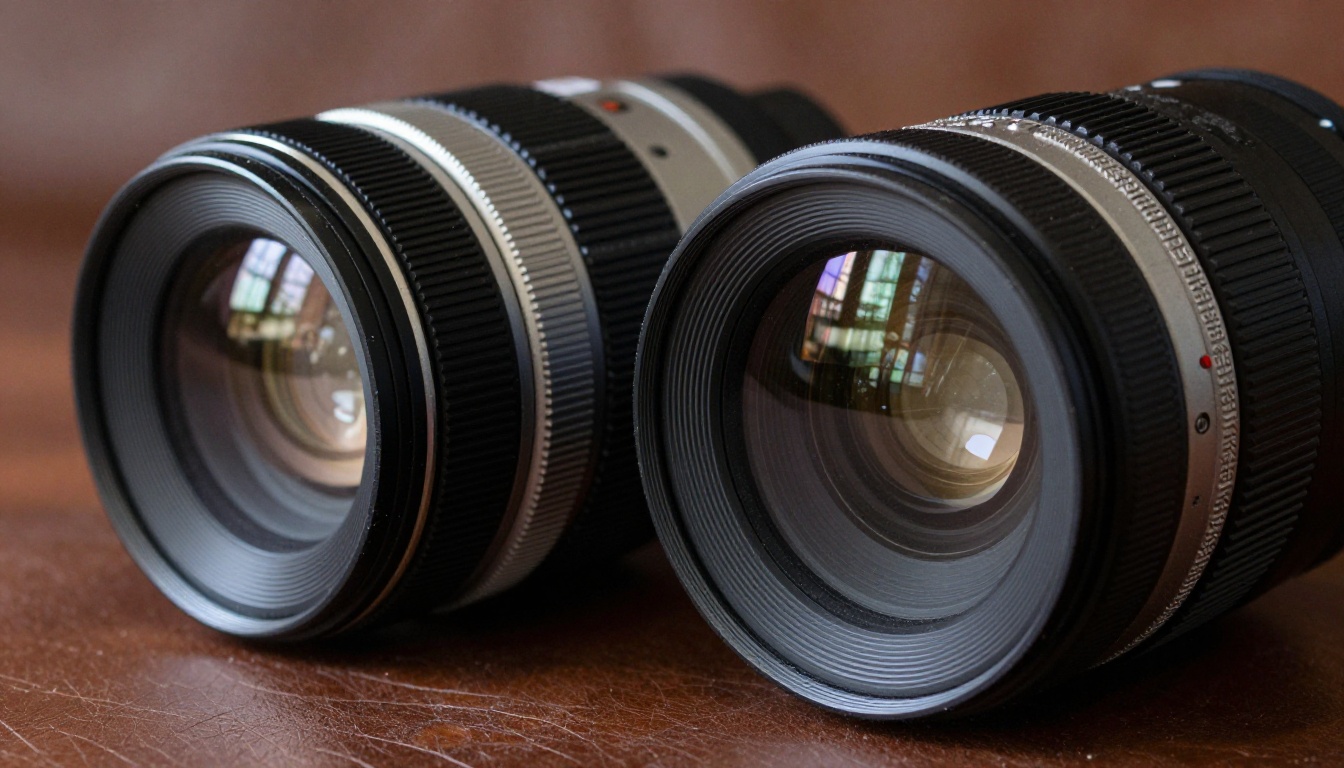
Where GPT Image 2 was one general purpose model, the 2.5 release splits the job. Flare gives up very little for speed, and Sunburst gives up speed for control. Picture two lenses in the same camera bag: a fast prime you leave on the body all day, and a heavier piece of glass you reach for when the shot has to be exact.
Both models have their own page on PicassoIA, with their own defaults, so you can open them in two tabs and send the same prompt to each one.
Two New Quality Tiers
GPT Image 2 offers four settings: low, medium, high, and auto. Both 2.5 models keep those and add xhigh and max above high. That sounds like a small change on paper, yet it is the clearest new control in the whole release. Higher tiers spend more time and more compute on fine detail, so they are the right choice for hero images, print files, and anything a client will zoom into.
💡 Watch the defaults: On PicassoIA, Flare starts on auto quality, but Sunburst starts on low. If you open Sunburst and generate straight away, you are testing its cheapest tier, not its best one. Raise it to high before you judge it.
What Stayed the Same
The limits did not move. Reports comparing the generations agree that both top out around 4K output (3840 pixels on the longest edge) with a 3:1 cap on aspect ratio. Text accuracy is also reported at roughly 99% at the character level for all three models, across Latin, Chinese, Japanese, Korean, Arabic, and Hebrew scripts. Price per token stayed flat too, which the cost section below unpacks.
| Feature | GPT Image 2 | Flare | Sunburst |
|---|
| Release | April 2026 | September 8, 2026 | September 8, 2026 |
| Role | General model | Fast default | Precision editor |
| Quality tiers | low, medium, high, auto | adds xhigh, max | adds xhigh, max |
| Default quality on PicassoIA | auto | auto | low |
| Default aspect ratio on PicassoIA | 1:1 | 1:1 | auto |
| Extra ratios on PicassoIA | none | 4:3, 3:4, 1536x1152, 1152x1536 | 4:3, 3:4, 1536x1152, 1152x1536 |
| Images per run | up to 10 | up to 10 | up to 10 |
| Transparent background | yes | yes | yes |
| Output formats | PNG, JPEG, WebP | PNG, JPEG, WebP | PNG, JPEG, WebP |
Speed You Will Actually Feel
Speed is the most visible reason to move, and also the easiest claim to misread. The numbers come from three different places, so keep them apart.
What OpenAI Claims
OpenAI describes Flare as having up to 50% lower latency than GPT Image 2, with higher quality at the same time. Some third-party comparisons report even bigger gaps, in the range of two to four times faster at similar quality. Treat anything above the vendor figure as a data point from one setup, not a promise. Sunburst is the opposite case: it is described as slower than Flare on purpose, and one comparison puts its pace close to the older model.
Timings From the PicassoIA Pages
The model pages on PicassoIA record example runs, and they give a rough feel for wait times:
- Flare: 23.1 seconds for a high quality 3:2 image.
- Sunburst: 34.7 seconds for a high quality 1:1 image, and 13.7 seconds for an auto quality 16:9 image.
- GPT Image 2: 40.7 seconds for an example that used a reference image at auto quality.
Do not read those as a benchmark. The prompts, ratios, quality settings, and inputs differ, so the list only sizes your expectations. What it does show is that quality tier moves the clock as much as the model name does. A Sunburst run on a low tier can beat a Flare run on a high one.
Image Quality Side by Side
Quality gaps are real but narrower than the speed gap. On many everyday prompts the three models can look close enough that picking a winner takes a pixel peeper and a side by side view. The differences show up in two places.
Text Rendering
Text was already the headline feature of GPT Image 2, and the 2.5 models do not change the reported accuracy. That means text is a poor reason to switch. It is a good reason to write prompts carefully on every model: put the exact words in quotation marks, keep them short, and say where they sit, for example a chalk sign on a bakery wall that reads "OPEN".

Photorealism and Fine Detail
This is where the new tiers earn their place. Flare is reported to beat GPT Image 2 on overall quality at normal settings, while Sunburst is aimed at detail that has to survive close inspection: stitching, skin pores, small print on packaging, repeating patterns. If you run a prompt through all three, judge the images on these checks:
| Check | What to look for |
|---|
| Skin and fabric | Pores, weave, and stitching that look captured rather than smoothed |
| Small objects | Clean edges on rings, buttons, cups, and cutlery |
| Repeating patterns | Tiles, bricks, and railings that stay straight |
| Lighting | One consistent light direction and believable shadows |
| Text | Every letter correct, with no extra strokes |
Editing Is Where Sunburst Leads
If you only generate from scratch, you can skip this section. If you edit, it matters more than everything above. Sunburst was built for the case where you ask for one change and expect every other pixel to behave.
Multi-Round Changes
Anyone who has edited the same image five times with an older model knows the pattern: colors burn out a little more each pass, a face softens, a sleeve changes shape. The 2.5 release is reported to hold up better here, with the person and the clothes staying intact across several rounds and fewer earlier edits being undone by later ones.
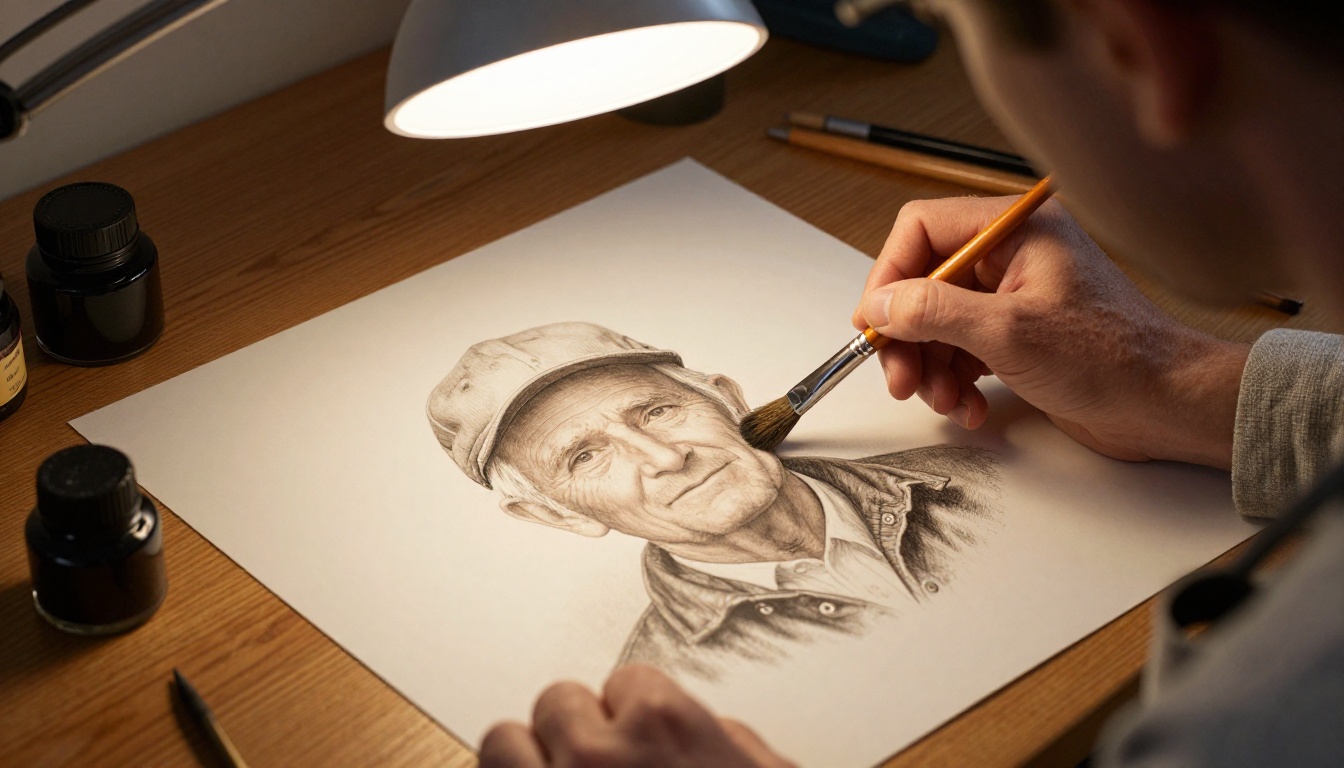
You can check this yourself in four steps:
- Generate a portrait with a clear outfit, such as a red jacket and a grey scarf.
- Ask for one edit: change the background to a rainy street.
- Ask for a second edit: add sunglasses.
- Ask for a third edit: change the jacket color to green.
After round three, compare the face, the scarf, and the street. The model that kept all three steady is your editing model. The Sunburst page describes exactly this kind of instruction, such as changing a shirt to red and adding sunglasses, as the core use case.
Reference Images
Reference photos survive better too. Reports on the 2.5 release mention up to 16 reference images in a single job, and say subjects stay recognizable after the edit. On PicassoIA, all three models accept input images next to the prompt, so you can feed in a product shot, a person, or an outfit and describe how to combine them.
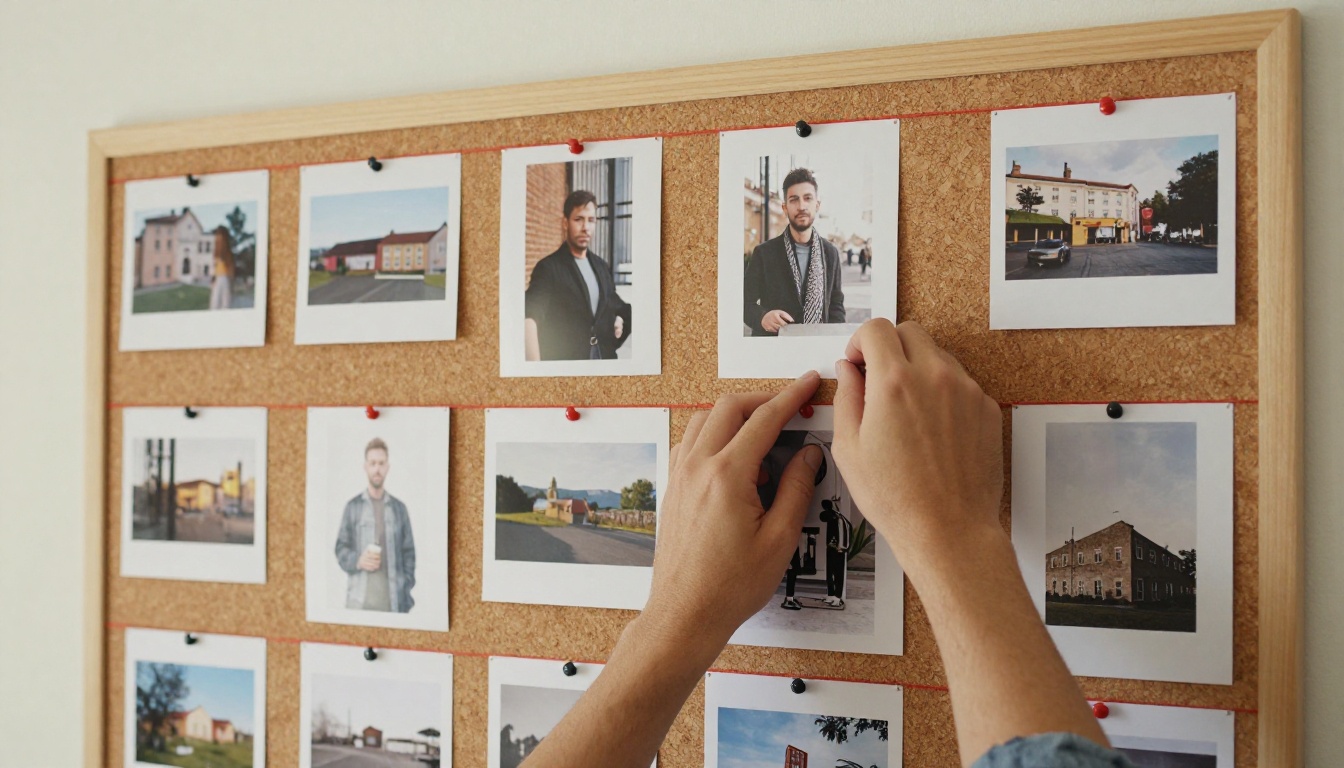
💡 Quick fixes without counting runs: For simple touch-ups like a background swap or a cleaner crop, PicassoIA Image Editor Pro is built as an unlimited photo editor for repeated edits. Save Sunburst for edits where the final detail really counts.
The Real Cost
On paper, nothing changed. OpenAI kept the same token prices for the 2.5 models: $8 per million image input tokens and $30 per million image output tokens, identical to GPT Image 2. So the upgrade itself does not raise your bill.

In practice, two things move your real spend. The first is the quality tier: higher quality takes longer and costs more, and the new xhigh and max tiers sit above anything the older model offered. The second is the host. One API provider currently lists a 1024x1024 high quality image at about $0.053 for the 2.5 family against about $0.211 for GPT Image 2, while another source says costs are the same across generations. Hosts price differently and change rates often, so check the live number before you build a budget around it.
A simple habit keeps costs under control:
- Drafts: run low or medium quality while you work out the prompt.
- Candidates: run high on the two or three prompts that look right.
- Finals: run xhigh or max only on the image that ships.
How to Run Them on PicassoIA
All three models are available as text to image models, so you can compare them without writing any code. The steps below work for Flare, Sunburst, and GPT Image 2 alike.
Step by Step Setup
- Open the model page for the one you want to try.
- Write your prompt. Put any on-image text in quotation marks.
- Pick an aspect ratio. Use 16:9 for blog headers, 1:1 for feeds, and 9:16 for stories.
- Set the quality tier. Raise it above the default, especially on Sunburst.
- Add input images if you are editing or combining references.
- Choose how many images to generate, from 1 to 10, so you can compare variations in one run.
- Pick PNG, JPEG, or WebP, then set the background to transparent if you need a cutout.
- Generate, review, and download the best result.
Settings That Matter
| Setting | What to do |
|---|
| Quality | Medium for drafts, high for candidates, xhigh or max for finals |
| Aspect ratio | Match the destination, not the model default |
| Number of images | 4 to 6 per prompt gives enough choice without waste |
| Background | Transparent for logos, stickers, and product cutouts |
| Output format | WebP for web pages, PNG for design files |
| Moderation | Leave on auto unless your use case needs otherwise |
A Ten Minute Test Plan
Do not take any comparison page on faith, including this one. Your prompts are the only test that counts.

Pick five prompts that match your real work: a portrait, a product on a plain background, a poster with short text, a busy street scene, and an edit of one of your own photos. Run each through GPT Image 2, Flare, and Sunburst at the same quality and aspect ratio. Time each run with a stopwatch and score the results out of five on detail, accuracy, and how many tries you needed. For a wider baseline, add GPT Image 1.5 to the same grid and see how far the line has moved in one year.
Try Them Yourself
The honest answer to "which one should I use" is that the three models are close enough on everyday prompts that your own work decides it. Speed-first users will likely land on Flare, edit-heavy users on Sunburst, and anyone with a frozen workflow on GPT Image 2.
The fastest way to settle it is to run the same prompt through each one and look at the three results side by side. Open Picasso IA, pick your favorite prompt from the last month, and generate it on all three models. Then try the three-round edit test on a photo of your own. Within ten minutes you will know which model fits your work, and you will have a few new images to show for it.


