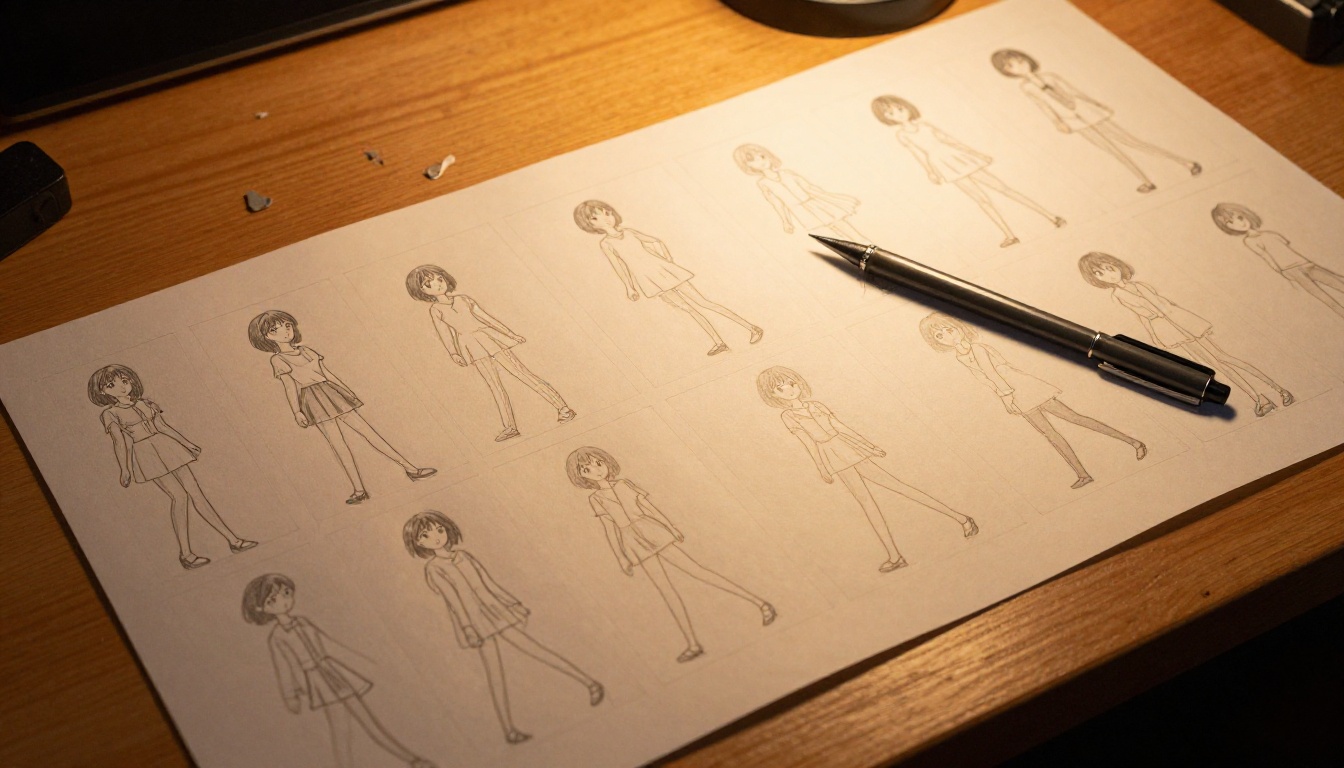
When an AI generates frame 1 of your anime character and frame 47 looks like a completely different person, you haven't hit a technical glitch. You've hit the single hardest problem in AI-driven animation: style consistency across frames.
This isn't a minor annoyance. It breaks the whole illusion. The reason AI anime content often looks choppy, drifting, or "uncanny" isn't because the individual frames look bad. It's because consecutive frames don't look like they belong to the same world.
So how do the best AI systems actually solve this? And which tools on PicassoIA get it right?
Why Every Frame Wants to Be Different
The root problem is that most image diffusion models have no memory.
Each frame is generated from a noise seed, guided by your prompt. When you generate frame 2, the model doesn't "remember" what frame 1 looked like. It just follows the prompt again. And even with identical prompts, diffusion models are stochastic: a tiny variation in the noise distribution produces visibly different character proportions, line weights, color saturation, or hair detail.
What drift looks like in practice
Style drift in AI anime usually shows up in three places:
- Character features: Eyes change shape or size. Hair color shifts by 10-15%. Skin tone warms or cools between frames.
- Line weight: The outline thickness that defines an anime aesthetic varies unpredictably when the model samples from the noise distribution.
- Color palette coherence: Background colors "breathe" — subtly changing in saturation or hue even when nothing in the scene should change.
The result is what animators call temporal incoherence: frames that look fine in isolation but wrong as a sequence.
Why it matters more for anime than live-action
Live-action video generation gets some natural forgiveness. A slight tone shift in skin reads as a lighting change. But anime is built on highly codified visual systems: a specific character has a specific palette, a specific line style, a specific eye shape. Any deviation reads immediately as "wrong character" rather than "different lighting."
This is the consistency challenge that separates good AI anime tools from great ones.
How Neural Networks Actually Encode Style
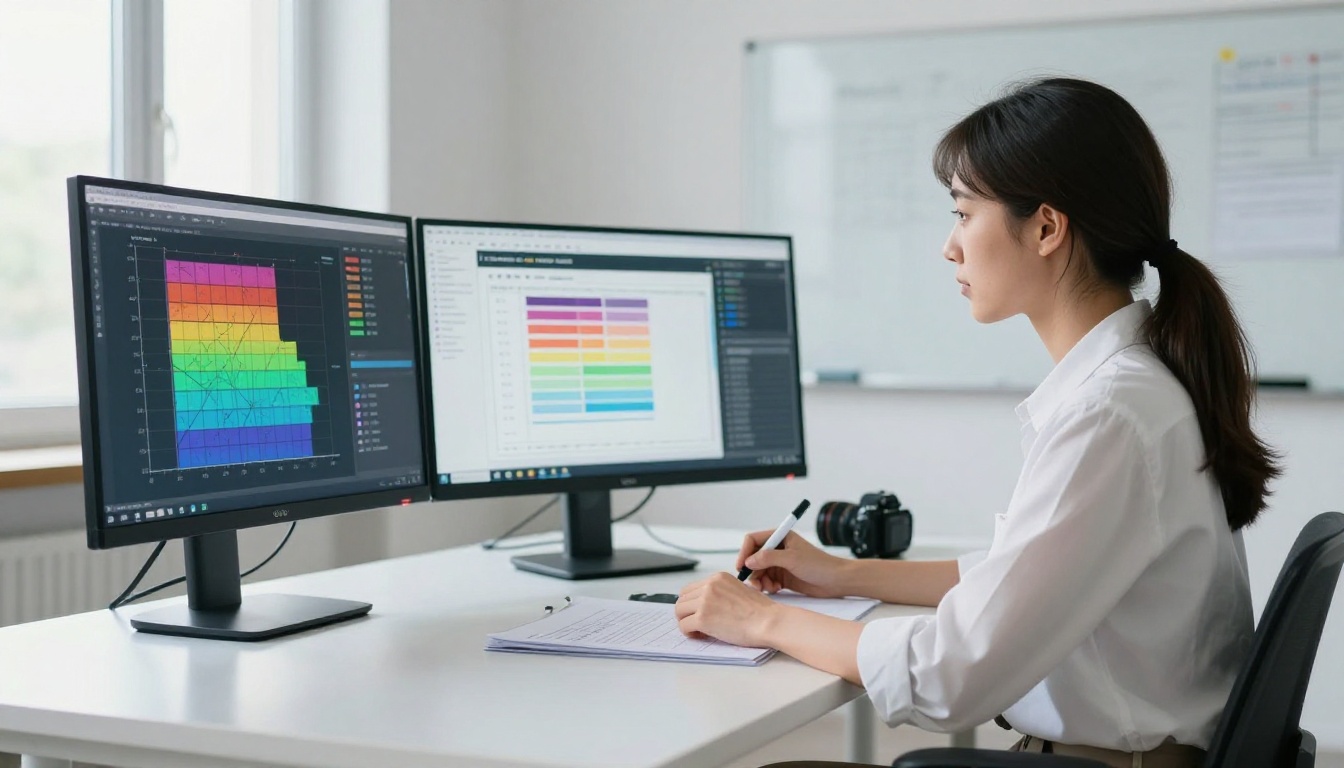
To understand how the best consistency systems work, you need to understand what a diffusion model is doing when it generates an anime character.
Latent space and style as a coordinate
Every image a diffusion model generates exists as a point in latent space: a compressed mathematical representation of the visual world the model processed during training. A character's style isn't stored as a set of explicit rules ("use #F5D5A8 for skin"). It's a cluster of coordinates in a high-dimensional space.
When a prompt says "anime girl, long black hair, school uniform," the model samples from the region of latent space associated with that description. But that region is large. There are thousands of valid interpretations of that prompt, and the model picks one based on the noise seed.
This is why seed control is a basic first tool for style consistency. Fixing the seed keeps the sampling point roughly stable. But seed control alone breaks as soon as camera angle, lighting, or motion changes, because any change pushes the model into a different neighborhood of the same cluster.
How the model reads visual style
The key insight is that newer consistency systems don't just control the prompt. They control the style embedding directly, injecting specific latent coordinates as guidance signals so the model cannot drift far from them. This is the mechanism behind IP-Adapter, reference image conditioning, and similar techniques that PicassoIA tools like ToonCrafter and AnimateDiff Prompt Travel leverage under the hood.
Instead of hoping the prompt is precise enough to reproduce the same style, these tools pin the style embedding from a reference image and use it as a constant signal throughout generation. The model's output stays anchored because the anchor is mathematically enforced, not just textually suggested.
LoRA Models: The Precision Lock for Characters
The most reliable tool for locking down a specific anime character across many frames is a LoRA (Low-Rank Adaptation). Understanding how LoRA works explains why it produces such stable results.
What LoRA actually changes
A standard diffusion model has billions of parameters: the numerical weights that define how it transforms noise into images. LoRA doesn't retrain the whole model. Instead, it injects a small set of learned offset matrices that nudge the model's attention toward specific visual patterns.
Think of it as giving the base model a pair of glasses calibrated for one character. Every time it "looks" at the generation space, it sees that character's proportions, palette, and linework more clearly. The base model still handles everything else — lighting, composition, background — but the character features snap into alignment reliably.
What happens to consistency across frames
When you use a LoRA trained on a specific character and generate frames with different prompts (character running, character sitting, character looking left), the LoRA's offset matrices keep the character-defining features stable. Face proportions, hair color, and outfit details remain anchored even as the pose changes dramatically.
This is why professional AI anime pipelines always start with character LoRAs. Without one, you're relying on prompt engineering alone, which produces visible drift at scale.
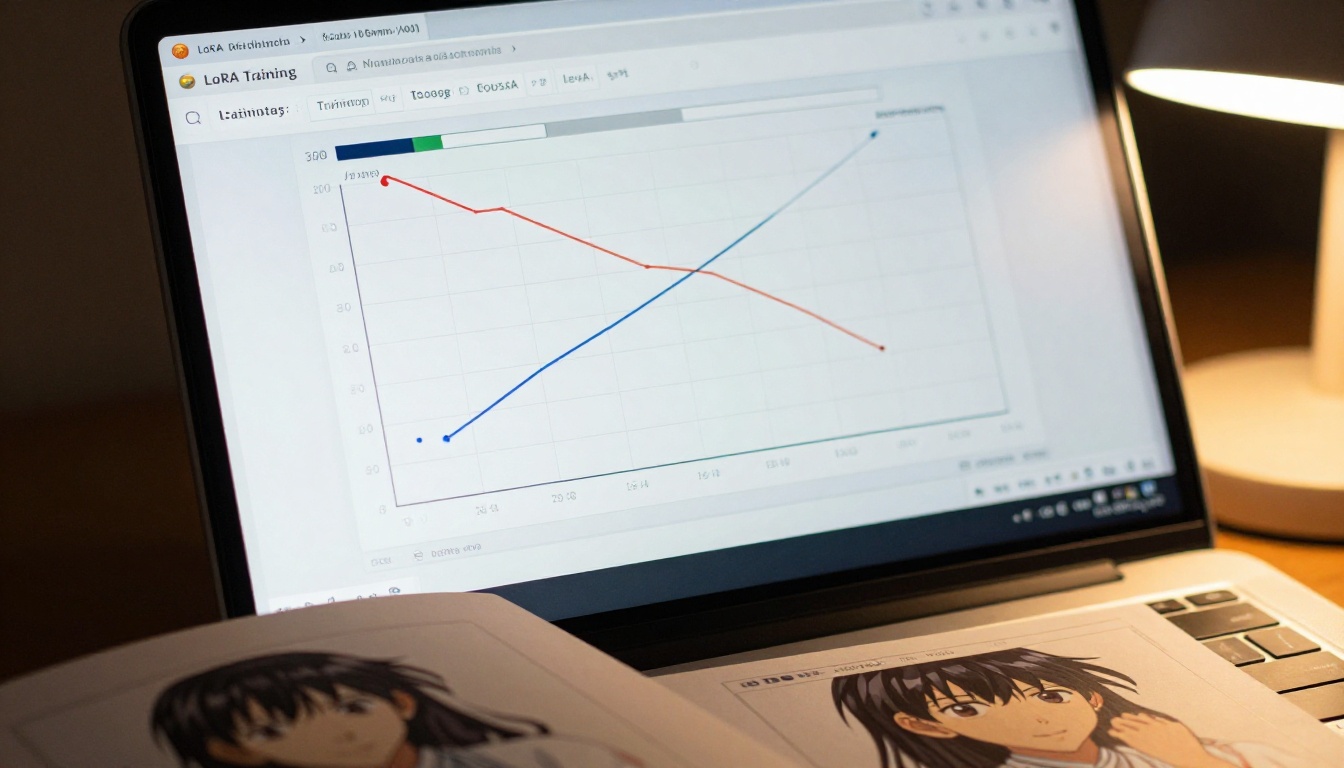
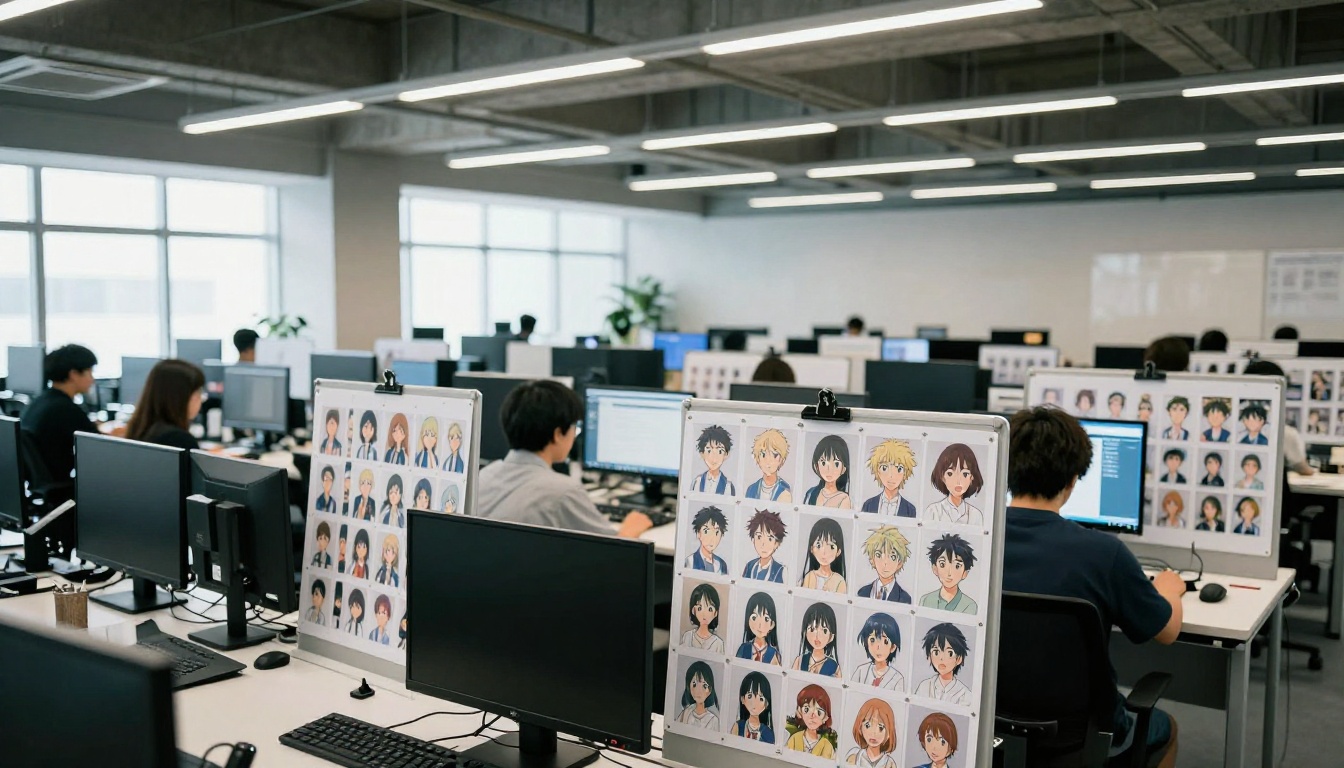
💡 Practical tip: A well-trained character LoRA needs at least 15-20 high-quality reference images showing the character from different angles. More images means the LoRA captures which features are character-defining (eye shape, hair length) versus incidental (background color, pose).
AnimateDiff and the Problem of Time
Static consistency and temporal consistency are different problems. A LoRA ensures frame 1 and frame 47 look like the same character. But AnimateDiff Prompt Travel tackles something harder: making the transition between frames smooth and stylistically coherent.
The motion module: what it actually is
AnimateDiff adds a temporal attention module to the standard image generation pipeline. Regular image transformers attend to spatial relationships within a single frame. The temporal module attends to relationships across frames, looking at what came before and after when generating any given frame.
This architecture change is significant. The model doesn't generate each frame independently anymore. It generates frames as a sequence, with each frame conditioned on the latent representations of adjacent frames. The result is motion that respects continuity.
Prompt travel: controlling style over time
AnimateDiff Prompt Travel extends this by letting you specify different prompts for different keyframes, with the motion module interpolating the transition. For anime consistency work, this means you can lock a style prompt at frame 1 ("anime character, dark hair, warm afternoon light, standing") and another at frame 24 ("same character, same style, different pose"), and the system maintains visual coherence across the interpolation.
The consistency comes from the shared latent pathway: because all frames pass through the same temporal attention layers, they inherit the same style statistics.
ControlNet's Role as a Style Anchor
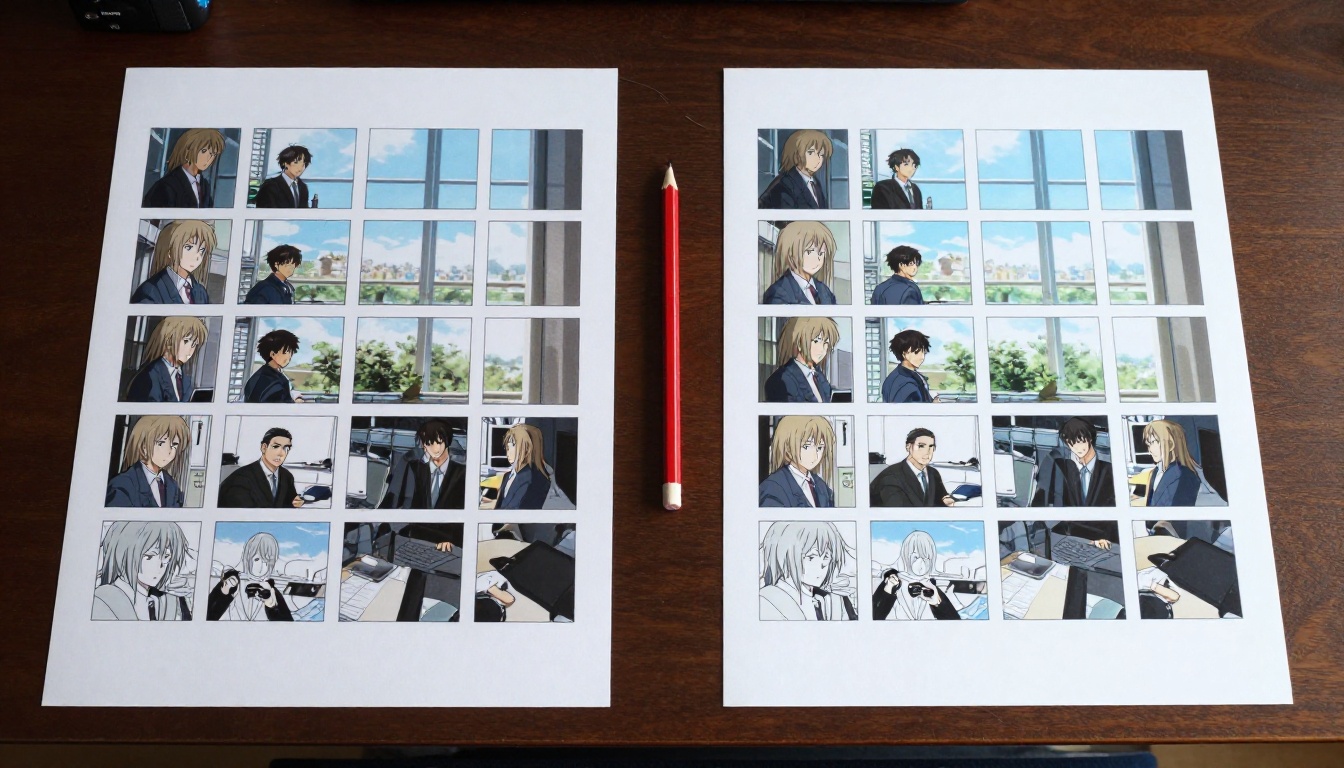
ControlNet doesn't add consistency by remembering style. It adds it by controlling structure. When you generate an anime character frame with a ControlNet canny edge condition, you're telling the model: don't change the shape of things.
How canny edges lock composition
A canny edge map extracts the outline structure from a reference frame. When this map is used as a ControlNet condition, every generated frame must match that edge structure. The AI can vary color and texture, but the silhouette, proportions, and major feature positions are anchored.
For anime specifically, this is powerful because anime style is largely defined by its linework. If the lines don't change, most of what makes anime "look like anime" stays stable across the whole sequence.
Depth maps for spatial coherence
ControlNet depth conditioning works similarly but for three-dimensional layout. A depth map extracted from frame 1 defines where near and far objects are. Applying this map to subsequent frames keeps spatial relationships consistent even as the character moves, preventing the background from jumping in perceived depth between frames.
Tools like ControlVideo on PicassoIA apply this principle across video sequences, maintaining structural coherence frame-to-frame using extracted control maps.
PicassoIA Models Built for Consistency
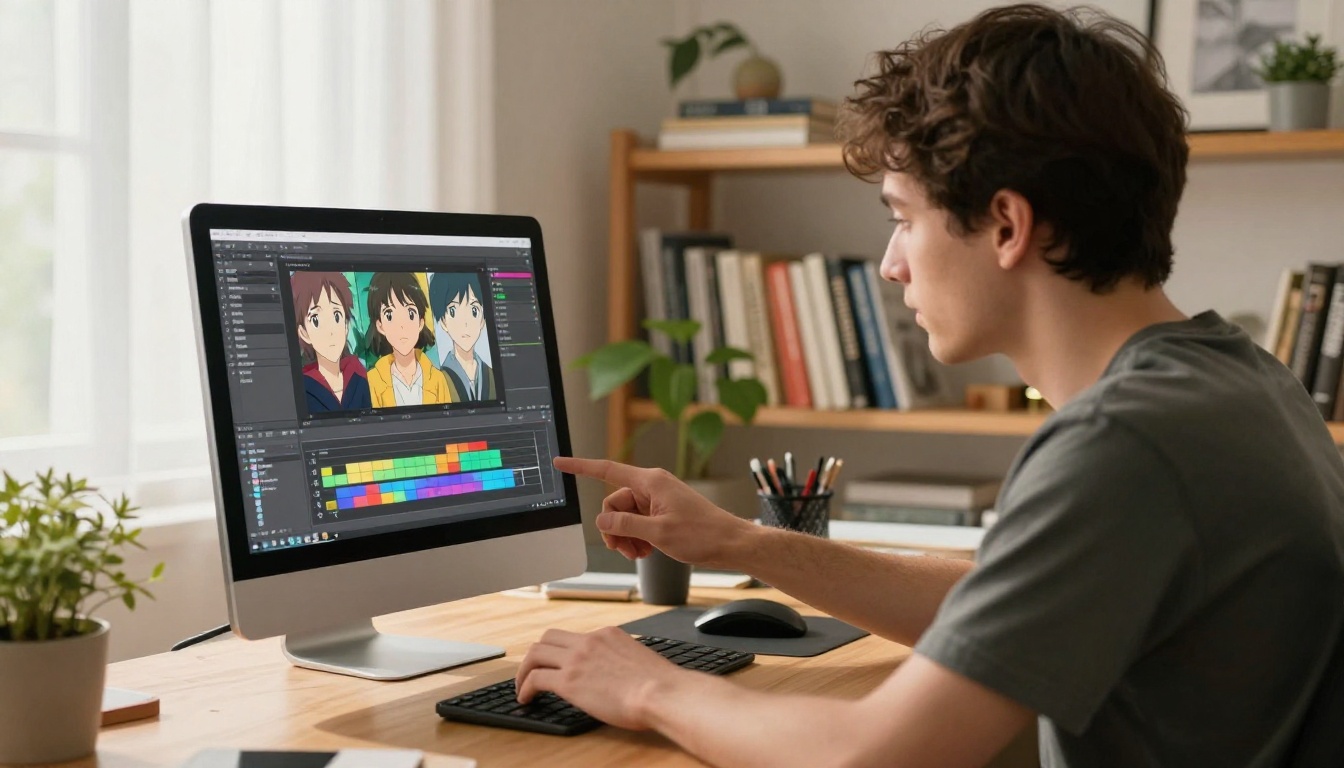
Here's where theory meets practice. These are the specific tools on PicassoIA that handle anime style consistency directly.
AnimateDiff Prompt Travel
AnimateDiff Prompt Travel is the closest thing available to a dedicated anime consistency engine. The temporal attention module was trained specifically on animated content, making it particularly effective for maintaining the cel-shaded, high-contrast aesthetic of anime across motion sequences.
ToonCrafter
ToonCrafter was designed for illustration animation: you provide two keyframes and ToonCrafter generates the in-between frames while preserving the visual style of both input images. For anime work, this is ideal for scenes with strong pose changes. The model's consistency comes from being explicitly conditioned on both anchor frames simultaneously.
ControlVideo
ControlVideo applies ControlNet conditioning across a video sequence. It accepts a source video or image sequence and uses the extracted structural maps to guide generation, making it particularly effective when you have reference motion that needs to be stylistically retargeted into an anime aesthetic.
Kling v3 Motion Control
Kling v3 Motion Control handles consistency through a different mechanism: explicit trajectory planning. Before generating frames, the model maps out the motion path of key objects and characters, then generates each frame constrained by that trajectory. Character features stay consistent because the model knows where each part of the character should be at each moment.
Wan 2.7 I2V
Wan 2.7 I2V (Image-to-Video) excels at preserving the style of a single source image across an animated sequence. Since the source image is used as a conditioning frame, the model's outputs are anchored to its visual statistics: color, texture, linework, and spatial layout.
P Video Animate
P Video Animate takes a static photo or illustration and animates it into a short clip while keeping the source image's visual characteristics intact. Because the source is baked into the generation as a direct reference, character identity is preserved across motion.
How to Use PicassoIA for Consistent Anime Style
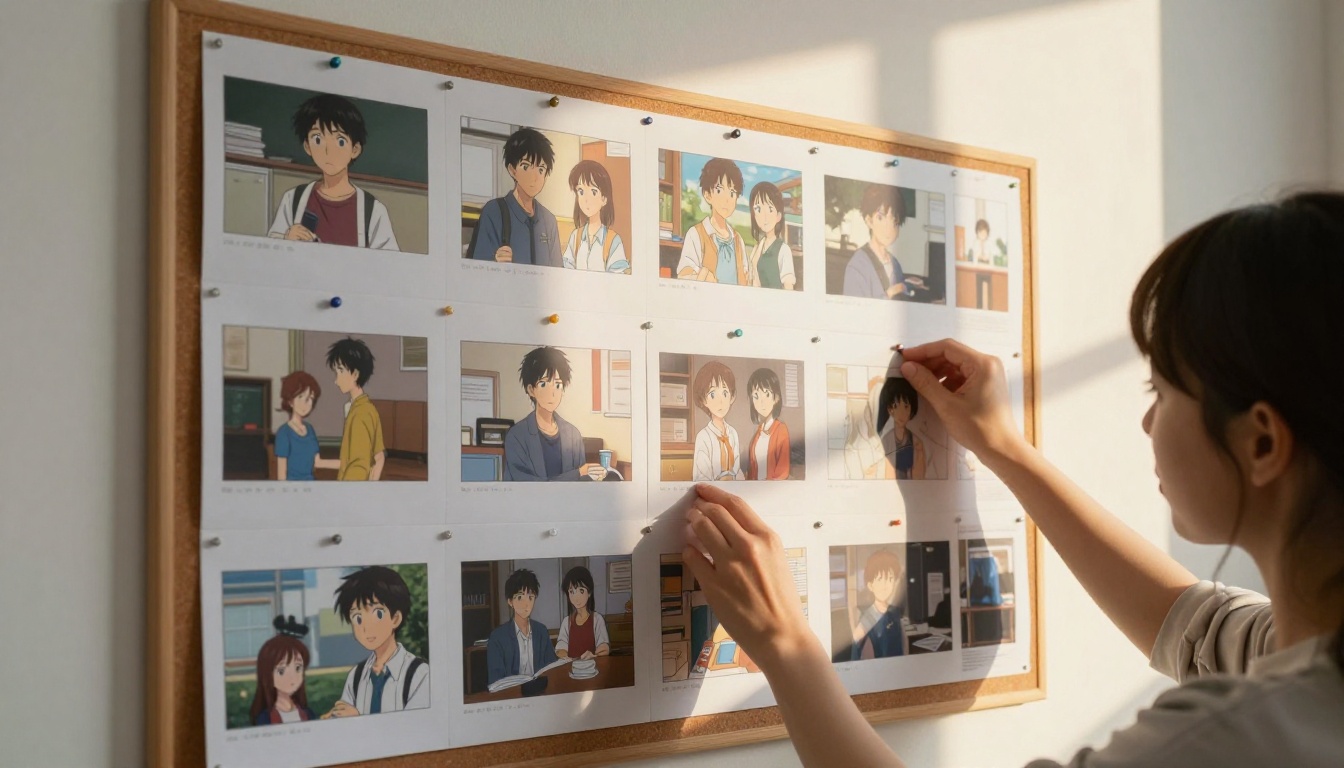
Here's a practical four-step workflow for getting consistent anime style using PicassoIA's toolset.
Step 1: Build your reference base
Generate your anchor frame using a text-to-image model. This is your character's "canon" appearance. Save the output URL; it becomes your reference for every subsequent generation step. Generate 3-4 variations of the same character in slightly different neutral poses and pick the one that best represents your intended style.
Step 2: Choose your consistency tool
For short clips (2-5 seconds): Use ToonCrafter with your start and end pose as the two keyframes. The interpolation will be stylistically anchored to both.
For longer sequences (10+ seconds): Use AnimateDiff Prompt Travel with keyframe prompts that maintain consistent character descriptors throughout.
For action sequences with specific motion paths: Use Kling v3 Motion Control or Wan 2.7 I2V to animate your source image with guided trajectory.
Step 3: Upscale and polish
Once you have a consistent sequence, use P Image Upscale or Clarity Pro Upscaler to sharpen individual frames without introducing new style variation. Upscaling after generation is safer than upscaling at generation time — it preserves the consistency you've already built.
For video sequences, Real ESRGAN Video applies super-resolution across the whole clip simultaneously, maintaining per-frame sharpening without adding drift.
Step 4: Edit and refine problem frames
If specific frames drift despite your consistency tools, P Video Edit lets you target individual sections with text prompts, rewriting just the problem frames while keeping the rest intact. Aleph 2 works similarly, propagating edits made to one frame across the full sequence.
When AI Still Gets It Wrong
Even with all of these systems, style drift isn't fully solved. Here's when it still fails and what to do about it.
The 3 most common failure modes
1. High-motion transitions: When a character moves very quickly between keyframes, temporal attention modules sometimes prioritize motion coherence over style coherence. The character arrives at the right pose but with slightly different face proportions. Fix: reduce the motion magnitude in your prompt or break the sequence into shorter sub-clips with overlapping anchor frames.
2. Background-character color bleed: When the background contains strong color information (bright sky, vivid environments, complex patterns), that color can "bleed" into the character's palette through the model's cross-attention. The character's hair or outfit takes on a subtle tint from adjacent background elements. Fix: use a neutral or out-of-focus background in your source frame and in your conditioning prompts.
3. Conflicting LoRA weights: When using two LoRAs simultaneously (one for character, one for overall style), the weights can conflict and produce compromised results. The character looks "washed out" or the style flattens toward a generic average. Fix: reduce the secondary LoRA weight to 0.6-0.7 and increase the primary character LoRA to 0.9-1.0.
How to spot style bleed before it ruins a sequence
Check these three things across frames before accepting a generation:
- Eye symmetry: In anime, asymmetric eye rendering between frames is a strong drift signal. If eyes look different sizes or shapes across frames, drift is present.
- Outline weight sampling: Pick 5 random frames and compare the linework thickness in the same region. More than 20% variation means visible drift in motion.
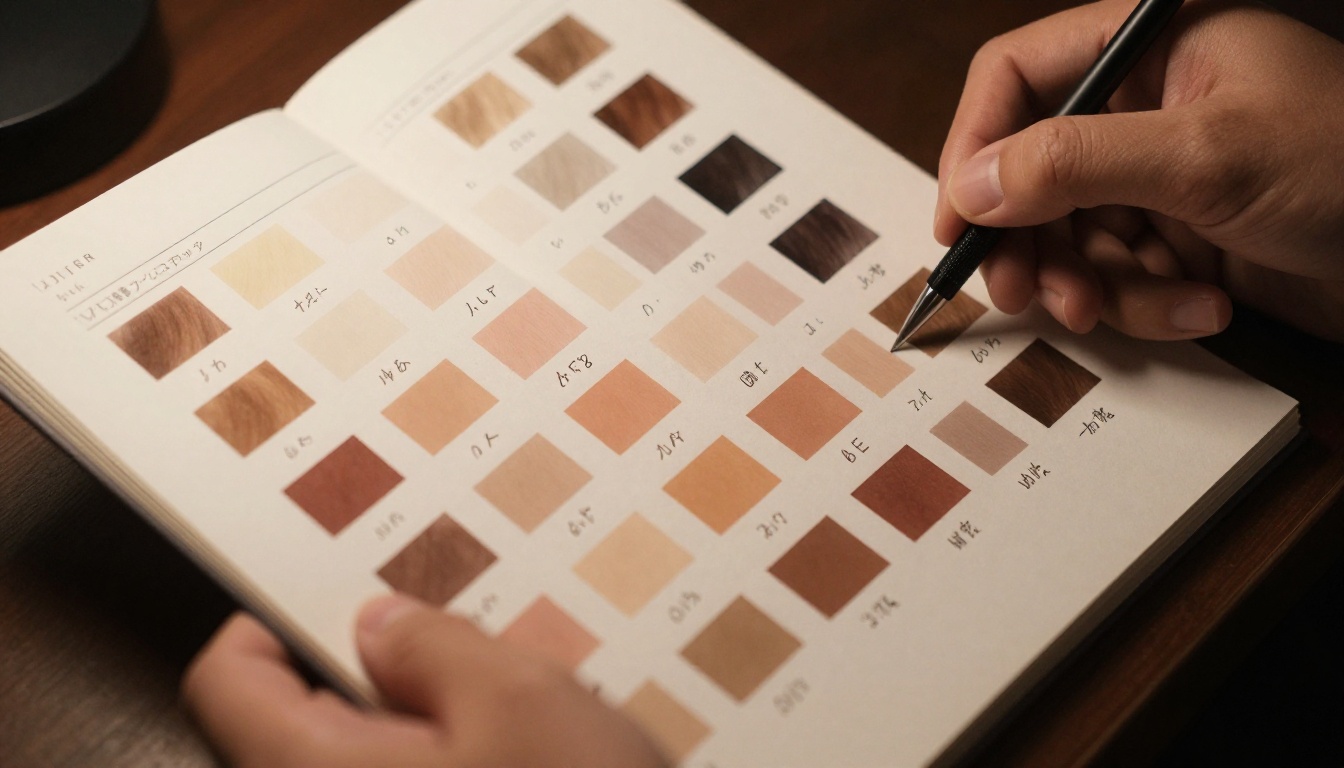
- Palette sampling: Use a color picker on the character's hair in three frames. If the hex value shifts by more than 15 points in any channel, expect visible color drift during playback.
These quick checks take seconds but catch the majority of consistency issues before they compound across a full sequence.
Create Your Own Consistent Anime Content
The technology for anime style consistency is genuinely here. Used correctly, the tools available on PicassoIA produce results that would have required a large traditional animation team working for weeks to achieve manually.
The real advantage isn't just speed. It's iteration capacity: you can generate 50 variations of a scene in the time it would take to hand-draw one, using the consistency systems described here to cull drift and maintain quality throughout.
Start with a single anchor image. Build outward from there using the right tool for your sequence length and motion type. If you see drift, fix it at the source — with tighter LoRA weights, better reference conditioning, or targeted video editing with P Video Edit.
💡 The quickest path to consistent anime output: generate your anchor frame, animate it with P Video Animate, and upscale the result with Clarity Pro Upscaler. That three-step pipeline takes under five minutes and produces a consistent, high-resolution clip from any reference image.
The full model library at PicassoIA covers every stage of this workflow: from initial image generation through temporal consistency, upscaling, and video editing. Pick your character, pick your tool, and see how stable you can make it.


