How Kling v3 Omni Video Handles Multiple Input Types
Kling v3 Omni Video processes text prompts, static images, and video reference clips through the same model backbone. This article breaks down how each input mode works, what it controls in the output, and how to combine inputs for cinematic 1080p results.
Kling v3 Omni Video does not ask you to pick a lane. You can feed it a sentence, a photograph, an existing video clip, or a combination of all three, and it produces a cohesive cinematic result every time. That flexibility is not a minor feature. It changes the entire production workflow for creators who work with mixed media, and it makes Kling v3 Omni Video one of the most versatile video generation tools available right now. This article breaks down exactly how each input type gets processed, what the model does with it, and what that means for your creative output.
What Kling v3 Omni Actually Is
Kling v3 Omni Video is the multimodal variant of Kuaishou's Kling v3 generation. The "Omni" label signals something specific: a unified model backbone that accepts heterogeneous inputs without needing separate inference pipelines for each mode. Most video generation models specialize. A text-to-video model handles one mapping. An image-to-video model handles another. Kling v3 Omni processes all of them inside the same diffusion transformer architecture, which produces outputs that feel consistent and deliberate rather than stitched together from separate systems.
One backbone, many inputs
The core architecture uses a diffusion transformer that processes tokenized representations of each input type through shared attention layers. Text becomes token embeddings. An image becomes patch tokens. A video reference becomes temporal patch sequences. Because all these representations flow through the same architecture, the model can mix them contextually, letting a reference image constrain composition while a text prompt controls motion behavior. This shared processing is why multi-input conditioning produces tighter, more intentional results than chaining two separate models in sequence.
Why this matters for real production
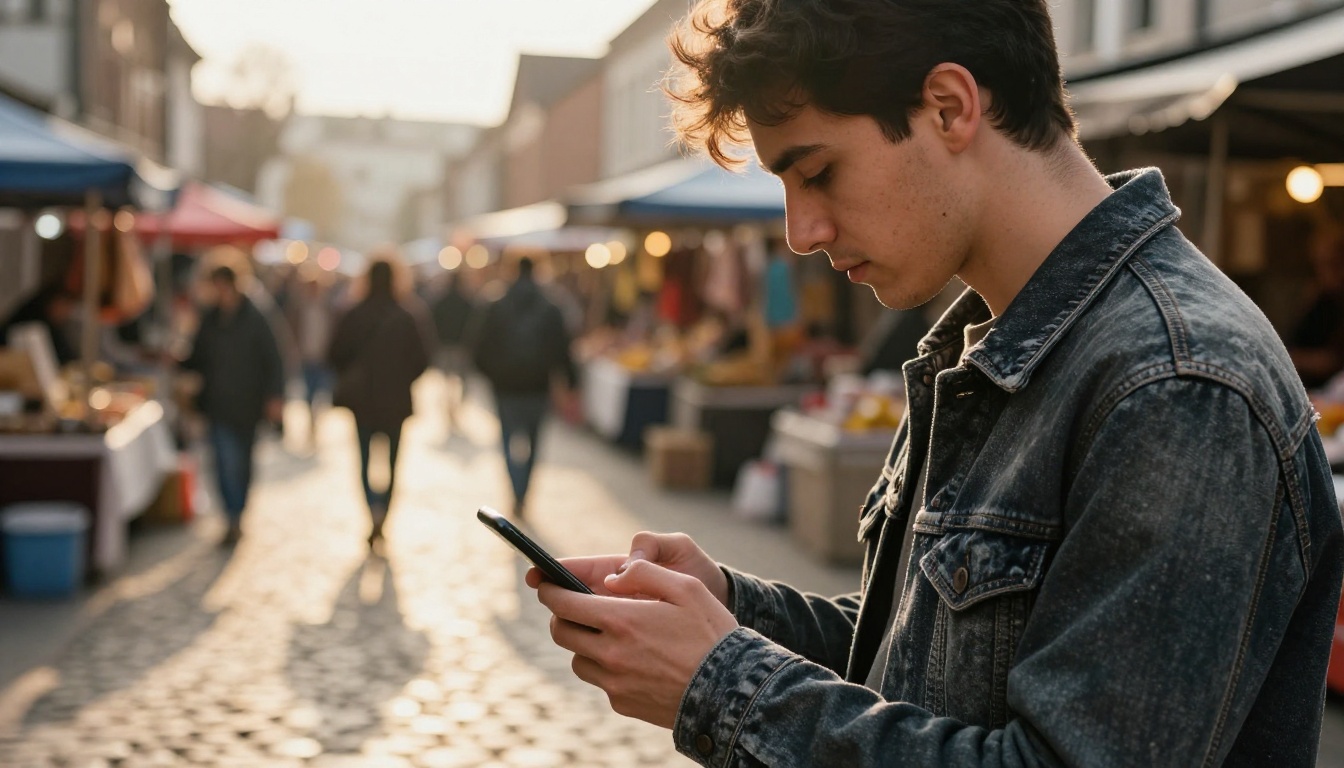
Most creators do not start from blank text prompts. They start from assets: brand photographs, product shots, location footage, storyboard frames. A model that only accepts text forces them to translate those visual assets into language first, losing fidelity in every translation step. Kling v3 Omni Video accepts the asset directly, preserving visual identity without that translation layer. The result is a tighter feedback loop between what you intend and what gets generated, which compounds significantly across larger production workflows.
💡 Quick take: If you have a strong reference image, use it. It consistently outperforms text-only prompting when preserving a specific visual identity matters.
Text Input: The Prompt Layer
Text is the fastest input type and the most common entry point. Kling v3 Omni Video treats text as a motion description, a scene architecture, and an emotional directive simultaneously. A prompt does not just tell the model what to show. It tells it how things move, how light behaves, and what the camera does across every frame of the output.
How the model reads language
The model processes text through a pretrained language encoder with additional motion-specific vocabulary fine-tuning. The output is a set of conditioning vectors that influence denoising at every diffusion step. Practical implication: vague language produces average motion. Specific language produces specific motion. These are the semantic categories the model responds to most strongly in a text prompt:
Prompt Element
What It Controls
Subject description
Object identity and visual appearance
Action verbs
Primary motion direction and speed
Environment context
Background generation and scene depth
Camera terms ("slow dolly", "aerial pan")
Camera trajectory across all frames
Lighting descriptors
Illumination simulation and color tone
Temporal words ("gradually", "suddenly")
Motion timing and acceleration curve
Prompt anatomy that gets results
The difference between a weak output and a strong one almost always comes down to specificity in motion description. Here is a direct comparison:
Weak: "A woman walking in a city at night"
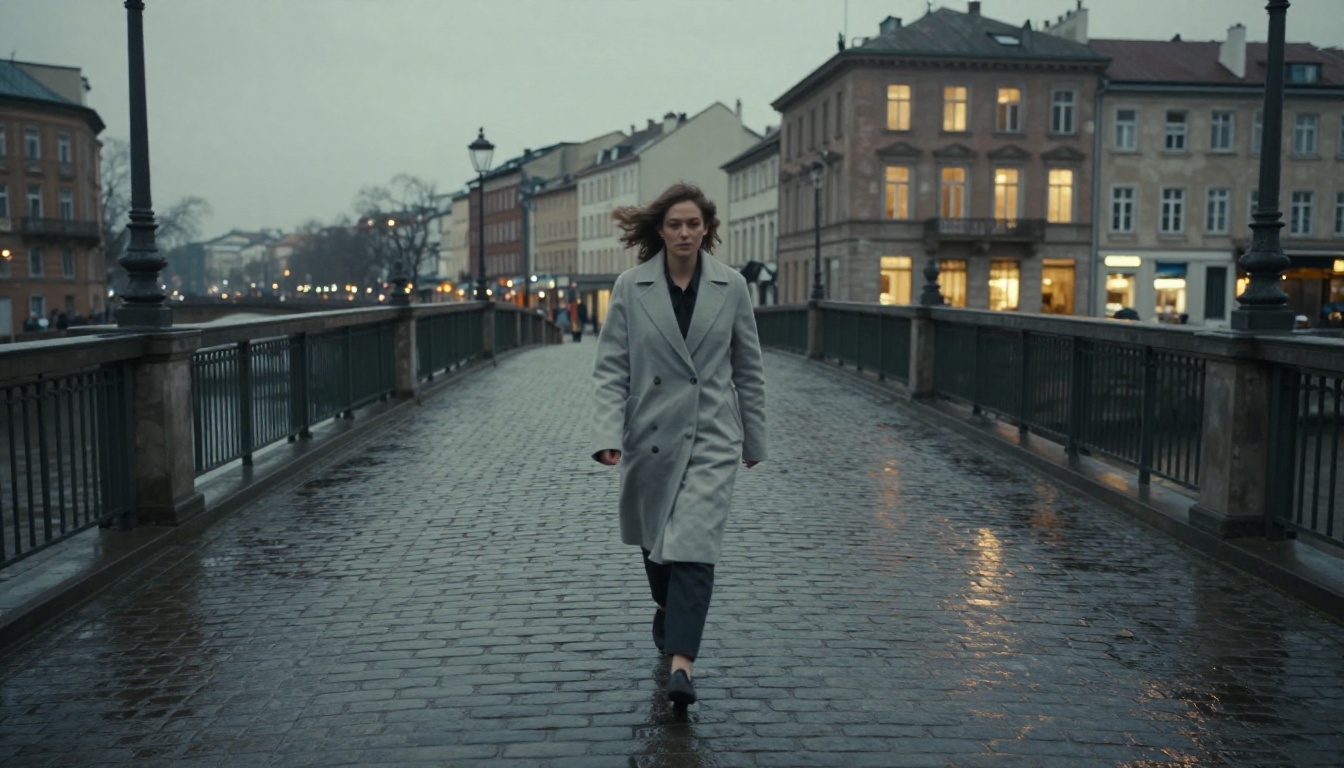
Strong: "A woman in a dark grey wool coat walking slowly across a wet cobblestone square at dusk, camera following at shoulder height with a gentle forward drift, city lights reflecting in rain puddles on the ground, slight motion blur on her coat hem from the cold wind"
The second prompt gives the model enough signal to make consistent decisions across all 24 frames per second. Every element, from the camera position to the fabric physics, has a clear instruction attached to it. The model fills in less with noise and more with intentional synthesis.
What you do not need in text prompts
Kling v3 Omni Video does not need generic style qualifiers like "cinematic" or "photorealistic" at the start of every prompt. The model defaults to photorealistic rendering at 1080p. Adding those tags does not hurt, but they do not dramatically move the output either. What actually changes quality is motion specificity and camera instruction clarity. Write a precise camera instruction and the cinematic quality follows naturally from the model's baseline rendering capability.
Static Images as Video Seeds
Image-to-video is where Kling v3 Omni Video demonstrates its strongest capability gap versus competitors. When you provide a still image, the model uses it as the exact first frame of the output video, then synthesizes plausible motion forward from that frame. No element of the image gets replaced or significantly altered in the opening frames. What changes is time: the model adds movement, simulates physics, generates camera motion, and extends the scene into a coherent temporal sequence.
From a frozen frame to a living scene
The process involves two operations happening in parallel. First, the model encodes your image into a dense feature representation that acts as a visual anchor throughout the denoising process. Every generated frame is pulled toward consistency with that anchor, which is why the visual identity stays intact through the full duration of the clip. Second, the text prompt (if provided alongside the image) conditions the motion direction on top of that anchor. The image controls what it looks like. The text controls how it moves. These two signals are processed simultaneously rather than in sequence.
What composition and resolution affect
The quality of your input image has a direct and measurable impact on output quality. These are the factors that matter most in practice:
Image Factor
Effect on Output
Subject centered in frame
Model generates symmetric camera motion
Subject positioned off-center
Model tends to pan toward the subject
High depth of field (flat image)
Shallower simulated motion parallax
Low depth of field (blurred background)
Stronger depth separation and parallax
Resolution above 720p
Cleaner detail preserved in output frames
Dark or heavily overexposed images
Degraded temporal consistency across frames
💡 Tip: For best image-to-video results, use images with clear subject separation and natural ambient lighting. High-contrast artificially lit images sometimes create flickering artifacts in the middle frames of the output.
Practical guidelines for image inputs
Aspect ratio matters more than most creators realize. Kling v3 Omni Video defaults to matching the input image's aspect ratio in the output video. If you want 16:9 output, start with a 16:9 image. Cropping after generation degrades quality at the edges. Providing the correct ratio from the start avoids reframing artifacts entirely.
Image compression level also plays a role. JPEG files with heavy compression introduce blocking artifacts that the model sometimes perpetuates in motion. PNG files or high-quality JPEG above 90% compression quality produce consistently cleaner output across the full video duration.
Video Clips as Reference Input
The reference video input type is the least obvious but arguably the most powerful mode. Instead of using a video as a content source, you use it as a motion and style vocabulary source. You provide a short reference clip alongside a text prompt (and optionally a reference image), and the model extracts the motion characteristics, temporal rhythm, and stylistic patterns from the clip, then applies them to entirely new content.
What the model extracts from reference footage
The model does not copy-paste motion from the reference clip. It builds a latent representation of temporal patterns: how quickly things change between frames, what the dominant motion direction is, whether the camera is static or moving, and what the general pacing of the scene feels like. These patterns become additional conditioning signals in the denoising process, layered alongside the text and image signals.
This is different from video style transfer. Style transfer changes what the output looks like. Reference video input changes how the output moves. You can take reference footage from a slow-motion nature documentary, extract its temporal pace, and apply it to an entirely different subject in an entirely different setting. The source content does not transfer. Only the motion vocabulary does, which gives you precise control over pacing without having to describe it in language.
Creative use cases for reference video input
Matching brand content: If you have existing product videos with a specific camera style, use a clip from your archive as a reference. New generations automatically match the motion signature without you needing to describe it explicitly.
Consistent series production: When generating multiple videos for a campaign, use an early generation as the motion reference for subsequent ones. This creates temporal consistency across the batch without manual parameter matching.
Documentary-style generation: Reference footage from handheld shooting transfers organic camera movement to generated scenes that would otherwise appear too smooth and artificial.
Controlled pacing: Reference a slow-motion clip to apply that measured temporal pace to a new subject without any explicit timing parameters in the text prompt.
💡 Reference clip length: Short clips of 2-5 seconds work better than long ones. The model captures the texture of motion, not a sequence of specific actions. A 10-second reference does not give you more control than a 4-second clip.
Combining Input Types
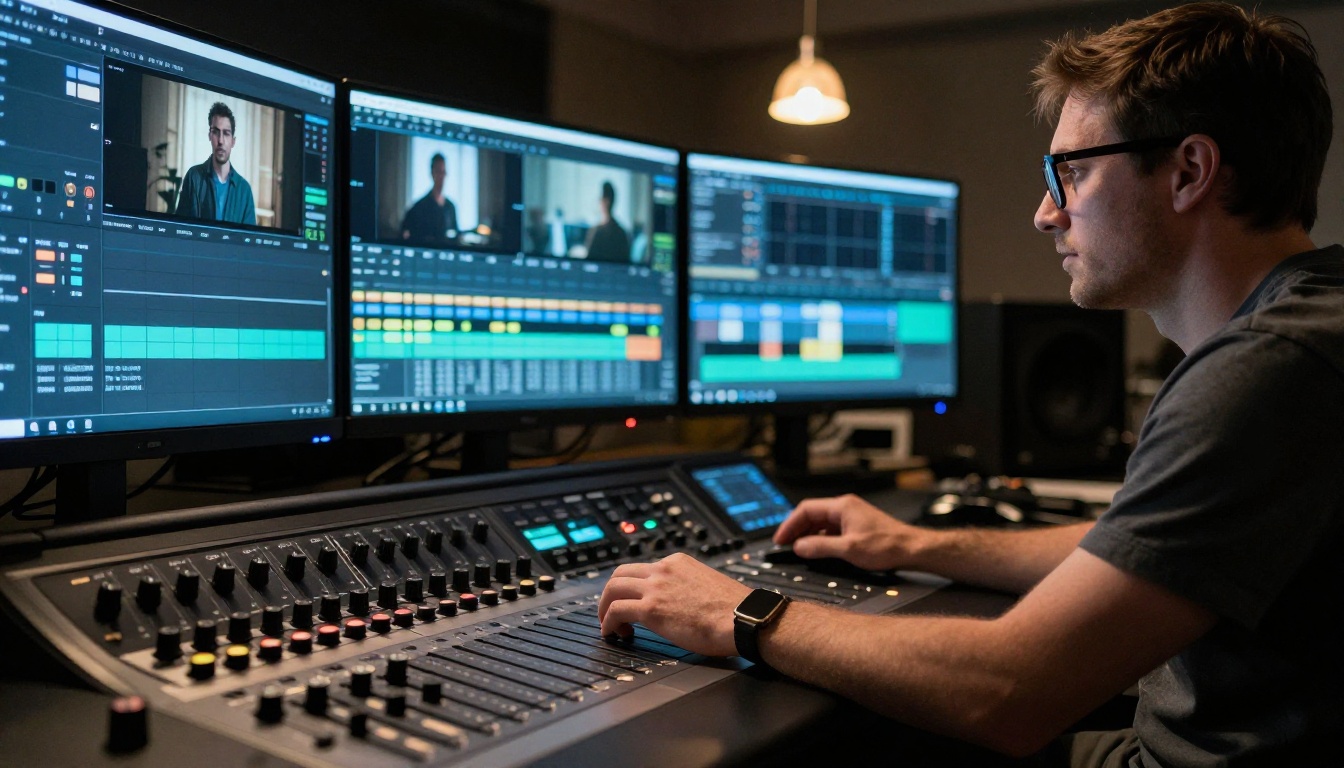
The full capability of Kling v3 Omni Video shows up when you combine input types. The model is built for multi-signal conditioning, and outputs from combined inputs are consistently stronger than single-input generations across virtually every subject category.
Text plus image: the standard power workflow
This is the most common combination and the most predictable to work with. The image sets visual identity. The text sets motion. Together they eliminate the two biggest uncertainties in video generation: "Will it look right?" (answered by the image) and "Will it move right?" (answered by the text prompt).
A formula that produces reliable results across different subject types:
[Visual subject from image] + [Motion instruction in text] + [Camera instruction in text] + [Environment context in text]
Example: Starting image of a woman in a red jacket standing in a field. Text prompt: "She slowly raises both hands toward the overcast sky, camera gently pulling back to reveal the expanse of the meadow behind her, warm afternoon light from the left."
The image ensures the red jacket, the face, and the field environment stay exactly as they appear in the photograph. The text ensures the motion and camera behavior follow your creative direction precisely. Neither element fights the other when the signals are well-separated like this.
When reference video changes everything
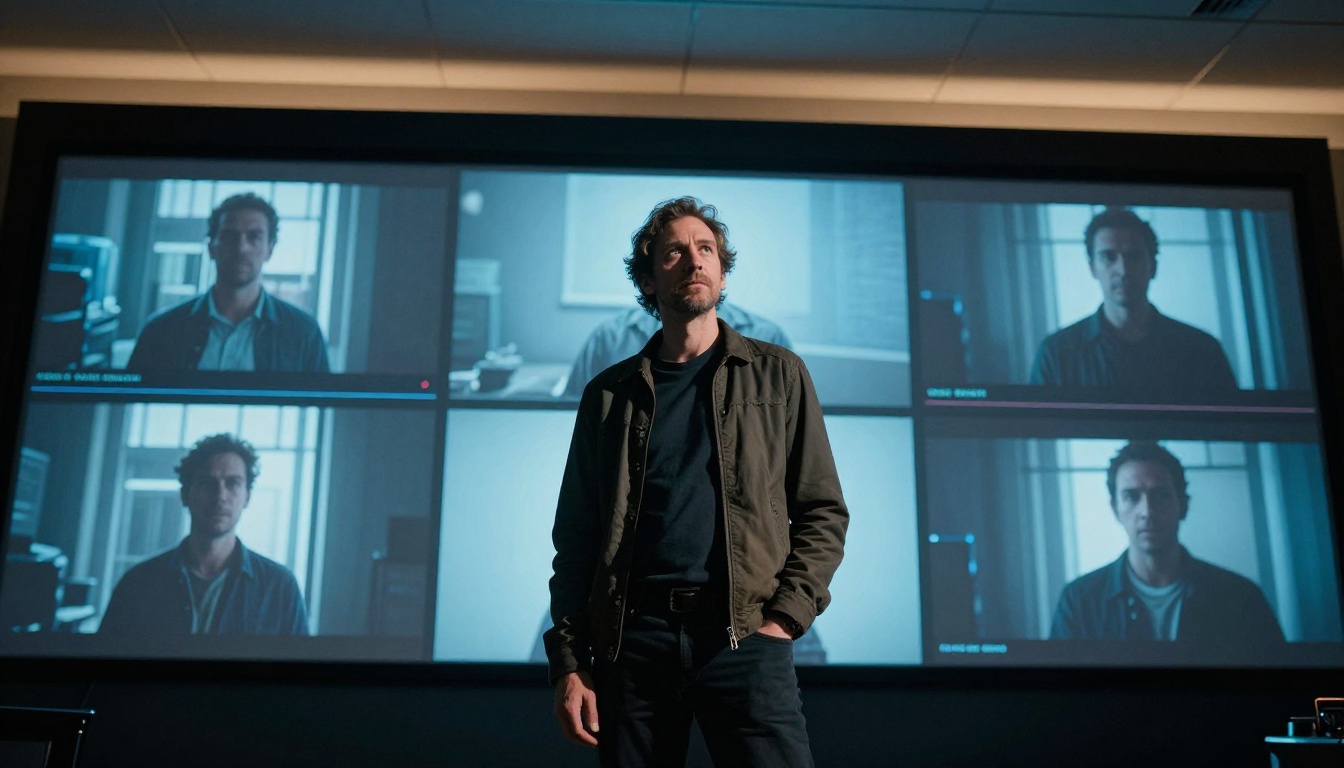
Adding a reference video clip to a text-plus-image workflow introduces a third layer of control: temporal pacing and motion style. This triple-input mode is best suited for high-production-value work where consistency across multiple pieces matters. When three competing conditioning signals create tension in the output, reducing the weight of the reference clip input (available as a slider in most interfaces) resolves the conflict without losing the motion vocabulary benefit.
The triple-input workflow takes slightly more preparation than single-input generation, but the output quality ceiling is measurably higher. For branded content, product showcases, and series production where visual coherence matters across many pieces, the setup investment pays off quickly.
Using Kling v3 Omni on PicassoIA
Kling v3 Omni Video is available directly on PicassoIA with no setup, no API tokens, and no local hardware required. The entire workflow runs in a browser.
Step 1: Open the model page
Go to Kling v3 Omni Video on PicassoIA. The interface loads with three input zones visible: text prompt, image upload, and optional reference video. All three are optional independently, but the text prompt slot is always worth filling even in image-to-video mode.
Step 2: Choose your input strategy
Decide which combination fits your project before writing anything:
Workflow
Best suited for
Text only
New scenes with no existing visual assets
Image plus text
Animating photos or product shots
Reference video plus text
Matching an existing motion style
All three combined
High-consistency branded content series
Step 3: Write a specific motion prompt
Even in image-to-video mode, always write a motion prompt. The image handles visual identity. The prompt handles movement. A minimal prompt like "camera holds still, subject breathes naturally" still gives the model clear motion direction, which reduces temporal noise significantly in the output. Always specify camera movement if you have a preference, since the model's default camera behavior varies by scene composition.
Step 4: Set output to 1080p
PicassoIA allows resolution selection at generation time. Kling v3 Omni outputs natively at 1080p. For social content and web delivery this is the correct setting. If you plan to process the video further in post-production, generating at maximum resolution gives you more flexibility without introducing resampling artifacts during editing.
Step 5: Assess and iterate
The first generation is a reference point, not a final product. Evaluate it against three criteria: motion quality, visual consistency with your reference image if used, and temporal coherence across the full clip duration. If motion is strong but visual identity drifted, increase the image conditioning weight. If motion feels generic, add more specificity to the motion verbs in the text prompt.
Alongside Kling v3 Omni Video, PicassoIA also offers these related models for different production needs:
Kling v3 Video: Standard Kling v3 text-to-video for prompt-only workflows
Kling v2.6: Previous generation for lighter workloads and faster iteration cycles
Kling v2.5 Turbo Pro: Speed-optimized generation when iteration frequency matters more than maximum output quality
Output Quality in Practice
The output from Kling v3 Omni Video runs at 1080p, 24fps, with native temporal consistency built into the architecture. Temporal consistency is the metric that separates production-ready video from experimental output. It measures whether objects, faces, and surfaces remain visually stable across frames rather than flickering, drifting, or morphing unexpectedly mid-clip.
Frame-level quality metrics
Quality Dimension
Kling v3 Omni Performance
Spatial resolution
1080p native output
Frame rate
24fps with smooth interpolation
Temporal consistency
Strong, especially with an image anchor input
Object physics
Realistic for both rigid and soft-body objects
Face stability
High consistency on human subjects across frames
Camera motion smoothness
Excellent with explicit camera prompting
How it compares to alternatives
For pure text-to-video output, models like Seedance 2.5 and Ray 3.2 are competitive alternatives worth testing, particularly for atmospheric and landscape-heavy scenes where subject identity is less critical. For image-to-video specifically, Wan 2.7 I2V delivers strong results with notably fluid motion in natural environment settings.
What Kling v3 Omni Video does better than most alternatives is the full combination: preserving a specific visual identity from a reference image and directing motion precisely through text and matching a reference motion style from an existing clip. No single-mode model replicates that tri-input workflow.
The model's visual effects capability extends well beyond basic linear motion:
Cloth and hair physics: Realistic draping and wind interaction that stays consistent across all frames
Liquid simulation: Convincing water, steam, and fog behavior throughout the clip duration
Dynamic lighting: Illumination shifts that evolve naturally across the video timeline
Depth parallax: Natural layered motion in scenes with clear foreground and background separation
Human motion: Walking, gesturing, and postural shifts with biomechanical plausibility rather than robotic repetition
💡 For visual effects work: Combine a strong reference image with specific directional language for the effect you need. "Fabric rippling in wind from the left" is processed more precisely than a generic wind description. The model responds strongly to physical and directional specificity in motion language.
Start Creating Right Now
Every workflow described in this article is available on PicassoIA right now, with no subscription required to start. The text-only path is the fastest starting point if you want to see what Kling v3 Omni Video produces before preparing reference assets. Write a specific motion prompt, run one generation, and use the result to calibrate your next iteration.
If you already have a photograph you want to animate, upload it directly alongside a motion prompt. That combination produces output strong enough for real creative projects on the first or second attempt in most cases, without any additional setup or parameter tuning.
For creators who want to go further, PicassoIA's full catalog gives you the flexibility to pick the right tool for each specific job. The Kling v2.6 Motion Control model handles camera-path-precise work. P Video offers a fast iteration loop for rapid prototyping. And for generating multiple video variations at scale, PicassoIA's interface supports batch workflows that make high-volume production practical without extra infrastructure.
The input flexibility of Kling v3 Omni Video removes the single biggest friction point in AI video production: the mismatch between the assets you have and the inputs a model accepts. Bring what you have, describe what you want, and let the model do the rest. See everything available at picassoia.com/en/all-models.